


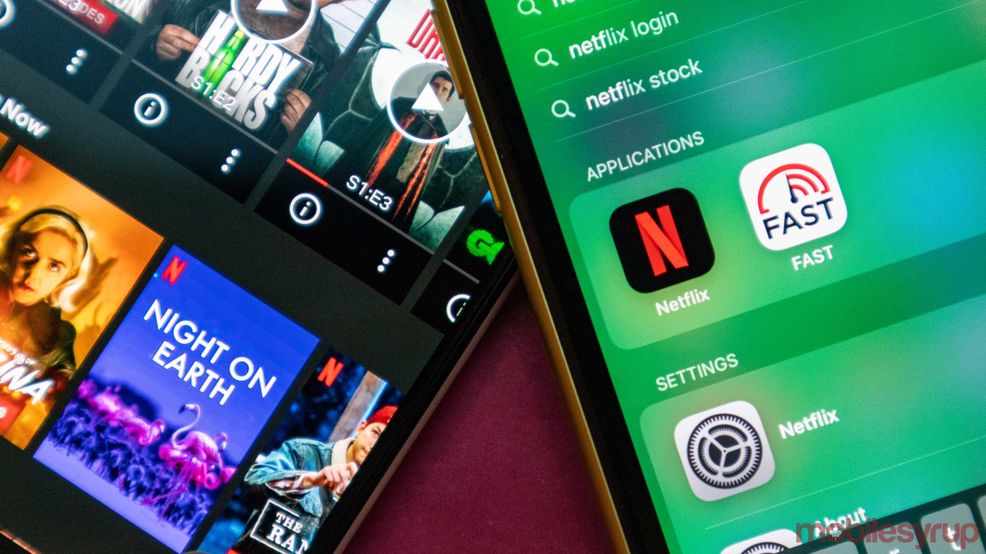
Netflix is now allowing people to turn off autoplaying episodes and trailers.
Autoplaying episodes happen when you finish a TV show and the next episode begins playing without any user input.
Autoplay trailers appear when you’re browsing the service. For example, on a TV when you hover the cursor over a show or movie, a trailer or a scene from it will begin playing on the screen.
You can now turn both of these settings off by logging into your Netflix account on the web. Once you’ve logged in, go to the ‘Manage profiles’ section, click on the user profile you want to alter and turn off either ‘Autoplay next episode in a series on all devices’ or ‘Autoplay previews while browsing on all devices.’
Once you have these turned off, you can re-enable them in the same way.
The Verge notes that sometimes the settings won’t take effect right away so you’ll have to switch to another user profile and then back to your own to force them to work.
It’s not a huge change, but if you found the trailers annoying or you’re trying to curb your binge-watching, these might be helpful.
Source: Netflix Via: The Verge
 Streaming
  News
News  News
News  News
News 