


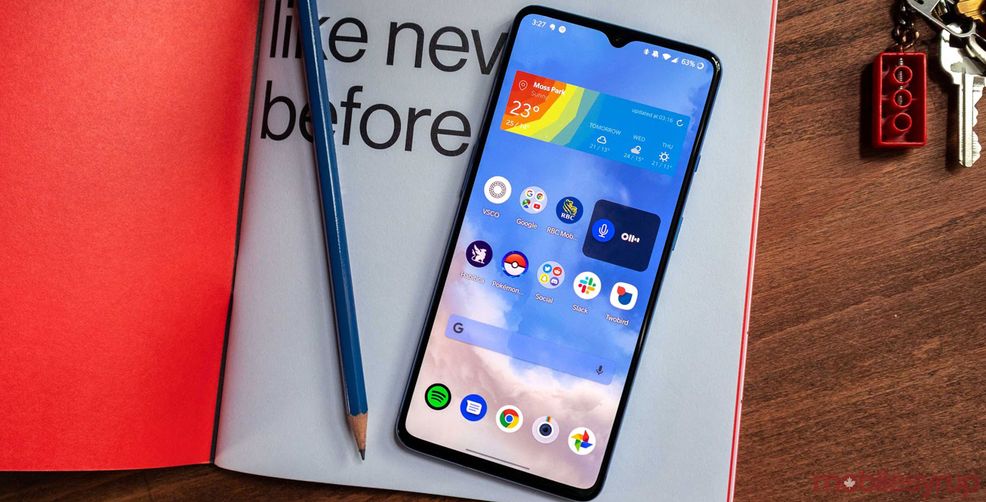
OnePlus is rolling out a new version of its launcher with a step counter and the ability to disable the Android app drawer.
The step counter is in the launcher’s tool ‘Shelf,’ and displays steps taken and kilometres walked. The Shelf is located to the left of the home screen and is where users can house widgets and other digital tools like quick notes and the calculator.
The second new feature is the ability to turn off the app drawer. This makes the phone function more like an iPhone where all the apps land on the main screen until it fills up, then it will start a new screen. Users can enable it by holding down on an empty section of the home screen, choosing ‘Home settings,’ then ‘Launcher Layout.’

OnePlus also offers a section where users can hide apps they can’t install or rarely use. This is called the ‘Hidden Space.’ Users who disable the app drawer can access it by once again entering ‘Home settings’ then tapping on Hidden Space.
You can download or update your OnePlus launcher on the Play Store, but the new features only work on phones running Android 10.
Source: OnePlus
 News
News  News
News  News
News  News
News 