


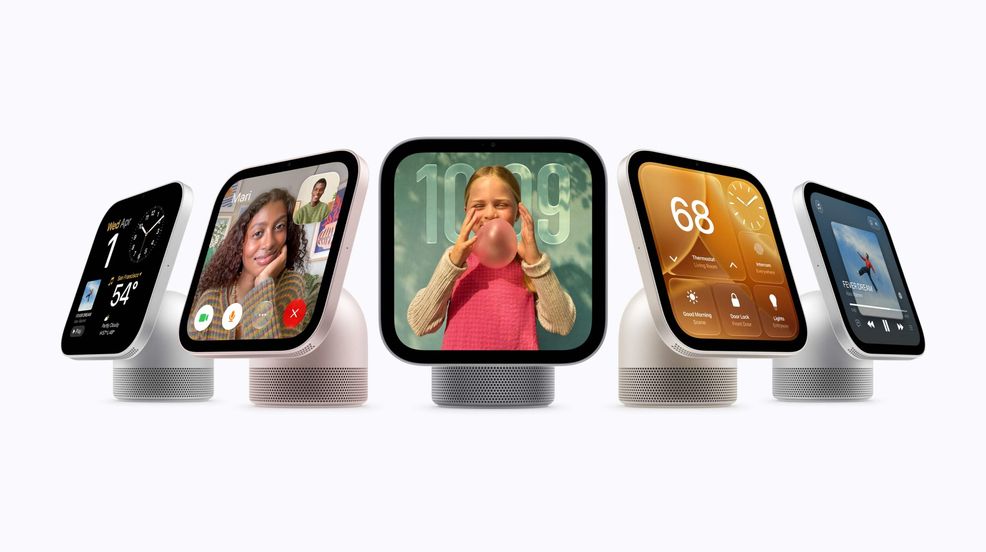
Apple has announced a range of new smart home devices and a partnership with LG and Schneider Electric. Of the new smart home products, the most intriguing is the Apple HomeView, a smart home speaker with an attached display.
I realized I was so interested in the HomeView that I stopped taking notes and just listened and asked questions during the presentation. So I’m excited to dive in:
Introducing the Apple HomeView
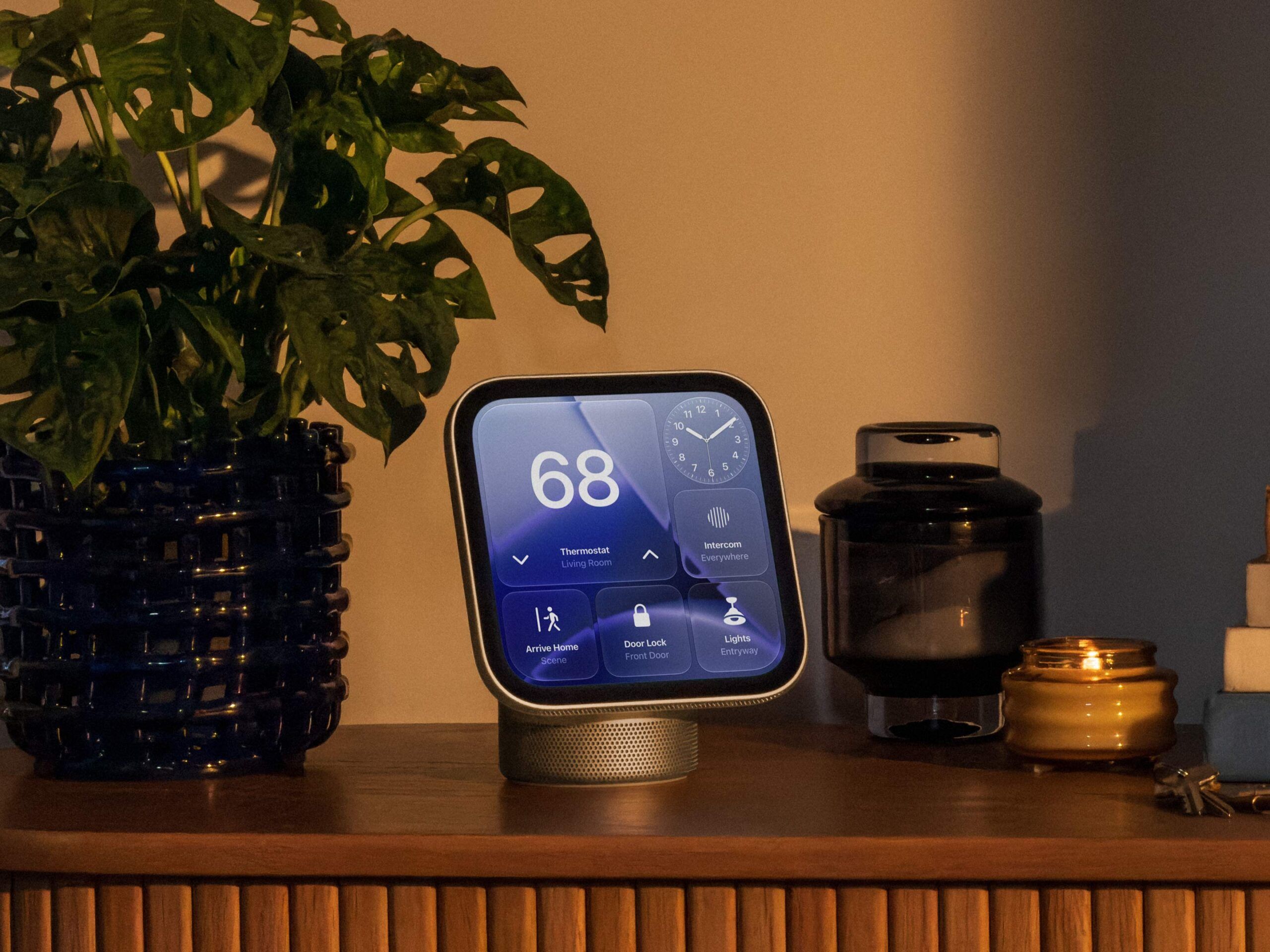
The Apple HomeView sports a 7-inch Liquid Retina smart display and comes in Space Grey, Silver, Starlight and Rose Pink. However, you can also get a wall-mounted version in Space Grey and Silver.
The smart display will intelligently adapt to each person. For instance, when I approach the HomeView, it’ll unlock with my face — it’s not the same technology as Face ID, but I’ll dive into that. After you unlock the display, you’ll see your home screen, where you can access apps like Apple Music, FaceTime, Messages, Safari, and Apple TV. You can resume the show you were watching on Apple TV, listen to your playlists on Apple Music, and reply to text messages. But when you walk away, HomeView locks itself, preventing your partner or kids from accessing your Messages. Next time it unlocks, it’ll open to their own home screen, which might look completely different from yours, with different widgets and apps.
Because the device itself doesn’t use the same hardware as Face ID on your iPad or iPhone, Apple has taken extra measures to keep it secure. This includes being on the Home account, specifically registering your face/voice with HomeView, having your smartphone connected to the same Wi-Fi or recently in the same location, and having recently unlocked it. If HomeView isn’t sure it’s you, it’ll ask you to unlock your handset to verify.
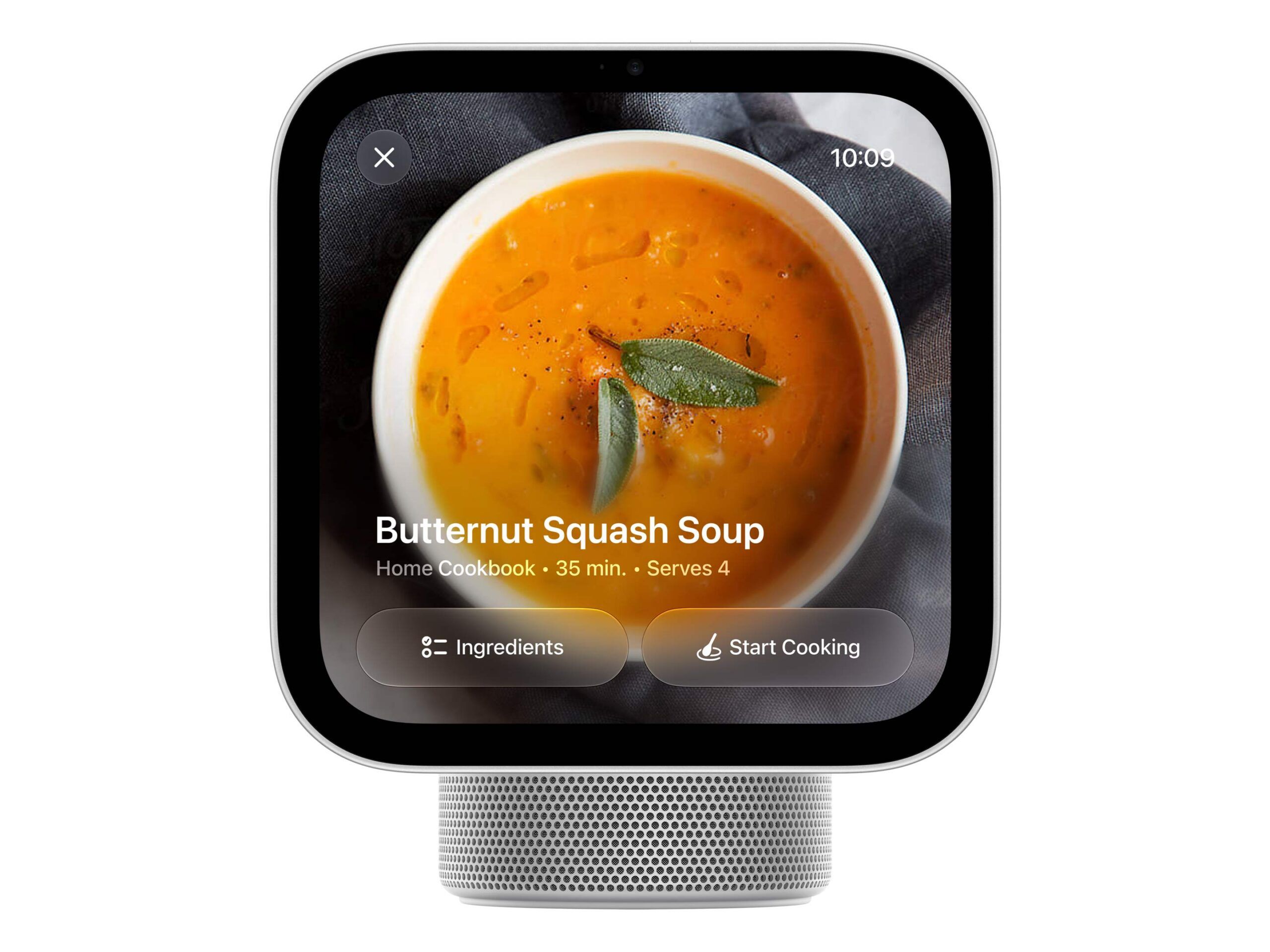
While I haven’t had hands-on time with the device, I saw a few demos, and they looked pretty cool. For instance, I saw how the HomeView handles recipes. So if you have your HomeView in the kitchen (it doesn’t need to be in the kitchen for this) and you pull up a recipe, it shows two tabs: one for ingredients and one for directions. It even shows how long each step will take, and you can set a timer with Siri or with a tap. After this, the demoer asked Siri what time the Tribeca market opens, then asked Siri to add berries to her shopping list and remind her to grab bags 10 minutes before the market opens. Afterward, Siri showed a visual confirmation that it added this to her reminders, indicating it worked without a hitch. We saw another demo where you can ask HomeView to play a song shared by a friend. The user said, “Siri, play that song Dave sent me.” It immediately went over to Apple Music and started playing a Bad Bunny song. You could also only show the lyrics for a karaoke night, or show the animated album art that looked great on the 7-inch display.
Of course, it has room-filling audio (literally, it presented this in an open-concept room with two kitchen sections and a living room in between), two drivers, and four mics, including far-field mics that can pick up your voice from farther away. Like the Apple Watch, the HomeView has tons of faces you can show when you’re not using it. You can set different widgets, colours, and styles like an Apple Watch; pick your favourite photos, or even choose an animated Snoopy one that reacts to the weather and holidays.
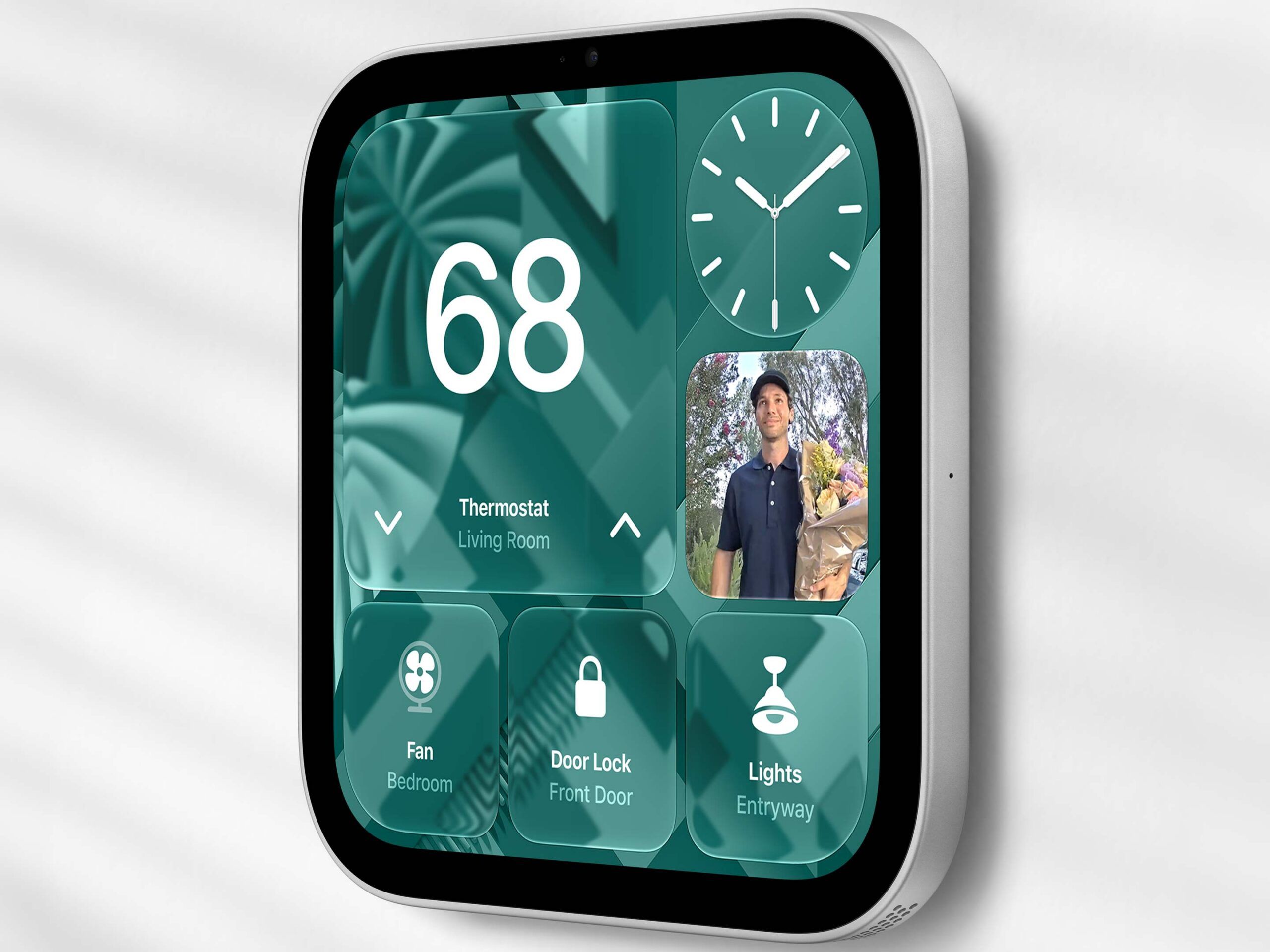
The wall-mounted variant loses two speakers, but Apple says it still delivers great sound by using technology that takes advantage of the wall. You’re able to wall-mounted yourself, but you’ll see the hanging wire. There are two other ways of wall-mounting the device to hide the power cord, but Apple suggests you leave it up to the professionals.
The HomeView is only compatible with iOS 27.2 (so you might need an update).
I’ve reviewed smart home products before, but this was literally the first time I considered pre-ordering a smart home device for myself. Speaking of pre-orders, they open today, and the HomeView officially releases on November 13. The Apple HomeView costs C$429.
 News
News  Gaming
  News
News  News
News 