


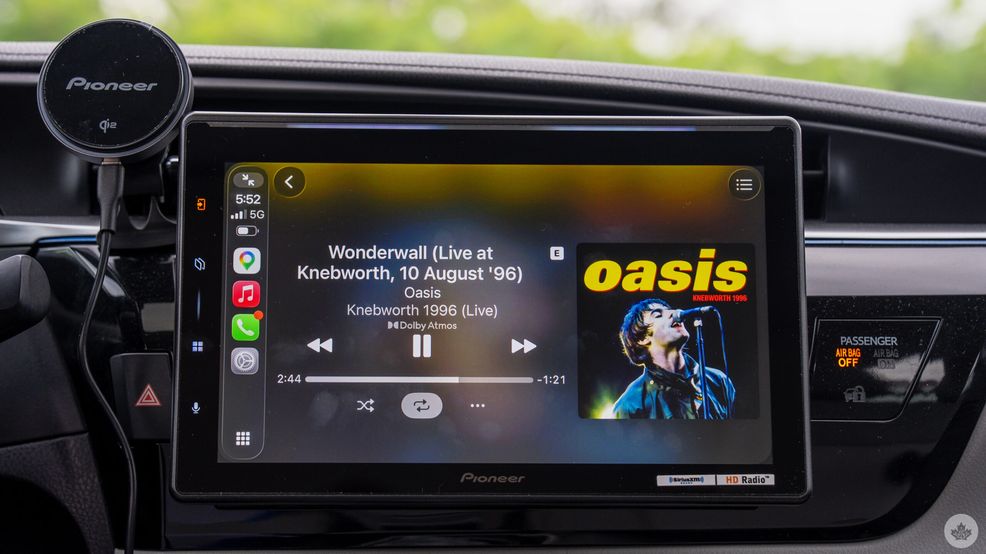
You’ve probably heard spatial audio in your living room or headphones, but what about your car? The Pioneer Sphera is the first aftermarket head unit to integrate Dolby Atmos and true spatial audio, making it a standout in an increasingly narrow field of options for the dashboard.
The Sphera’s actual model name is DMH-WT8000NEX, but Sphera is the branding behind it all, and its namesake is certainly a play on words. Spatial audio is indeed the specialty, which can apply in a virtual sense even without Atmos support, but what makes this system equally interesting is the fidelity it manages to pick up from otherwise pedestrian speakers.
It’s not a cheap upgrade at C$1,800 just for the unit itself — install costs extra unless you do it yourself — but there’s potential here if both Dolby and aftermarket vendors like Pioneer can turn this into something bigger. It does beg the question: Do we even need Dolby Atmos in the car? Your car’s audio setup and your own ears ultimately prove to be the biggest judges.
Going big
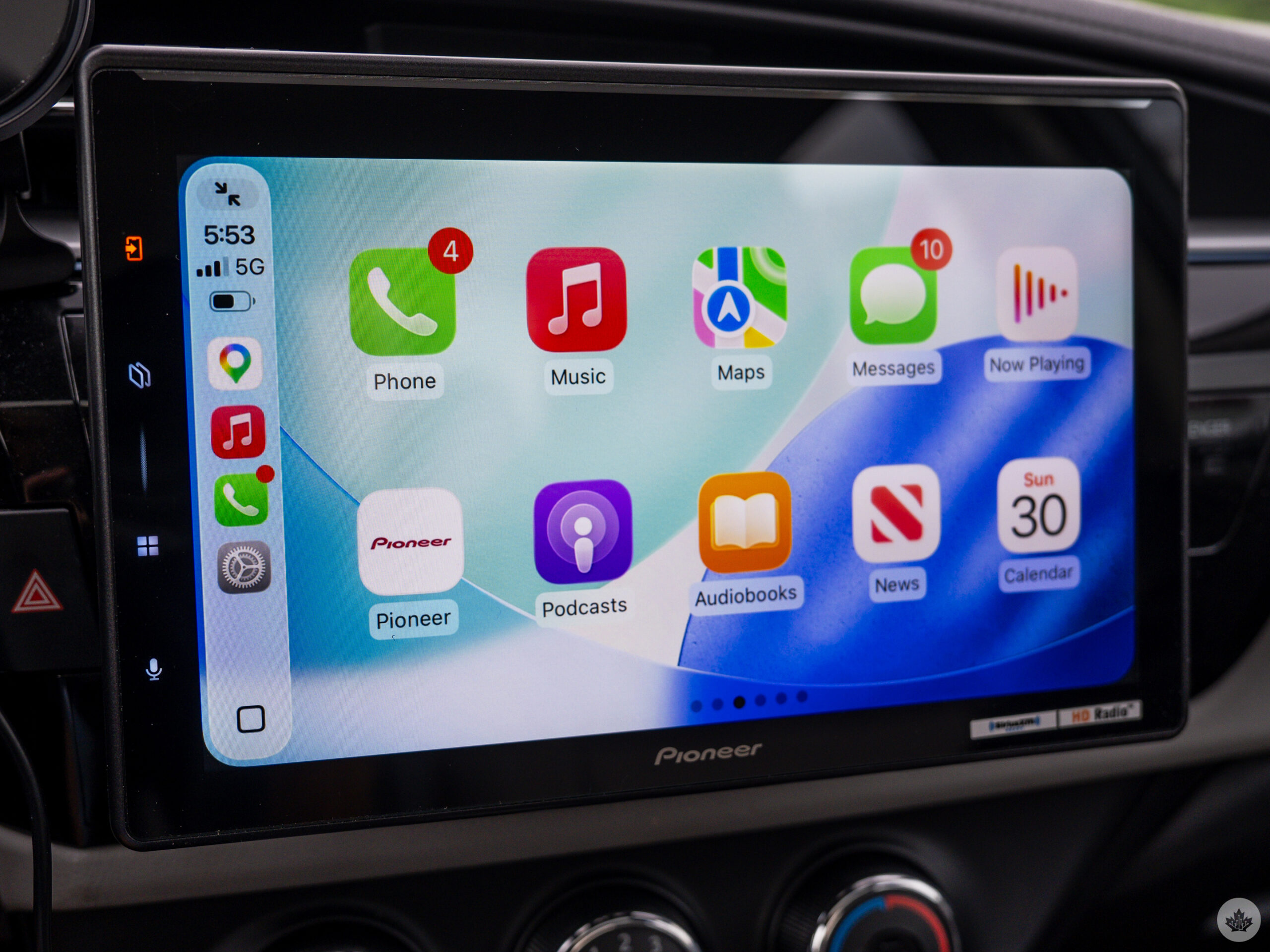
The most obvious design point is the 10.1-inch touchscreen, which felt monstrous to me compared to the previous Pioneer head unit I had installed in my 2014 Toyota Corolla LE. That was the AVH-NEX2300 with a 7-inch display. The layout feels somewhat similar, but there’s just so much more going on here.
The first key point to address is which vehicles are most compatible with the Sphera. Pioneer tells MobileSyrup the “sweet spot is roughly 2018 models or older” because they offer the easiest and cleanest installs. There’s the physical install, which in this case is either a standard single/double-DIN covering a wide range of makes and models back then, plus the audio makeup, like accessible front and rear speakers. A crucial underlying element is that the connected phone governs the Dolby Atmos side of the equation, not the car itself. So long as the Sphera fits and there are at least four speakers, you’ve got compatibility.
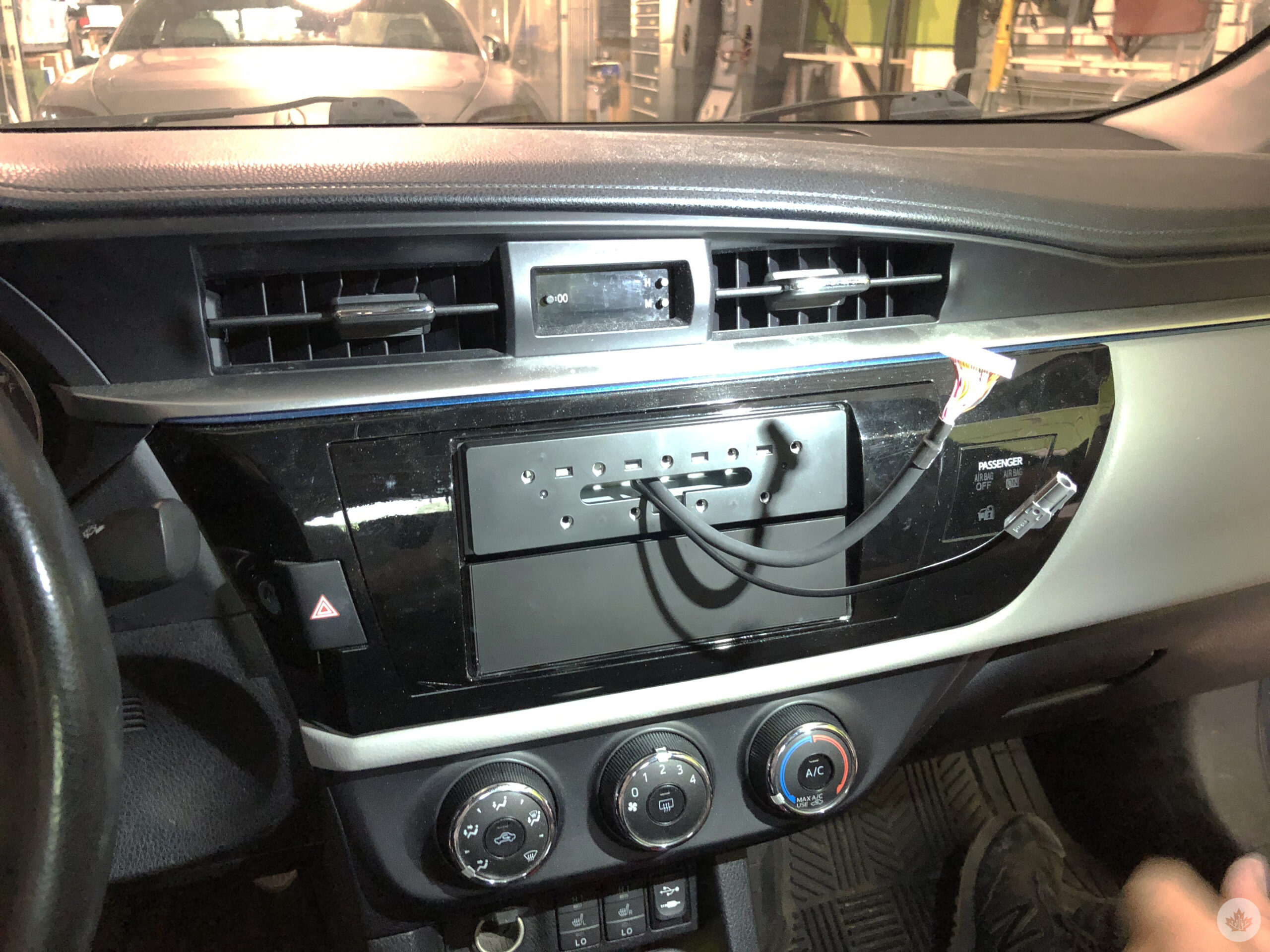
I didn’t install the unit myself as Pioneer arranged for a professional to do it, but some of the basics do apply, meaning that there’s a microphone snaked along the panels and situated over the rearview mirror. That mic is what picks up voice commands and talking during calls. It can also integrate with a vehicle’s existing Aux-In port, though mine had cable extensions for both Aux-In and USB-A that I could tuck away into the glove box.
https://mobilesyrup.com/2026/07/13/gm-canada-markham-lab-dolby-atmos-spatial-audio/
The Sphera can run both CarPlay and Android Auto to the point where the two almost interchange. Running CarPlay, tap Android Auto on the home screen, tap the Bluetooth icon for the paired Android phone, and it switches over immediately. This is great for those living with others using different platforms, as it means easily switching for any reason. There are other neat combinations that I discovered while using the head unit that I’ll cover further down.
The initial setup isn’t all that detailed, but I do recommend going through the settings, including with an installer, just to make sure you know where everything is. If you’re familiar with Pioneer’s user interface, navigating it probably won’t feel unusual. If you’re not, there are various options to go over.
Setting up Dolby Atmos
This process also doesn’t need much experience to deal with. Plug in the included microphone to the unit and run the Atmos calibration tool onscreen, where it then plays a series of audible tones to measure the cabin space. It’s best to do this last part by getting out of the car so as not to confuse the calibration process with a body or two inside. It takes several minutes to complete, but once done, it’s ready to play anything decoded in Atmos.
Here’s where the caveats start. As of this review, only Apple Music and Audible running through CarPlay can output true Atmos content. Even though both Tidal and Amazon Music offer Atmos-tuned songs on their services, you won’t get the native coding when playing either through CarPlay. Why? Because neither one actually sends over the Atmos-encoded stream to Apple’s car platform. An odd situation given the pieces are there, but that’s where we are right now.
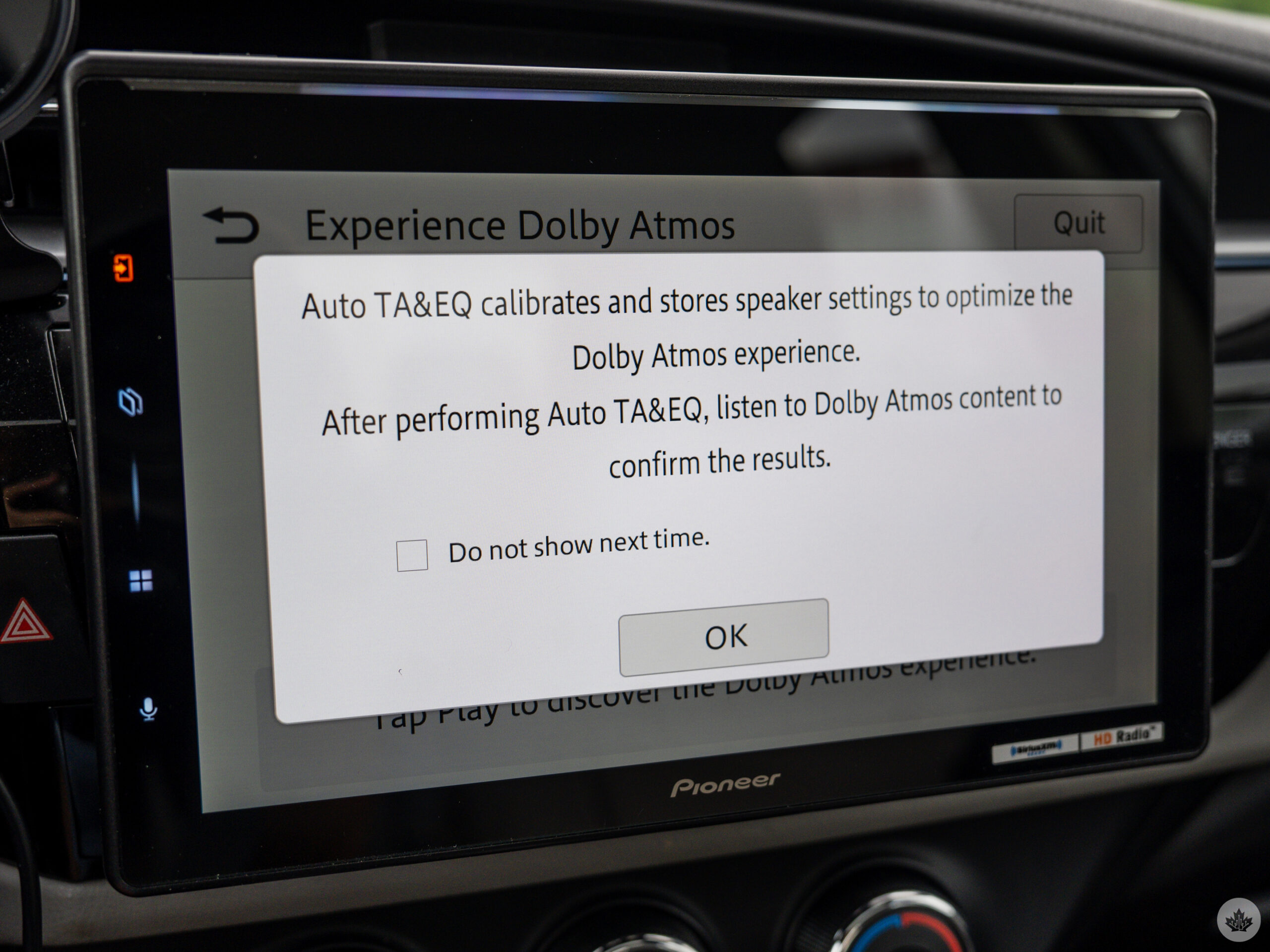
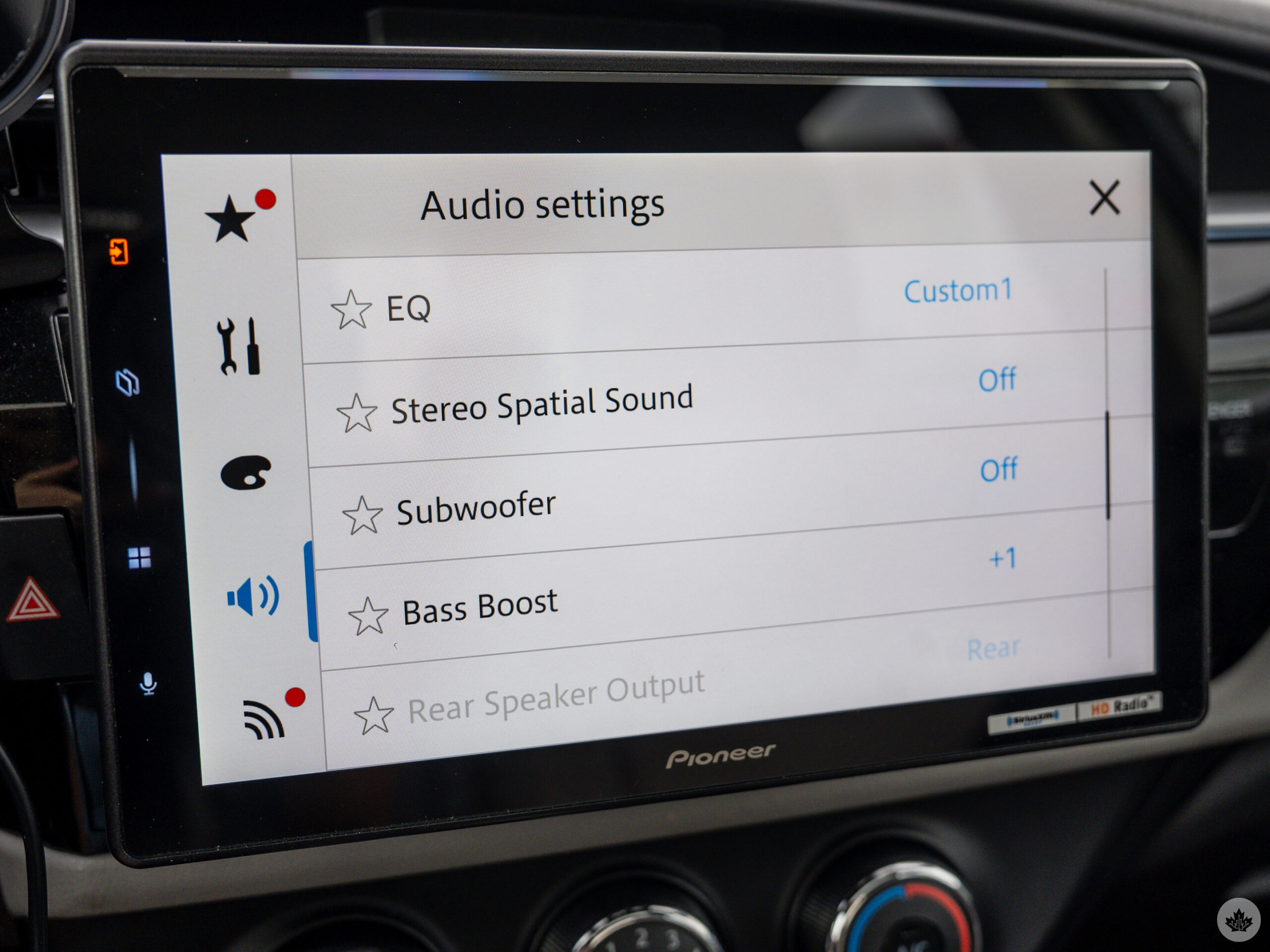
Google already confirmed that Atmos is coming to Android Auto without indicating when it will unlock that feature. The Sphera has its own Stereo Spatial Audio setting that takes in the stereo stream and outputs a spatialized sound out of it. This is wholly virtualized, rather than embedded code, so that’s why the end result doesn’t sound like native Atmos.
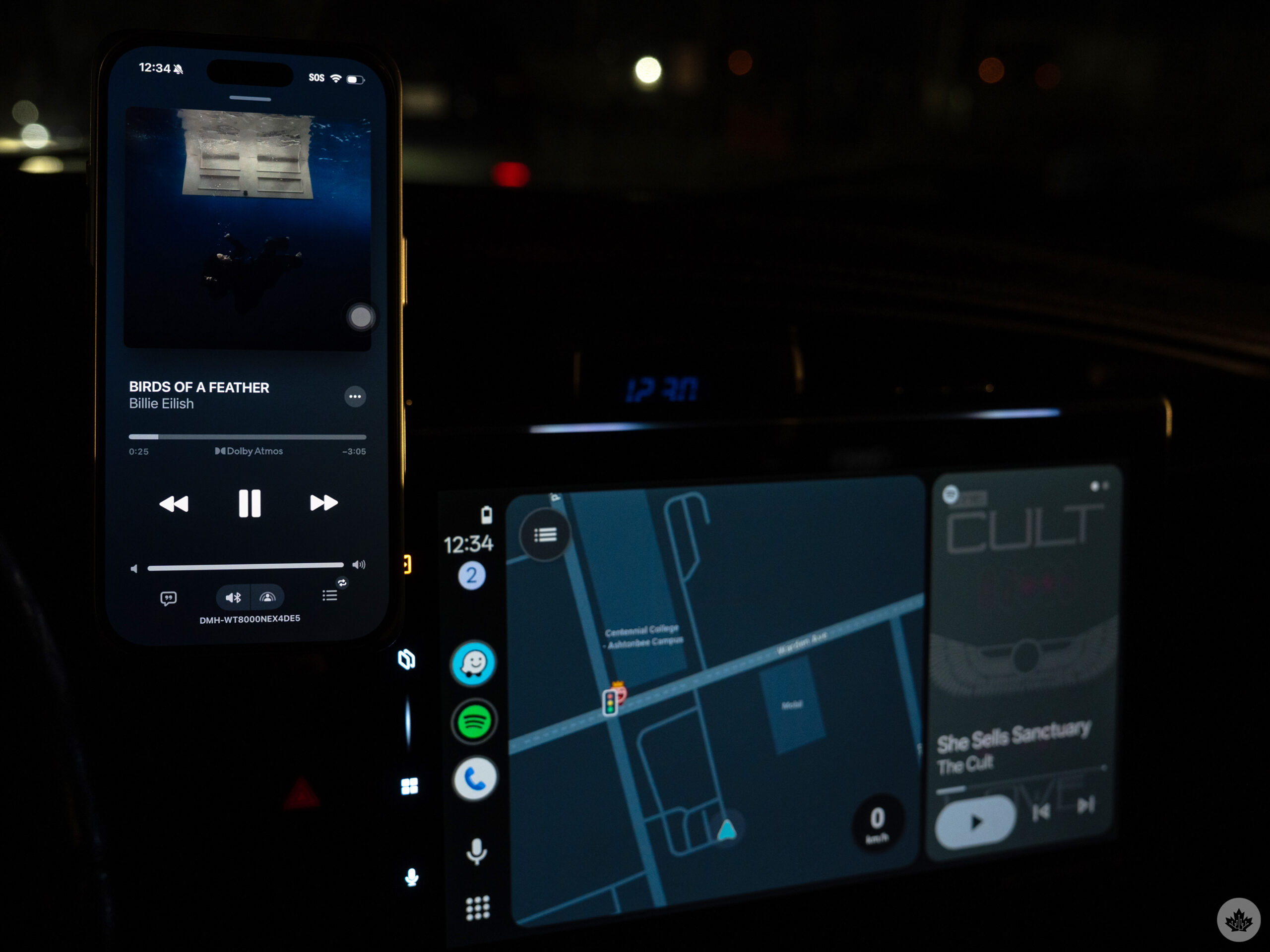
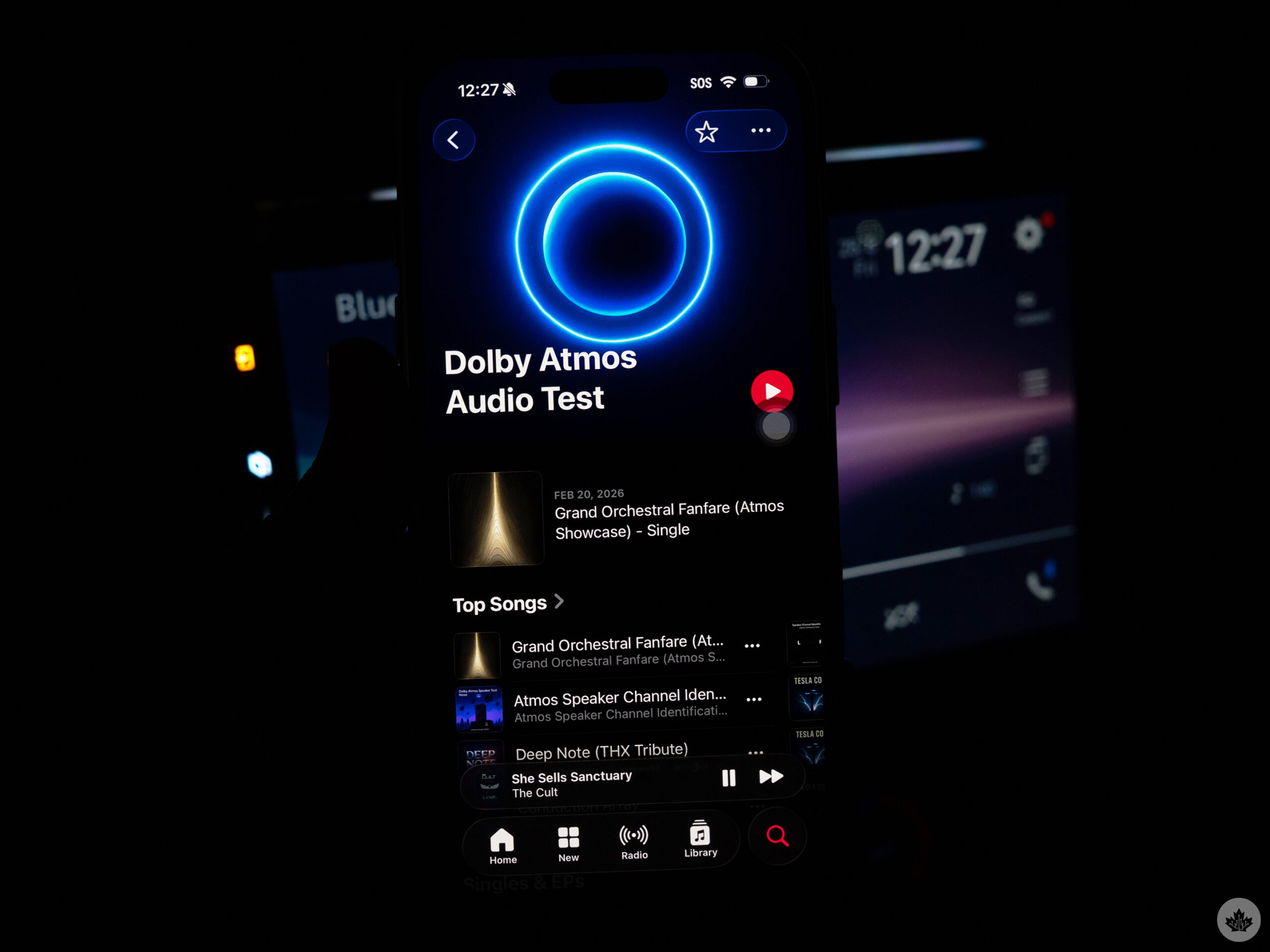
Then there’s Bluetooth, and here’s where things get a little interesting. While testing the Sphera, I tried to find ways to get Atmos to play without fully committing to CarPlay. Under default settings on the iPhone, under Music, Dolby Atmos is set to Automatic. However, that only means it’s automatic when connected to compatible AirPods and Beats headphones or earbuds. The Sphera is clearly capable, but the phone doesn’t see it that way because it’s a third-party device. Hence, toggling the setting to Always On forces the compatibility through. Without it, the audio gets downgraded to stereo.
I asked Pioneer about this and here was their response:
“Dolby Atmos is technically possible via Bluetooth, but it is limited to the binaural downmix, specifically for headphones that lack the audio object metadata that is read by the Dolby Atmos engine. Basically, there are spatial cues, but everything is decoded by the iPhone before the stereo audio signal is transmitted over BT. Since SPHERA is not a Spatial Audio enabled BT endpoint, it shouldn’t say Dolby Atmos on the iPhone display, but it still might.”
It certainly did in my case, and sounded like it, too. All the more interesting is that I could listen to Atmos tracks this way while running Waze in Android Auto at the same time. My steering wheel controls could skip or repeat tracks, while phone calls routed through my paired Android phone. This setup opened up another possibility, which was to use an iPad as the audio source. An LTE variant makes this easier, but with a Wi-Fi-only model, I could use my Android phone’s hotspot to bring the iPad online and stream the spatial audio tracks to it.
What Dolby Atmos sounds like in the car
My Corolla is hardly a car stereo stalwart, but the rear speakers at least carry some verve. The thing about Atmos is that it’s only as effective as the speakers allow. You can have spatial audio all day long, but if the speakers suck, then the experience doesn’t feel as enveloping. I will say, though, I liked a lot of what I heard. Yes, the front speakers’ weaknesses become terribly apparent under this scenario, albeit not quite enough to cripple the effect.
I asked Pioneer why the overall sound seemed to be better in a car otherwise untouched from an audio perspective. Sphera delivers a cleaner, lower-distortion signal through a digital signal processor that better balances frequencies to help the speakers sound better. In short, the signal takes some of the load off to enable the speaker to sound a bit better without working as hard.
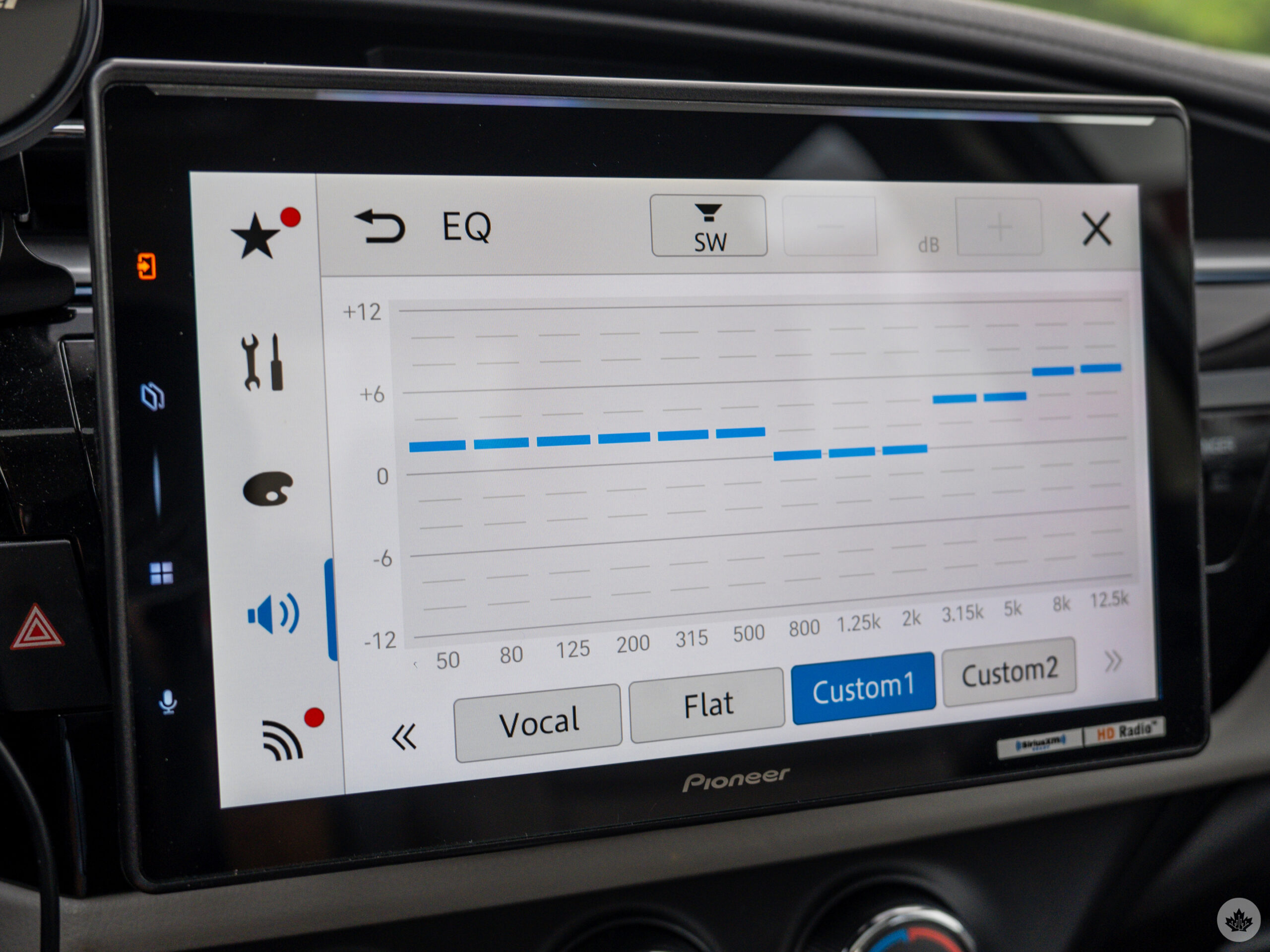
Additionally, the cabin calibration also acts as a form of audio alignment through Pioneer’s auto-tuning technology, meaning it establishes a baseline equalizer and channel balance to centre the soundstage. That tracks with the cleaner sound I was getting, particularly at higher volumes. Not that I blast music in the car, but my tests did prove I got an upgrade in that department.
The other caveat here is content availability. I’m not a particular fan of how Apple Music lays it out to begin with, but at least there are varieties of spatial audio playlists — all Atmos-ready. My issue is that searching for specific artists or tracks for spatial audio leads to a jumbled mess in the results. Many aren’t Atmos-encoded at all, leaving me scrambling to sort through the playlists and play what I want to hear.
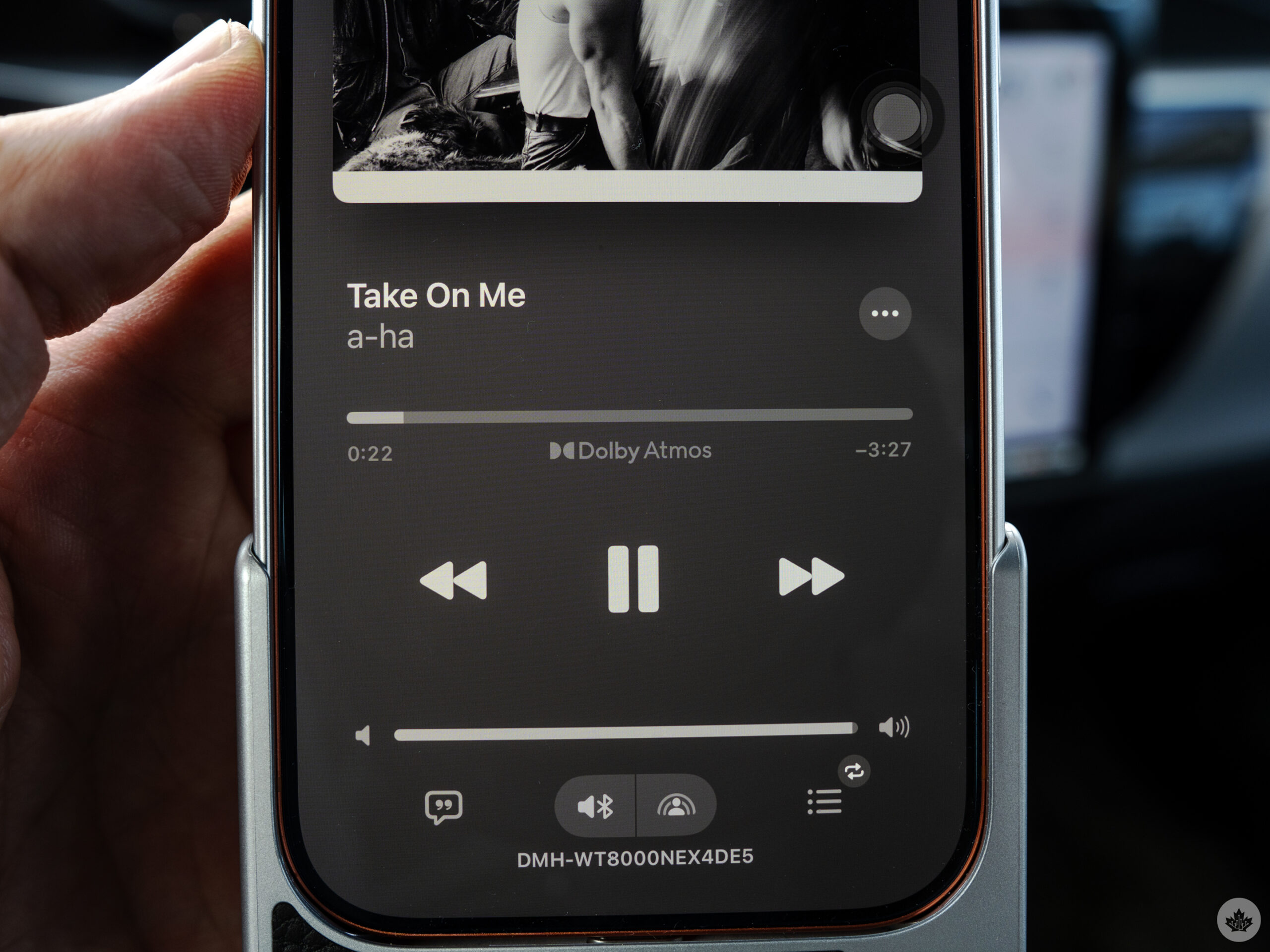
At least it’s worth it when pressing play. I’ve never heard music play quite like this in my aging car. Hearing the way instruments cascade across the speakers is very cool, as is the impressive way Pioneer manages to make vocals feel like they’re coming from the middle, even though there’s no centre channel.
What’s weird about all this is that the makeup feels like it goes against how Atmos is supposed to perform. For years, it’s been about sitting in the “sweet spot” in the centre of the living room. Here, as the driver, I’m sitting on one side towards a corner of the whole setup. That’s what makes the calibration fairly impressive; I didn’t get the sense I was sonically unbalanced.
I’m convinced that vehicles with six speakers or more, and even those with four speakers (or more) and a subwoofer, will feel all this even more than I do. Atmos is clearly built for more than 4-channel arrangements, and that’s where it may provide a whole other audio experience for drivers and passengers.
The benefits of broader compatibility
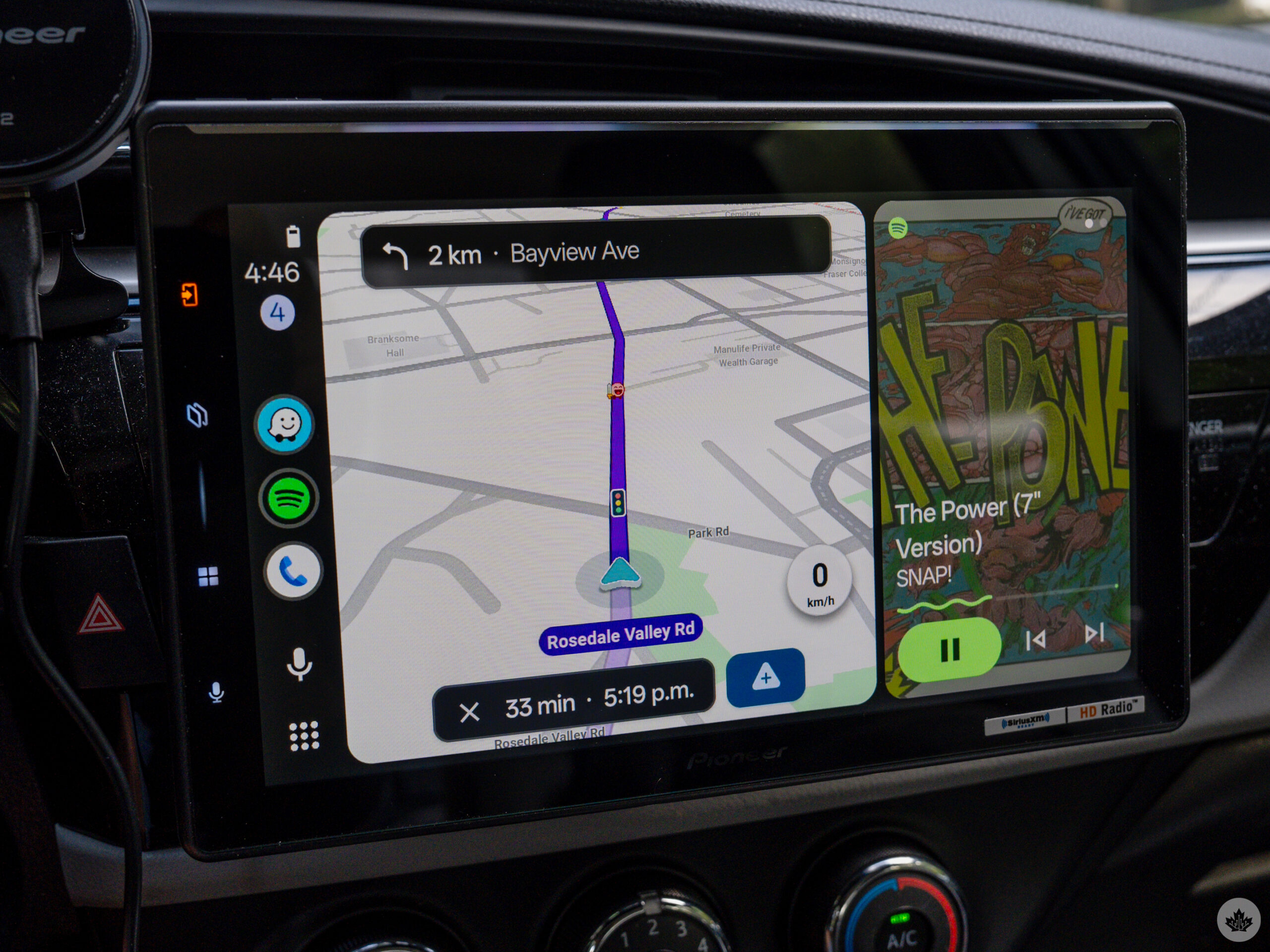
Who wouldn’t love to use CarPlay or Android Auto on a 10-inch display? The Sphera feels like joining a club for those who routinely do so with factory units in newer makes and models. Split-screen arrangements, particularly in Android Auto, are fabulous given how legible everything is.
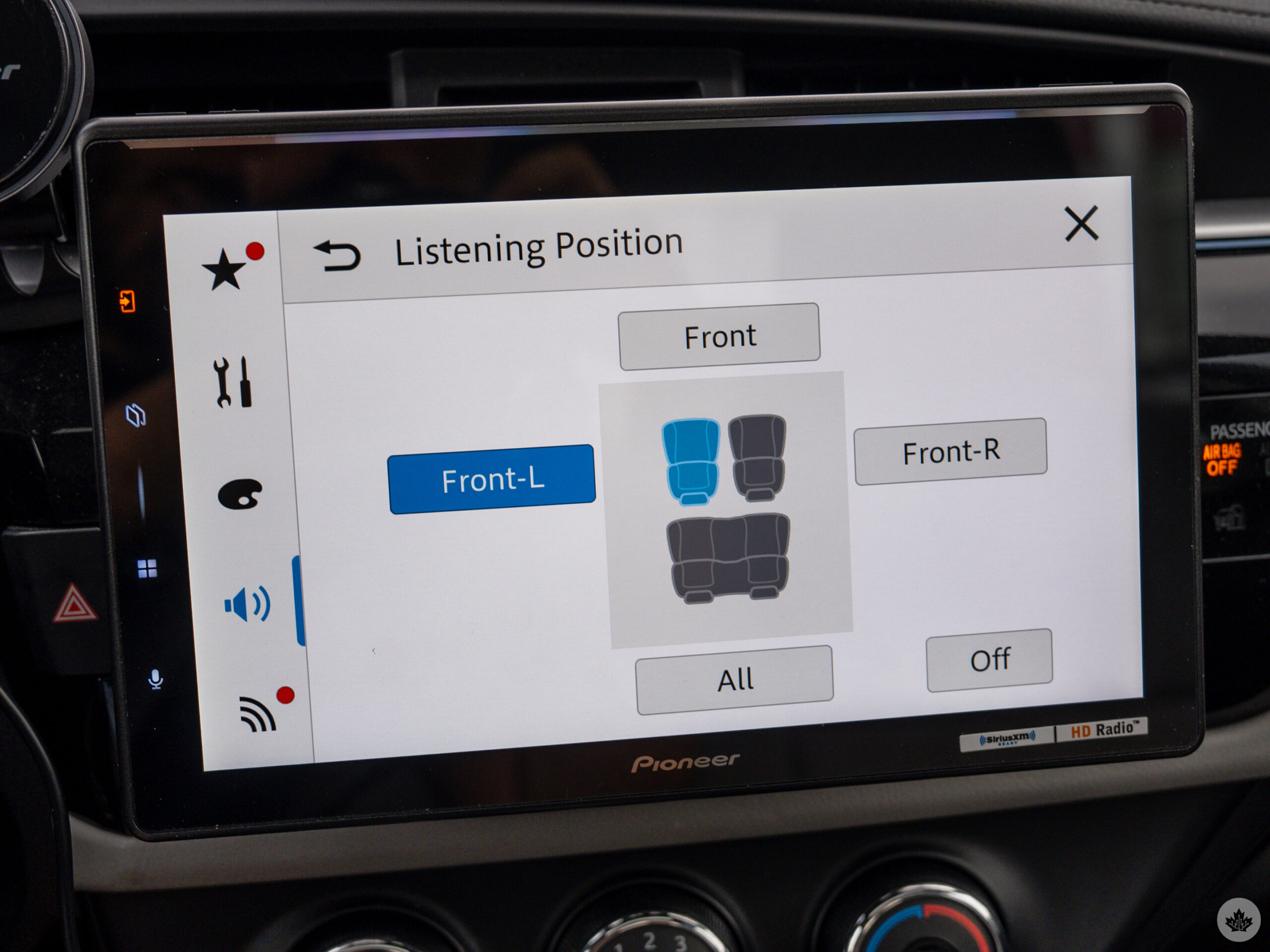
I also like that Pioneer’s settings offer plenty of granular control. There’s a 13-band EQ, along with bass and subwoofer controls, to tweak the sound — and doing so doesn’t necessarily mean you have to recalibrate each time. However, I would if you swap out speakers or install a sub, as physical changes to the system usually require a reset that way. You can also play around with Crossover settings by changing listening positions for Atmos tracks to see how it all sounds in different positions inside.
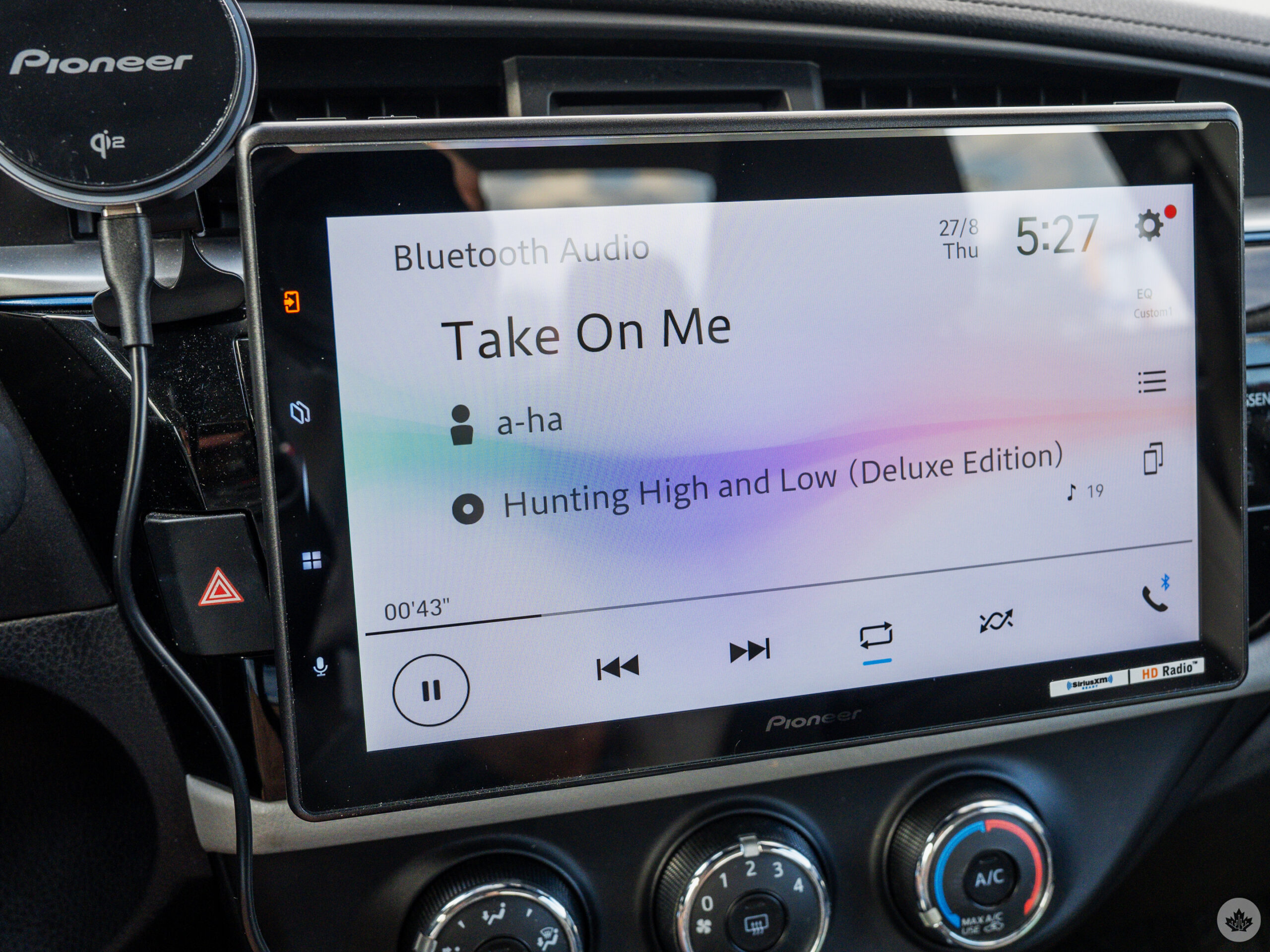
Then there’s the support for hi-res audio. You can do this by plugging in your phone directly or plugging in a USB stick with FLAC and WAV files on it in case you’ve ripped CDs or have a collection waiting to be played. It all sounds great, but again, better speakers will suit this arrangement even better.
Waiting for more players
For now, the Pioneer Sphera is a facilitator seeking compatible partners. Until Android Auto finally gets into the Dolby Atmos game, the head unit’s signature feature is only addressing part of the market. Personally, I don’t see much of a reason to splurge on the Sphera if you don’t intend on listening to Atmos and spatial audio in the car. It truly does set it apart.
On the other hand, if you have a vehicle post-2018, you might not be able to put this in at all. The more complex and computerized vehicles continue to evolve, making it harder it is to swap out the infotainment screen. Like other Pioneer head units before it, the Sphera offers some basic tie-ins to car diagnostics, but it can’t fully replace what comes built-in from the factory.
In that sense, the Sphera is more about stretching out the longevity of an older vehicle than it is about upgrading a newer one. Driving something that’s got some age to it may feel like injecting modern functionality — wireless CarPlay and Android Auto, Atmos, a big display — without buying a new car. Whether that’s worth the asking price comes down to how much you want to change how you listen to audio in the cabin.
 Reviews
  Reviews
  Reviews
  Reviews