


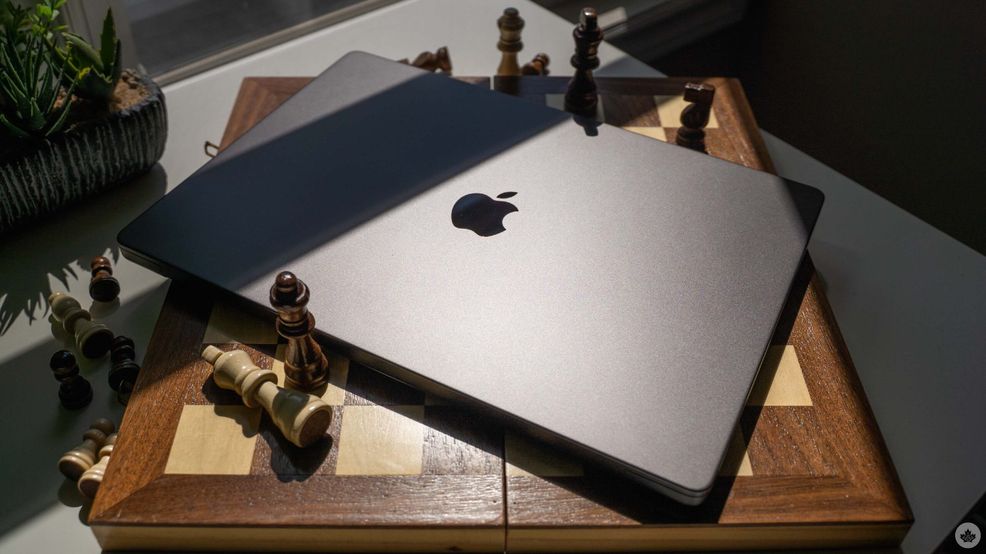
Product names are tough, especially in tech. A good name should be unique, but also speak to what the product is. And, importantly, it should be easy to iterate on so that customers can, at a glance, get an idea for how new something is.
I think Apple has mixed success with this. Its iPad lineup, for example, is a total mess in my eyes, especially at the lower end, and it can be really tough to tell the difference between versions of a given model. Want to buy an older model iPad Air? Better start digging into the tech specs to look at the chip.
Things are a little different on the MacBook side. There are still all the details related to the chip and memory and tech specs, but at a high level, Apple has just three options — the excellent and affordable MacBook Neo, the speedy yet samey MacBook Air, and the high-end MacBook Pro.
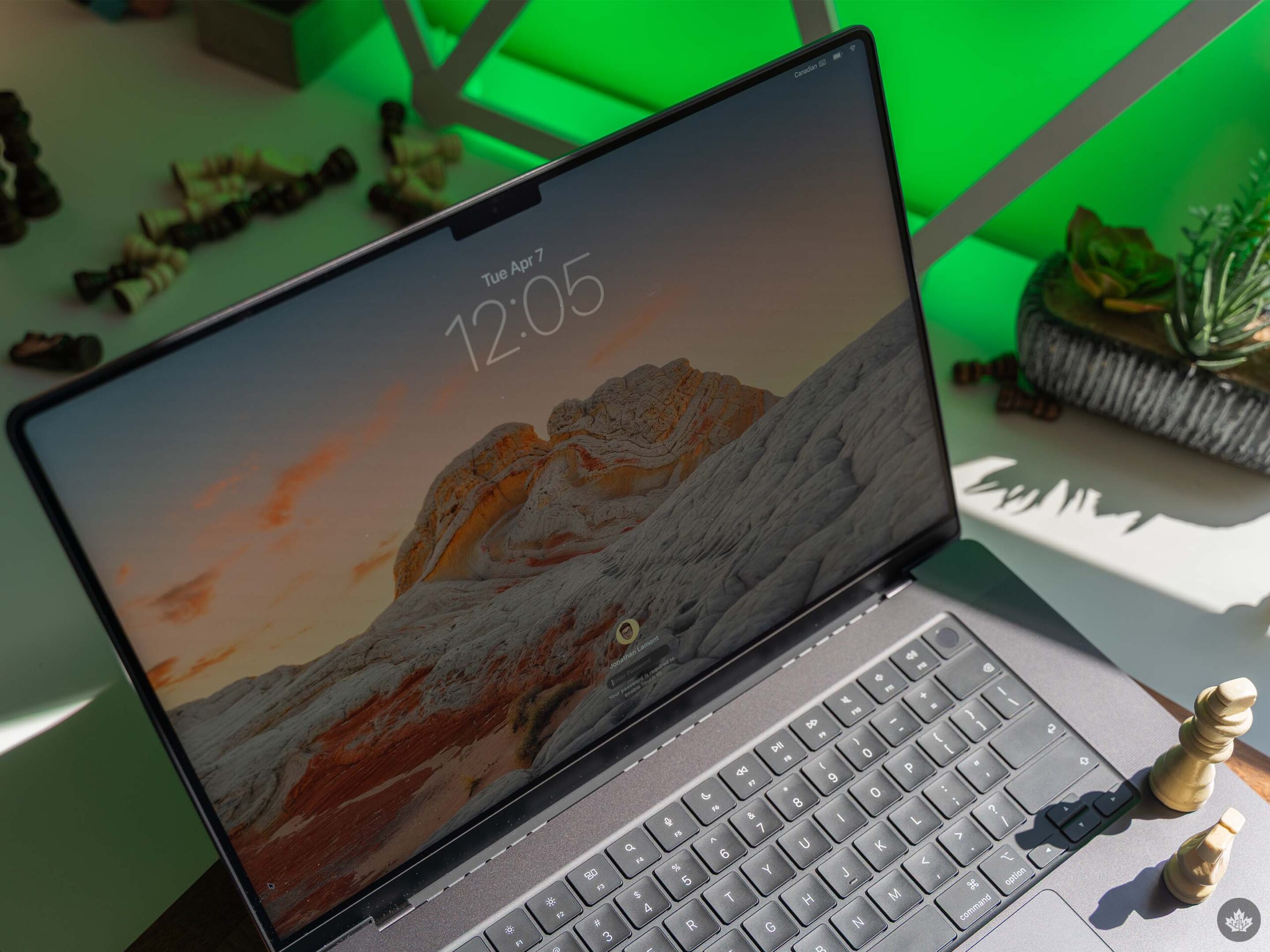
I’d argue the Air name is a bit disconnected from the product now (it’s really not that light compared to other options out there), and Neo is just weird, but with the MacBook Pro, you know exactly what you’re getting into: a professional-grade laptop.
And frankly, that’s been my experience using a MacBook Pro for the last week or two. It has everything you might need for various pro-level tasks, and with the M5 Pro in my review unit, it flies through everything I throw at it. In fact, it’s total overkill for me and way more power than I could ever need or want.
And that’s okay. The reality is, most people probably don’t need anything more than a MacBook Neo or Air. But for those that do, well, the MacBook Pro is ‘more’ in every sense of the word.
Beefed-up
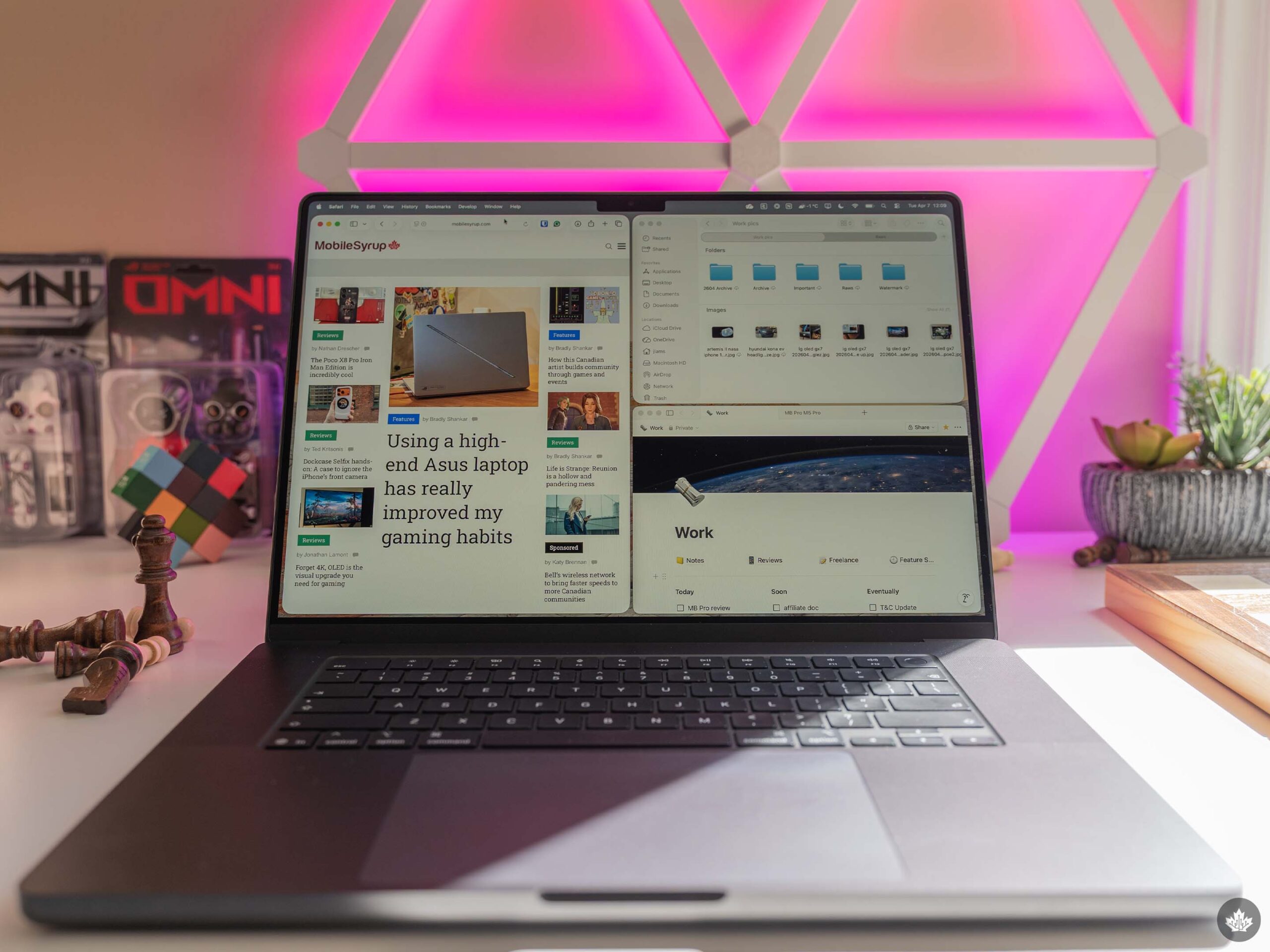
Jumping from the M5 MacBook Air to the MacBook Pro was a very significant change. Where the Air is slim and light (though maybe not as light as I’d like), the MacBook Pro is huge and heavy. Granted, I tested the 16-inch Pro, which certainly adds to the size and weight aspects, but even the 14-inch Pro is quite a bit heavier than the Air (the three laptops weigh in at 2.14kg, 1.55kg, and 1.23kg, respectively).
Honestly, the weight is one of my few complaints about the MacBook Pro, but it’s a relatively small gripe in the grand scheme of things. There are also some major differences that contribute to the weight. For example, the MacBook Pro sports fans for cooling, while the Air is fanless.
Another factor is the larger battery. The MacBook Pro’s power cell clocks in at 100Wh, nearly double the 53.8Wh Air battery. Somewhat frustratingly, though, the MacBook Pro does not last twice as long as the Air. In fact, at best I got the same battery life as the Air and often had slightly worse battery, with the MacBook Pro just barely making it to the end of my typical eight-hour workday.
Frankly, I’m a bit disappointed by the battery life in the Pro, especially given the extra size and weight. Again, it’s not necessarily bad battery life, but I expected more from these efficient M-series chips. The standby time, of course, remains excellent, so I have no concerns about closing the lid and picking back up where I left off hours (or even days) later.
Powerhouse

As I said at the start, the M5 Pro is a beast of a chip. macOS Tahoe absolutely flies on the MacBook Pro, and my typical workload didn’t even make it blink. Everything was so consistently fast that I just stopped closing things.
I had multiple virtual desktops loaded up with apps, including one for work with all my Safari tabs and Photoshop, another with Word documents and notes for my creative writing hobby, and others for exploring other personal projects.
I even dabbled with running some large language models (LLMs) locally via LM Studio and tried editing some videos of my daughter’s dance recital in iMovie. Even now as I write this, Photoshop alone has gobbled up over 13GB of memory on the MacBook Pro, and I don’t even feel it.
All that said, I’m also very much not the target user for something like the MacBook Pro. At least, not one this suped up — a 14-inch M5 MacBook Pro with 24GB or 32GB of RAM would likely be perfect for my needs. And I think that’s ultimately a testament to how versatile the MacBook Pro is, especially now that the more powerful M5 Pro and Max chips are in the lineup. Whatever professional work you do, there’s a MacBook Pro configuration that will be great for it.
More cool stuff

Beyond the chip changes, Apple didn’t add much more to the MacBook Pro with this upgrade. It did bump the SSD performance, making it two times faster than before, and it increased the bandwidth of the unified memory.
Those are both welcome upgrades, though how much you’ll actually feel them in day-to-day use depends on what you’re doing. For me, these changes didn’t stand out, but work that’s more memory and storage-intensive, like high-res video editing, will benefit here.
Another change that will be more broadly applicable is the switch to the N1 networking chip, which brings Wi-Fi 7 and Bluetooth 6. While Wi-Fi 7 is still fairly nascent, we’ll see more and more devices adopt it in the coming years, so it’s a nice bit of future-proofing for a laptop you’ll want to keep for a long time.
I also wanted to take a few minutes to talk about some of the MacBook Pro features that, while not necessarily new, are new to me.
For starters, there’s the nano-texture display. It debuted back with the M4 MacBook Pro, but now that I’ve tried it out, I think this is a must-add to any MacBook Pro. On paper, $225 to add the finish sounds like it’s not worth it, but the nano-texture truly does an excellent job of mitigating glare and reflections. This is especially helpful for anyone who does a lot of photo or video editing. Plus, the MacBook Pro’s Liquid Retina XDR display is just great overall.
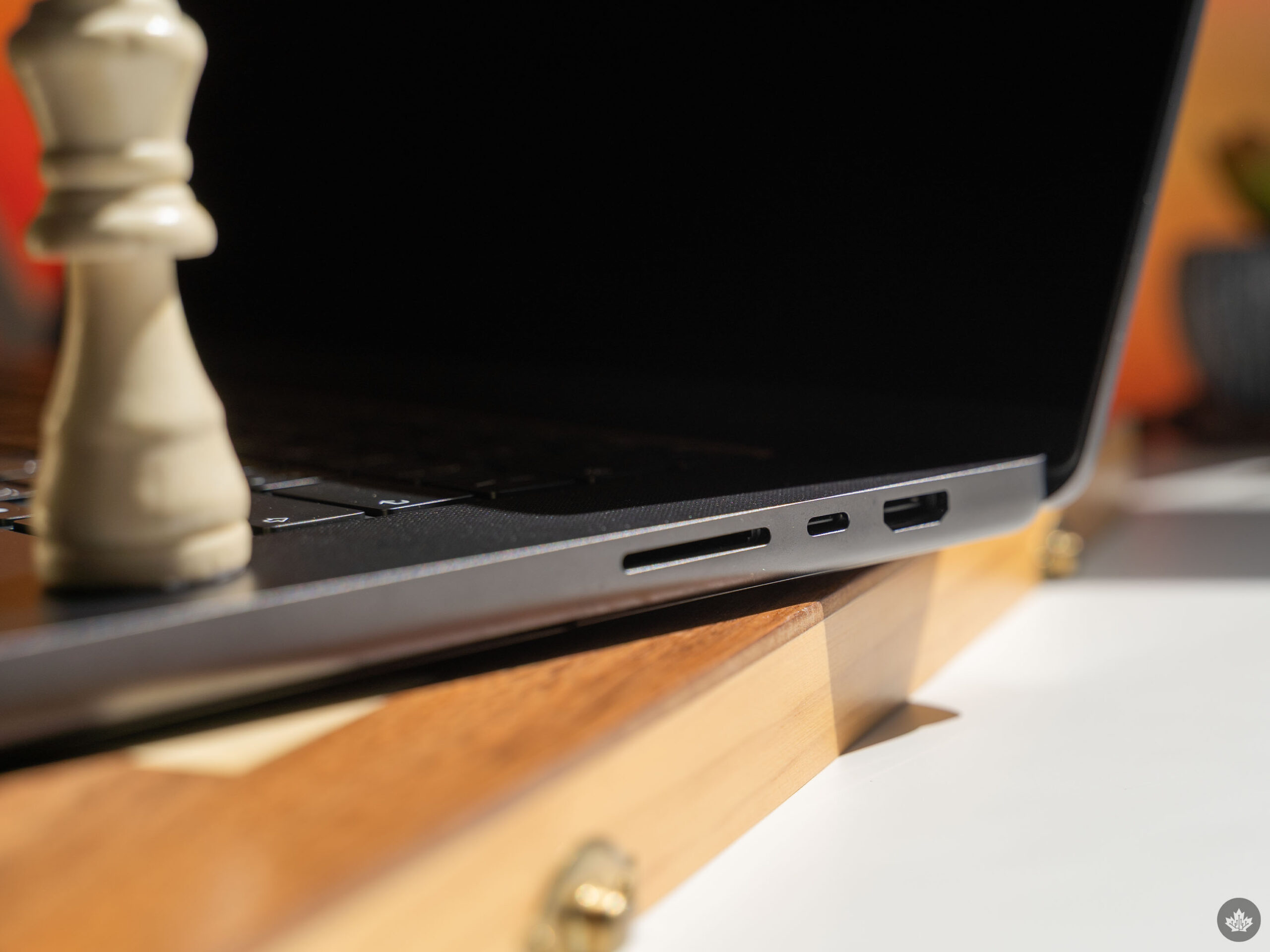
There are also the additional ports on the MacBook Pro. Over the years, I’ve condensed most of my accessory needs to rely on a single USB-C dock, but it’s great to have the extra options like HDMI and the SD card reader for when I need them in a pinch.
And to wrap things up, I have to shout out the fantastic Spatial Audio speakers. Most laptops have fine built-in speakers, but the MacBook Pro really takes the audio to a next level.
An excellent laptop best suited for professionals
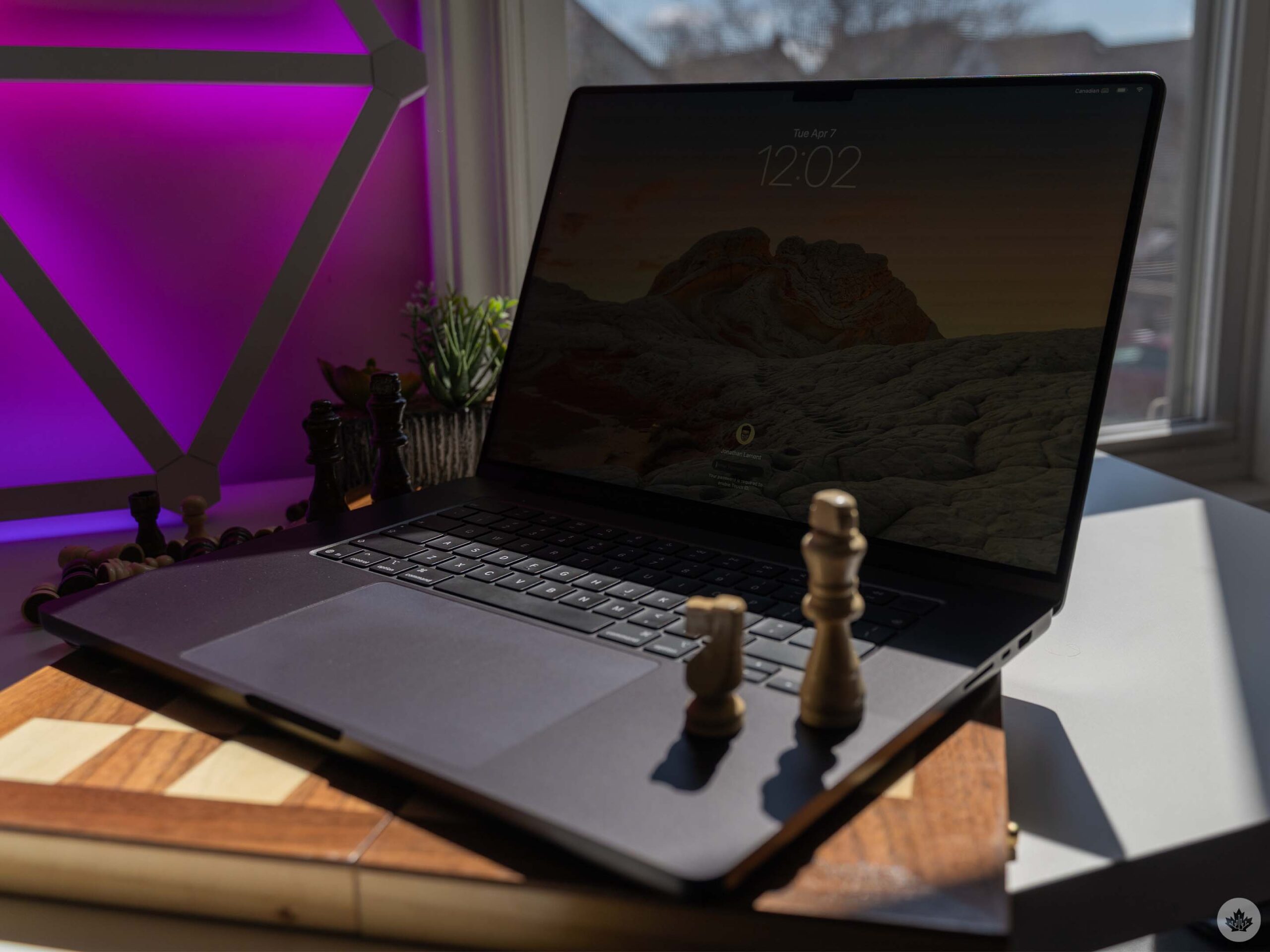
Overall, I have very few complaints about the MacBook Pro. It’d be nice if it were a bit lighter or if the battery life were better, but neither of these is a dealbreaker in my eyes (and if they are dealbreakers for you, there are other laptops out there that can best the Pro on battery life and/or weight). In most cases, the extra benefits, features, and power of the MacBook Pro will outweigh these two drawbacks.
And as I noted up top, I’m not really the right audience for a MacBook Pro. The needs of my job don’t stress the laptop that much compared to other work, and I feel like I’d be better off with something like the 14-inch M5 MacBook Pro, or honestly, probably even the MacBook Air.
That said, there’s something enticing about having all that power on tap. While I typically treat laptops as work tools and put them away at the end of my day, I often found myself reaching for the MacBook Pro during my downtime just to mess around. For example, I’ve had an urge to start learning game development, and with the MacBook Pro, it was easy to spin up another virtual desktop, download some game dev tools, and start poking around.
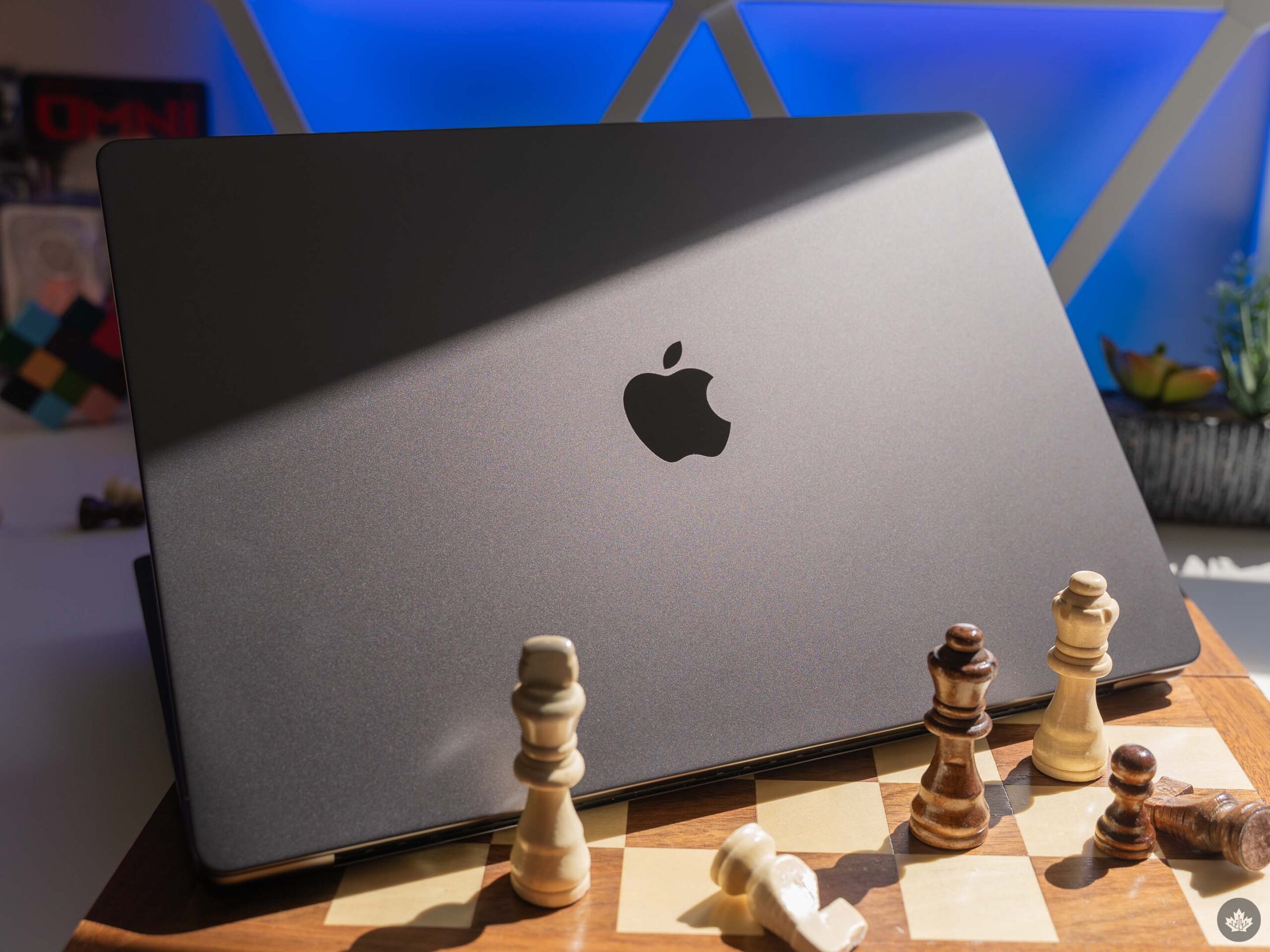
Do I need a MacBook Pro to do any of that? Not really. But it makes doing things like that enjoyable enough that I just kept going back to it.
When I reviewed the M5 MacBook Air, I called it the laptop for getting stuff done. It’s a real workhorse laptop and a great option for most people. The MacBook Pro, on the other hand, is the ultimate professional machine that can power through everything you throw at it. It’s total overkill and beyond what most people need, but when you push it to the limit, it’s a sweet feeling.
The MacBook Pro with M5 Pro chip starts at $3,599 in Canada, while the M5 Max configuration starts at $5,399 for the 16-inch model. The 14-inch starts at $2,999 for M5 Pro and $4,999 for the M5 Max. You can also still get the 14-inch model with the M5 chip for $2,399. You can configure your ideal MacBook Pro on the Apple website.
 Reviews
  Reviews
  Reviews
  Reviews