


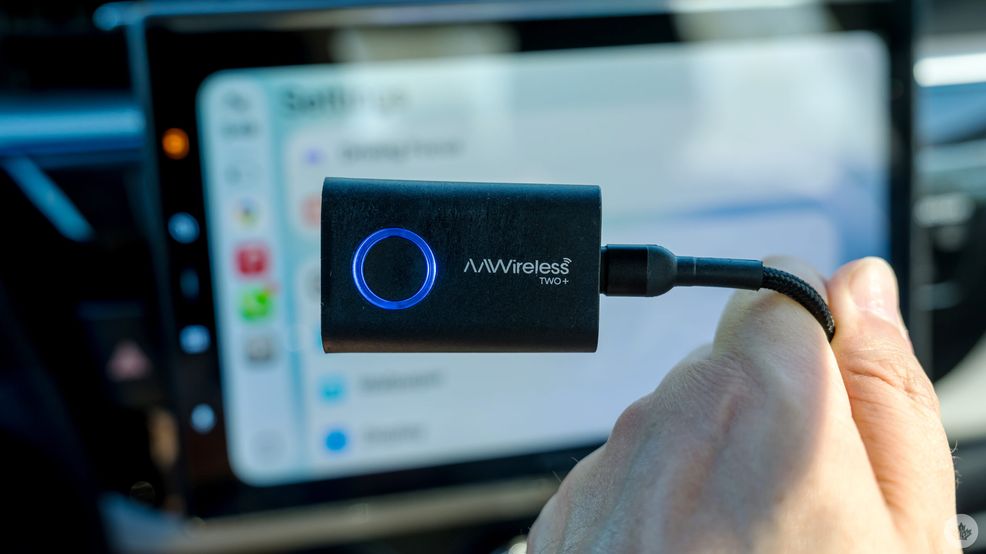
Most new vehicles generally come with wireless Android Auto and Apple CarPlay built into the infotainment system, but for the countless models that don’t, adapters can bridge the gap fairly easily. The original AAWireless and AAWireless TWO were purely Android Auto conduits, whereas the TWO+ adds CarPlay into the mix.
What makes it particularly versatile is the physical button that can switch between devices, enabling two people sharing the car to connect with the system using different platforms. No more battling over whose phone takes precedence during a commute or road trip.
Still small, yet playing both sides
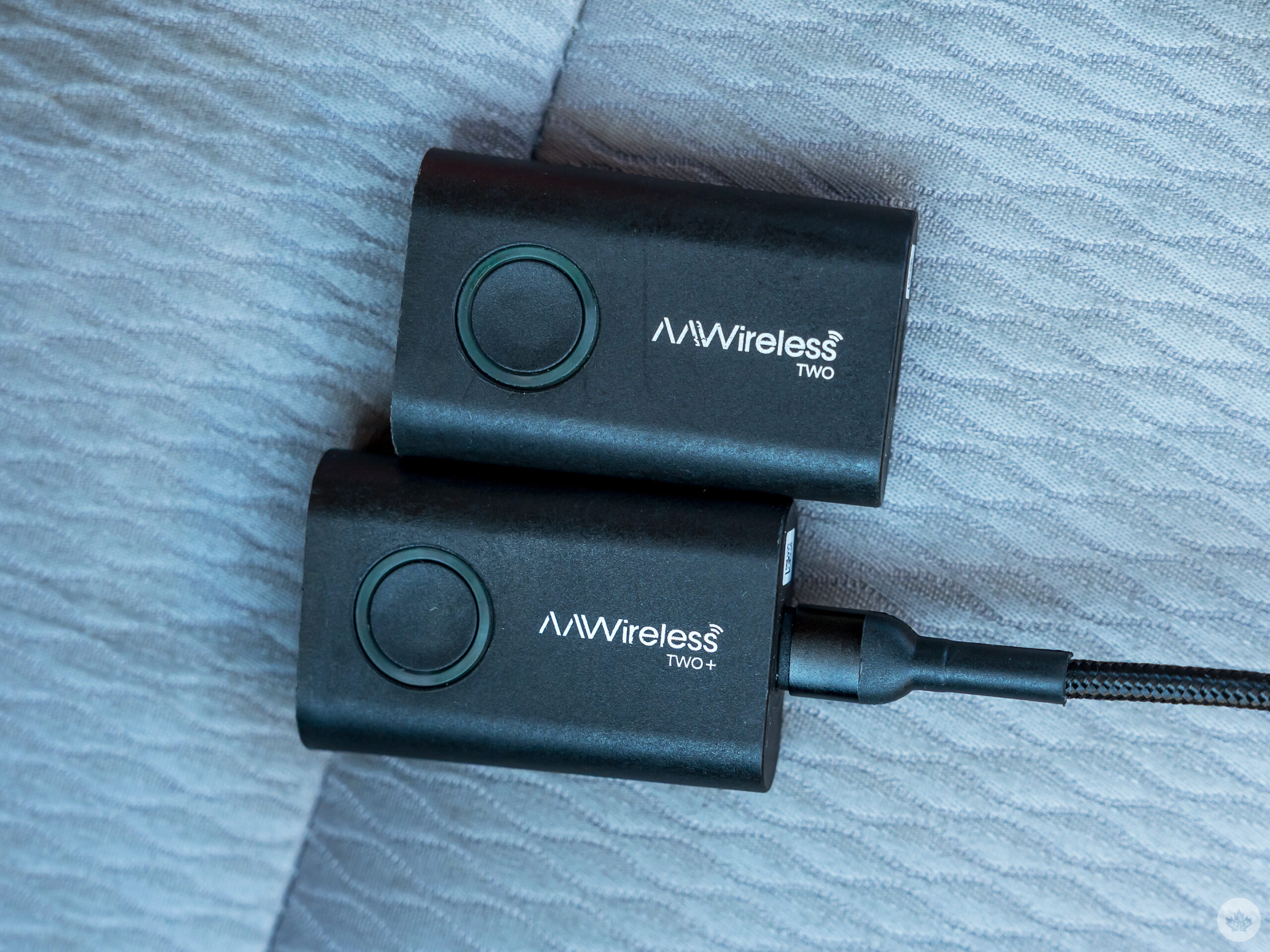
The AAWireless TWO (top) and TWO+ (bottom).
Physically, the TWO+ looks like a clone of the TWO, with the same exact dimensions and weight. The only clear differentiator is the logo noting the ‘+’ suffix. It also basically runs the same way, using Bluetooth for initial pairing and Wi-Fi for the actual data connection.
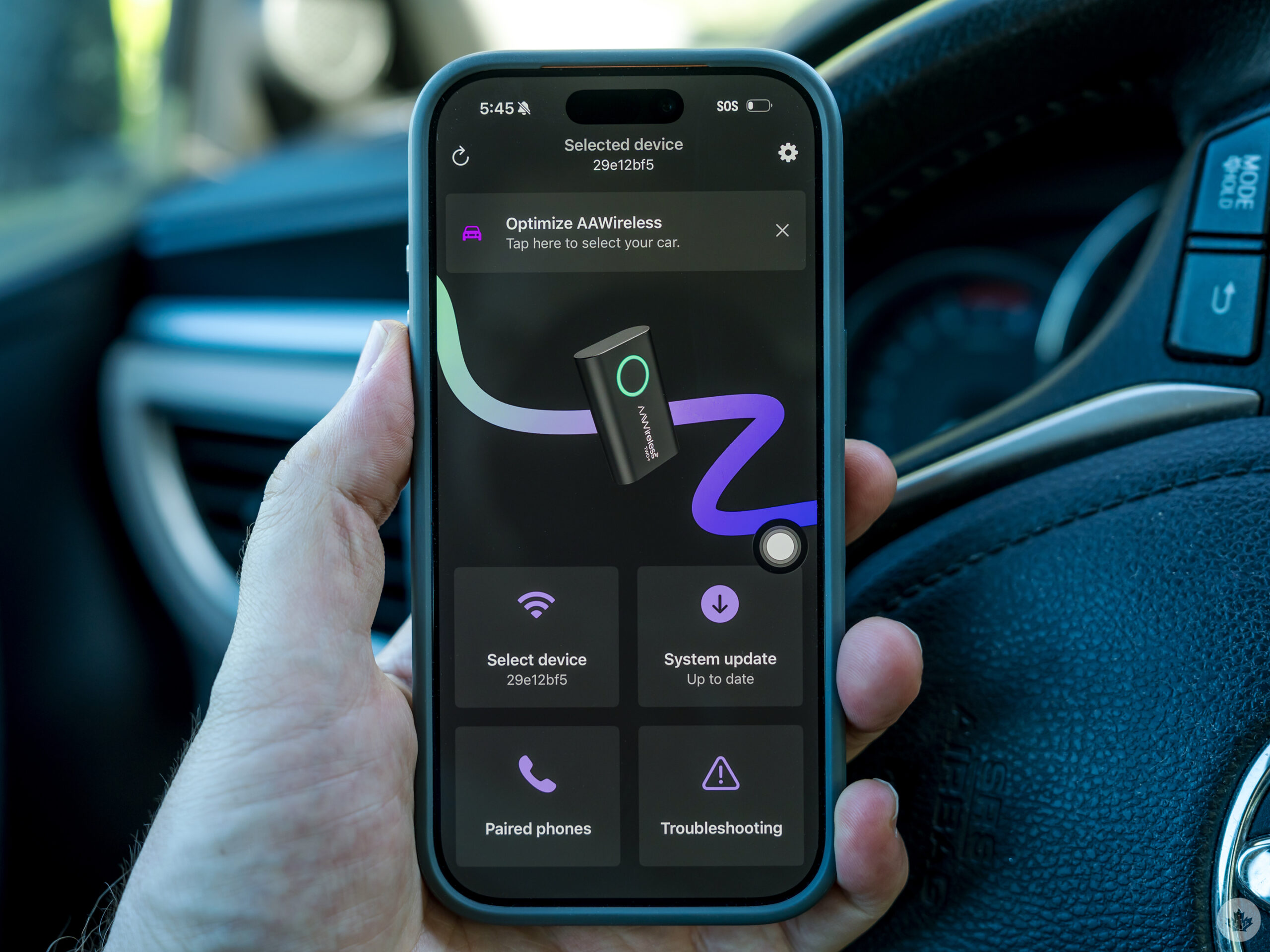
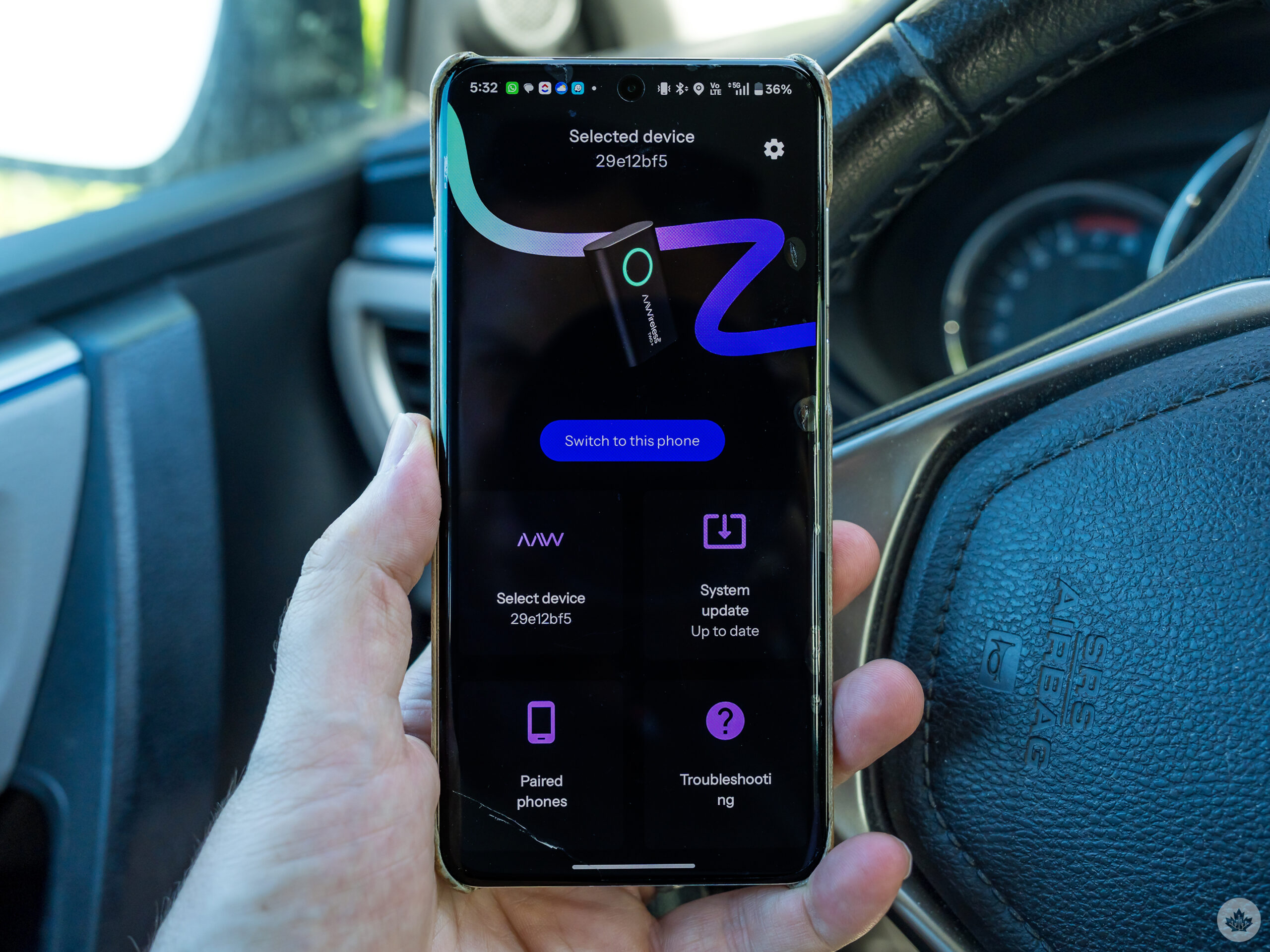
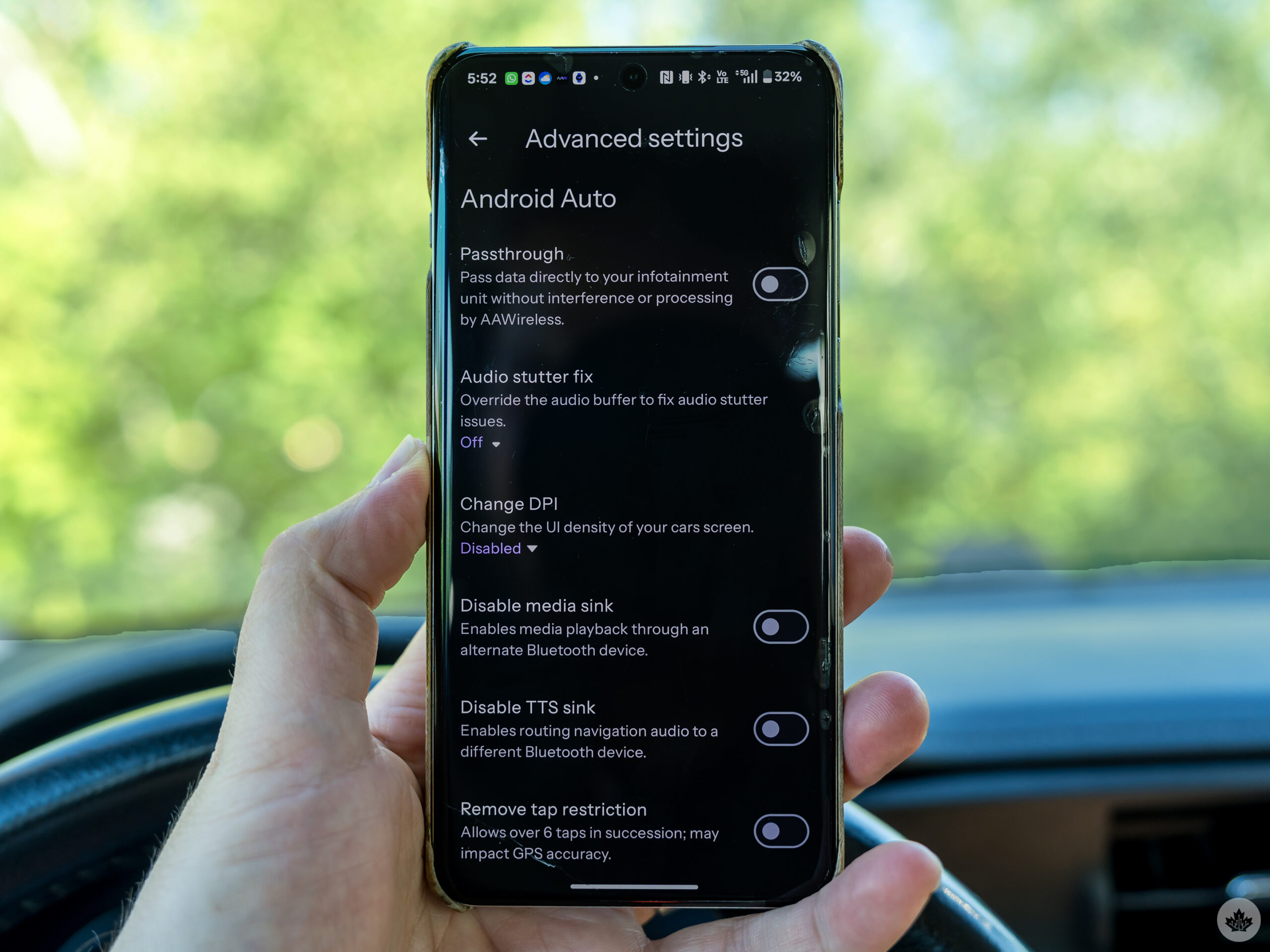
That also means the initial setup doesn’t change all that much, either. This device is something of a rarity in this space in that it has a companion app (that also works with previous AAWireless adapters) to manage both the setup and subsequent management. Firmware updates, diagnostics, troubleshooting and advanced settings are all available through it, giving those who want to geek out a little further something to work on.
In the several months I’ve had the device, I can think of about four firmware updates that I’ve downloaded and installed in that time. While Android is my daily driver, an iOS app makes it possible to do all that through an iPhone as well.
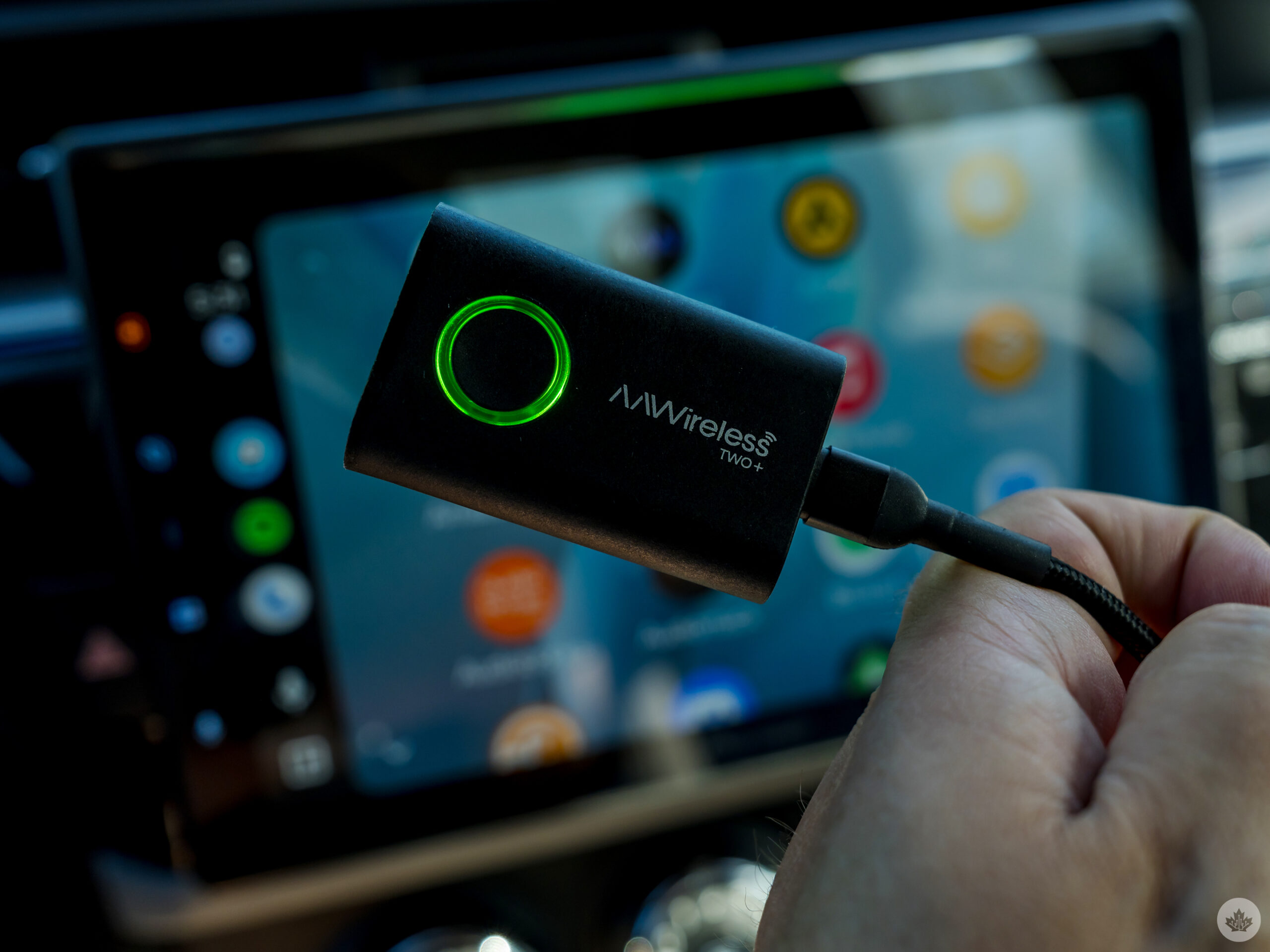
For the device itself to work, however, your vehicle needs to support wired Android Auto and CarPlay in some way, be it a built-in factory infotainment system or an aftermarket head unit. The AAWireless TWO+ doesn’t establish that support on its own, it merely acts as the bridge between your phone and the system. I’m pointing that out because I’ve seen misconceptions online that this is like a built-in system unto itself.
To use a blunt analogy, it’s a little more like an old-school Google Chromecast than an Amazon Fire Stick. Just plug this into the vehicle’s or head unit’s USB port, and that’s about it.
Sharing the reins
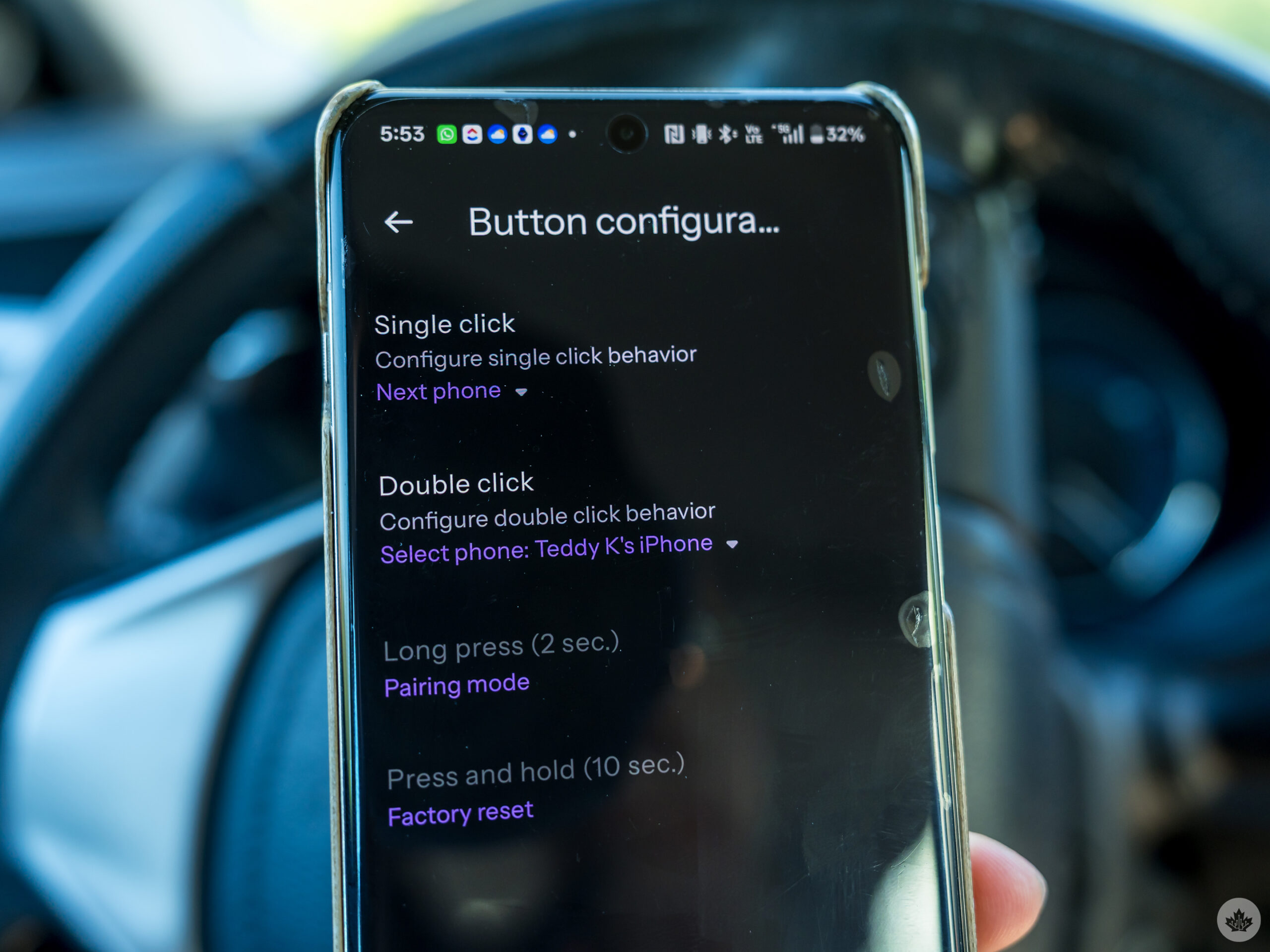
Sharing a vehicle is common enough, and it’s easy to assume there might be a battle or two over whose phone takes precedence. The TWO+ manages this well with the dedicated button that switches between paired devices. I’m surprised it took this long for the concept to actually come to fruition in some form. Most competing adapters don’t make such a handoff all that easy because it usually requires disabling Bluetooth on one phone to move to the other.
The TWO+ isn’t anywhere near as clunky. Having previously tested the original AAWireless and AAWireless TWO, this one connects fairly well upon starting the car. There’s also no real lag in navigation, music streaming, and voice assistant functions despite running wirelessly. After a while, it just becomes old hat when getting into the car and putting it in drive.
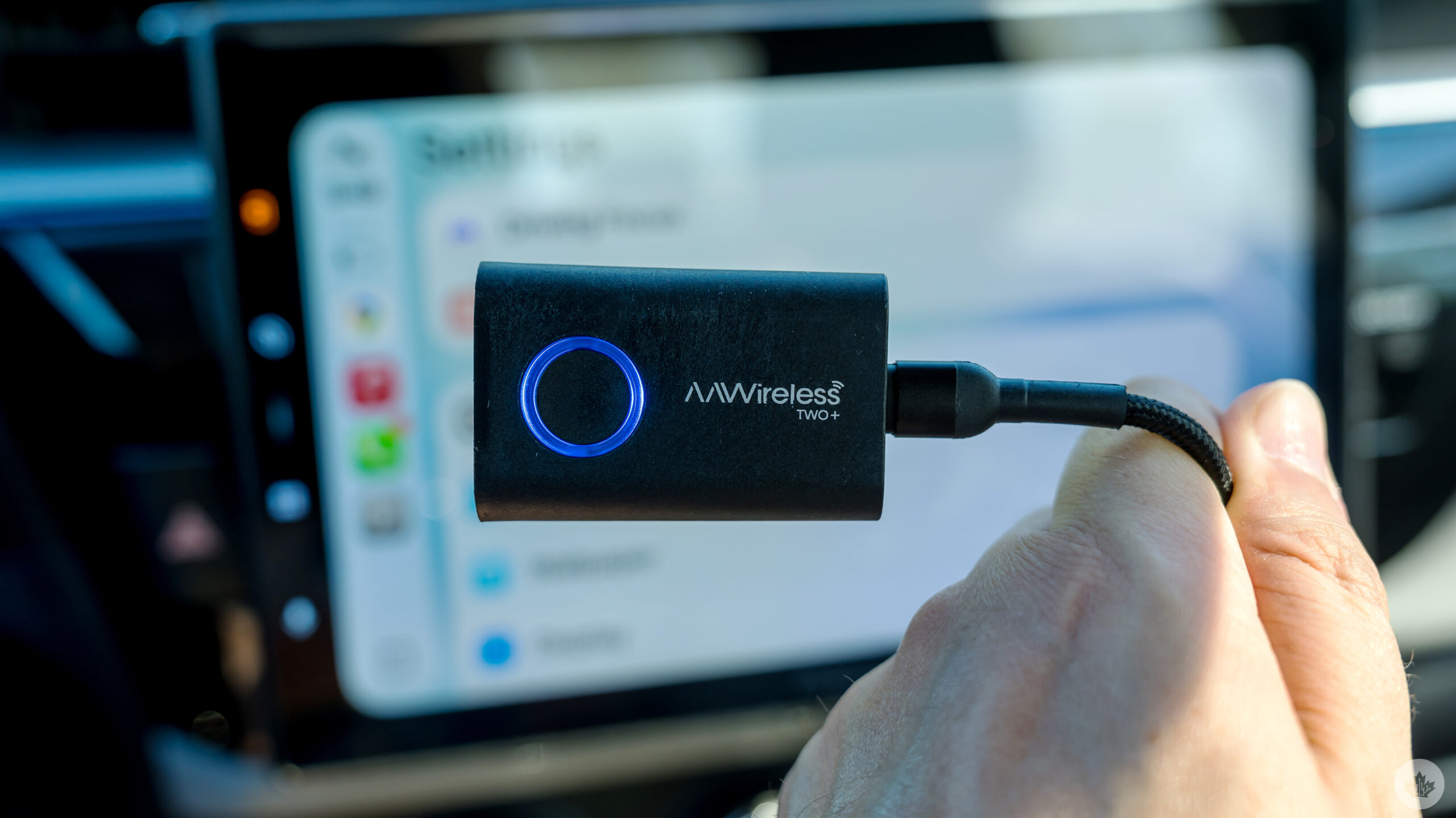
My car is a 2014 model, so there’s never been a factory system inside capable of running Android Auto or CarPlay. I tested the TWO+ with two aftermarket head units: the Pioneer AVH-2300NEX (installed in 2017) and Pioneer Sphera DMH-WT8000NEX. The latter actually has built-in wireless functionality for both platforms, but having only installed it recently, I just carried on using the adapter to finish this review.
Factory systems that support wireless Android Auto and CarPlay aren’t compatible with the adapter, so it’s not possible to bring it in as an easier way to switch between devices, if that’s what appeals to you. Those that don’t support wireless compatibility are exactly the vehicles that benefit from a dongle like this.
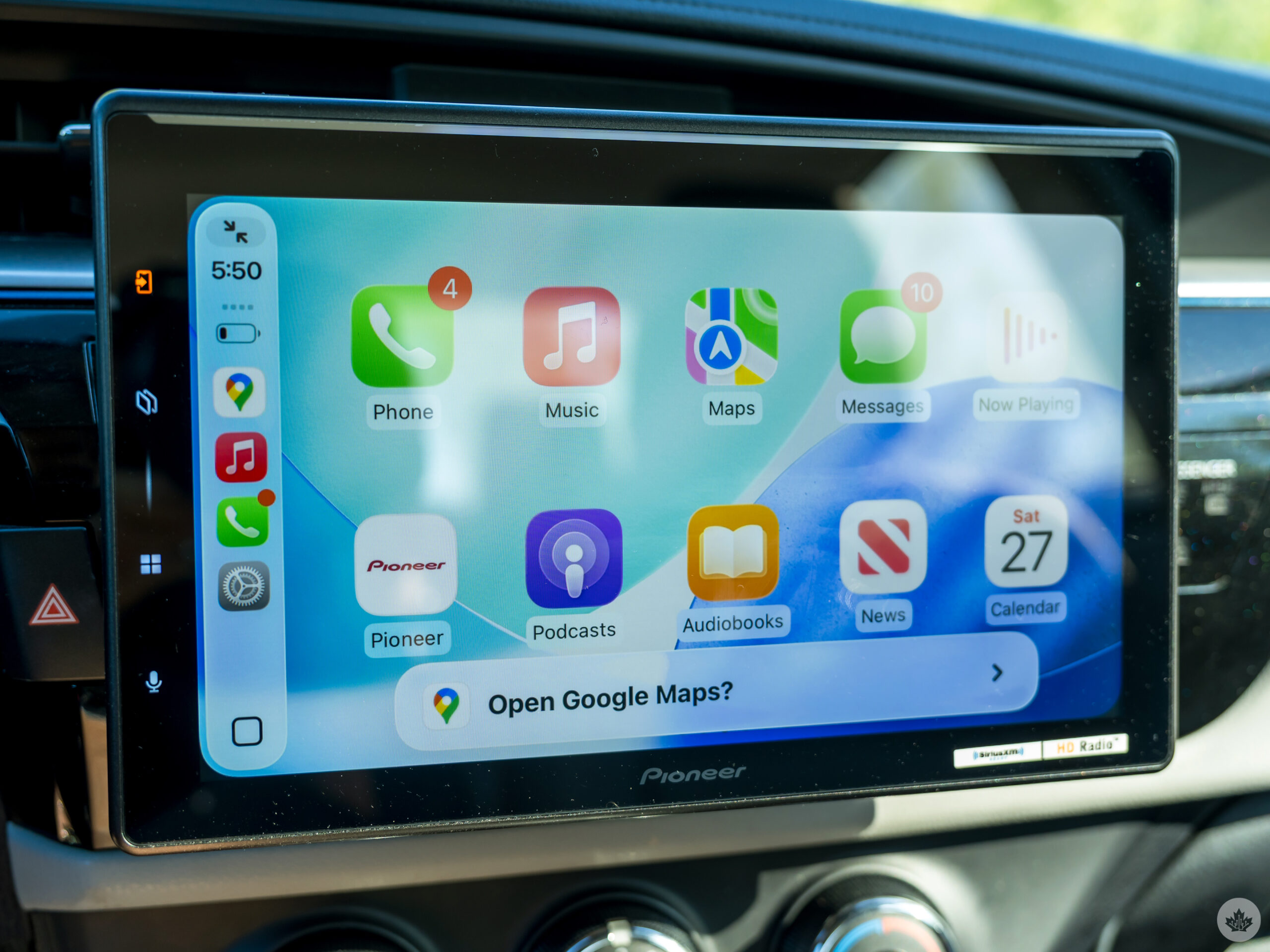
Aftermarket units that do the same can be a little different that way based on my experience with the Sphera, but you may run into issues as I can’t be sure the experience will run the same way across the brands making head units.
A problem I ran into at the tail end of my time with the 2300NEX was that all phone calls, navigation, and voice assistant audio only ran through the car’s front speakers — suddenly — after years running through the whole car stereo. After troubleshooting this with everyone from Pioneer, Google, Toyota, and AAWireless, I still don’t know what ultimately caused it. The Sphera doesn’t replicate the issue at all.
I only bring this up because, by default, calls, navigation, and voice assistance are supposed to play separately from music, meaning only the latter should play through the full system. There’s no reason for that to be the case in practice, and it’s easy to avoid it without doing anything. The TWO+ likely isn’t the culprit in this case.
Fairly smooth all around
Going back to the original AAWireless from 2022, startup is one of the bigger improvements, though it’s not quite at the point of matching a factory system’s wireless connection.
With such a lack of lag or latency, it comes off a lot like the phone is physically connected. There’s also no audio quality loss because the adapter is just transporting the digital connection rather than altering the signal. Once connected, the experience is virtually indistinguishable from factory-installed wireless smartphone integration.
That also goes for talking to Gemini or Siri in the car at any given time. I personally like talking to Gemini about all sorts of topics to learn something during a drive, and while the data connection matters just as much, I didn’t experience any noticeable delay in using Android Auto or CarPlay with the dongle plugged in.
I also like that it can prioritize connecting with the device that is more likely to be the driver’s phone. There’s no real way it knows that, mind you, but since two paired phones can be available at one time, it has a remarkable knack for knowing which one to lean towards.
Worth the peace of mind
The AAWireless TWO+ is one of those tech products that does exactly what it says. That only made testing it easier for me. More than that, it vastly simplified whether it was my phone or my partner’s iPhone taking the reins.
That’s really the best case scenario for getting one of these at $90. While it can certainly pair two Android phones or iPhones together, the real differentiator is how it handles mixed device households and shared vehicles. That makes the TWO+ one of the most mature and effective wireless dongles available.
 Reviews
  Reviews
  Reviews
  Reviews