


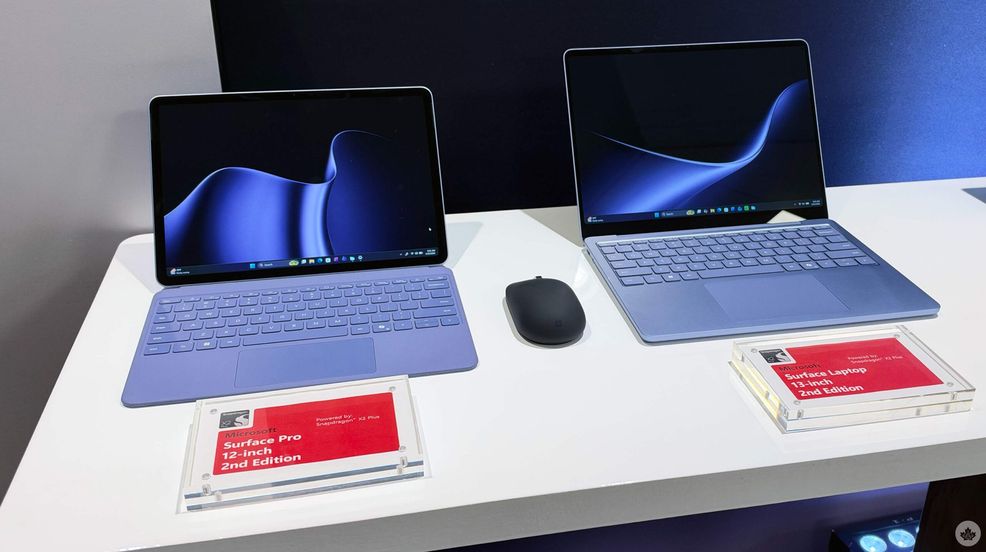
At Snapdragon Summit, which Qualcomm flew me out to, Microsoft unveiled the Surface Pro 12-inch and Surface Laptop 13-inch built on the Snapdragon X2 Plus processor, as well as a new Surface Mouse with integrated haptic feedback.
According to Microsoft, the Snapdragon X2 Plus chipset is up to 17 per cent faster in Office, 18 per cent more efficient in battery performance, 60 per cent faster in graphics performance, and 95 per cent faster in local AI inferencing with the NPU, as it’s capable of 80 TOPS.
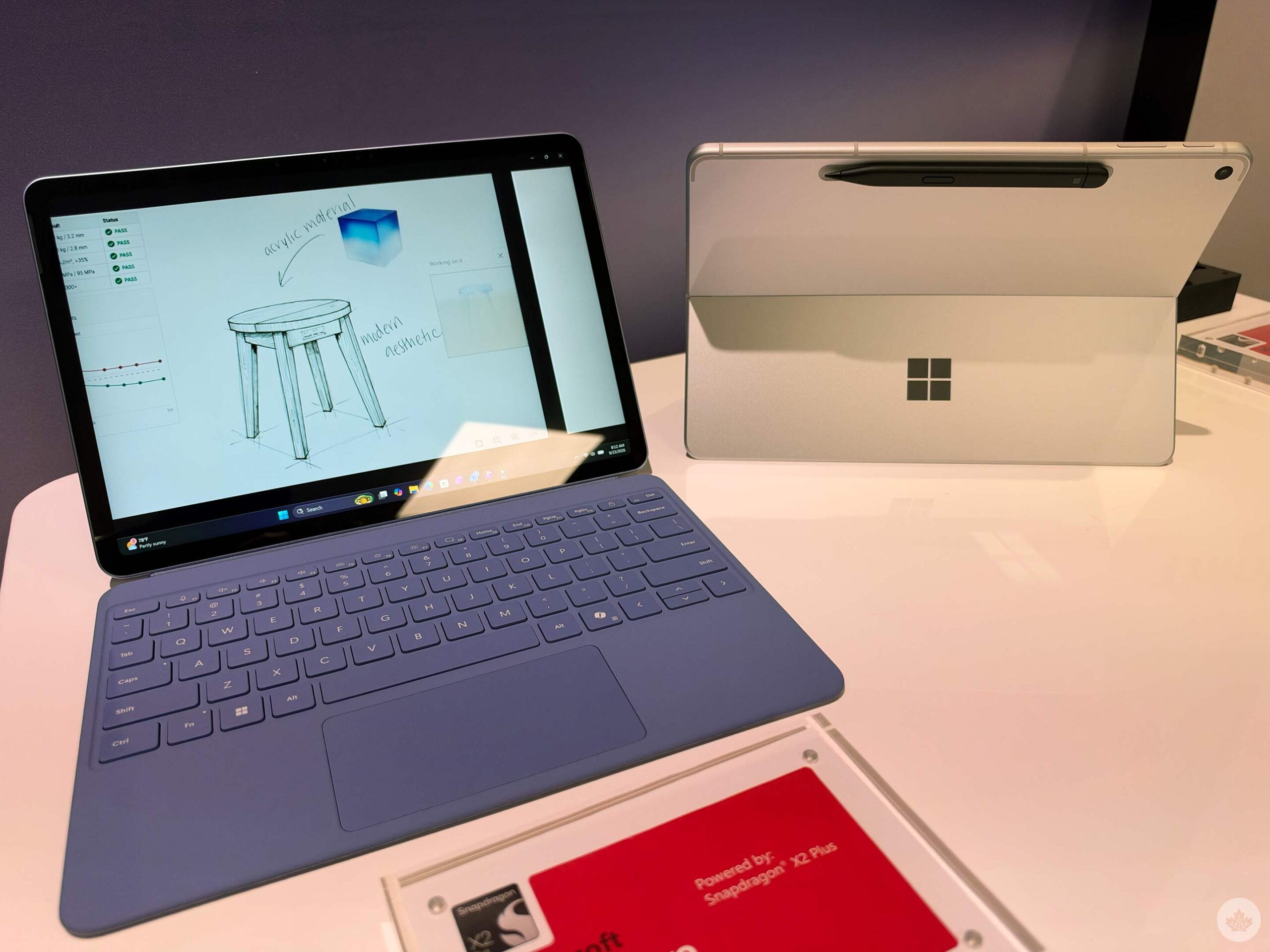
The Surface Pro 12-inch is a fanless Windows PC with a 500-nit PixelSense touchscreen that’s 25 per cent brighter than last year’s model. It comes in black, silver, and violet colour variants, though currently it’s not clear if the latter options will come to Canada. The enclosure is made with 86 per cent recycled material. The Surface Pro 12-inch starts at $1,699 in Canada and launches on October 13 in select markets. Storage options include 256GB and 512GB, and it can have either 16GB or 24GB of RAM.
The Surface Pro 12-inch also offers the new Microsoft Ink Canvas, which is an AI-powered pen experience for sketching, annotating, creating images and summarizing text on the canvas. You’ll be able to download it on October 13.
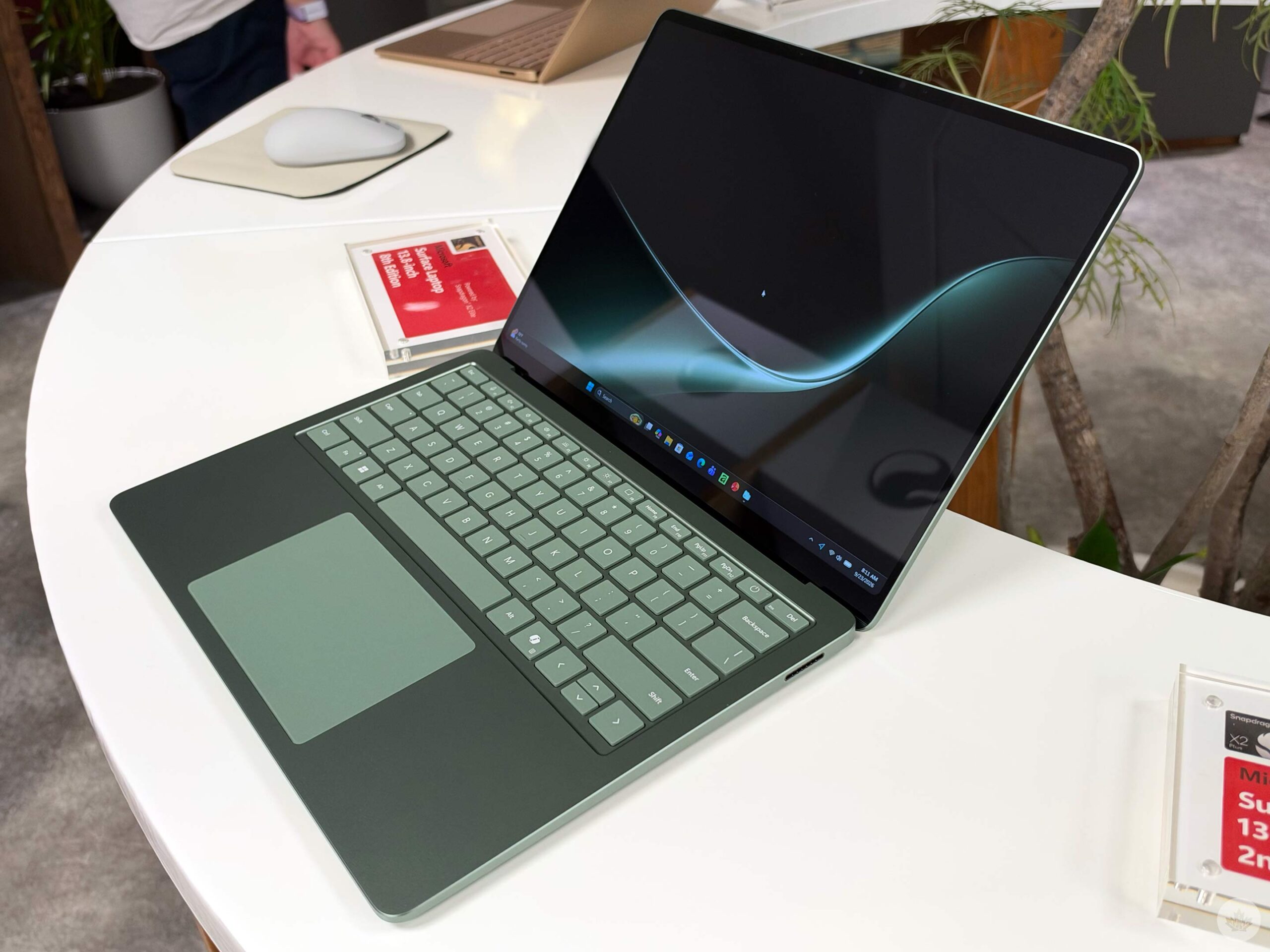
Now, the 13-inch Surface Laptop, on the other hand, has a full-size backlit keyboard and precision touchpad, alongside an aluminum body, and a taller 500-nit 3:2 PixelSense touchscreen that’s 25 per cent brighter than last year’s model. The laptop offers 22.5 hours of battery life, a pretty violet colour (depending on your market), starts at $1,749.99 in Canada and comes out on October 13. Storage options include 256GB and 512GB, and it can have either 16GB or 24GB of RAM.
The new Surface Mouse has haptic feedback, which offers a small physical response when performing actions. If you’re clicking, snapping windows into place, and more. Microsoft says that it’s noticeable within seconds, and once you start using it, it’s hard to give up. The Surface Mouse is redesigned for ambidextrous use and has a customizable button for Copilot and other everyday shortcuts. Additionally, it has Bluetooth 6.0, so you can pair it with multiple devices and move between them easily.
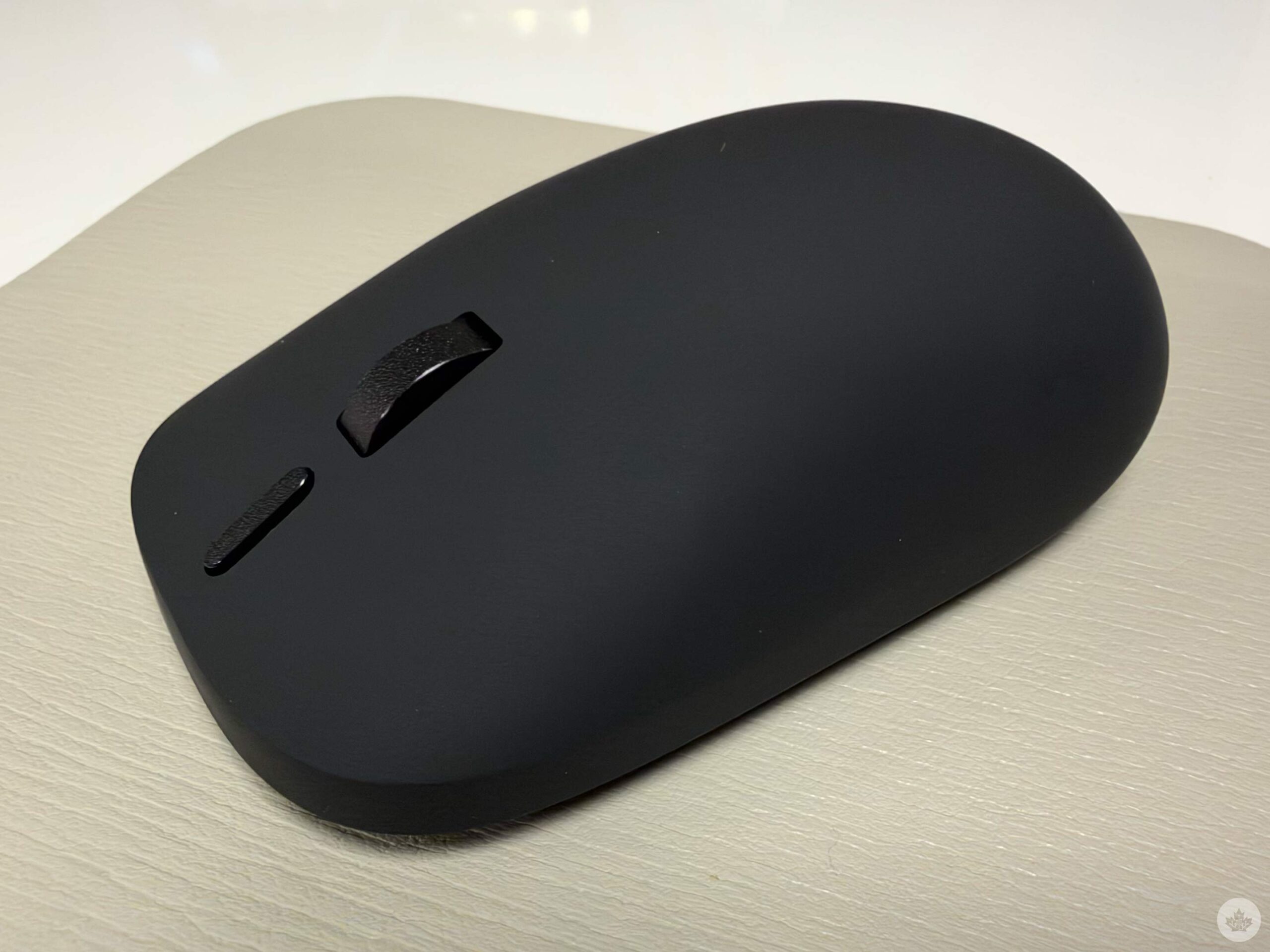
I got the opportunity to try out the Surface Mouse at Snapdragon Summit, and I thought the haptics felt pretty good. The company made it so that there’s a physical response whenever there are visual cues. So if you’re dragging and dropping into Outlook and there’s a visual cue, you’ll feel a haptic when you first click on the file, and then when you hover it over Outlook, you’ll feel a different haptic.
Microsoft put together a demo where you can try out the different haptics depending on the activity. One demo had you playing Minesweeper; another had you playing around with your own zen garden, moving rocks around and dragging a rake across the sand. I like that it’s not a general haptic you feel, but changes depending on what you’re doing, even within a single demo.
The haptics aren’t available in everything like gaming, but Microsoft is working with a lot of first-party and third-party apps, such as some of the Adobe suite of apps.
It’s also made with 30 per cent recycled content. The Surface Mouse starts at $119.99 and will be available in Black and Platinum on October 13.
Update Sept. 25, 2026, at 10:12 a.m. ET: Added Canadian pricing and removed mentions of waiting for that pricing.
 Streaming
  News
News  News
News  News
News 