


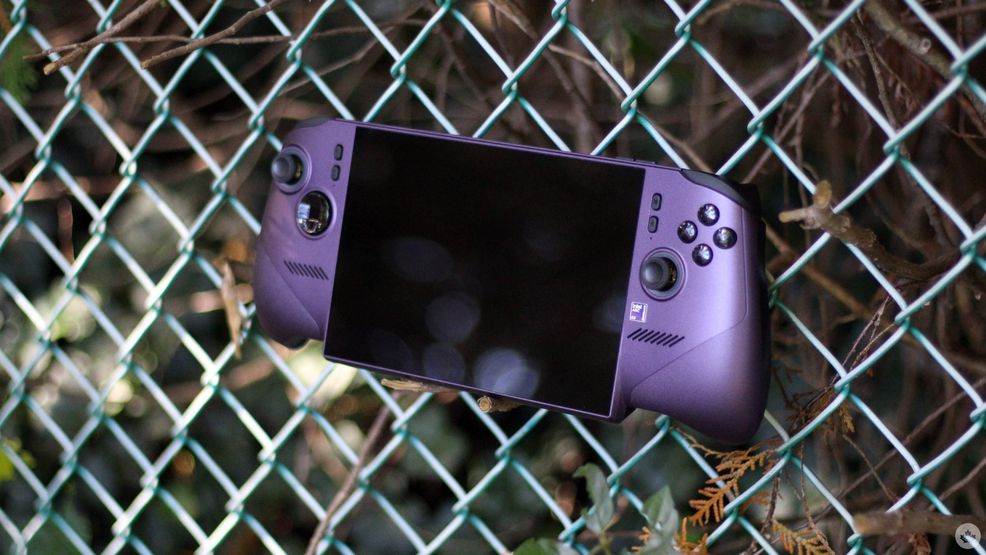
I owned a PSP as a teenager, and some of my fondest memories of the time include playing Dragon Ball Z Shin Budokai 2 with my friends over LAN. But the golden PSP era eventually came to an end, and its successors, like the PS Vita, never really managed to capture quite the same magic. For a while, it seemed like handhelds had been pushed to the side by smartphones, PCs, and powerful consoles. As we know now, that’s obviously not the case.
In 2022, the Steam Deck revitalized handheld gaming, and it didn’t take long for other major PC players to jump in. Today, you have handheld PC gaming options from the likes of Lenovo, Asus, MSI, Ayaneo, and more, giving users several reliable options to pick and choose from.
My own experience with handhelds, since the PSP, hasn’t been the most extensive. I own a PS Portal, though I don’t truly consider it a standalone handheld, despite its recent cloud gaming capabilities. I’ve also spent considerable time with a friend’s ROG Ally X, though considering that it isn’t mine, I haven’t had the chance to really dig into it beyond casual gaming and general use.
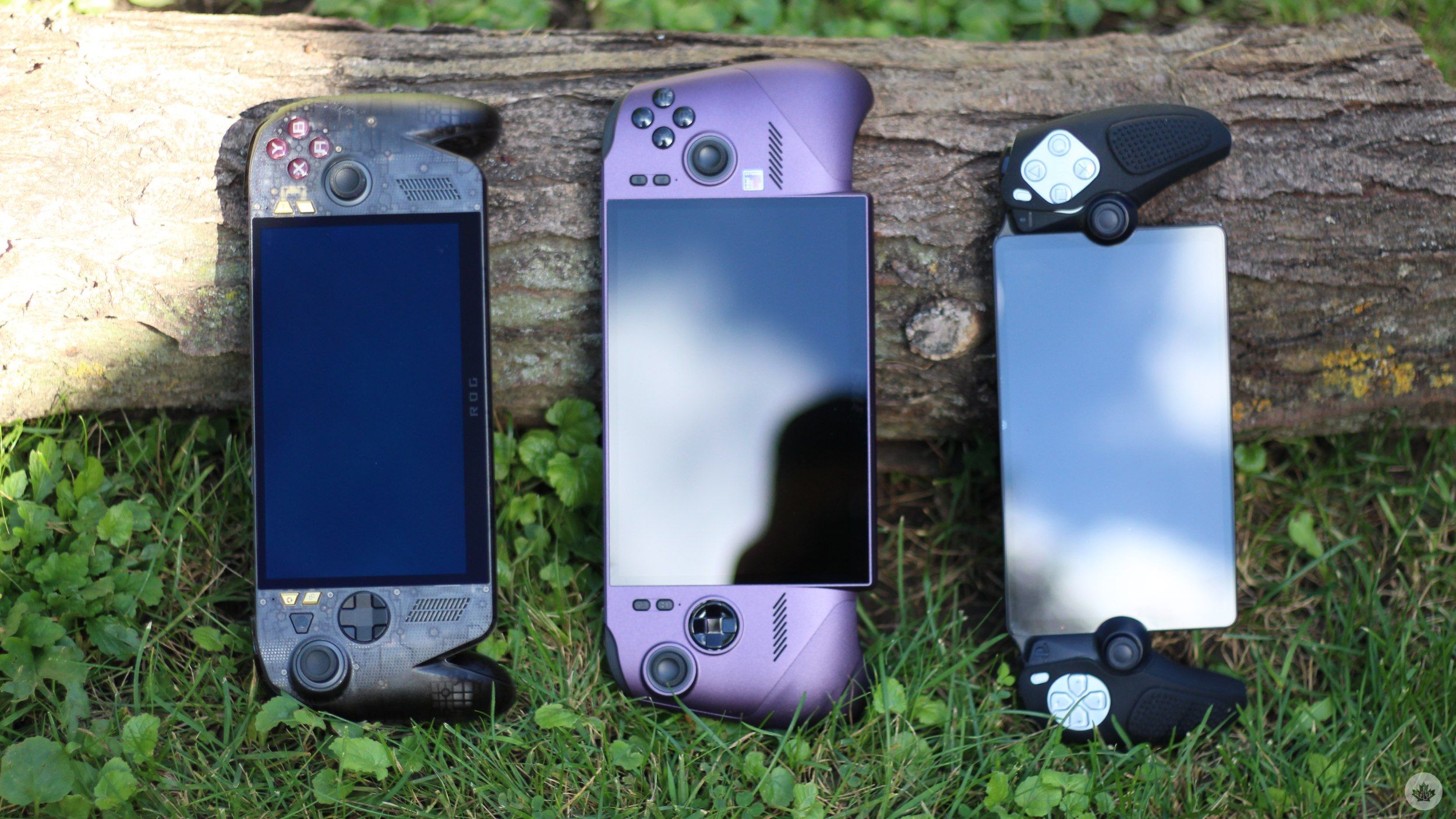
That said, I’m far from new to gaming. Most of my gaming today happens on PC and PS5, and when I was presented with the opportunity to try out one of MSI’s latest and most powerful Claw handhelds, I was all game.
The handheld in question is the $2,200 MSI Claw 8 EX AI+ with Intel’s new Arc G3 Extreme processor, and well, it has a lot going for it. For reference, gaming handhelds often rely on chips originally designed for laptops and mobile PCs. Intel’s new chip takes a slightly different approach.
It is purpose-built and optimized for handheld gaming, and after spending some time with the MSI Claw 8 EX AI+, I feel like the chip (and the overall package) succeeds in striking a balance between performance, power efficiency, portability, and thermals.
The Claw 8 EX AI+ is BIG
5 images
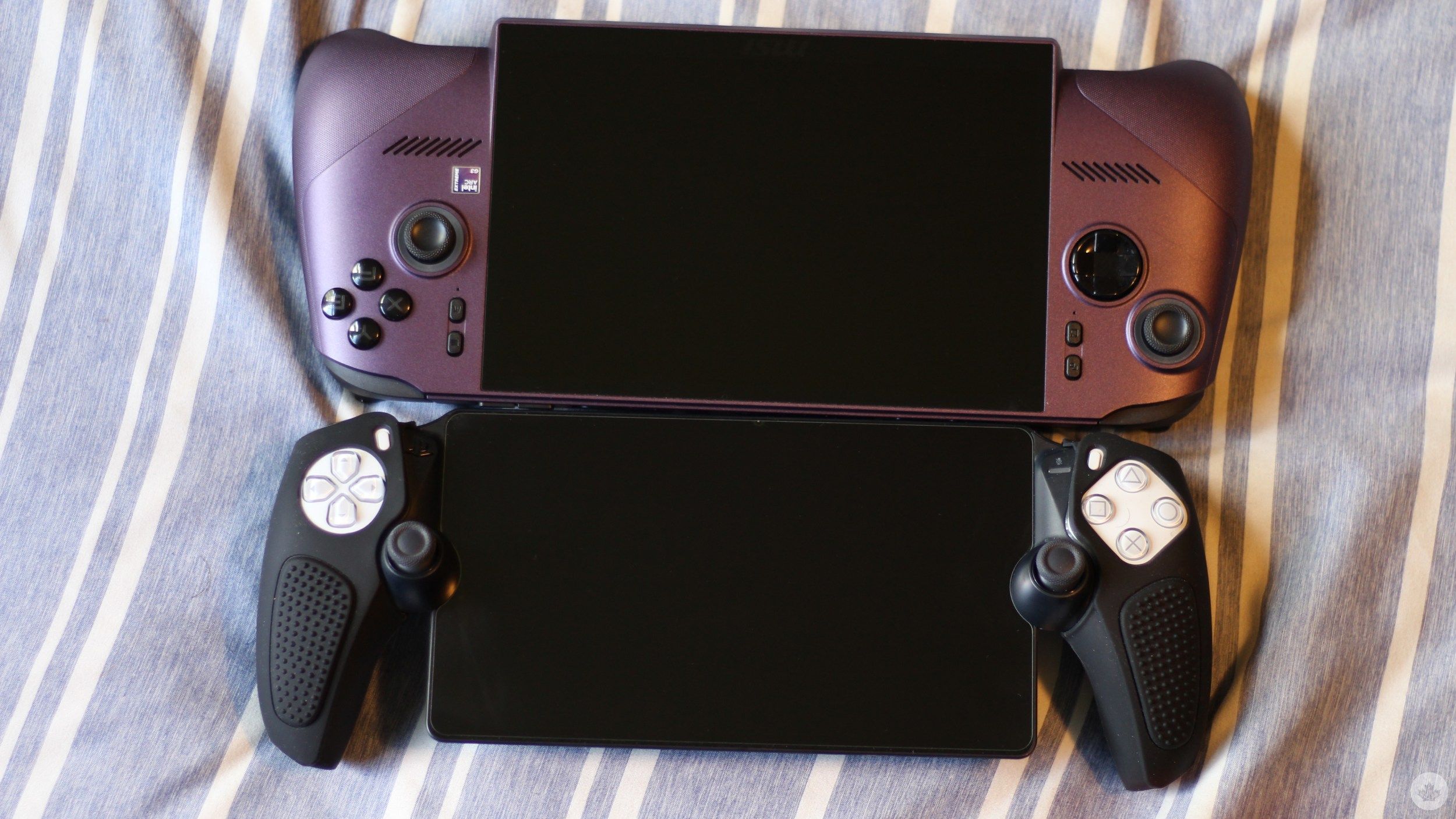
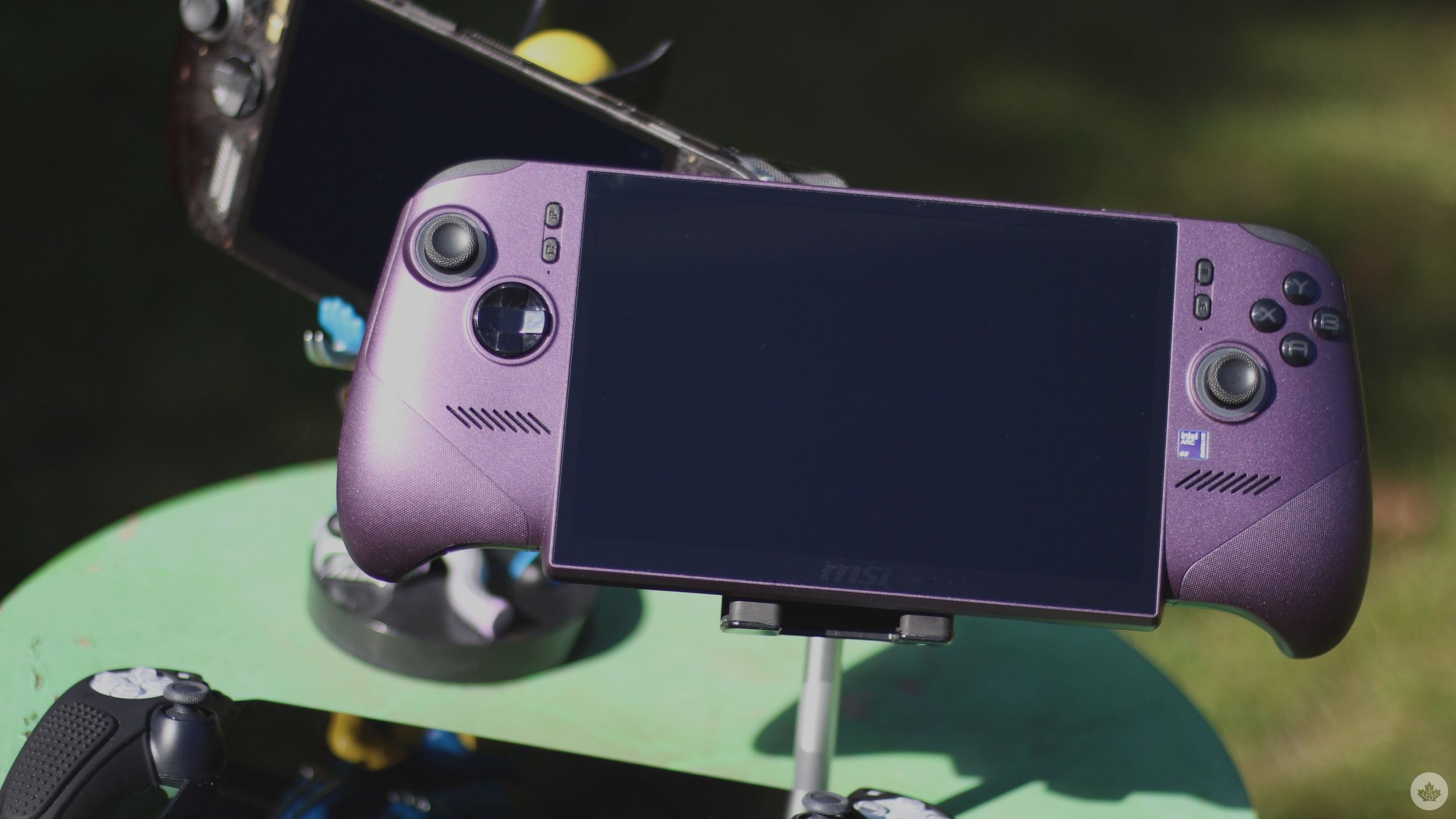
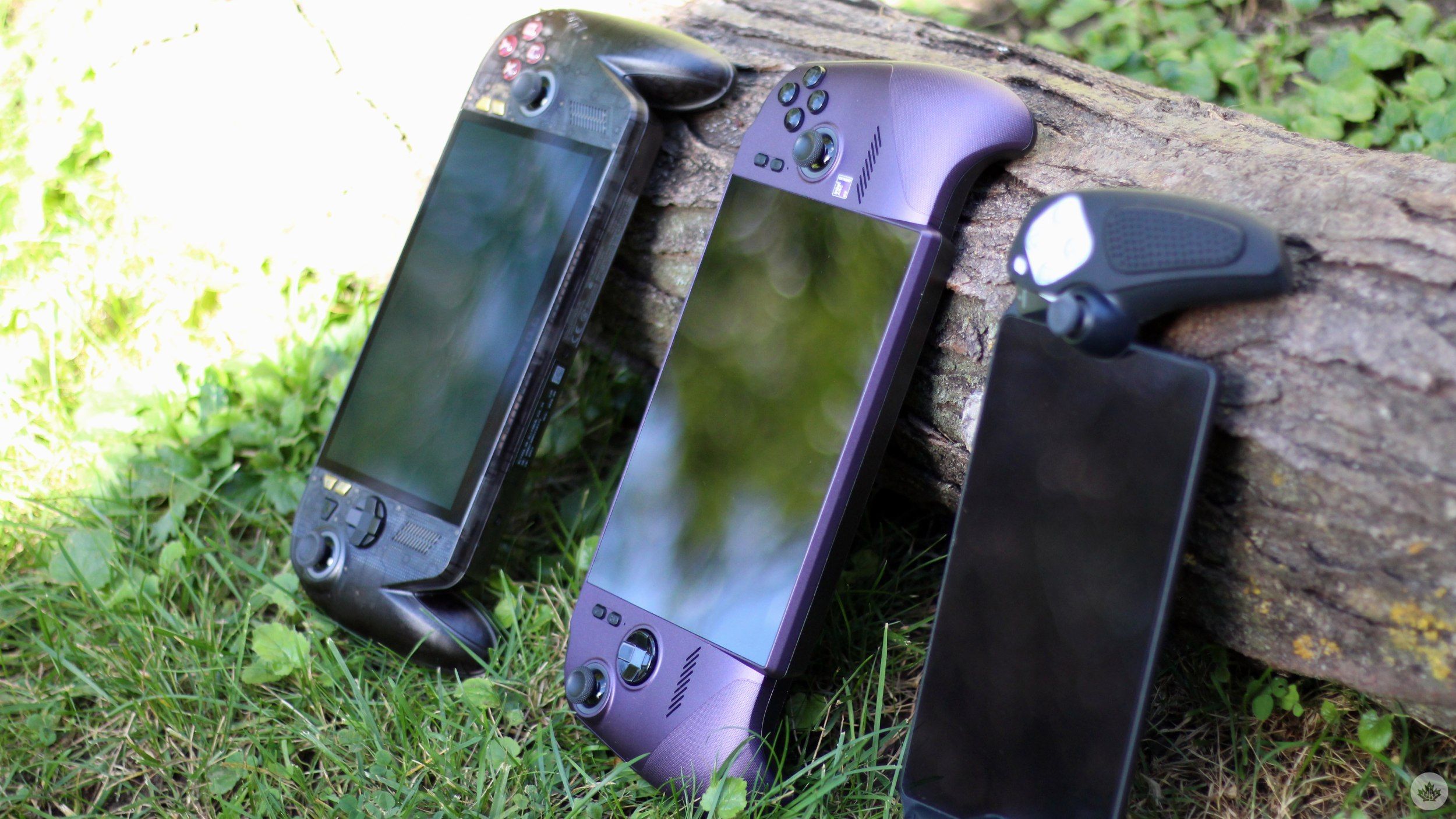
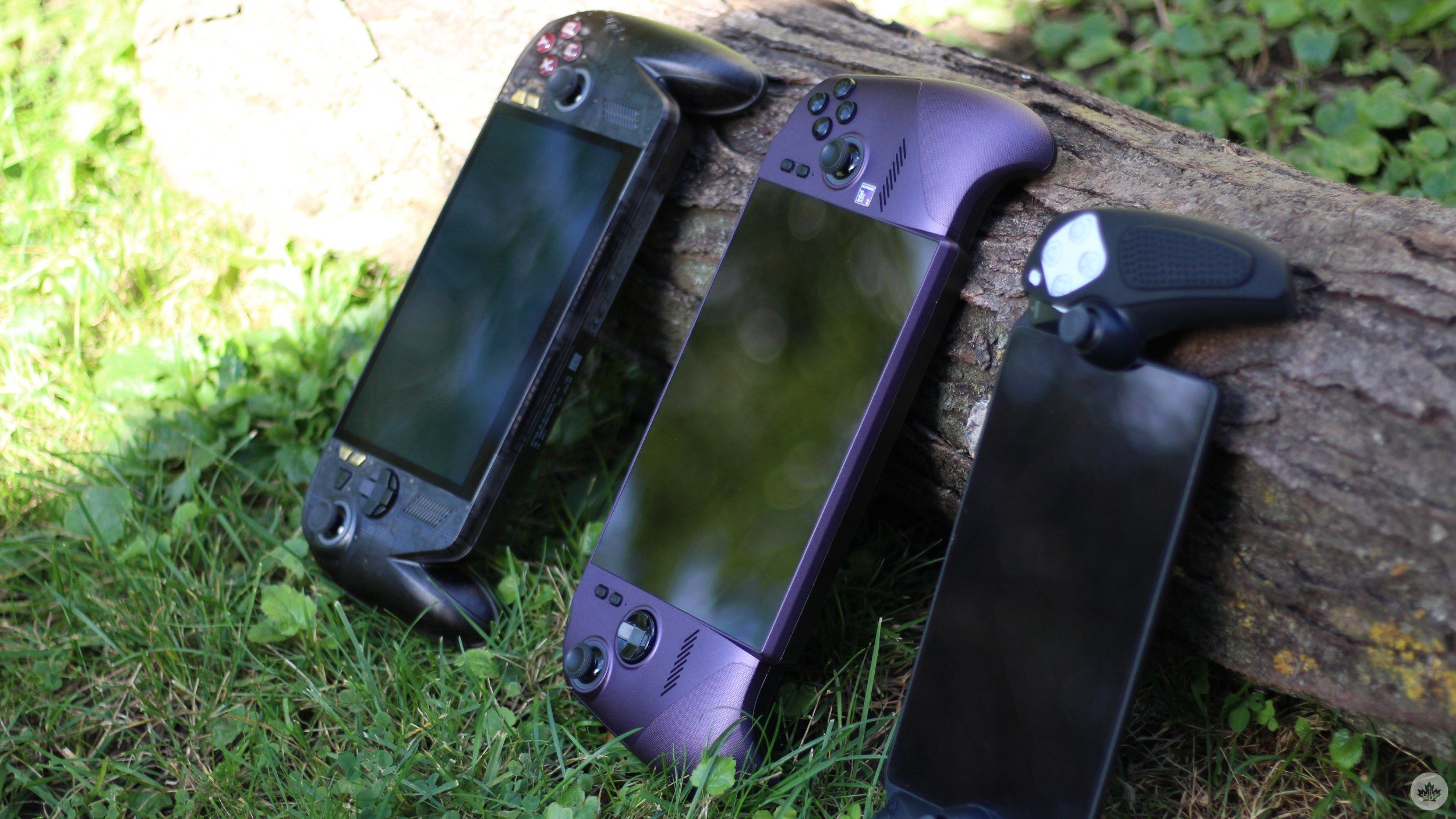
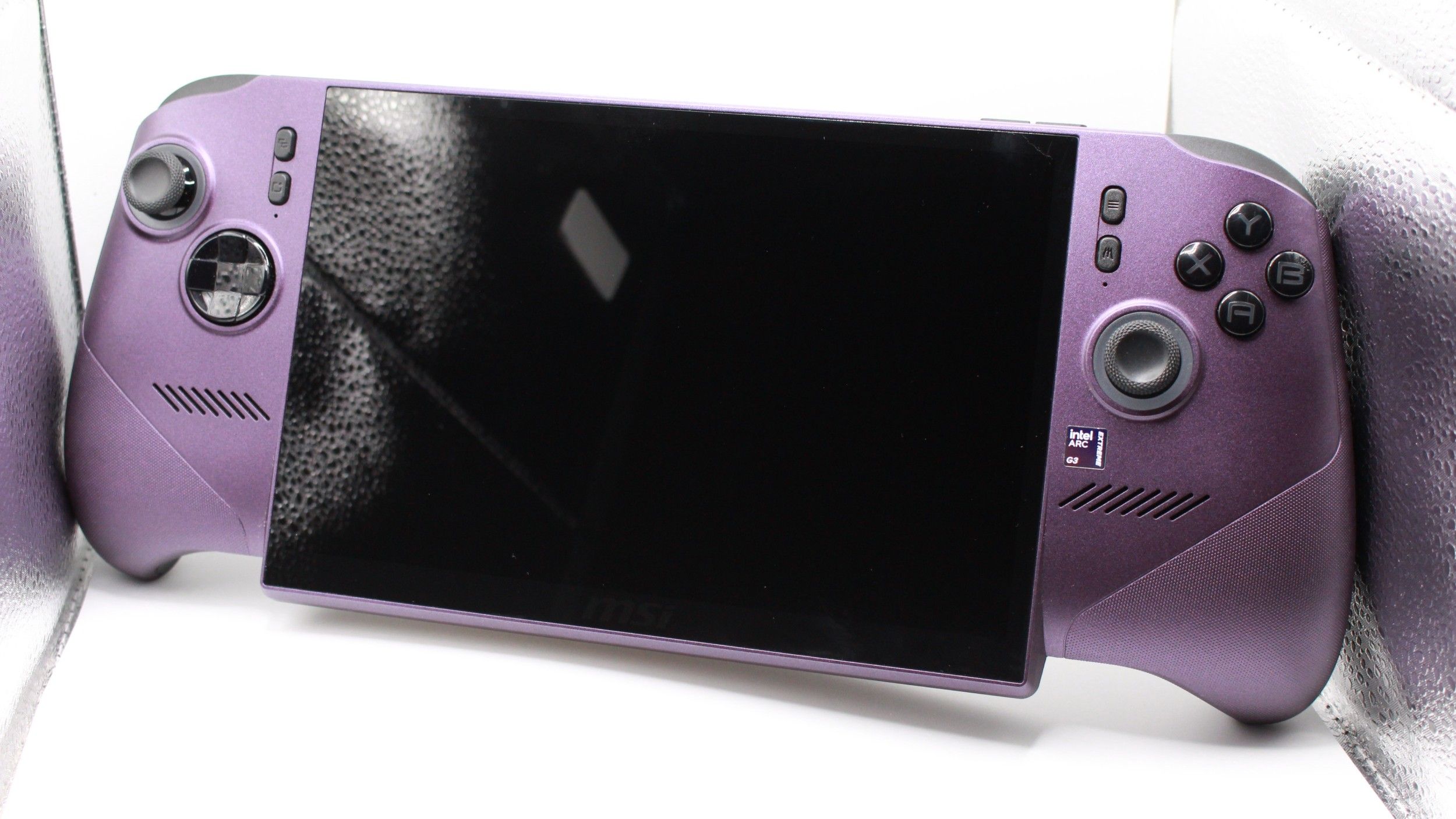
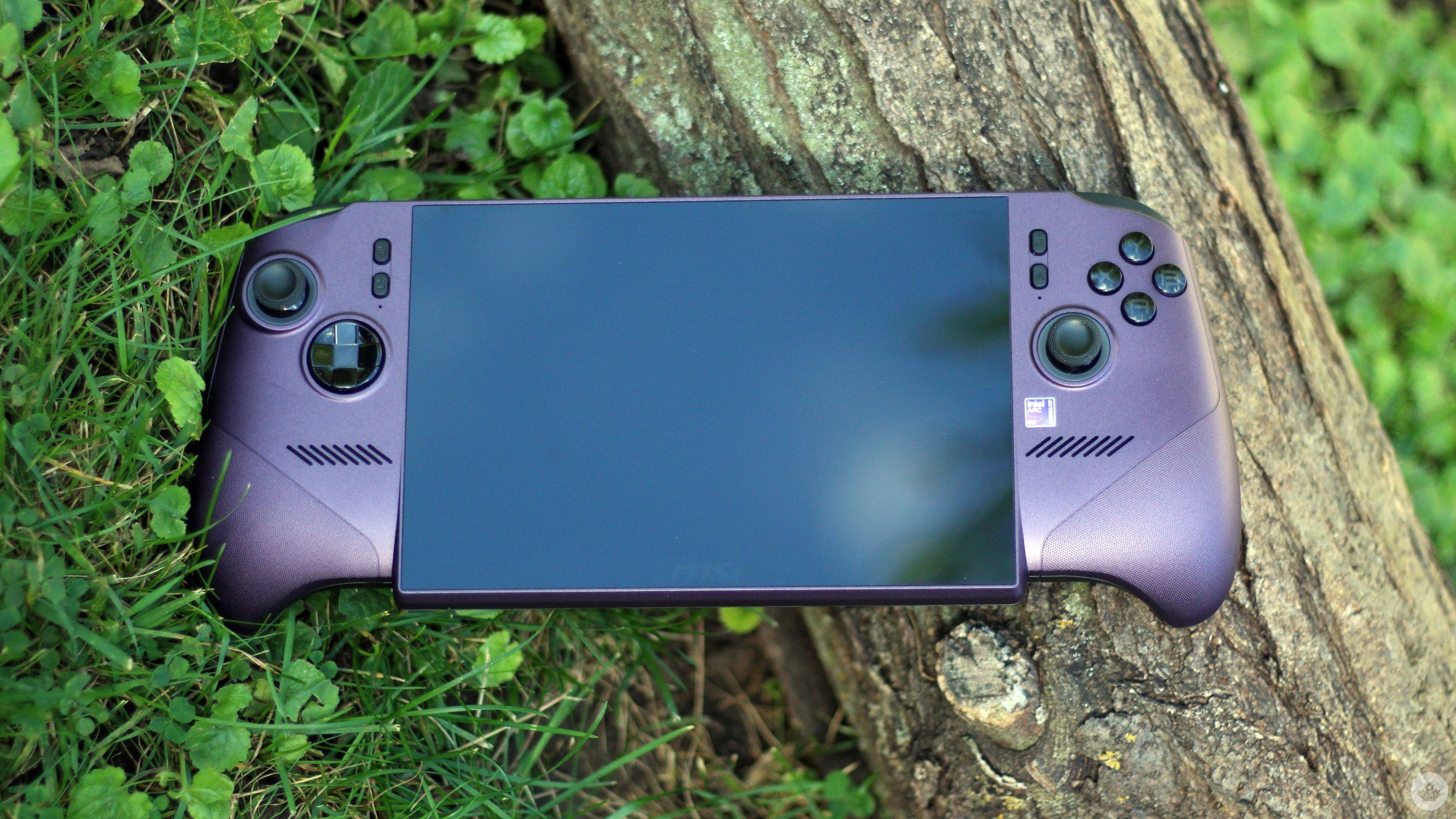
This might be a pro for some and a con for others. The new handheld has an 8-inch display and weighs 785g. The Steam Deck OLED, in comparison, weighs 640g. The extra weight does add up, and I’ve found my hands fatiguing with extended use. I wouldn’t necessarily call the new Claw light, but it is portable enough to carry around with ease, and I rarely ever found myself struggling to grip the handheld during shorter gaming sessions. That can be attributed to the Claw’s new controller-like design.
For reference, up until now, all Claws have had that flatter, slab-like rectangular look. The Claw 8 EX AI+ changes that by adopting more rounded grips that sit in the palms of your hands much better. It sure doesn’t make the 785g weight disappear, but it does make it a bit more manageable.
Circling back to the display, it has a peak brightness of 500 nits, which, for the most part, offers a perfectly usable experience outdoors. However, dark scenes do suffer, and direct sunlight quickly exposes the limits of the new Claw’s IPS panel. Yep, you’re getting an LCD IPS panel for $2,200.
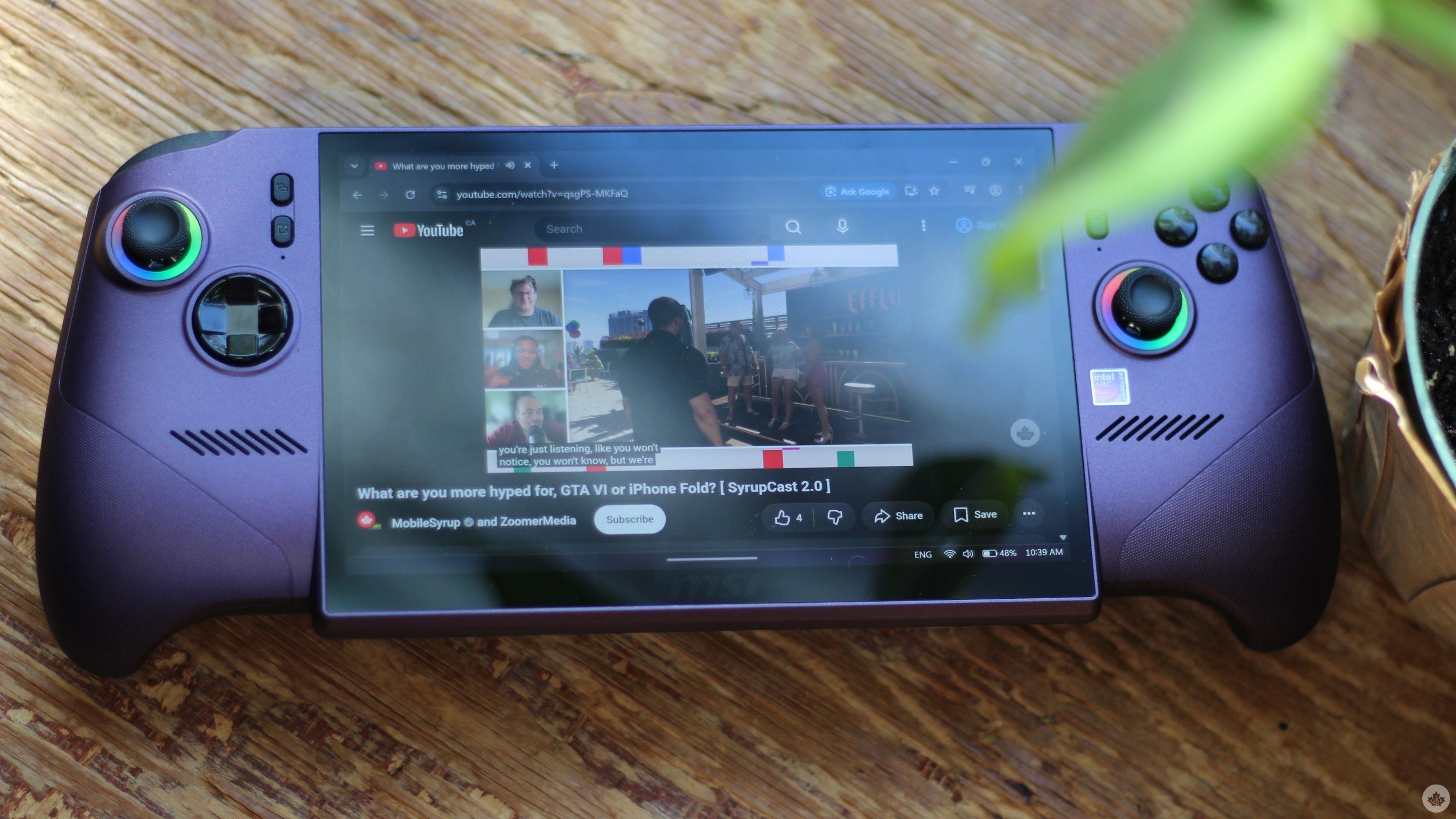
The new Steam Deck and the Lenovo Legion Go 2 both feature OLED panels with 1,000 nits of peak HDR brightness and an overall better contrast ratio and colour gamut. Even Asus’ upcoming ROG Ally X20 is confirmed to rock an OLED panel with 1,400 nits of HDR brightness, making the new Claw’s IPS display feel hard to justify, especially at its price point.
It’s not a bad screen by any means, with a 1,920 x 1,200 resolution and a 48-120Hz variable refresh rate, but at this price point, and especially with competitors going for OLED panels, a glare-y IPS panel doesn’t cut it. That, however, is my only major gripe with the new Claw. In a briefing, MSI told me it is looking into OLED for future handhelds.
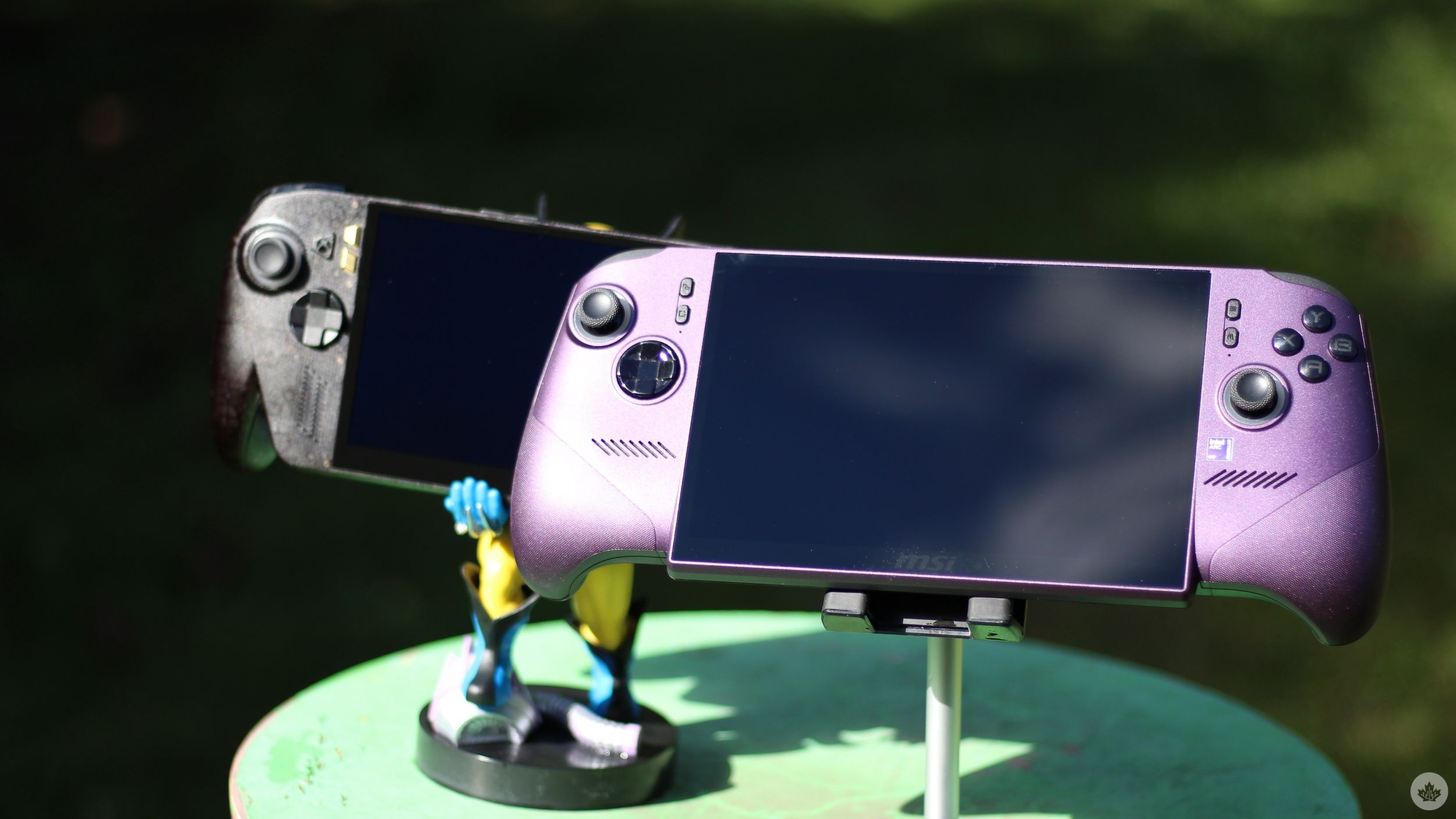
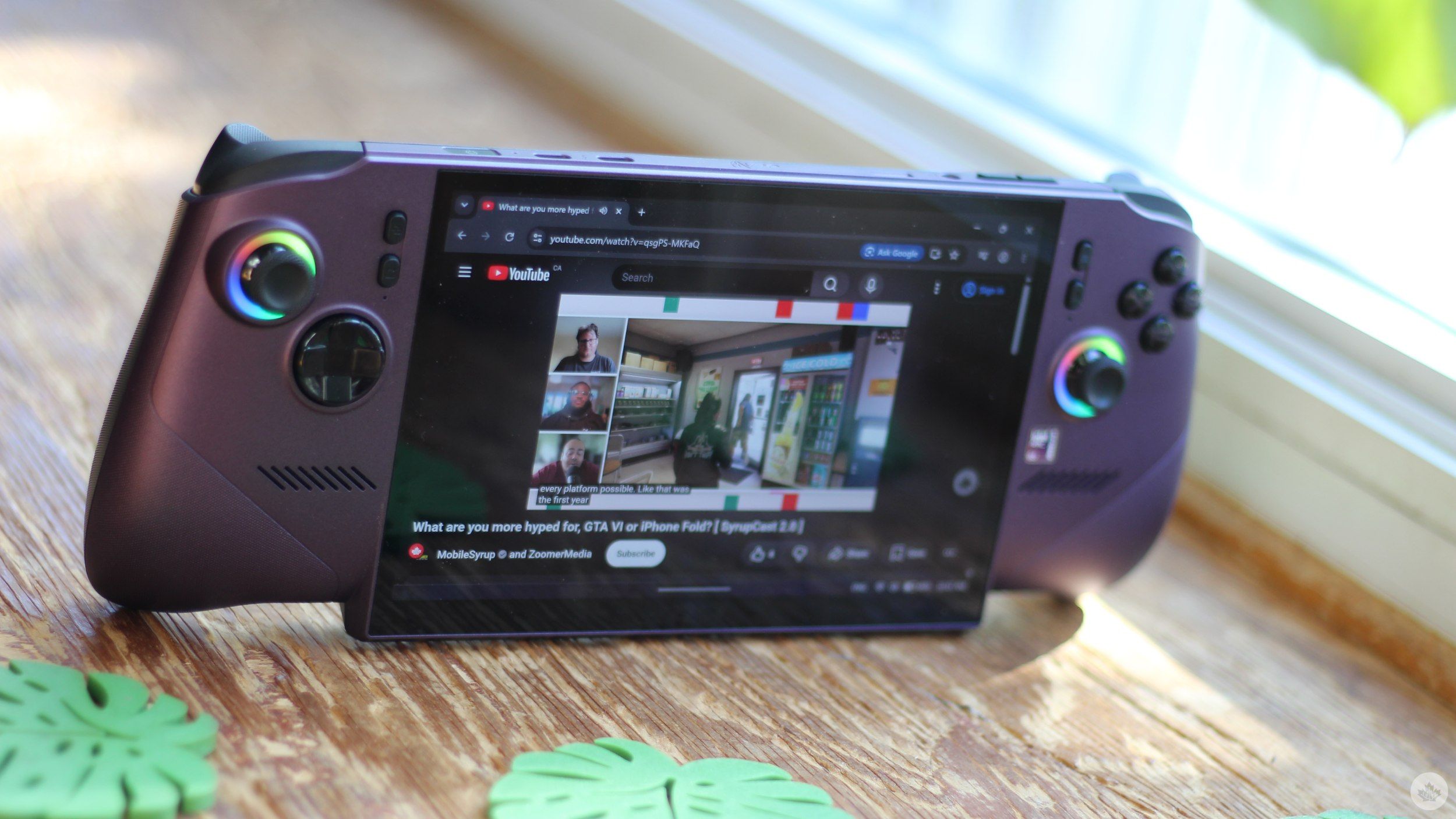
The rest of the handheld feels a lot more in line with the Claw’s premium positioning. Although this might not be a primary reason to buy the Claw, I like the fact that it can stand on the bottom of its display panel. It’s not a design feature that I expect many would care about, but it’s a nifty trick to prop the handheld up when I’m using it to consume content.
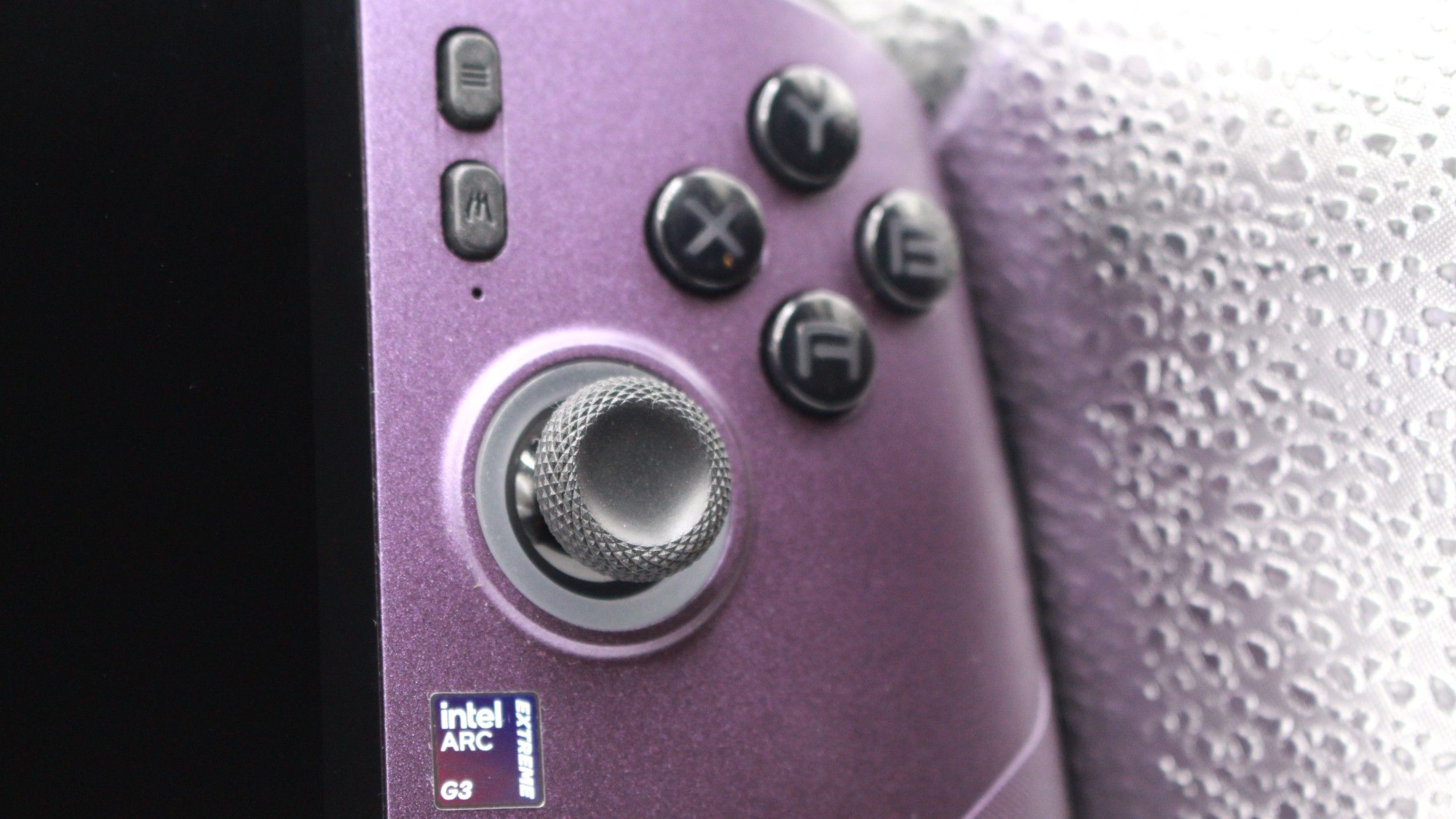
Elsewhere, MSI says that, compared to previous generations, the new handheld’s ABXY buttons are more rounded. I didn’t notice much of a change here, and compared to other controllers, the Claw 8 EX AI+ didn’t really stand out much. However, taken together with the D-Pad, the conveniently placed joysticks, which now use Hall Effect sensors, by the way (you don’t need to worry about drift!), and easy-to-reach M1 and M2 back buttons, the Xbox-like layout feels well thought out and comfortable to use.
I personally wouldn’t put the overall control experience in the same league as the PS5 controller and its layout, but that’s an argument for a different day.
5 images
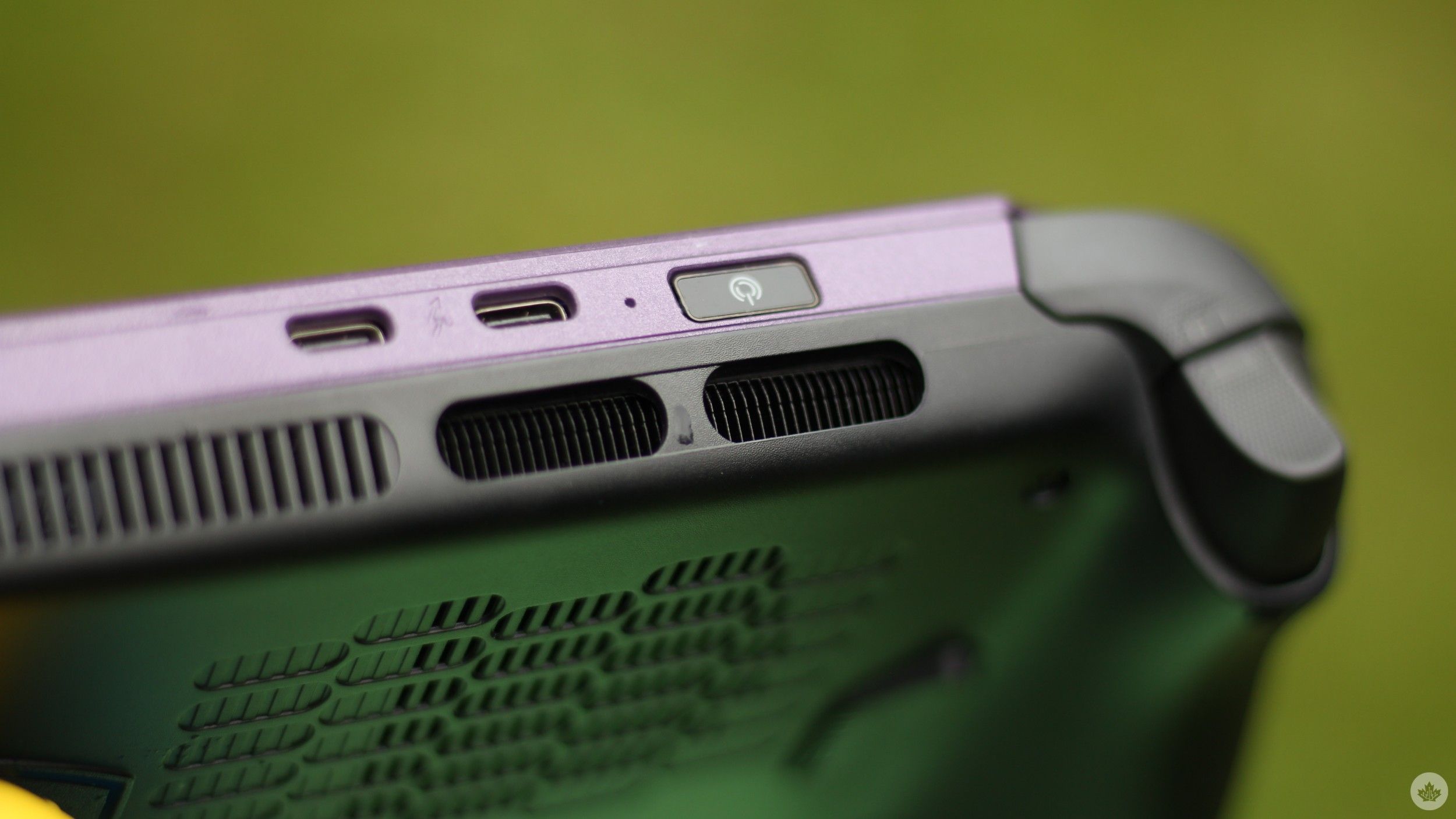
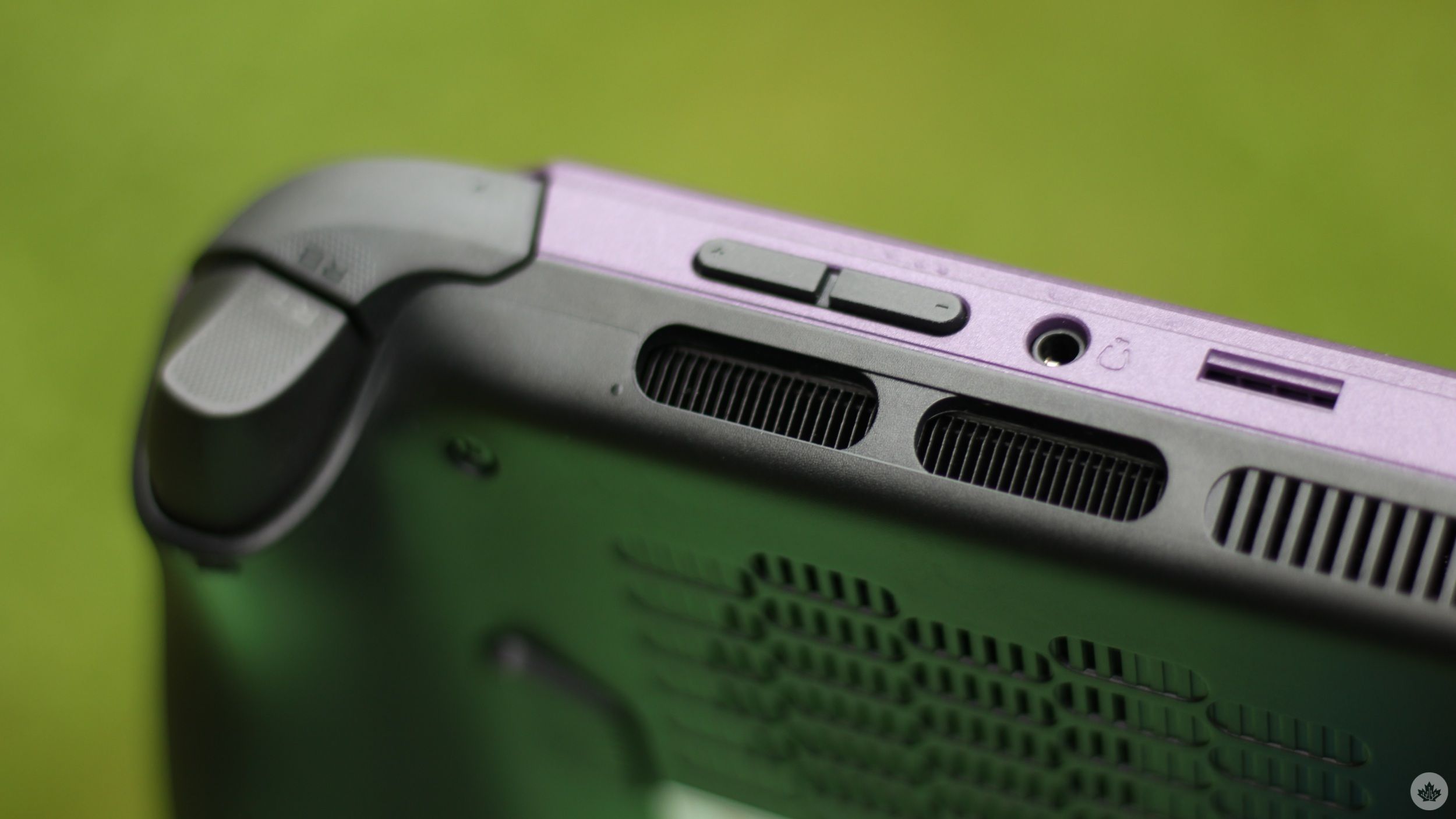
The new Claw is generous when it comes to connectivity too. The device has two Thunderbolt 4 ports along the top, alongside a microSD Express card reader, a 3.5mm audio jack, volume controls, and a power button that doubles as a fingerprint reader.
All ports and buttons, barring the main controller ones, are limited to the top of the device. This does make charging while gaming a little awkward, considering that the charging cable has to dangle from the top. The same applies when you connect the handheld to a monitor. A bottom placement for one of the ports would have made sense, but its absence doesn’t necessarily break the experience.
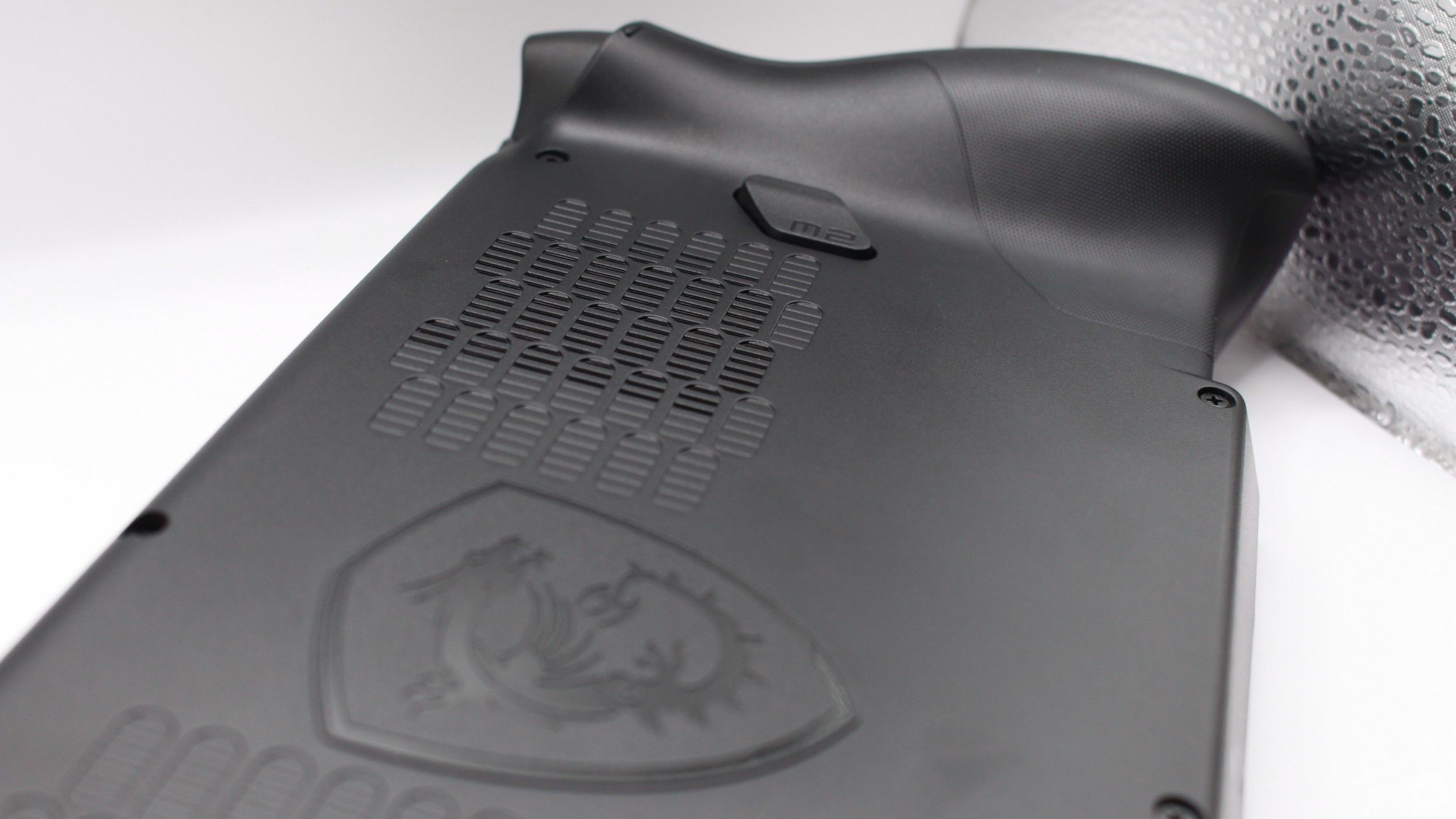
On the other hand, MSI seems to have nailed the internals. I pried the Claw’s back open to reveal what’s inside, and unsurprisingly, the handheld’s 80Wh battery occupies a large part of the inside. I could squeeze roughly 3 hours of gaming on MSI’s Endurance Mode, while maxing out power gave me around an hour of gaming. More on that later.
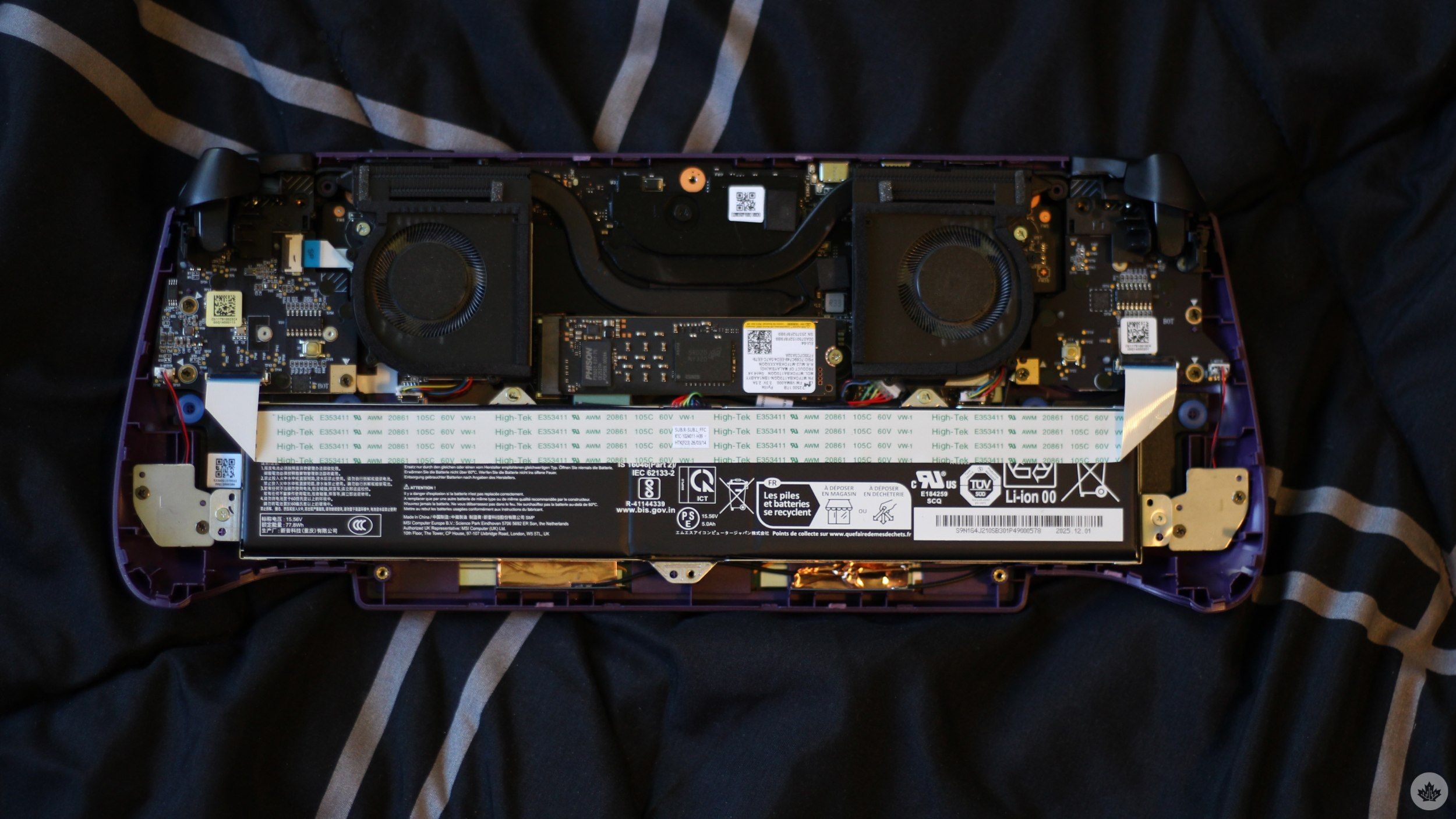
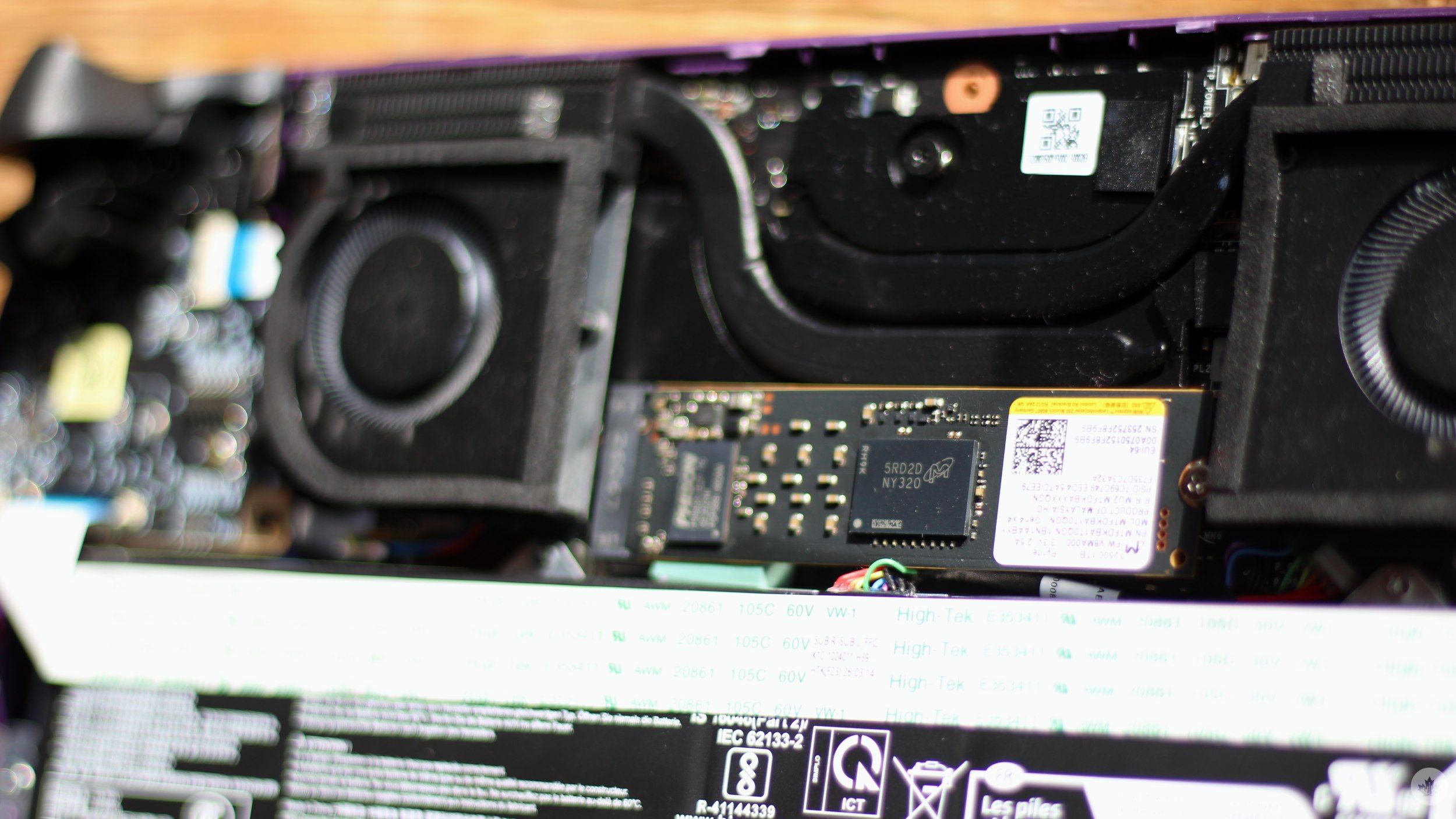
Two fans cool the handheld, and from my brief time with the new Claw, I can confirm that the fans do a great job. The handheld never really got hot, even during extended gaming sessions, with the only noticeable heat coming from the exhaust vents.
For what it’s worth, the fans do become audible under sustained load, but nothing crazy. Of course, I’ve only had the Claw 8 EX AI+ for a short duration. It will take longer-term use to see how well the cooling system holds up, especially after factors like dust buildup come into play.
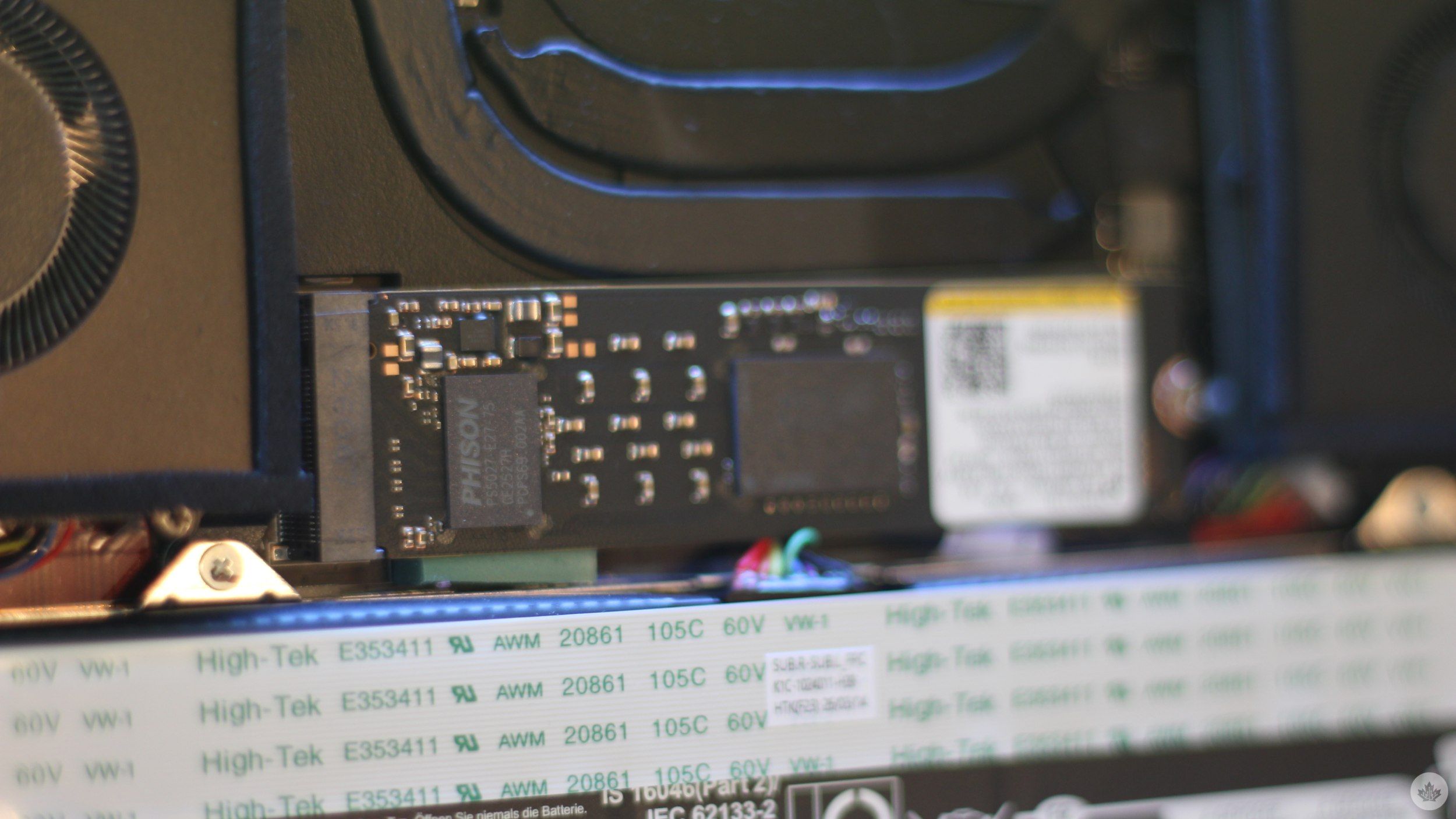
Elsewhere, prying the back open also gave me a clear look at the 1TB SSD. MSI is using a PCIe Gen 4 x4 M.2 2280 SSD, making future at-home storage upgrades relatively straightforward.
Arc G3 Extreme is the real star here
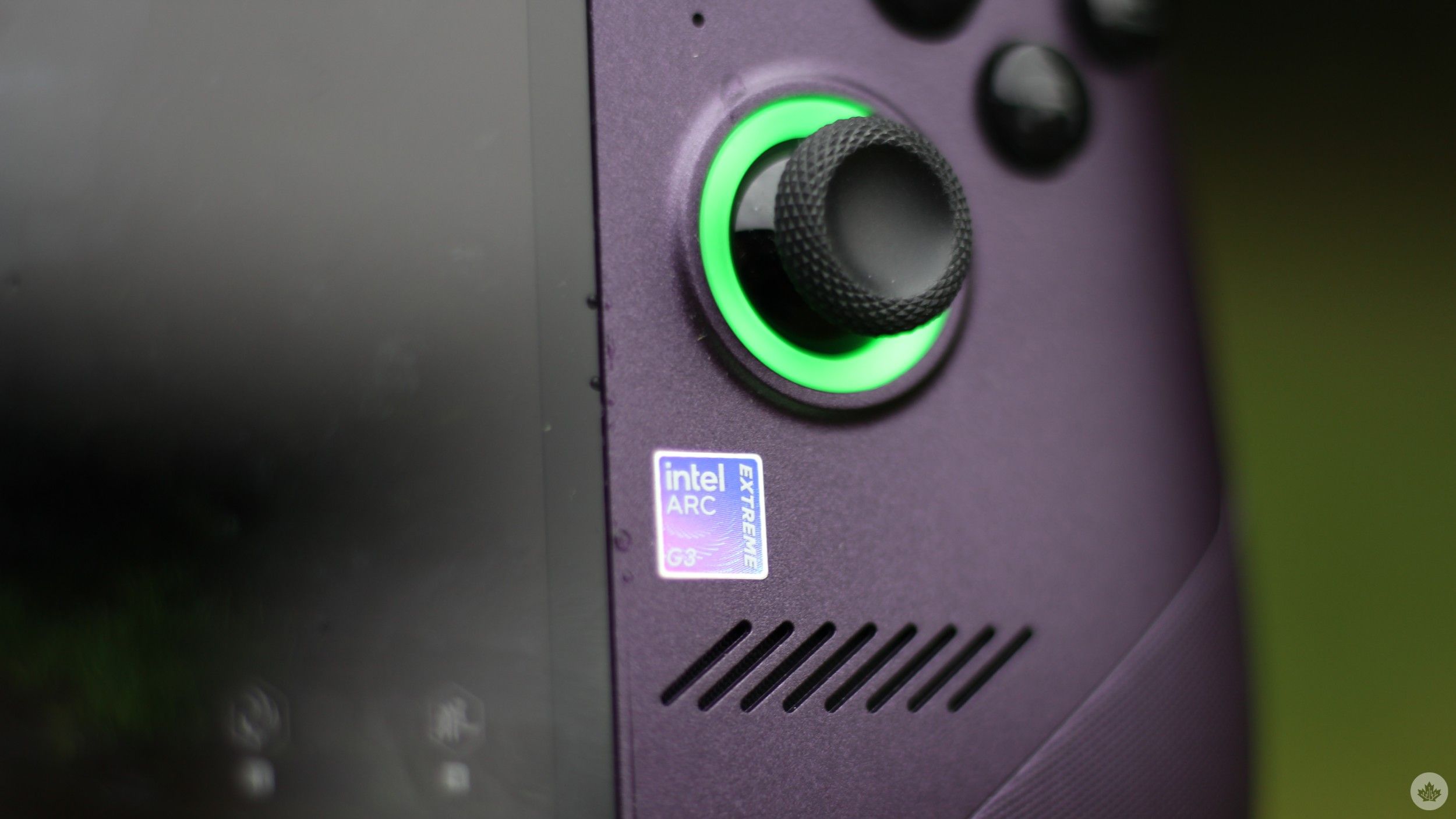
The 14-core CPU (2 Cougar Cove performance cores, 8 Darkmont efficiency cores, and 4 Darkmont low-power efficiency cores) is paired with Intel’s integrated Arc B390 graphics. You might have come to associate “integrated” graphics with weak performance, but that’s really not the case here.
For starters, MSI gives you a lot of control over performance. I could manually set the Claw’s PL1 as high as 35W and PL2 to 45W. For reference, PL1 figures represent the amount of power, in watts, that a processor can draw and sustain over long and continuous workloads. PL2 figures represent higher short-term power limits that a processor can draw for brief moments when performance is needed. MSI’s last Claw, the Claw 8 AI+, maxed out at 30W PL1 and 37W PL2.
For the Arc G3 Extreme, being able to draw more power equals more room to offer better performance, but that does come at a cost.
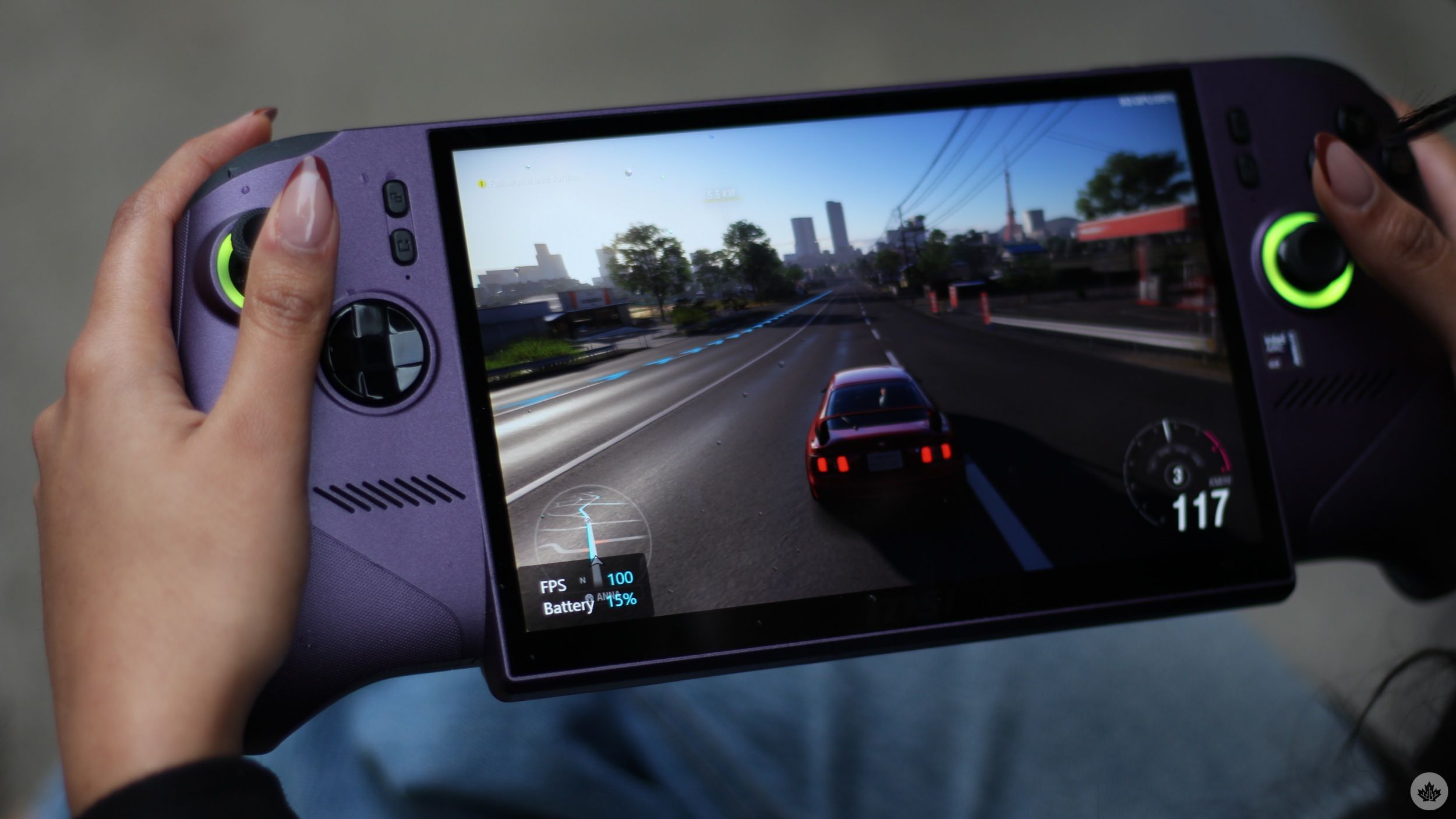
Using the new Claw on its max power draw settings does force its fans to work harder, but as I mentioned earlier, they do a surprisingly good job of keeping the handheld cool without getting too loud. The bigger trade-off, however, is battery life.
Yep, the Claw is a portable device, but running it at full power while you’re out and about simply isn’t practical. As I mentioned earlier, maxing out the Claw gave me roughly an hour of gaming, with slight discrepancies depending on brightness.
That quick battery discharge is precisely why the Claw offers power modes. When you’re at home, you can plug the Claw in and let the Arc G3 Extreme go crazy. And when you’re actually using the device as a portable machine, you can tweak PL1 and PL2 to something more conservative. MSI says 17W offers a good sweet spot between performance and efficiency, and the same goes for the pre-built Endurance Mode.
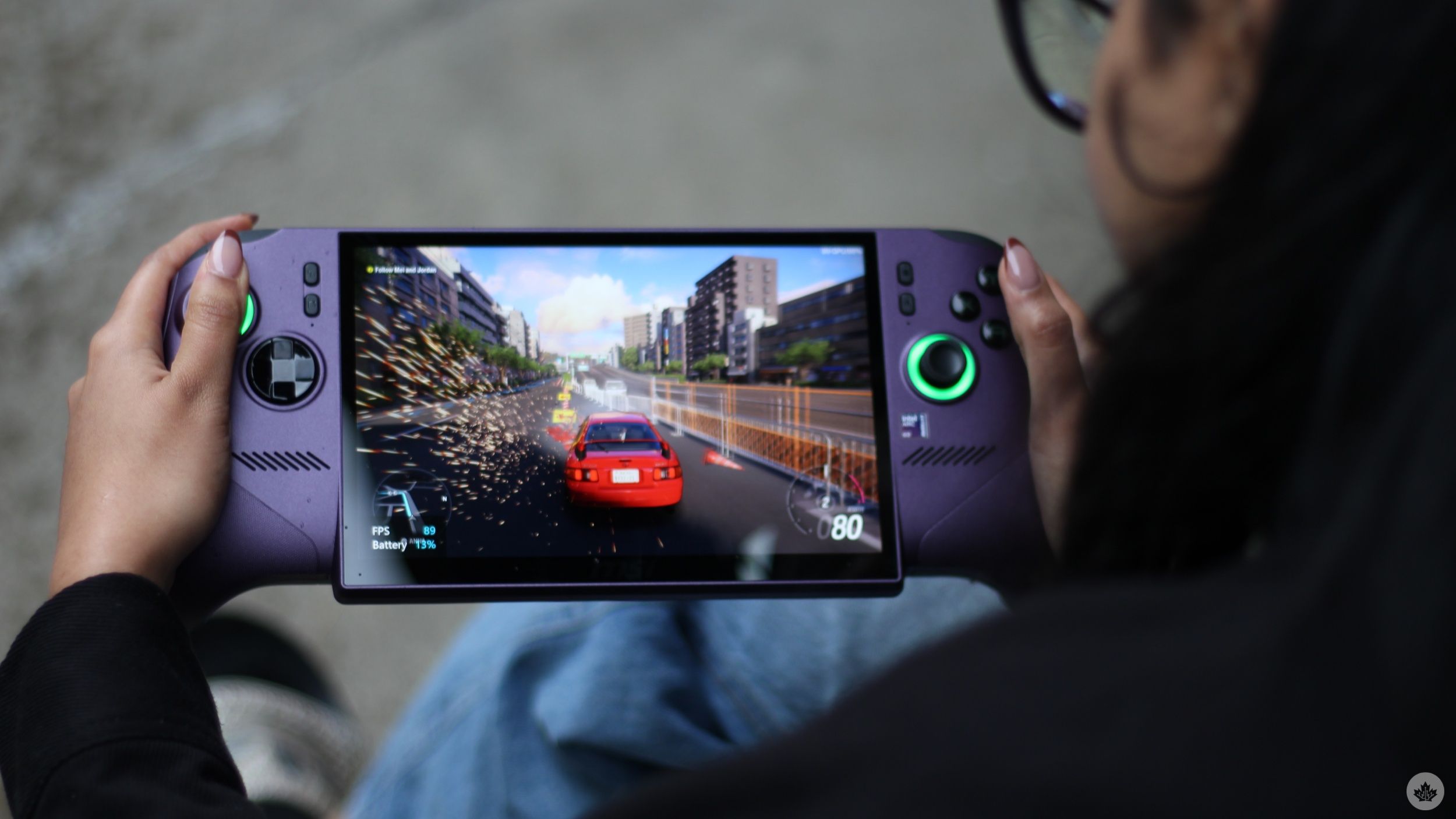
When running Forza Horizon 5 at 1,920 x 1,200 resolution, high settings, and XeSS disabled, I recorded 78fps in Endurance Mode, albeit when connected to power. When unplugged, Endurance Mode caps framerates at 30 by default, though you do have the option to raise the limit to 40 or 60fps. Manually pushing PL1 to 35W and PL2 to 45W under the same settings pushed the game all the way up to 110fps.
Then there’s the MSI AI Engine. It automatically adjusts your system’s power consumption based on what you’re doing, and it seems to work pretty well. When simply using the handheld for browsing, looking for games, downloading them, or using the handheld as a mini PC, the mode keeps power draw relatively low. It automatically ramps up when it detects you’re gaming. Under the same Forza Horizon 5 settings as mentioned above, AI Engine mode returned 103fps and 102fps across two identical runs. That’s remarkably close to the 110fps max I recorded while manually pushing the Claw to its limits.
It’s worth noting that I was stuck at 47fps during one AI Engine Horizon 5 benchmark run, though that seems to have been an anomaly, as I haven’t been able to reproduce it.
All of the figures above were without any type of upscaling involved. However, I also wanted to see how well the Arc G3 Extreme would manage more demanding titles, where upscaling would need to do some of the heavy lifting. I turned to Black Myth: Wukong for that.
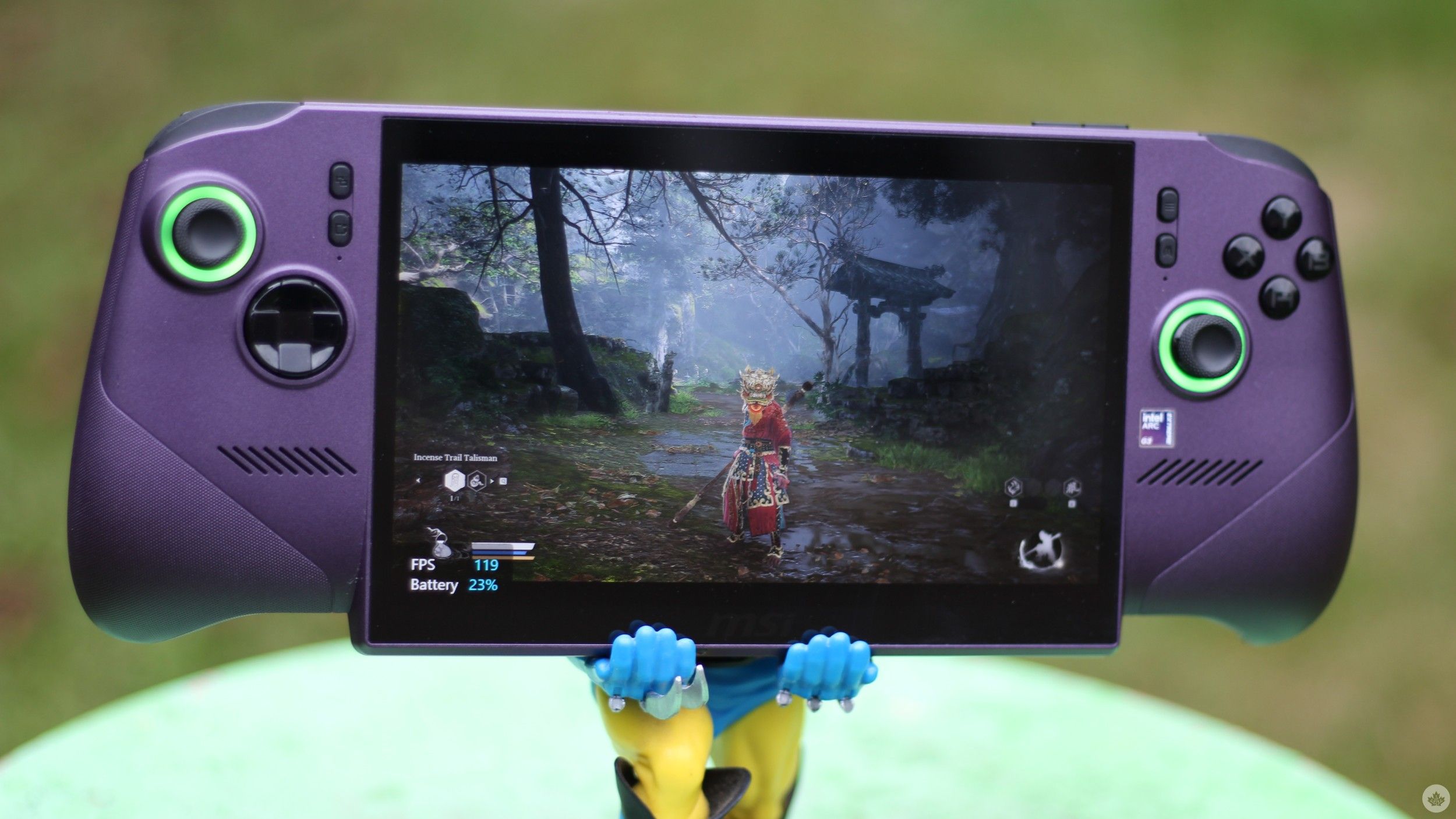
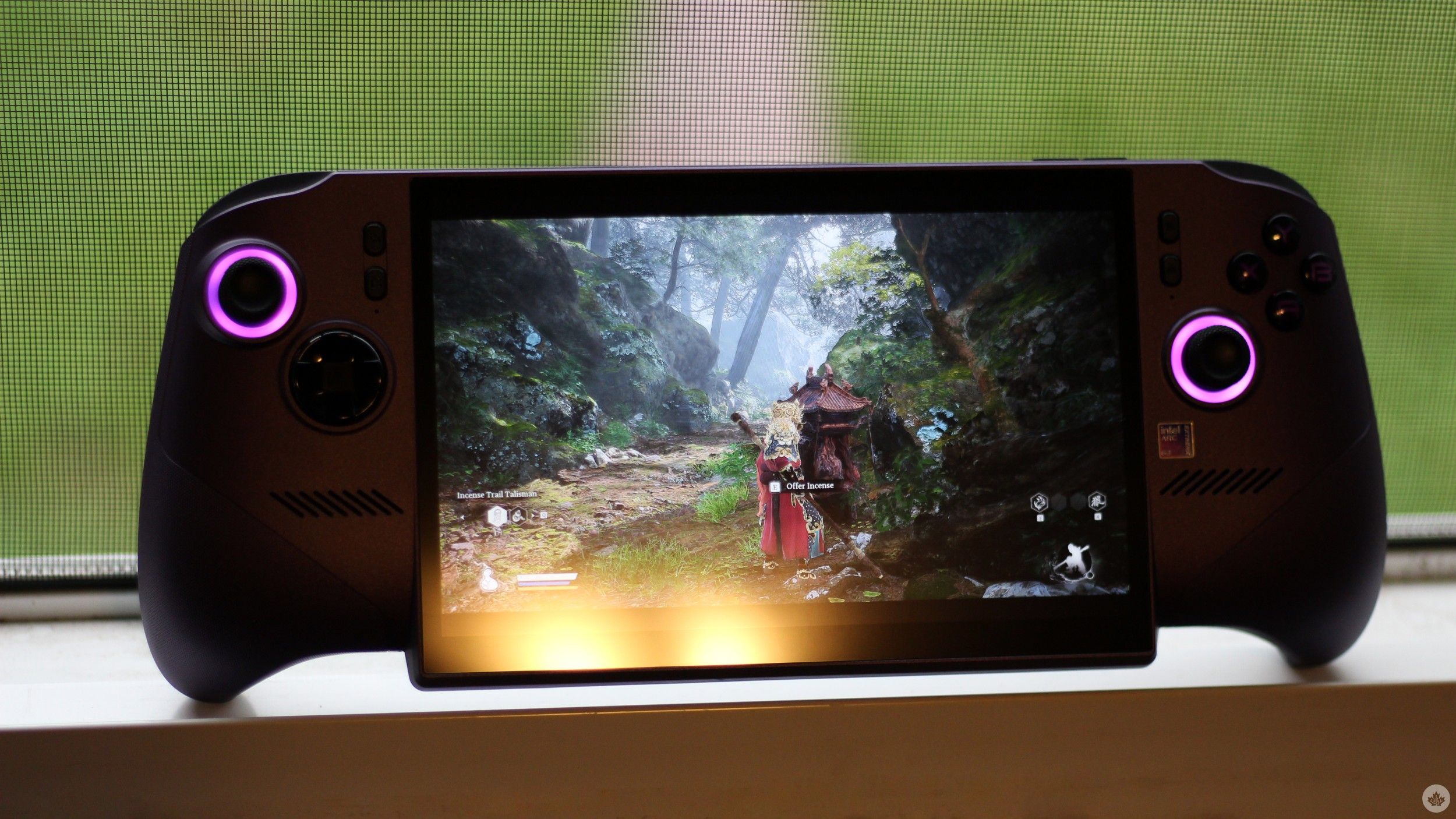
I tested Intel’s XeSS and frame generation across a repeated area in the game with the same enemies and surroundings, and that’s when the benefits of Intel’s chip became even more apparent.
With the Claw ramped up to the max and Black Myth: Wukong’s in-game settings on high, the handheld offered 50-60fps with XeSS enabled and frame generation off. With frame generation enabled, that figure climbed all the way up to 85-110fps. Although the increase is immediately noticeable visually, it’s important to remember that generated frames aren’t equivalent to natively rendered ones.
Considering that input and game responsiveness are still tied to the original underlying framerate, Wukong looked great at 85-110fps with frame gen on, but it didn’t necessarily feel as responsive as a game actually running natively at 85-110fps. That said, the underlying 50-60fps was already plenty responsive, so frame generation made sense here.
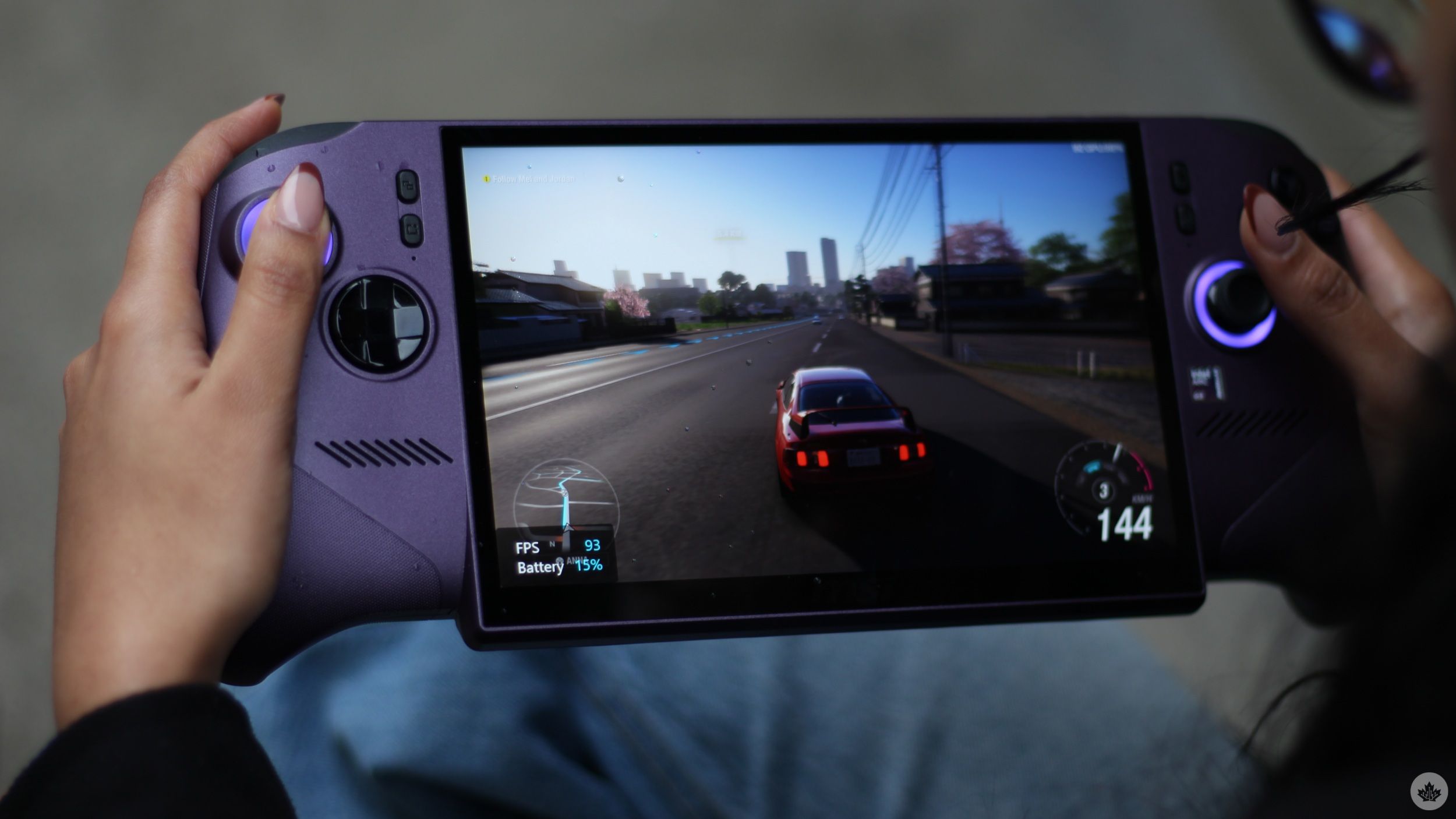
Similarly, with AI Engine mode and frame generation disabled, the Claw offered 42-47fps. With frame generation enabled, the same run offered 70-83fps. That’s already much better than what most mid-range pre-built PCs, or higher-end PCs from a few years ago, offer.
I tried the same Wukong run on Endurance Mode (while plugged in), and that, naturally, pulled things back considerably. With frame generation disabled, I recorded 29-37fps. With frame gen enabled, the same run got bumped up to 46-58fps, which was still perfectly playable.
For what it’s worth, Forza Horizon 5 already runs so well on the Arc B390 GPU that I didn’t need to rely on frame gen. More demanding titles are where the technology makes a stronger case for itself.
More than a gaming machine
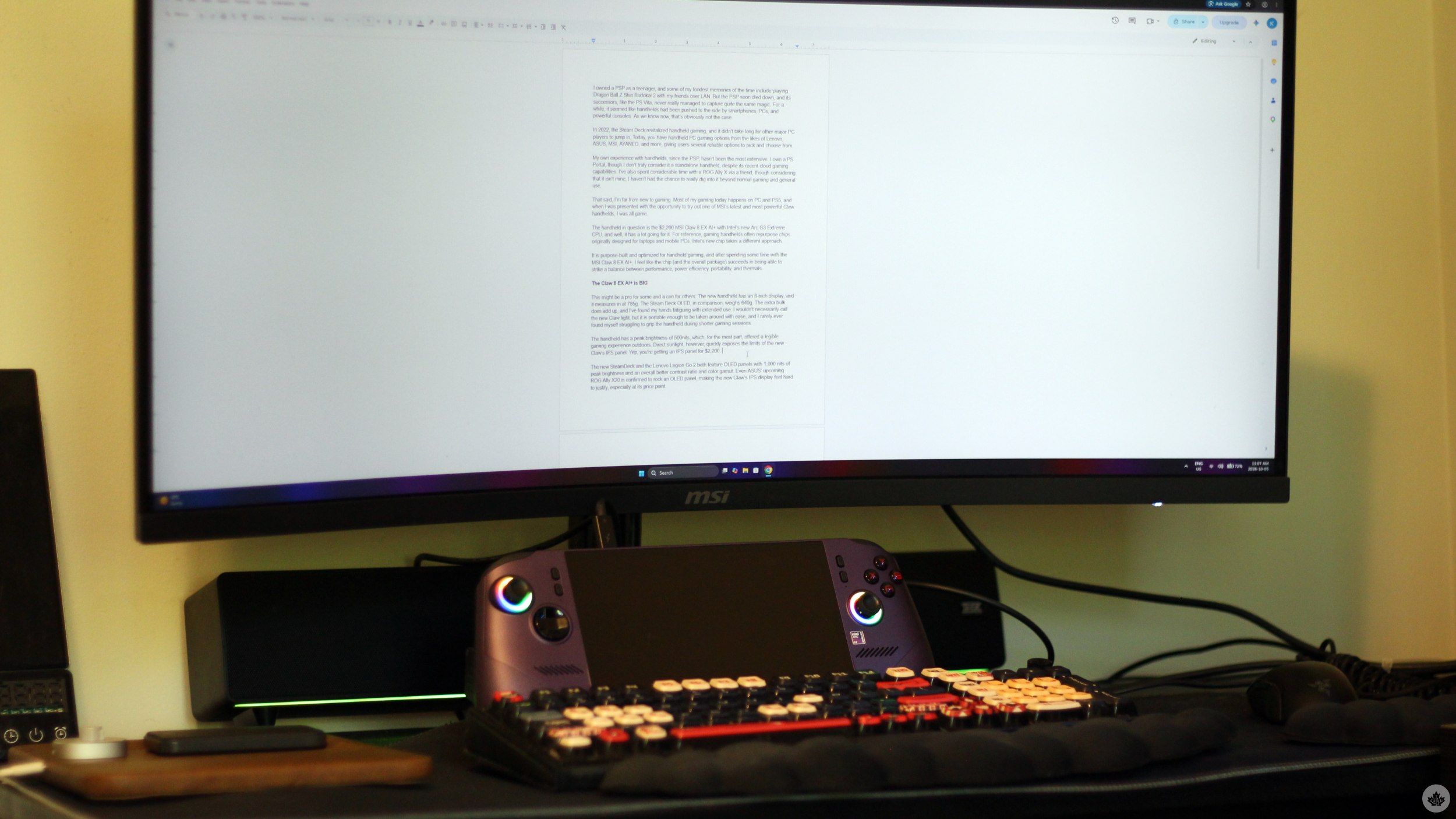
Gaming is, of course, the most important aspect of the new Claw. However, considering that it can double as a capable mini PC, I had to run some other general tests. Directly connecting the Claw to an external monitor through one of its Thunderbolt 4 ports is simple, though with additional peripherals in the picture, a dock serves as a good addition to the setup.
I wrote much of this review using the Claw as a mini PC, and everything went smoothly. At the risk of sounding redundant, using the Claw as a mini PC for everyday tasks is going to be a breeze.
I ran Geekbench 7 with Windows set to the Balanced power option, and the Arc G3 Extreme came back with a single-core score of 2,256 and a multi-core score of 14,661.
I also ran Cinebench with the Claw pushed to its maximum settings, and it returned a single-thread score of 410 and a multi-thread score of 3,511.
Based on the CPU benchmarks, the Arc G3 Extreme leaves the AMD Ryzen AI Z2 Extreme, the processor that Asus is using in its latest ROG Ally, in the dust. At least on paper. This makes the Claw 8 EX AI+ among the most, if not outright the most, powerful PC gaming handhelds on the market right now.
For what it’s worth, I’m going hands-on with the new Ally too, so it’ll be interesting to try out AMD’s offering after spending considerable time with the Arc G3 Extreme.
Who is the Claw 8 EX AI+ actually for?
The MSI Claw 8 EX AI+ is an enthusiast-grade device that’s built for those with deep pockets. Don’t get me wrong, the handheld is seriously impressive. The Arc G3 does a lot of the heavy lifting, while MSI’s controls give you enough room to balance power and performance. However, $2,200 is a lot to ask.
At that price, you’re already encroaching on the upper mid-range and the lower-high-end range of gaming laptops that offer better performance, and that makes some compromises of the Claw, and PC gaming handhelds in general, harder to ignore. To get the most out of demanding AAA games, you’d need to run the handheld at its maximum settings, with additional tools like frame generation enabled. This absolutely decimates the Claw’s battery life.
So, essentially, your options are either to run the Claw in a lower power mode and sacrifice performance, get roughly an hour of high-performance portable gaming, or simply keep the device plugged in for extended gaming sessions. That’s exactly where the value proposition starts to get murky for me. If I’m going to have to keep the device plugged in for demanding gaming sessions, I’d rather put my money toward a gaming laptop or a PC.
That, however, is a gaming handheld issue that’s not necessarily limited to MSI. And the company does get a lot right. The handheld’s cooling system is excellent, the device is comfortable to grab and grip, connectivity is generous, and upgrading storage is as seamless as on modern PCs. The star of the show, of course, is the Arc G3 Extreme, which manages to fit impressive gaming performance in an integrated GPU. MSI’s AI Engine is also great at anticipating power needs, while general reliability means the device can easily double as a mini PC.
If you’re someone who wants one of the most powerful PC gaming handhelds available on the market, the steep asking price doesn’t faze you, and you’re fine with the general limitations that involve plugging in handhelds for extended high-power gaming sessions, then there’s no better option than the Claw 8 EX AI+. The LCD is a sore spot in the otherwise premium package, but it’s still sharp, smooth, and something you’ll get used to fairly quickly.
 Gaming
  Reviews
  Reviews
  Reviews