


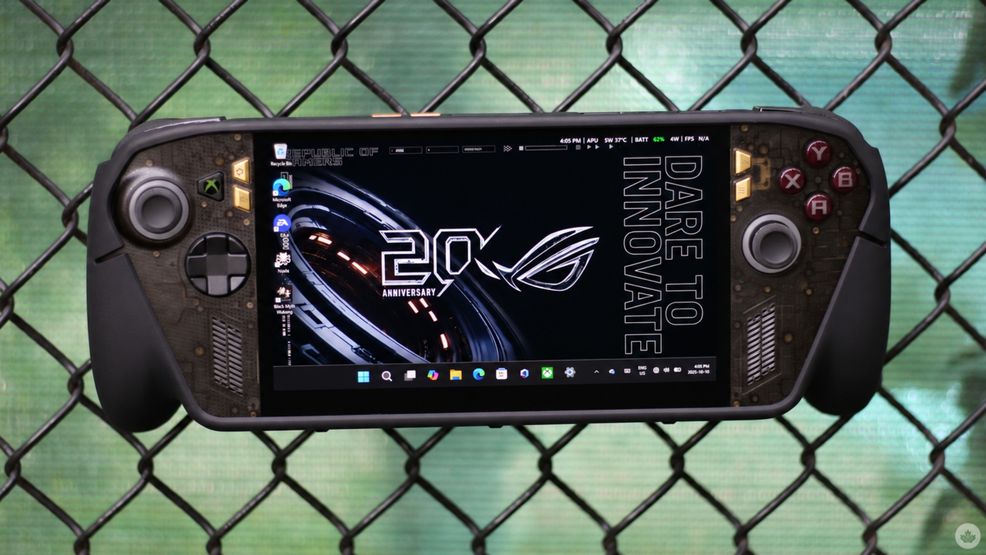
I’m writing this a few days after my MSI Claw 8 EX AI+ review went live on MobileSyrup, and as much as I enjoyed my time with the mean $2,200 gaming machine, it did have its share of cons, including its LCD display. Now, I have Asus’ latest 20th anniversary ROG Xbox Ally X20 in front of me, and it addresses some of the new Claw’s limitations head-on.
The Claw had several appealing features, but its biggest selling point was undoubtedly Intel’s new Arc G3 Extreme chip. With XeSS thrown into the mix, the custom handheld chip proves just how far handheld gaming PCs have come in terms of raw performance. Look beyond the processor, though, and the new Claw loses some of its appeal, especially considering its hefty price.
This is where I feel that Asus can fill the gap. The original Xbox Ally X, released last year, is a more direct rival to the MSI Claw 8 EX AI+, at least when it comes to display technology, since both feature dated LCD panels. However, 2026 marks Asus’ 20th anniversary of its Republic of Gamers (ROG) brand, and the company has gone beyond simply slapping a decorative logo onto an existing product.
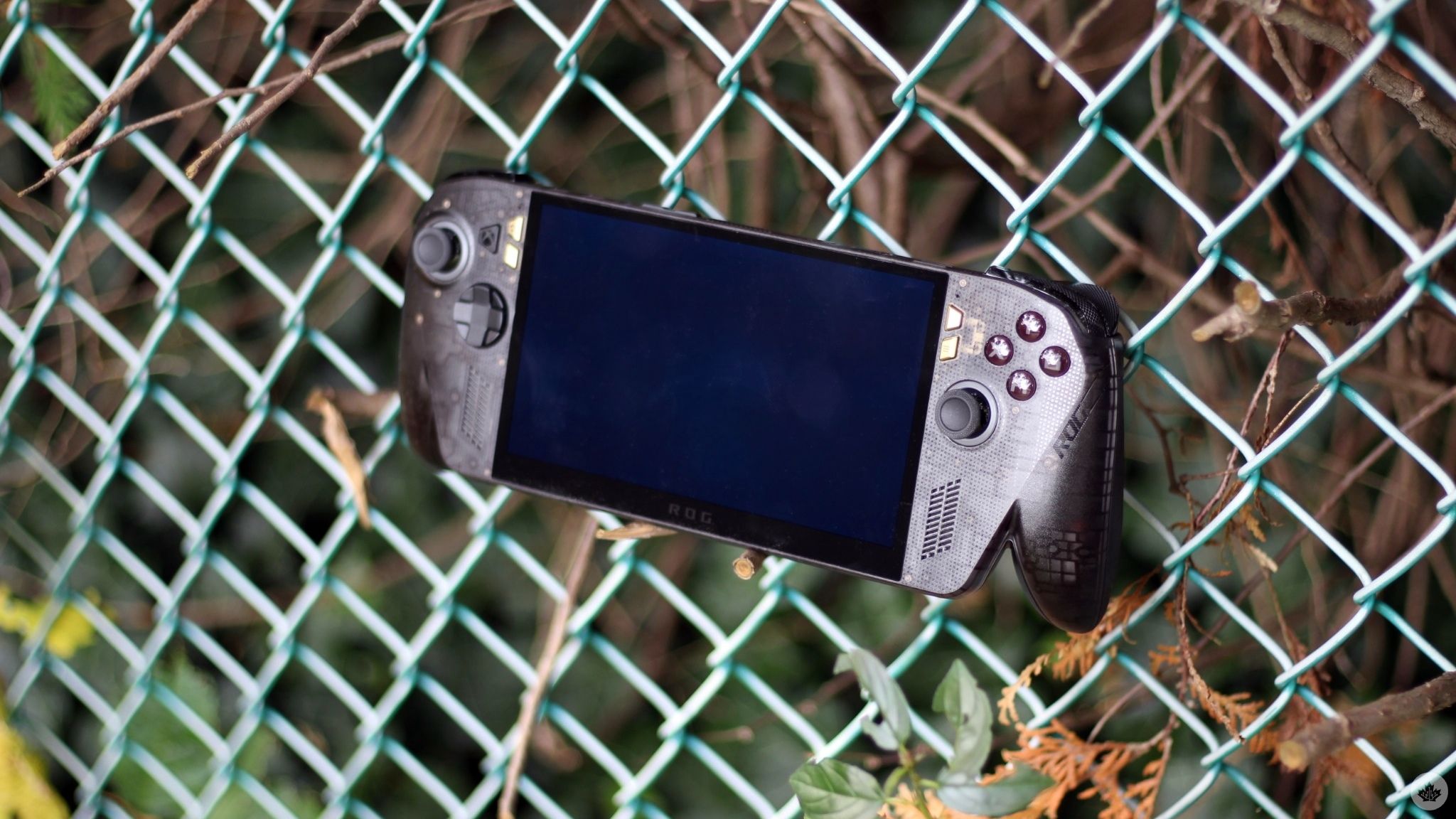
The new ROG Xbox Ally X20 swaps its predecessor’s LCD for an OLED panel, paired with other refinements to the handheld gaming experience. Most importantly, at C$1,899, it costs $300 less than MSI’s latest offering. But is it truly a better handheld?
The OLED upgrade
Let’s start with the most glaring improvement, no pun intended. The ROG Xbox Ally X20’s OLED display is a delight to look at, especially in more vivid and colourful games like Ninja Gaiden 4 and Dragon Ball: Sparking! Zero. The latest Steam Deck and the Lenovo Legion Go 2 both feature OLED panels, and it’s nice to see the rest of the industry heading in that direction. The first two are limited to 1,000 nits of peak HDR brightness, while the new X20 pushes that to 1,400 nits.
For reference, the original Xbox Ally X’s IPS-level panel could only achieve 500 nits. This makes the new X20’s advertised HDR max almost three times brighter. Even though the two figures aren’t directly comparable, the spec bump is definitely noticeable in practice, with high-contrast scenes looking particularly striking. It’s one of those upgrades that’s difficult to appreciate from a spec sheet alone, and much more evident when you try it yourself.
And even when you’re not playing HDR-supported titles, the X20 has an advantage over its predecessor. Its SDR brightness is rated at 600 nits, which is 100 nits brighter than its predecessor and even the new Claw 8 EX AI+. The 20% improvement, too, is very noticeable, and arguably more important for everyday use. That’s because the Windows interface renders in SDR, so even if you’re not necessarily gaming, you should see improvements during everyday Windows navigation, browsing, and general use. Is that a big enough reason to upgrade from last year’s Xbox Ally X? In my opinion, no. Should you upgrade if you’re holding onto an even older handheld? Paired with other upgrades, there’s definitely a case there.
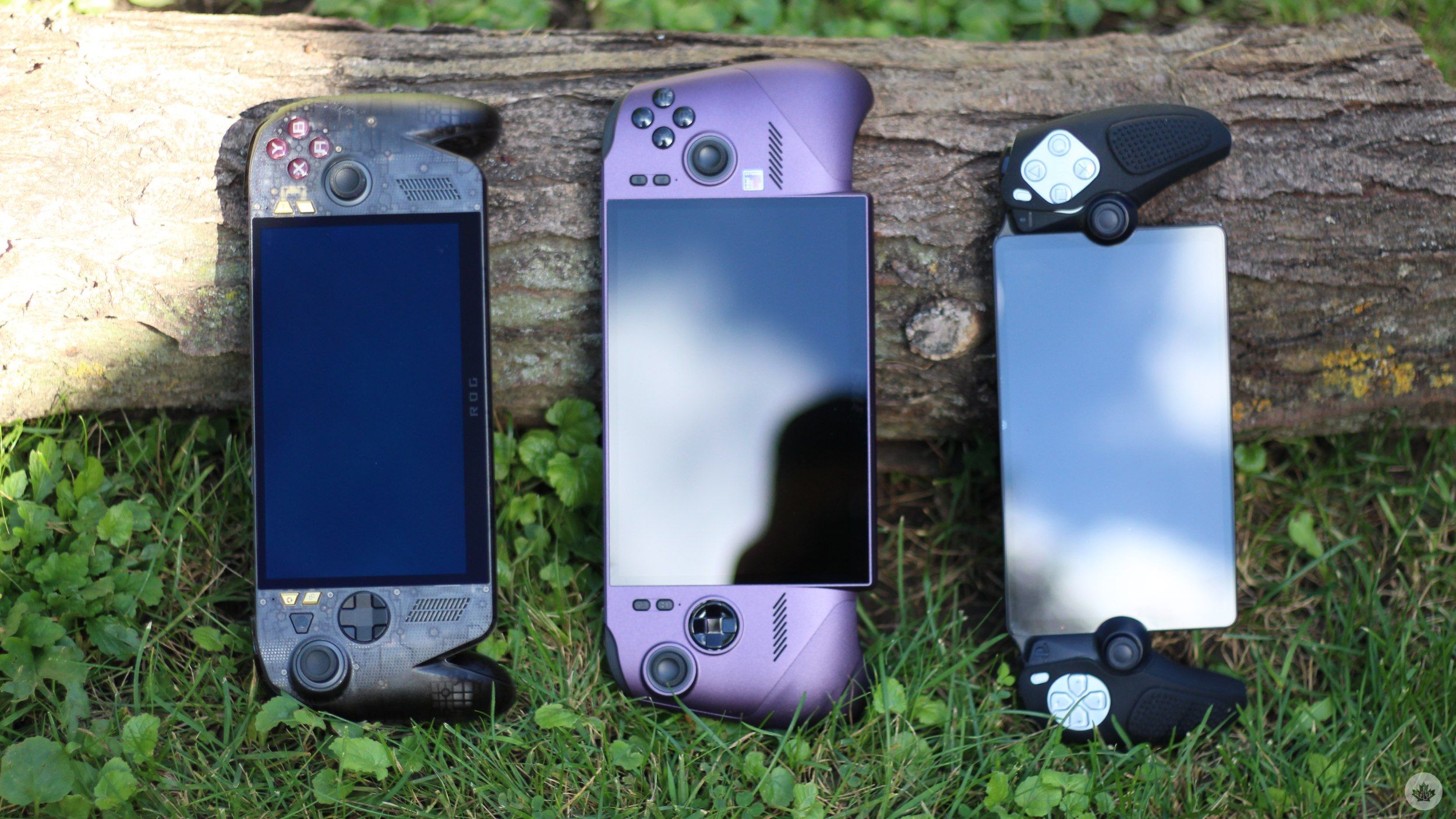
Asus has also given the new handheld a bigger 7.4-inch display while retaining its predecessor’s 1,920 x 1,080 pixel resolution. The Xbox Ally X offered a 7-inch display, and although the extra 0.4 inches don’t sound like much on paper, the extra screen real estate is always welcome, especially when navigating through Windows menus that aren’t really optimized for the small screen experience.
Elsewhere, another practical screen-based upgrade comes in the form of a Variable Refresh Rate (VRR) change. For reference, the original Xbox Ally X also featured VRR, albeit in the 48Hz to 120Hz range. The X20 supports VRR between 30Hz and 120Hz, which makes a lot more practical sense for a gaming handheld. Most modern PC games offer built-in frame rate caps that start at 30fps, followed by 60fps, and higher options. With the older Ally X’s 48Hz lower limit, a game capped at 30fps would fall outside the display’s native VRR range. The X20, on the other hand, can synchronize its display directly with frame rates as low as 30fps, which should result in less screen tearing. This is particularly useful in demanding titles that struggle to maintain 60fps — a consistent 30fps is better than fluctuating below 60.
And 30 fps is still a very real target in 2026. For reference, GTA VI will be limited to 30 fps on the PlayStation at launch, and my testing with Black Myth: Wukong (more on that below) shows that even today’s powerful handheld PCs can struggle to maintain 60fps in demanding games.
Rounding off the main display-based upgrades is support for Dolby Vision HDR and a new anti-reflective coating.
More than a simple anniversary makeover
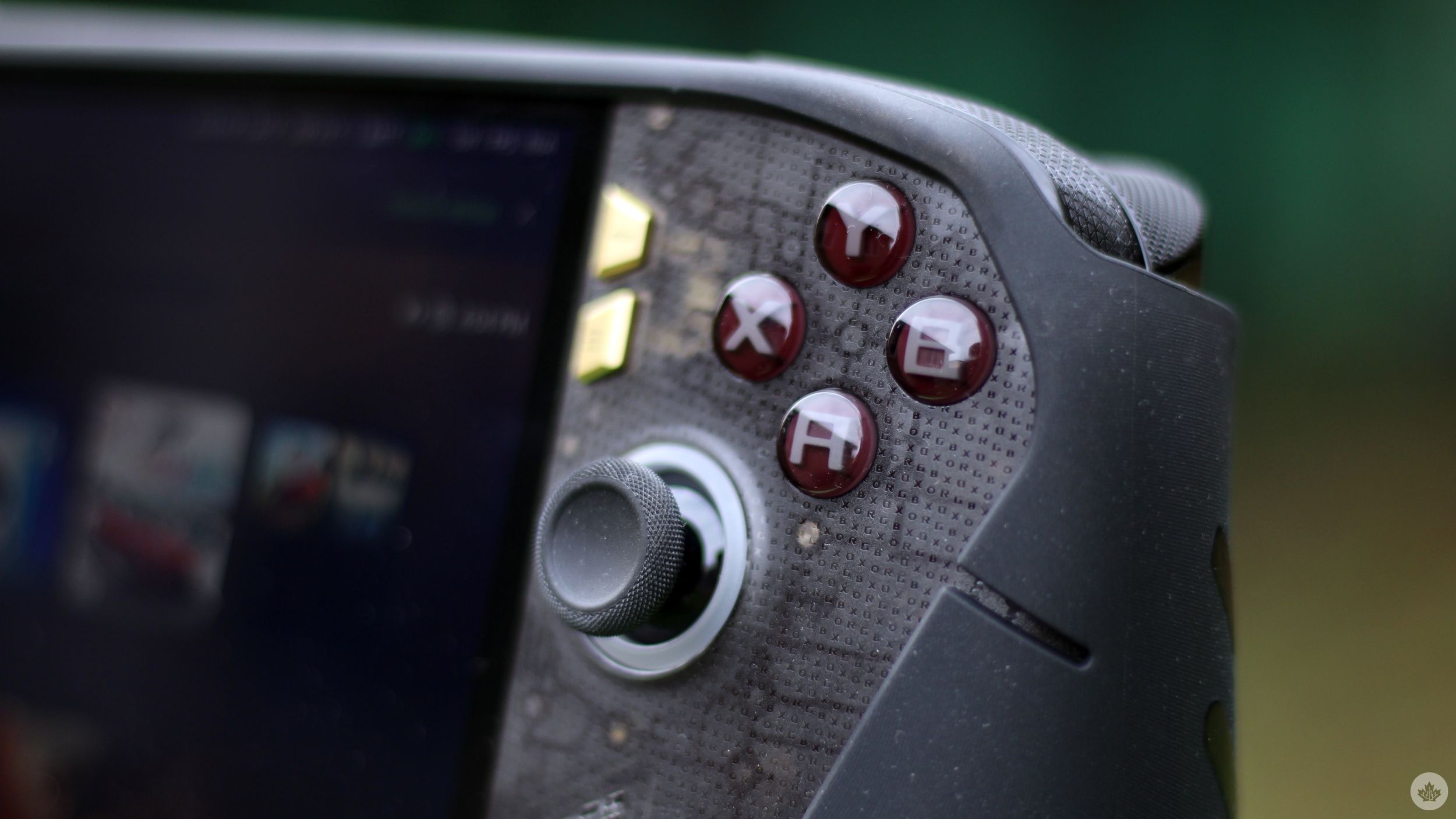
At first glance, the new Ally X20 doesn’t look significantly different from its predecessor from the outside. It retains the controller-like look with the Xbox-style ABXY button layout that makes the Ally line instantly recognizable. However, a closer look reveals more.
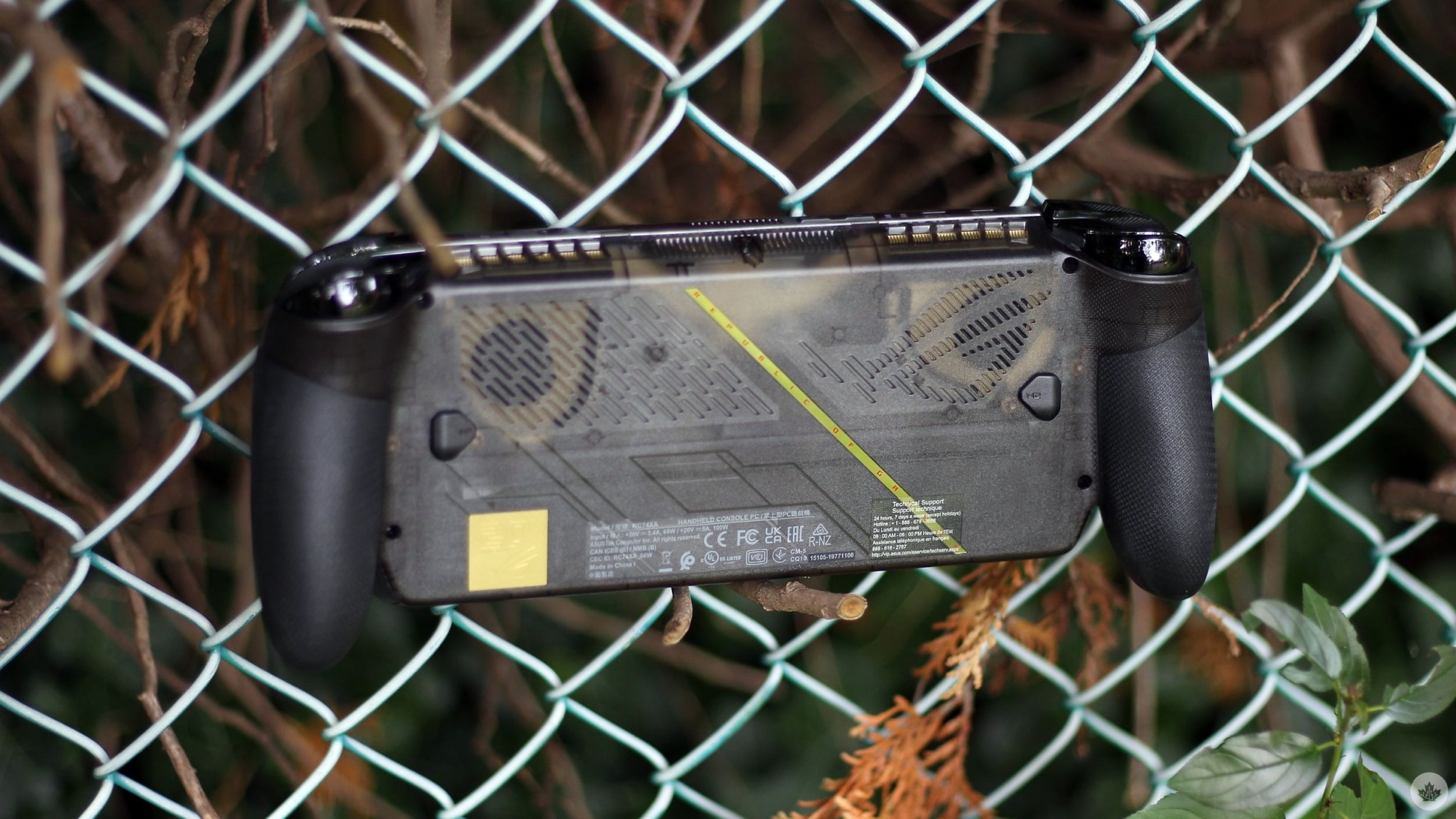
The entire body features a translucent layout that looks straight out of Nothing’s playbook, with the front adorned with the familiar Xbox and ROG lettering repeated across the surface. It’s not a huge change, but it sure does offer the X20 its own identity while retaining the familiar Ally design.
There are black and gold anniversary accents all over the front and back that I’m not necessarily a huge fan of, but I can appreciate Asus trying out something new. Thankfully, the design changes aren’t all cosmetic.
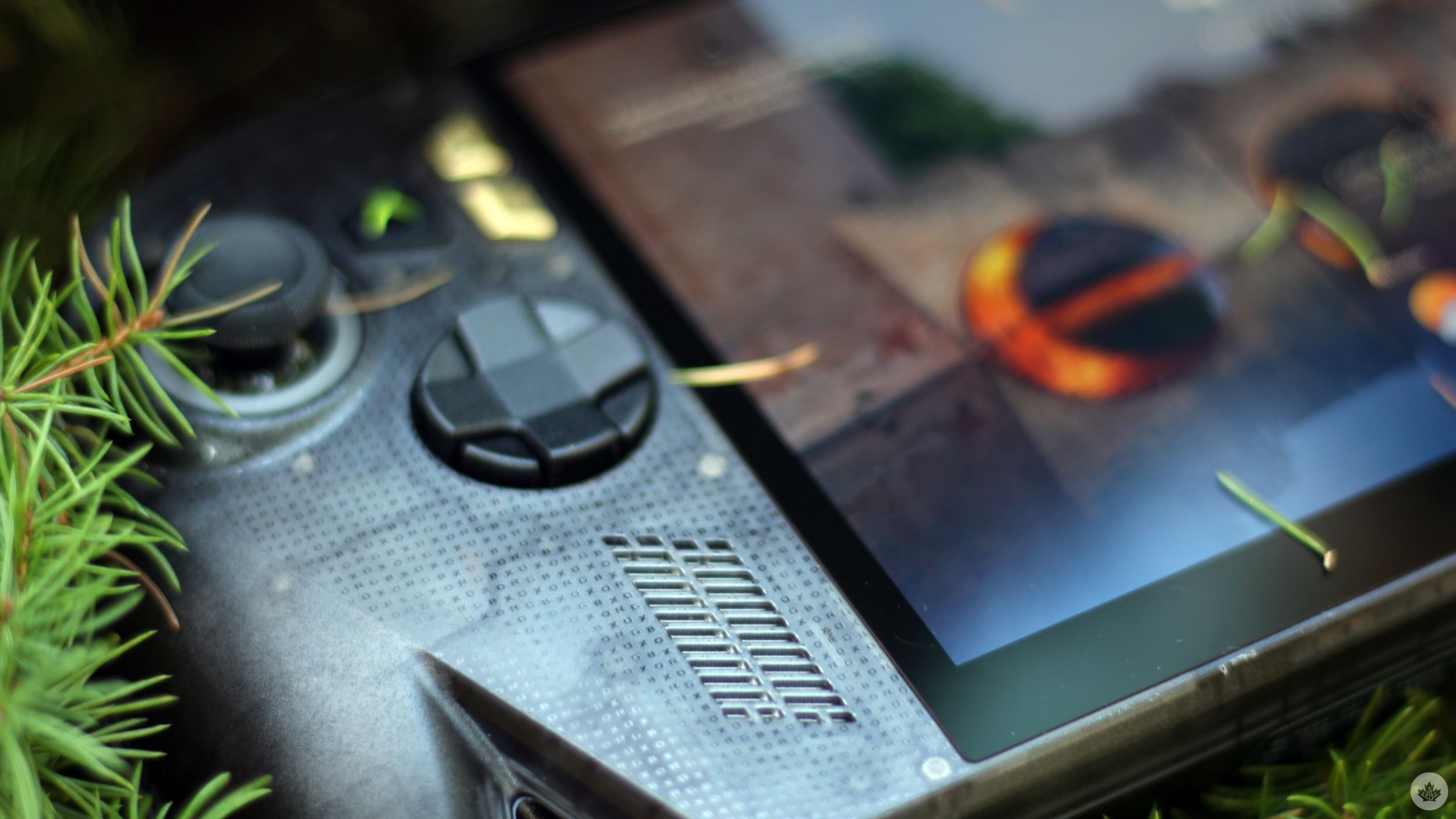
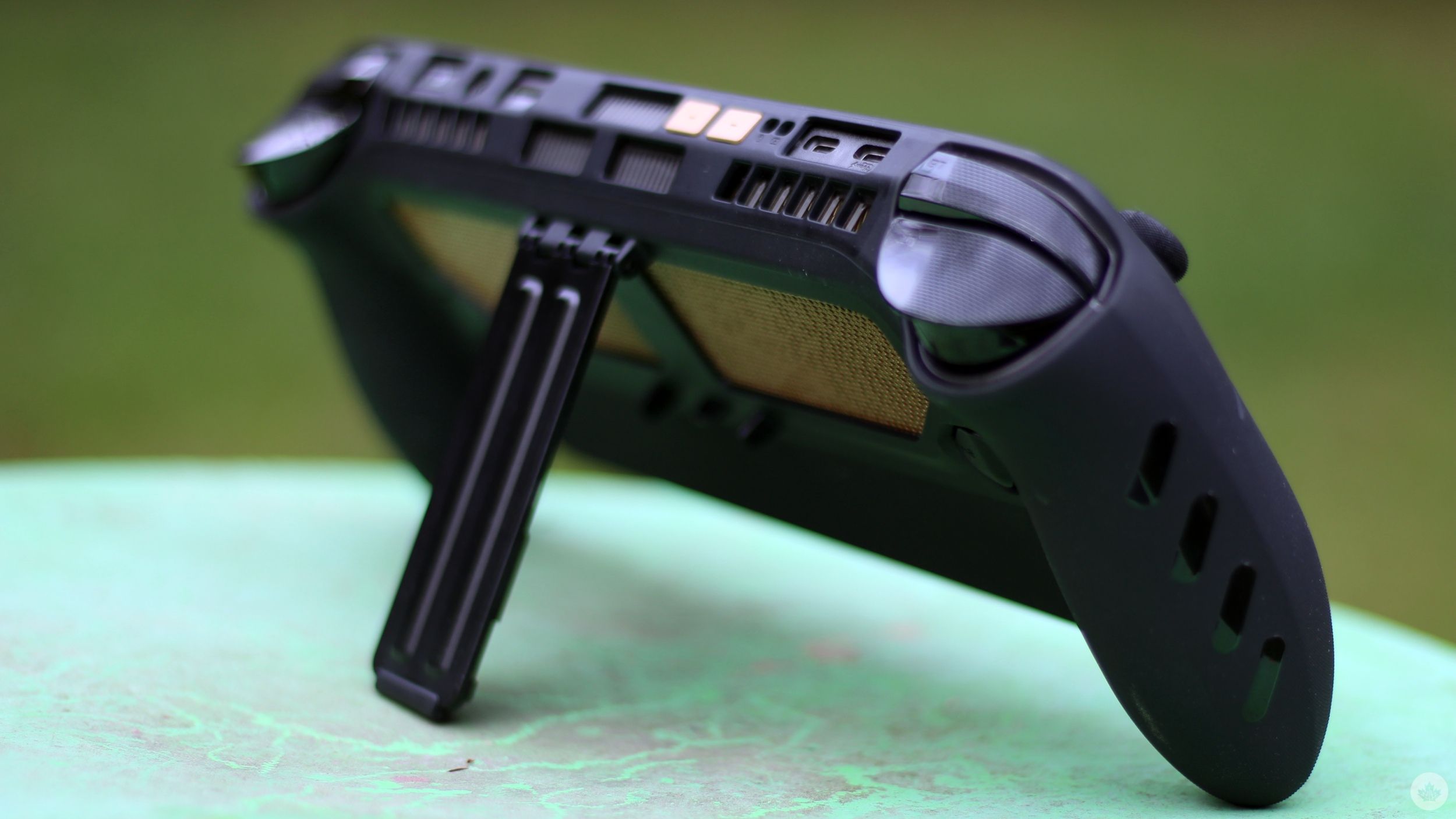
Compared to its predecessor, the X20 offers better rubberized grips that make holding onto the handheld more secure in hand, especially during extended gaming sessions. The device weighs in at 756g, and although the rubberized grips help, they don’t outright eliminate grip fatigue. I had this issue with the Claw 8 EX AI+, and even though the X20 is slightly lighter than MSI’s latest, the same issue prevails. This is an inherent drawback of handheld gaming PCs, which, in part, is exacerbated by my poor wrist health.
That being said, grip fatigue shouldn’t take away from other improvements packed into the new handheld. The X20 now features TMR joysticks, which use Hall Effect-like magnetic sensing to detect movement instead of relying on physical contact between components. This should make the joysticks much less susceptible to stick drift, a must on a $1,900 device.
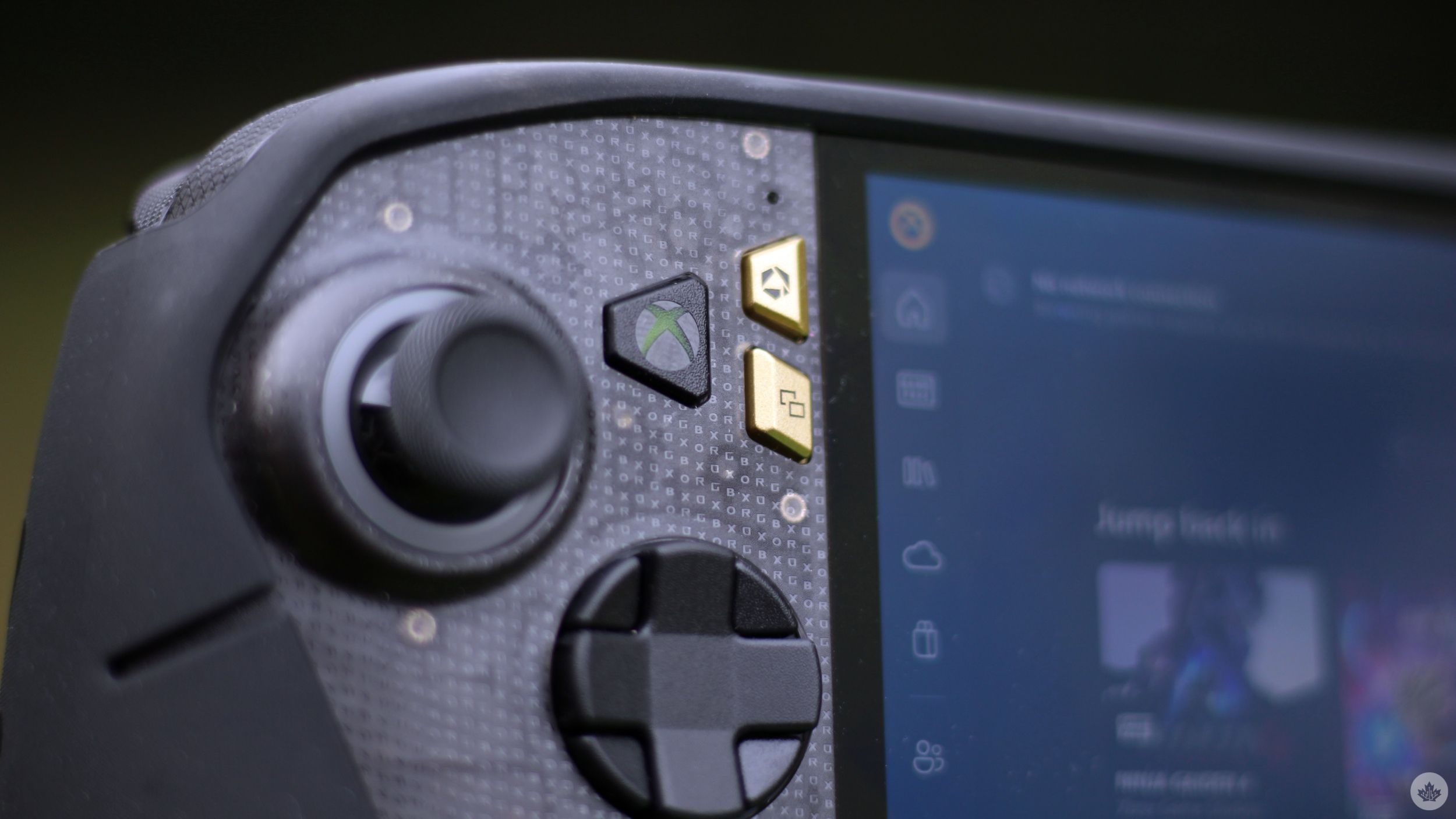
The D-pad has received a quiet upgrade too. You can lift and rotate the X20’s traditional D-pad to switch between four-way and eight-way directional inputs.
Before I tried out the handheld, I had imagined this to be a finicky experience, though that wasn’t really the case. Lifting and rotating the D-pad is seamless, and the eight-way directional controls feel just as solid as the traditional four-way configuration, with no noticeable wobbling or stray movement. If you like fighting games where diagonal inputs are essential, the added flexibility should definitely come in handy. This isn’t a make-or-break addition, but it sure is a welcome one that doesn’t feel gimmicky.
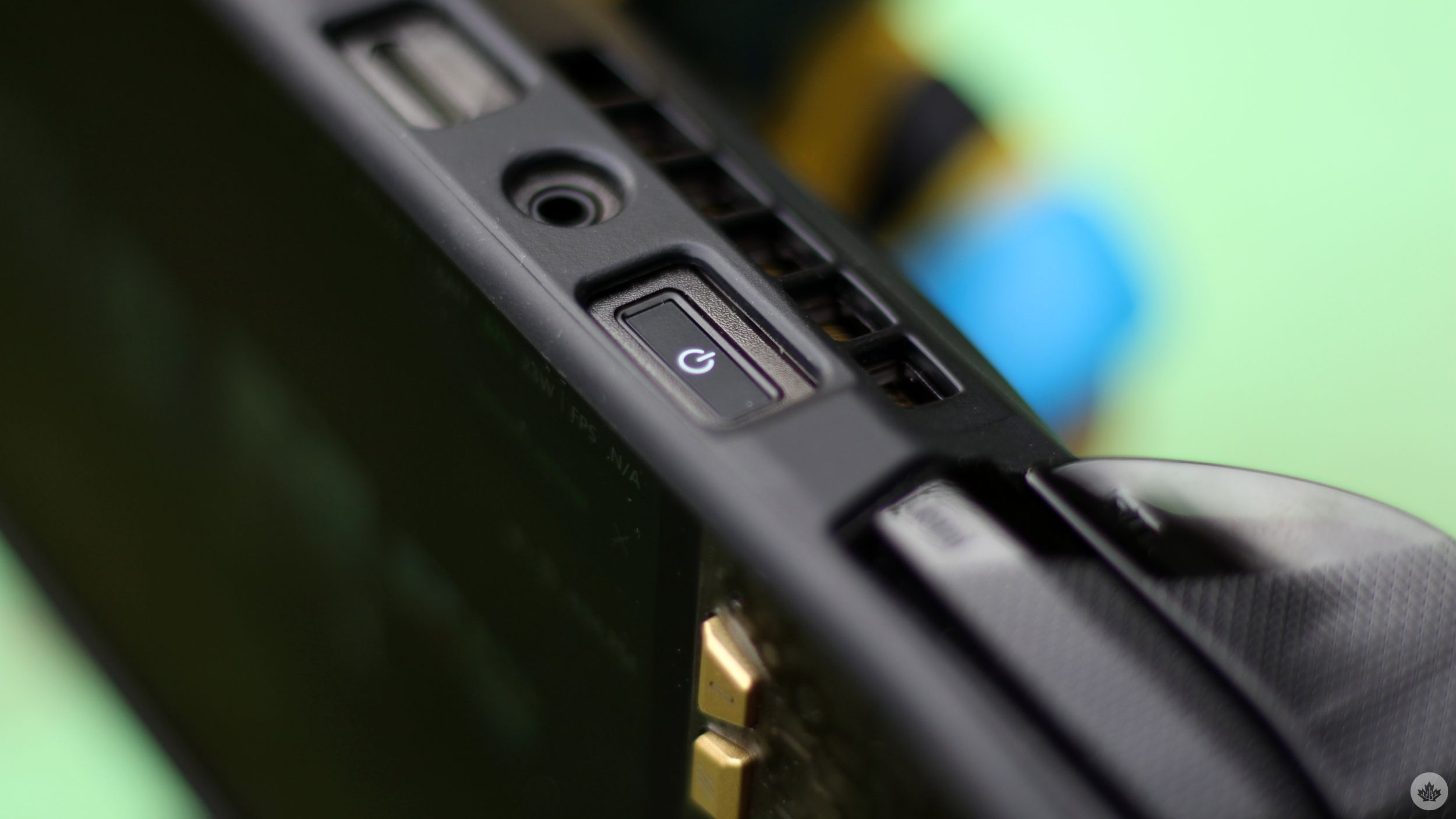
The rest of the layout remains familiar, including two rear buttons, shoulder triggers, a power button that doubles as a fingerprint reader, a headphone jack, two Type-C ports, and a microSD Express card reader.
Like the Claw 8 EX AI+, the X20 also uses an M.2 SSD, which should make future swaps a lot more straightforward. It’s worth noting, though, that unlike the Claw, you will need to disconnect the X20’s battery to reach the SSD.
Compared to last year’s Xbox Ally X, that’s everything that Asus has changed. The Xbox Ally X starts at $1,300. The X20 starts at $1,900. You’re essentially paying a $600 premium for a better display, improved controls, and a handful of design refinements.
New look, same old power
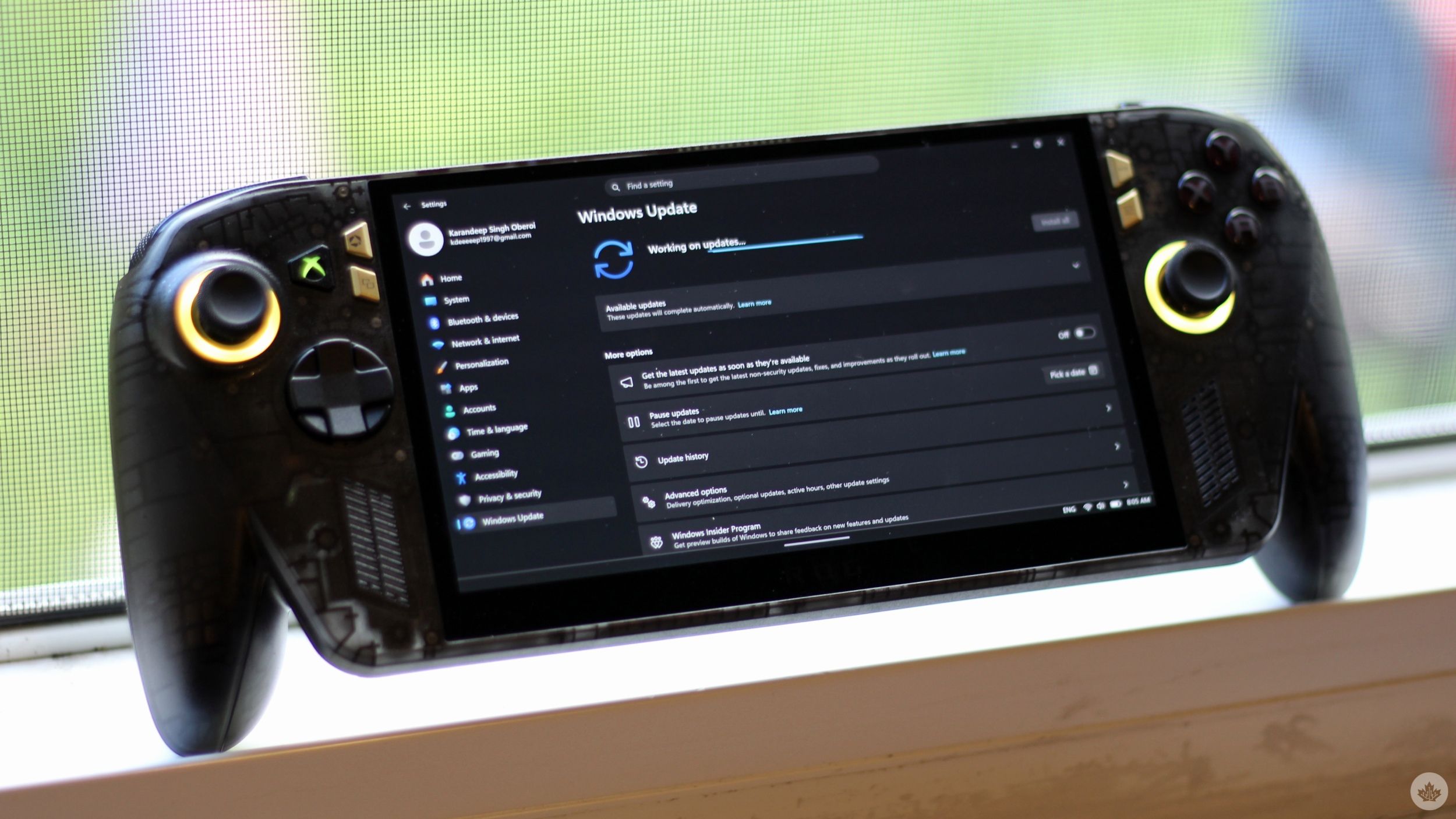
Yep, that’s about it. That premium doesn’t get you more power, nor does it get you more performance. The X20 retains its predecessor’s AMD Ryzen AI Z2 Extreme chip with integrated AMD Radeon Graphics.
Ryzen AI Z2 Extreme isn’t a bad processor by any means. When we used the Ally X last year, we found it to be a very capable performer, and that hasn’t changed at all. What has changed, however, is the competition. What was once the best handheld PC chip on the market is now facing stiff competition from Intel’s new Arc G3 Extreme, which powers the MSI Claw 8 EX AI+.
In my testing, the Intel-powered handheld delivered impressive performance in demanding games, though the performance results varied depending on the power configuration and whether upscaling and frame generation were enabled. I ran the same tests on the X20 on comparable power levels to see how AMD’s chip holds up against Intel’s latest and greatest, and the results were surprising.
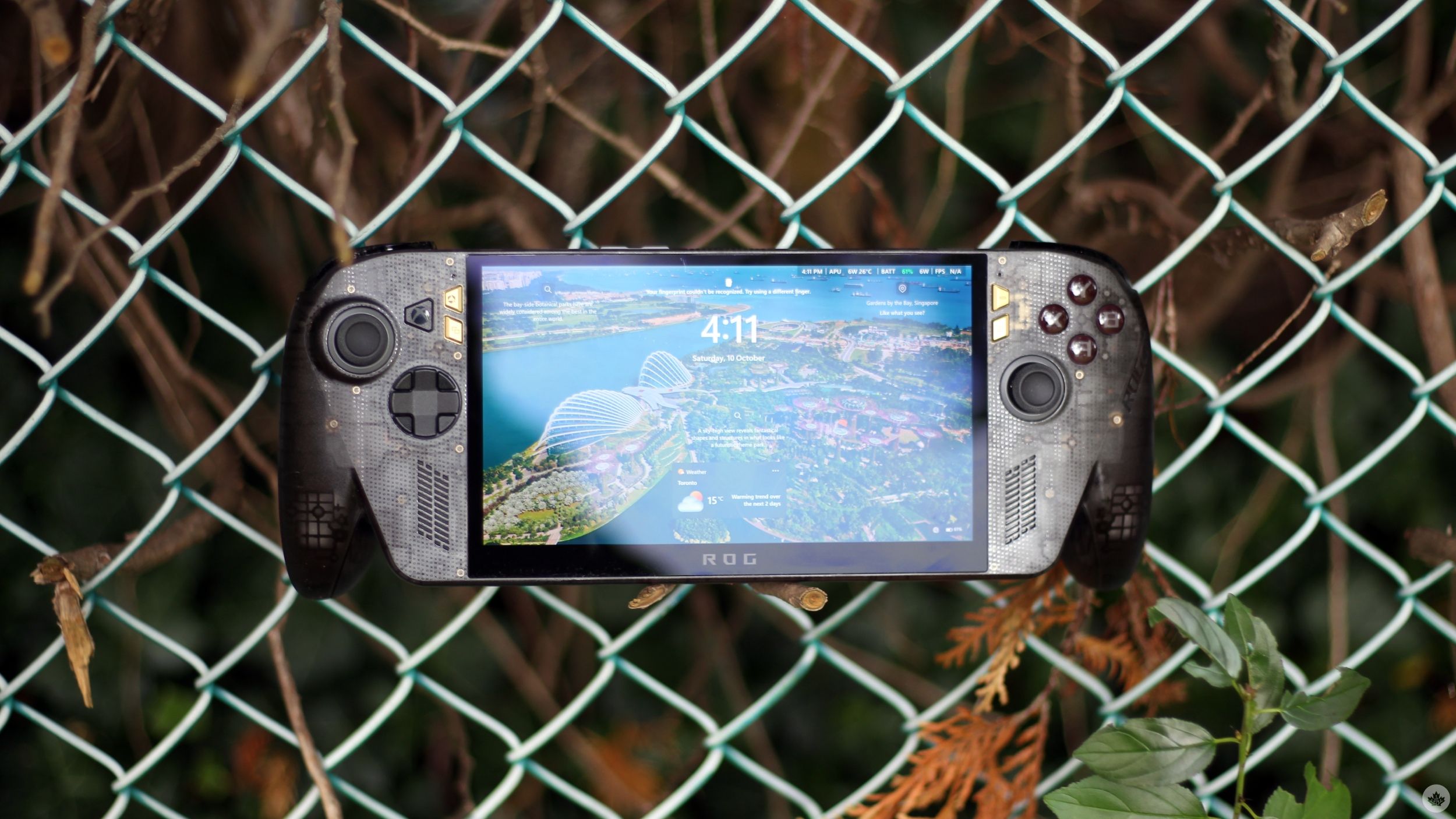
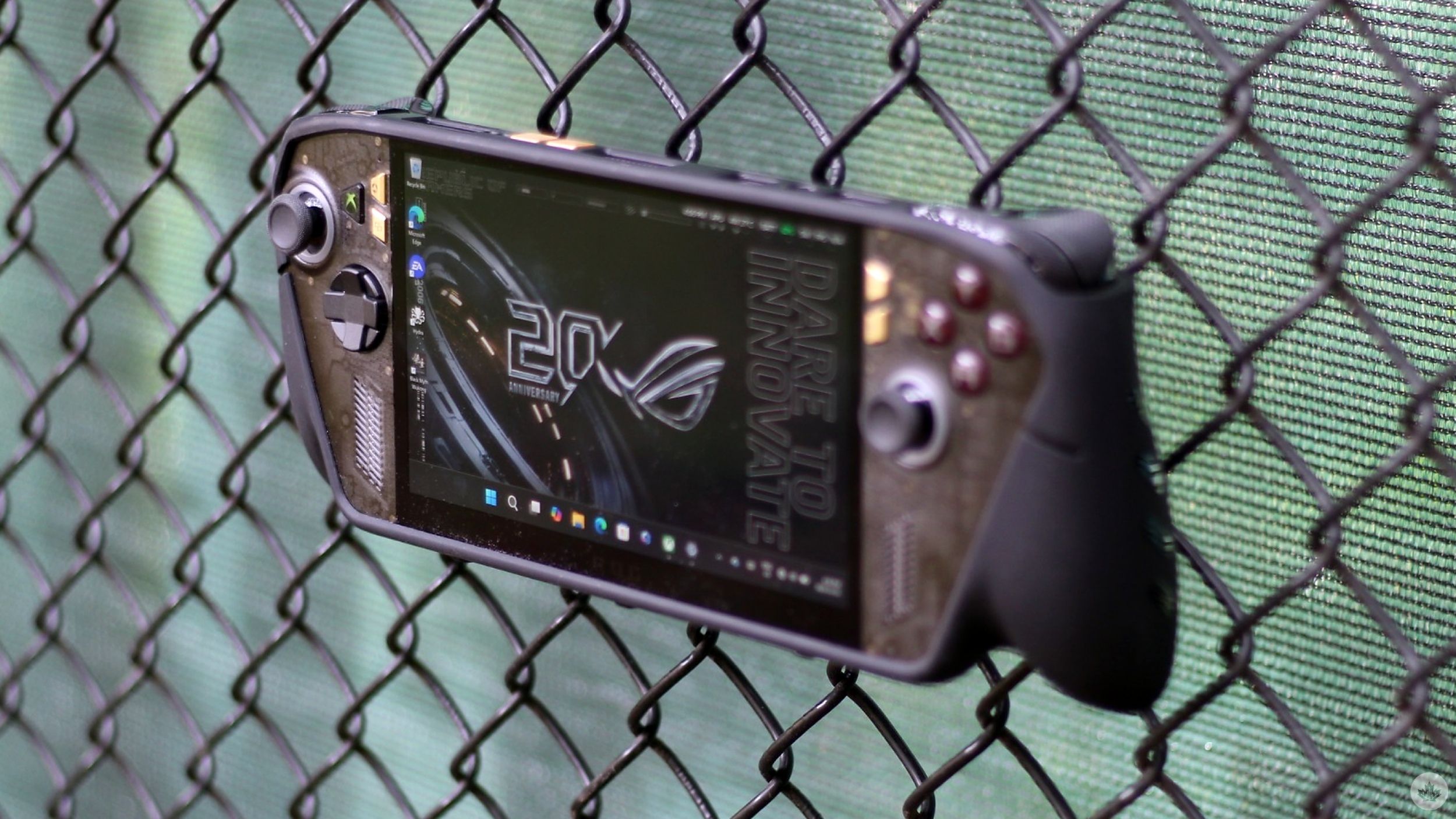
I started with a relatively well-optimized title that runs well on most modern handhelds: Forza Horizon 5. With the game running at 1,920 x 1,080 resolution, high settings, no frame generation, and at the X20’s sustained power limit of 35W, I recorded 82fps. Dropping the power limit to a more modest 17W brought the frames down to 64fps.
With a slightly higher in-game resolution of 1,920 x 1,200 and otherwise comparable graphics settings, and the same sustained power limit of 35W, the Claw 8 EX AI+ benchmarked at 110fps. The same benchmark at 17W returned 78fps.
Intel’s new chip clearly seems to have an upper hand here, even though the X20’s results are nothing to scoff at. The overall Horizon 5 experience was smooth and perfectly playable, and paired with the OLED, I’d argue that it was actually better than the Claw 8’s experience. But that’s mainly because the performance difference wasn’t huge.
Naturally, I turned to a more demanding title to really put the X20 through its paces.
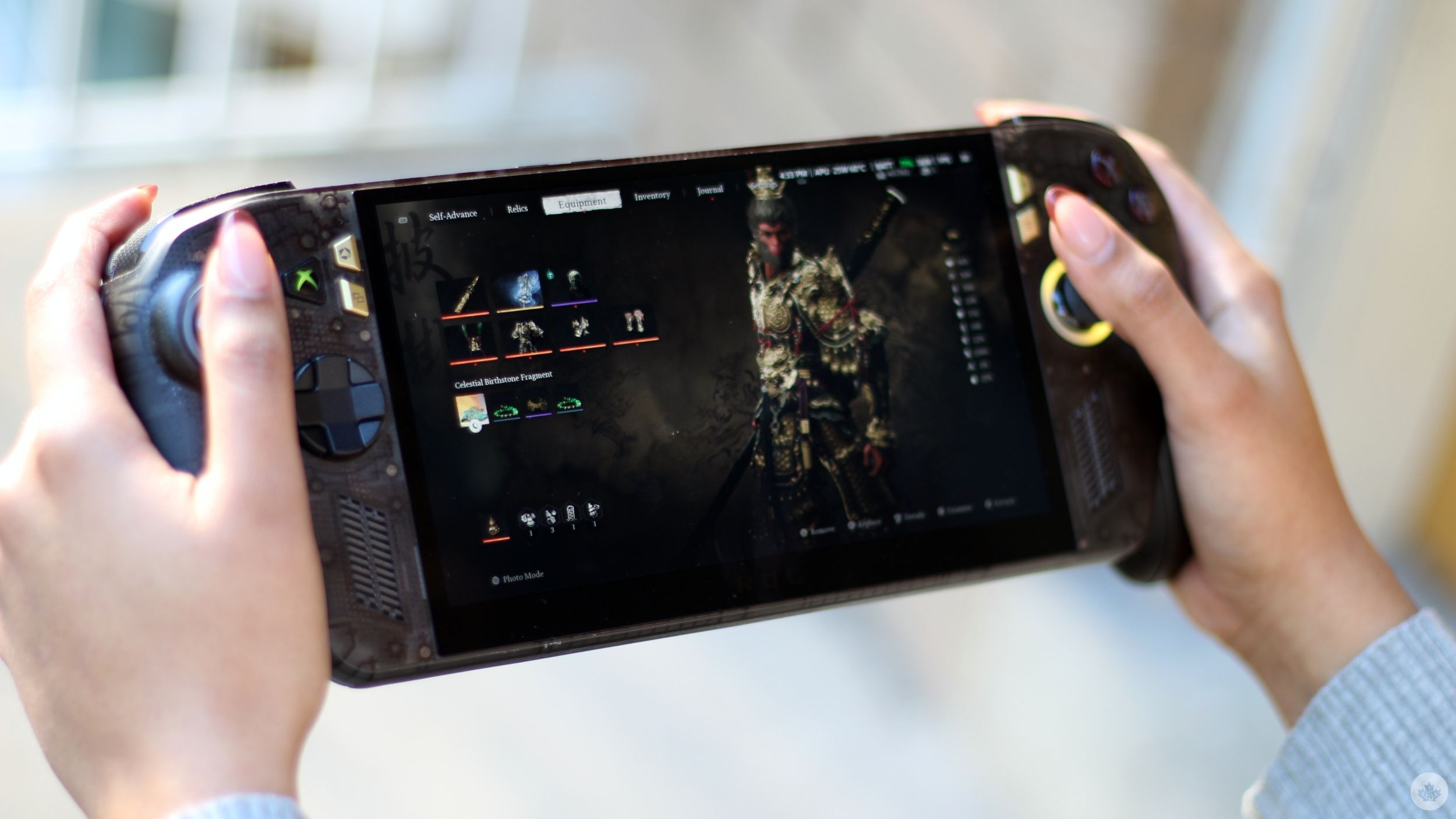
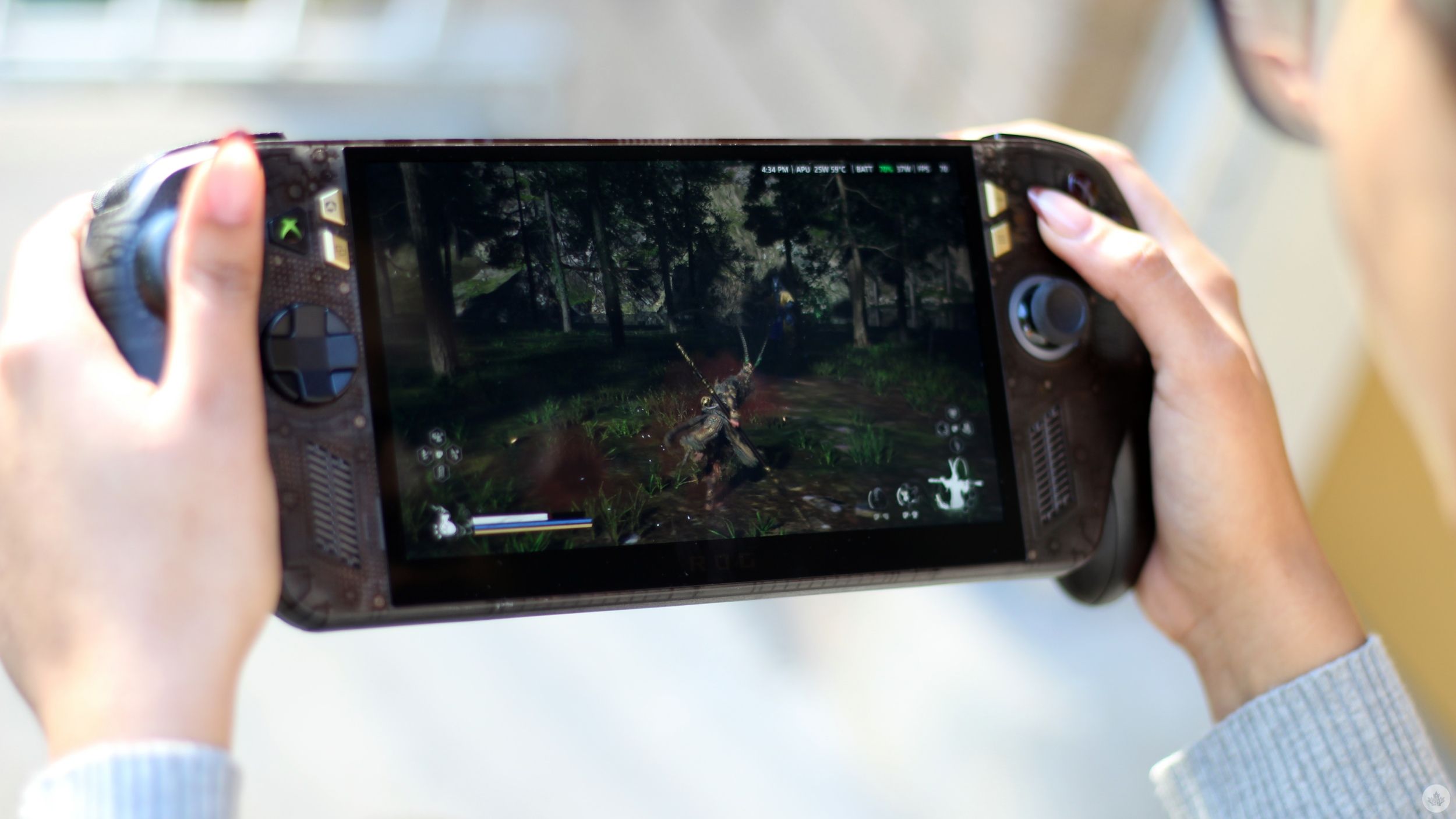
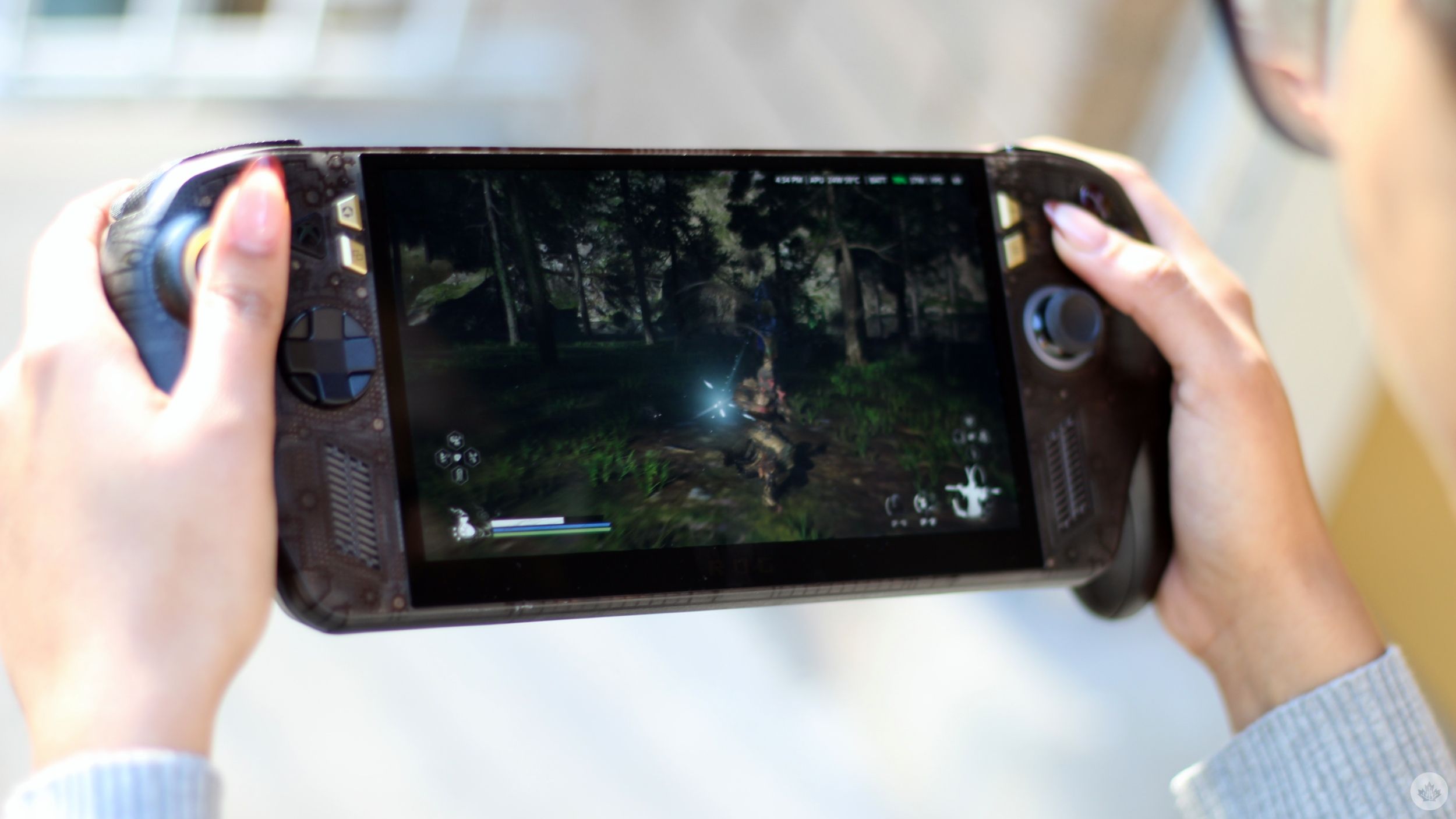
With Black Myth: Wukong running at 1,920 x 1,080, high settings, the X20’s max sustained power limit set at 35W, and no frame-gen, I recorded between 26 and 31fps. Enabling FSR 3 frame generation pushed that up to 44–50fps.
Reducing the power limit to 17W also dropped fps to 22-26 with no frame generation. Enabling frame-gen pushed that to a perfectly playable 34-42fps run. I’d still recommend running demanding titles at medium settings. At 35W, the X20 offered 45–50fps without frame generation, which increased to 56–63fps with the feature enabled. At 17W, I recorded 31–35fps without frame generation and 48–52fps with it.
I recorded all these figures across a repeated area in the game with the same enemies and surroundings, so they should give you a good idea of how different power settings affect performance on the X20.
Now, how do those figures compare to the Claw 8 EX AI+? Terribly.
With the same repeated area on high settings, the Claw managed 50-60fps at its 35W sustained power without frame generation. Enabling XeSS frame generation pushed that figure to 85–110fps. At 17W, the Claw managed 29–37fps without frame generation and 46–58fps with it. That’s already comparable, if not better, to the figures the X20 offered on medium settings.
| Device | Graphics | Power mode | Frame gen OFF | Frame gen ON |
|---|---|---|---|---|
| Asus ROG Xbox Ally X20 | High | 35W sustained | 26–31 FPS | 44–50 FPS |
| Asus ROG Xbox Ally X20 | High | 17W | 22–26 FPS | 34–42 FPS |
| MSI Claw 8 EX AI+ | High | 35W sustained | 50–60 FPS | 85–110 FPS |
| MSI Claw 8 EX AI+ | High | 17W | 29–37 FPS | 46–58 FPS |
The Claw leveraged Intel’s XeSS tech, while the X20 relied on AMD’s FSR 3, so this test wasn’t necessarily a perfect apples-to-apples comparison. Still, it’s easy to point out how Intel’s latest chip has a significant performance advantage. It’ll be interesting to see how AMD responds with its next-generation Ryzen AI Z3 Extreme chip, though that’s a conversation for another day.
I think it’s important to mention here that the X20 losing to the Claw in raw performance doesn’t necessarily make it a worse handheld. It’s just worse in that one specific category. In fact, I’d argue that the X20 offers an overall better gaming experience thanks to its OLED display. My main issue is that Asus is charging $1,900 for what is essentially last year’s performance. The X20 is the best handheld I’ve tried, but it’s not the best at everything. Both of those things can be true.
Elsewhere, there’s nothing particularly revolutionary about the software experience compared to last year’s Xbox Ally X, and the same goes for battery life.
Who should spend $1,900 on this?
If you’re in the market for your first PC gaming handheld, and you’re deciding between MSI and Asus’ latest offerings, I’d suggest going for the Ally X20. The Claw is undoubtedly more powerful, but the X20’s OLED display, paired with slightly inferior performance, is a better value proposition. Spending $2,200 on the Claw 8 EX AI+ makes absolutely no sense unless raw performance is your absolute priority, or if you’re rolling in cash.
If you already own last year’s Xbox Ally X, I wouldn’t recommend upgrading. Sure, the OLED and the design changes are tempting, but they’re not worth spending $1,900 when almost everything else is essentially the same. You’ll be better off holding onto your handheld for now.
If you’re still using an older handheld, like the original Steam Deck, or even the 2023-released ROG Ally, there’s a much stronger case for upgrading if you’re in the market. You’ll definitely appreciate the OLED display, though the more apparent upgrade will likely be the performance bump, especially in more demanding titles. The X20’s controller-like layout should also be a welcome improvement over the flatter designs of older handhelds.
And if you’re someone who’s expecting to replicate a proper gaming PC experience with the X20, I’d suggest saving up more and investing in a gaming laptop or potentially even a PC instead. As impressive as modern handhelds are getting, they’re still handhelds that are held back by the very thing that makes them appealing in the first place: their compact size. There’s only so much performance you can squeeze into a portable device before you need to plug in, and at that point, you might as well be playing on a more powerful gaming laptop.
The Asus ROG Xbox Ally X20 is priced at $1,899 in Canada. There’s also a special anniversary bundle that includes gold-accented ROG XREAL R1 Edition 20 augmented reality (AR) glasses, a dbrand Killswitch Case, and a hard-shell Pelican Protector Case. The bundle will set you back $3,499.
 Reviews
  Reviews
  Reviews
  Reviews