


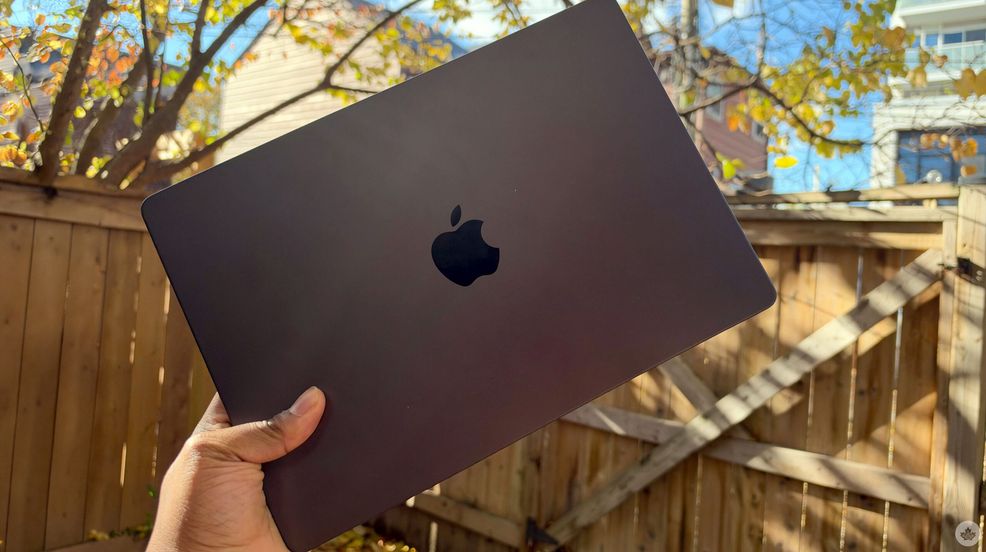
I’ve been using the M6 iMac and M6 MacBook Pro for about a week (though I had to take the past couple of days off to use the M5 MacBook PROLED XDR), and I’ve liked them both. Though I mostly spent my time with the MacBook Pro.
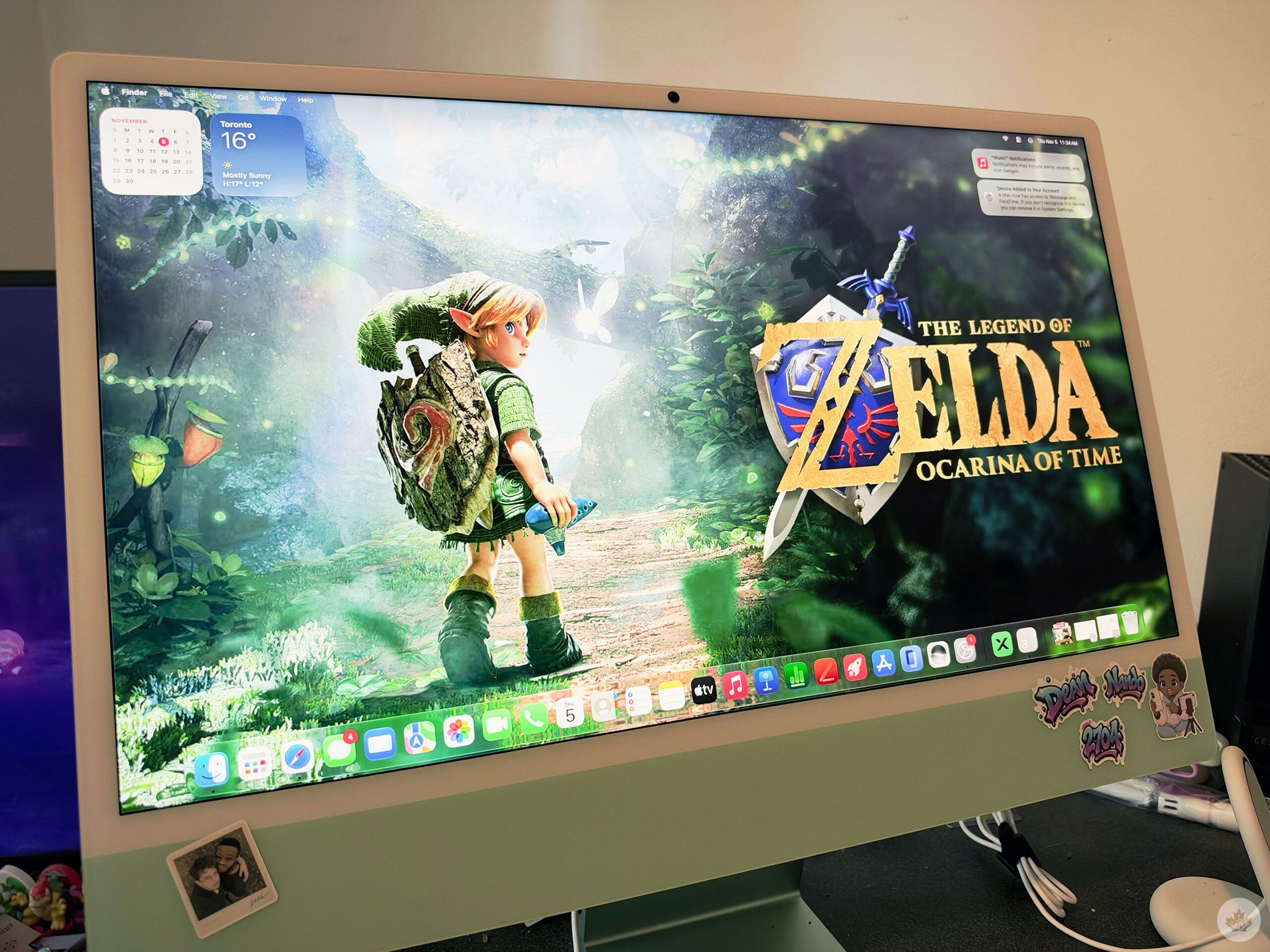
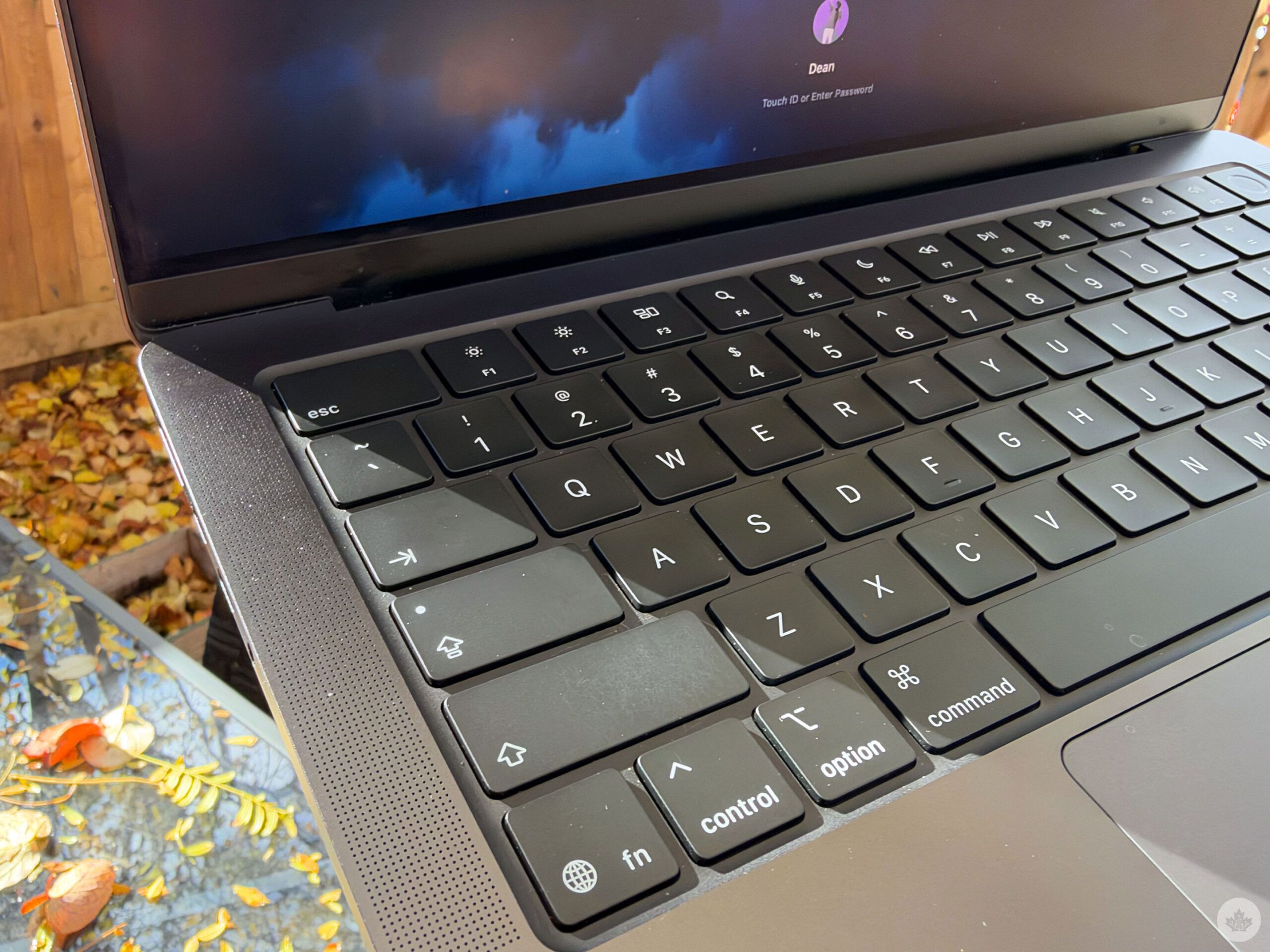
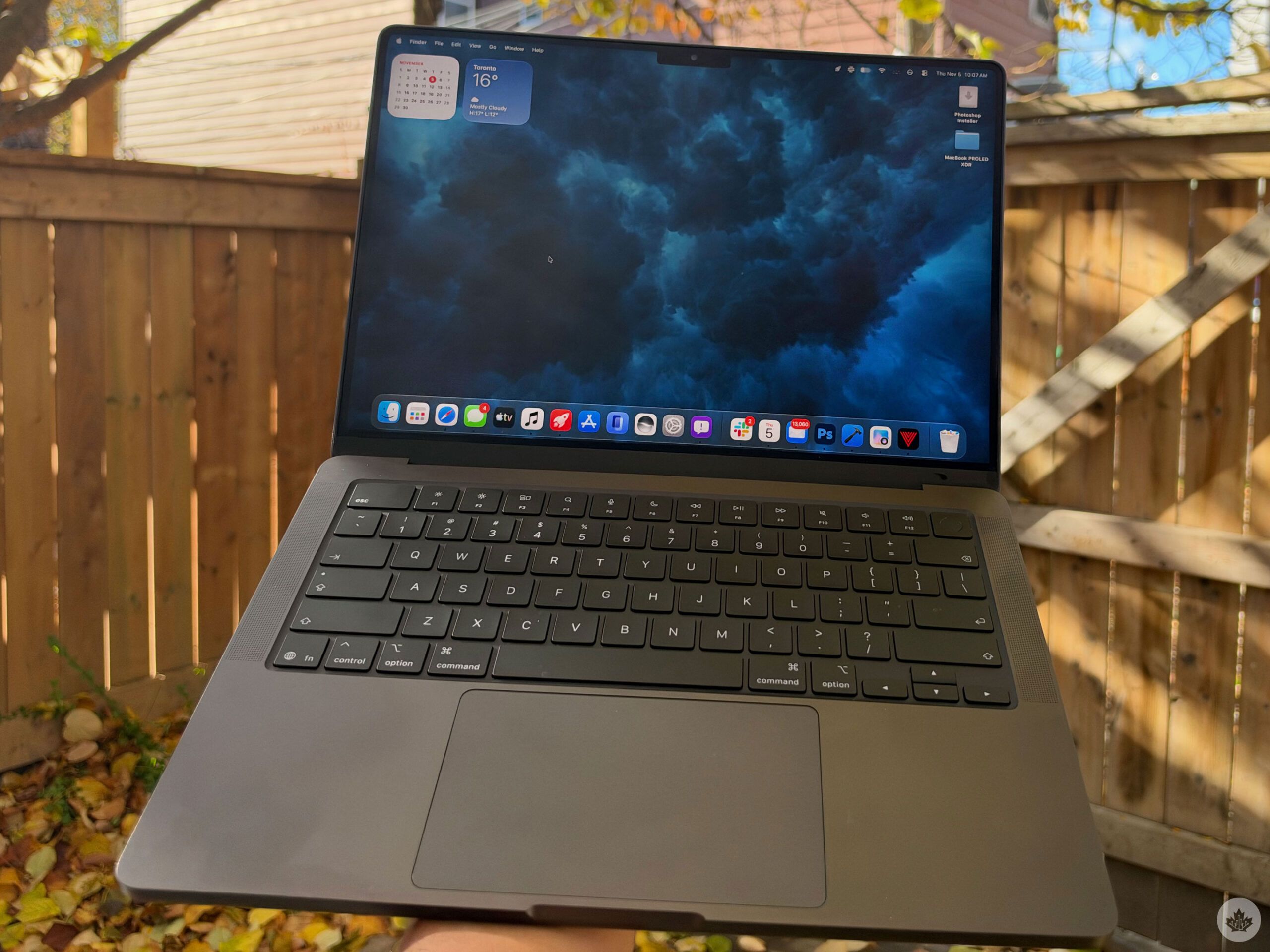
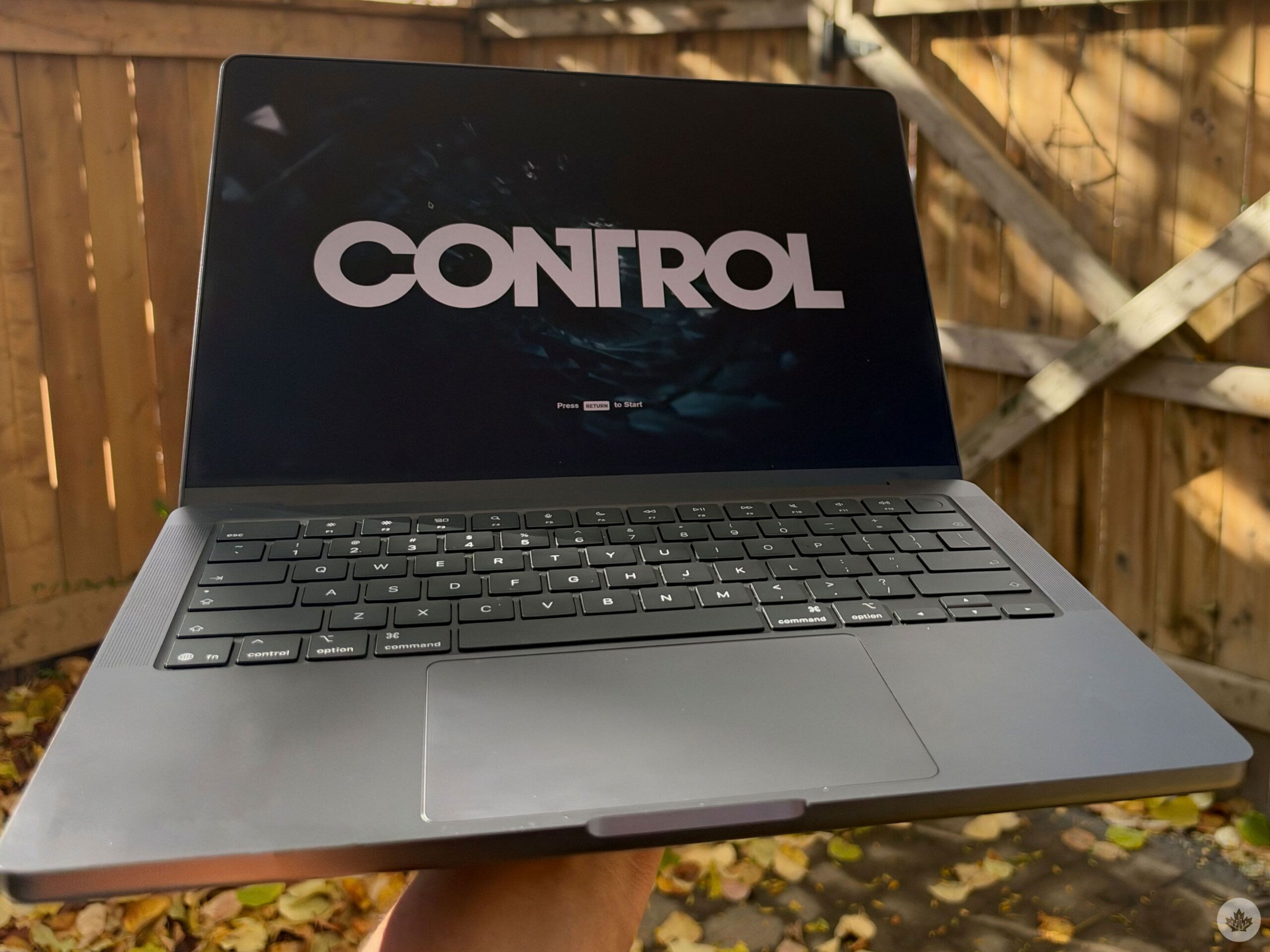
I tested the MacBook Pro 14-inch M6 12C/12C 16GB 1TB in Space Black and the iMac M6 12C/12C 16GB 512GB in Green. I liked the look of both of them, especially the Pro 14-inch in Space Black. The typing experience is great with decent key travel, and the Magic Trackpad is very responsive, so it was very easy to switch from my MacBook Air.
I didn’t like how heavy the M6 MacBook Pro was. The MacBook Pro is almost a pound heavier than my M4 MacBook Air, and yes, it’s obvious that the Air would be lighter than the Pro, but I definitely wasn’t ready for just how much heavier the Pro feels. Even the M5 Max PROLED was noticeably lighter than the MacBook Pro M6.
Bumpin’ speakers
I was really impressed by the laptop’s speakers. Music was crystal clear and very loud, easily filling my bedroom. And even with my bedroom door closed, I could still hear it from my living room about 20 feet away, though it wasn’t too loud to interrupt my roommate while he was watching TV. The device has a six-speaker sound system, so watching anime was impactful with the speaker and combined with the nano-texture display, it made the experience great.
Speaking of the nano-texture display, this was my first one (besides the iPhone Duo) and I really liked it. It creates an anti-glare experience, so I didn’t have issues using the laptop in my backyard on the one sunny day we had (winter is coming), and I like how videos and pictures look. It’s no PROLED screen — I definitely missed that device’s screen and Dynamic Island when I switched to the M6, but you’re not paying nearly as much.
Cool to the touch
I like that the M6 felt cool to the touch most of the time, it was very comfortable to keep on my lap. If I was watching anime, working on articles, or even editing photos, the M6 kept cold the whole time. I played Control with ray-tracing and 120Hz turned on, and the device got pretty warm after about 10 minutes. It was nice that it cooled down pretty quickly after I stopped gaming, though.
Speaking of games, the M6 handled Slay the Spire and Control without any problems, besides warming up. Both games looked great with ProMotion turned on, and I liked that there wasn’t any slowdown even though the graphics were turned up a bit.
The speed at which both open apps is great, and downloads are very quick as well. My partner has gotten into designing stickers that he can iron on clothes to add a bit more of his taste to his outfits. He’s been using the M6 iMac with XTool software to create his designs, and he said that the software booted up quickly, there were no issues loading up big projects either, and he noticed that everything flowed quicker than my M4 MacBook Air.
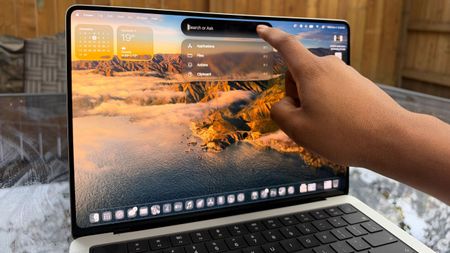
Another thing that’s nice about the M6 iMac is that it’s always there and ready for you. My last iMac had an Intel chip (the 2019 version!), and it would take a moment to boot up. However, the M6 iMac boots up instantly, and you’re right back into what you were doing before.
Battery life on the M6 MacBook Pro is great, lasting me an entire workday, and Fast Charging is a big win, getting me up to 50 per cent in about 35 minutes. I tend to never keep my laptop on the charger, so it was nice that even when I prematurely removed it from the charger, I didn’t have to worry about battery life.
More to come…

It’s only been a week with the M6 MacBook Pro and the M6 iMac, and I spent a few of those days under the weather, so I definitely need to put both of them through their paces some more. But as I use each of the new Apple devices, I’ll report back. I definitely want to try some vibe coding with the M6 MacBook Pro and will definitely need to do some video editing over the next couple of weeks to see how well the M6 performs under some harder pressure.
The M6 MacBook Pro starts at $2.799, while the M6 iMac starts at $2,099, and both come out on November 6.
 Reviews
 Reviews
 Reviews
 Gaming
