


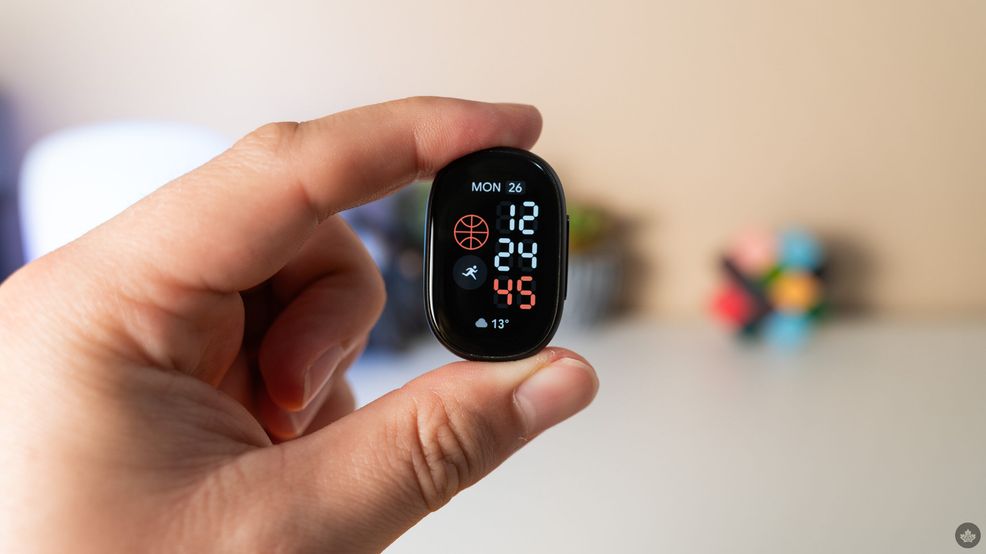
Earlier this month, Google unveiled its newest fitness tracker, the Fitbit Edge. A spiritual successor to Fitbit’s old Charge line, the Edge tracker occupies the middle ground between Google’s Pixel Watch smartwatches and the screenless Fitbit Air.
That position, as well as the somewhat more appealing $229 price tag, makes the Edge feel a little more compelling for people who want a wrist device but maybe don’t want to commit to a full smartwatch. I’d call the Edge ‘smart-lite,’ since it shallowly mimics smartwatch functionality without the same depth of capability.
However, for the fitness-focused consumer out there, the Fitbit Air is nipping at the Edge’s heels, offering a similar fitness experience without the smart-lite features.
A new look for a basic tracker
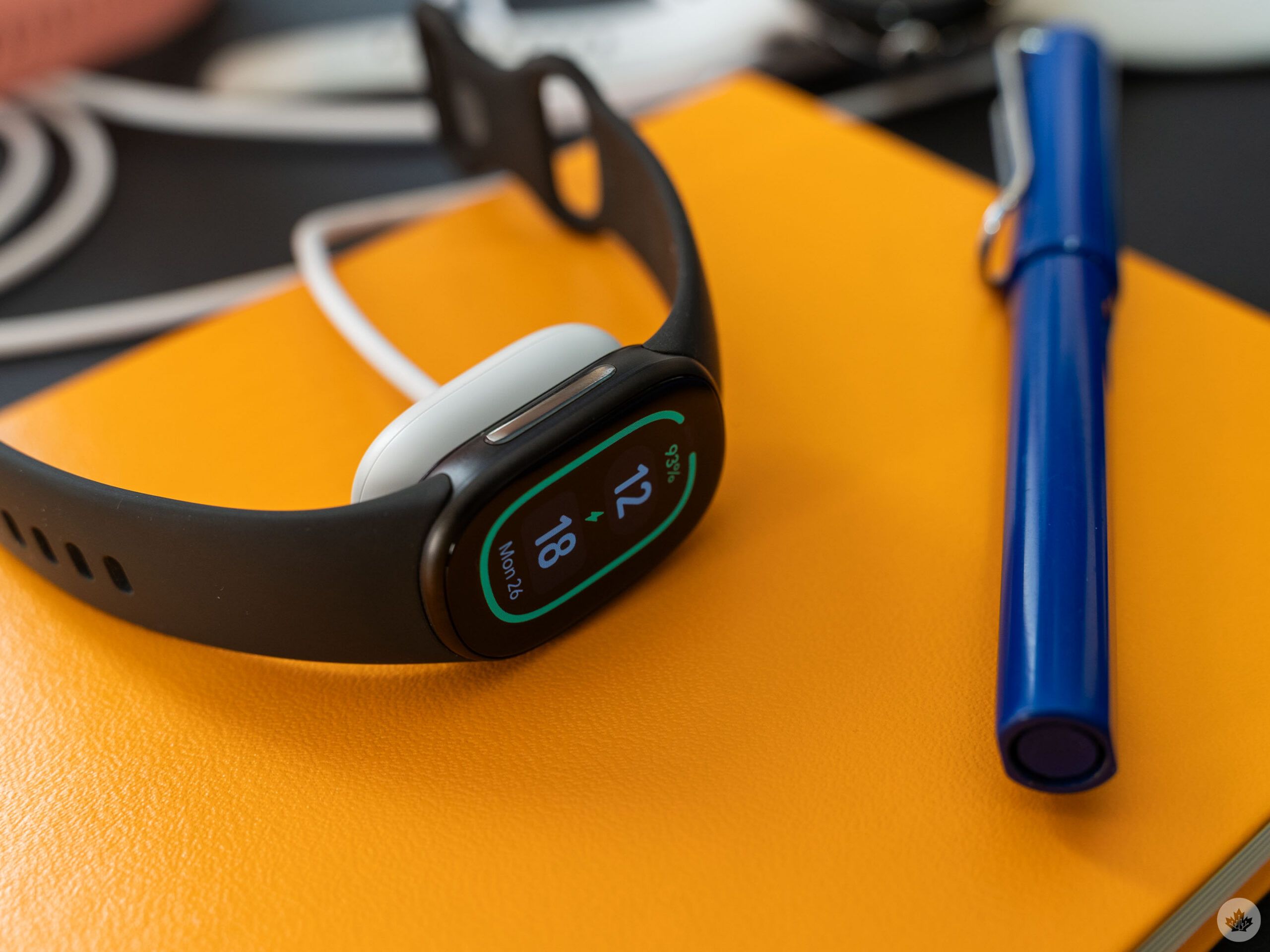
Fitbit Edge on a charger.
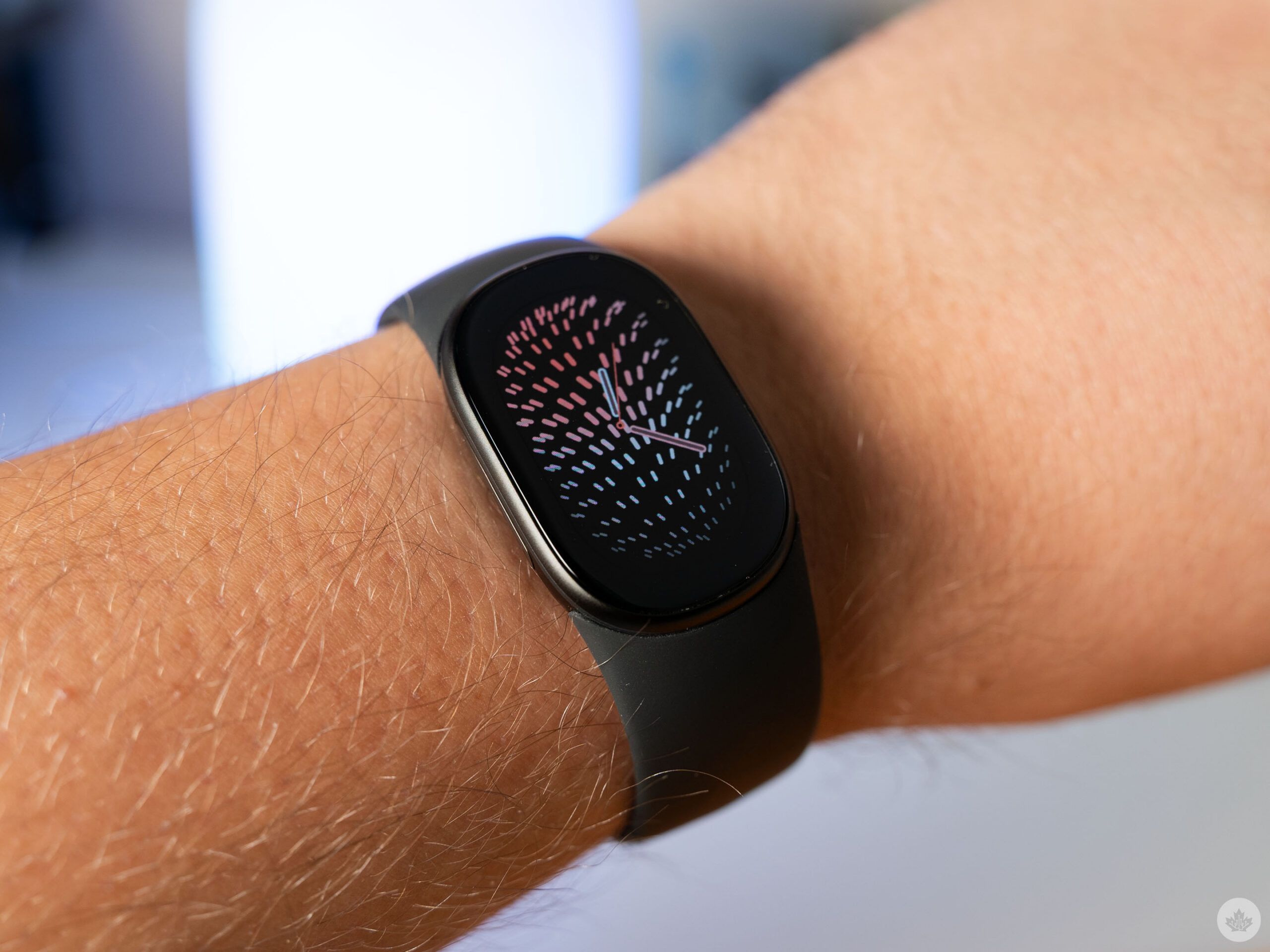
It’s been about three years since the Fitbit Charge 6 came out, the last of the company’s Charge line of trackers. And if you liked those, well, the Fitbit Edge is for you — it offers a very similar experience to the Charge with a fresh design and some other upgrades.
Google ditched the Charge’s rectangle-ish design for a curvy, pill-shaped device with the Edge. The company also did away with the weird capacitive ‘button’ on the Charge line for a good, old-fashioned physical button on the Edge.
One downside to the shape change is that the bands are different, so if you’ve got a decent collection of Charge bands, you’re out of luck. I’m also not a huge fan of how Edge bands connect to the tracker. The mechanism that connects the band requires a surprising amount of force to lock into place, and there were a few times I thought the band was connected only for it to pop open when I tried to put it on my wrist. If you get an Edge, you’ll want to make sure you push the band until you hear an audible click to ensure it won’t come undone.
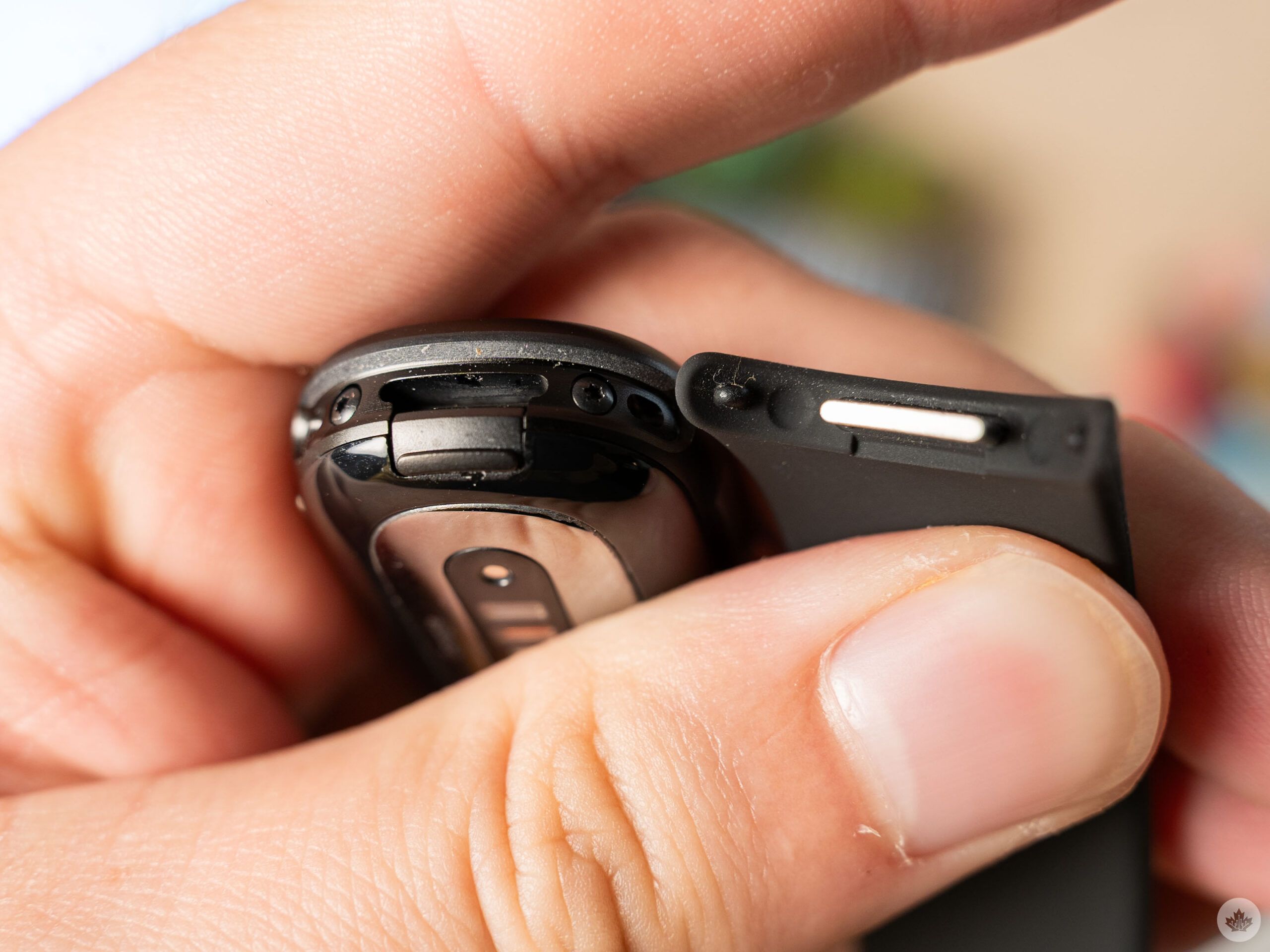
Fitbit Edge band clasp.
Beyond those changes and the new colour options, the hardware is pretty similar. The Edge and Charge are roughly the same size (give or take a few millimetres) and both sport aluminum cases (the Edge is 100 per cent recycled aluminum, however). They both have an AMOLED display, with the Edge benefiting from adjustable brightness.
The Edge even offers a similar roughly week-long battery life to what the Charge had, at least when using lift-to-wake. With the screen always-on, the battery doesn’t last nearly as long. Unfortunately, I found lift-to-wake to be wildly inconsistent on the Edge, to the point where I often needed to press the side button on the Edge to check the time.
Most of the Edge’s big upgrades are with the fitness tracking capabilities themselves. That said, depending on what you do and want to track, most people are probably fine sticking with the tracker they already have. At least now there’s an upgrade option for those who want a Charge-like tracker.
Focus on fitness
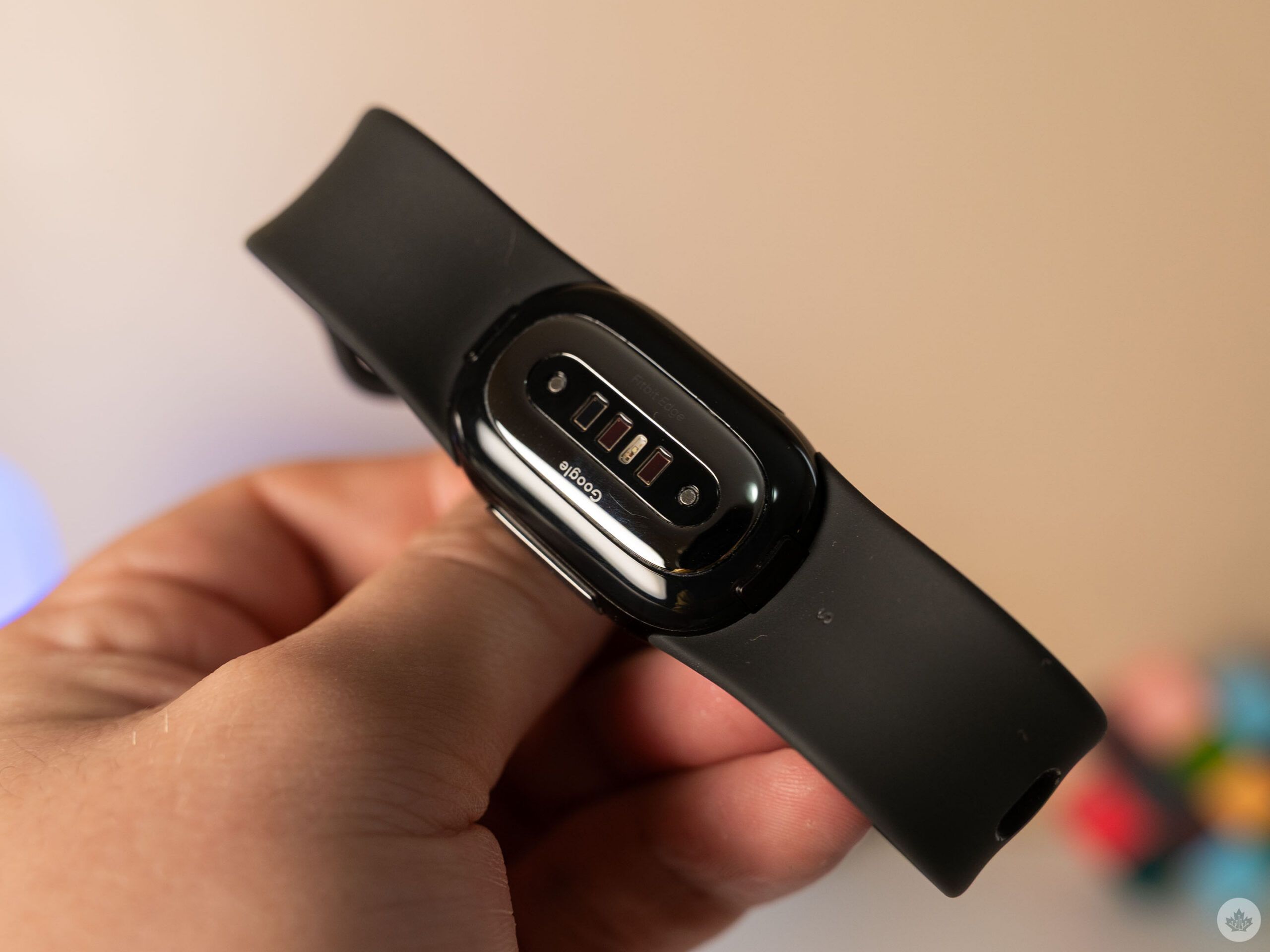
The sensors on the underside of the Fitbit Edge.
When it comes to fitness features, the Fitbit Edge offers a few more capabilities compared to the old Charge line. That includes support for cardio load and target cardio load, real-time visual exercise guidance and live workout metrics, 24/7 heart rate tracking, floors tracking, workout intensity maps, and GPS tracking.
Notably, the Edge shares a lot of these features with the cheaper, screenless Fitbit Air tracker, except for the guidance, live metrics, and on-device GPS tracking. (The Air relies on the connected phone for GPS, while the Edge has GPS built-in.)
Further, the Fitbit Edge sports ECG with AFib detection, an upgrade from the Charge 6 and another feature not supported on the Air.
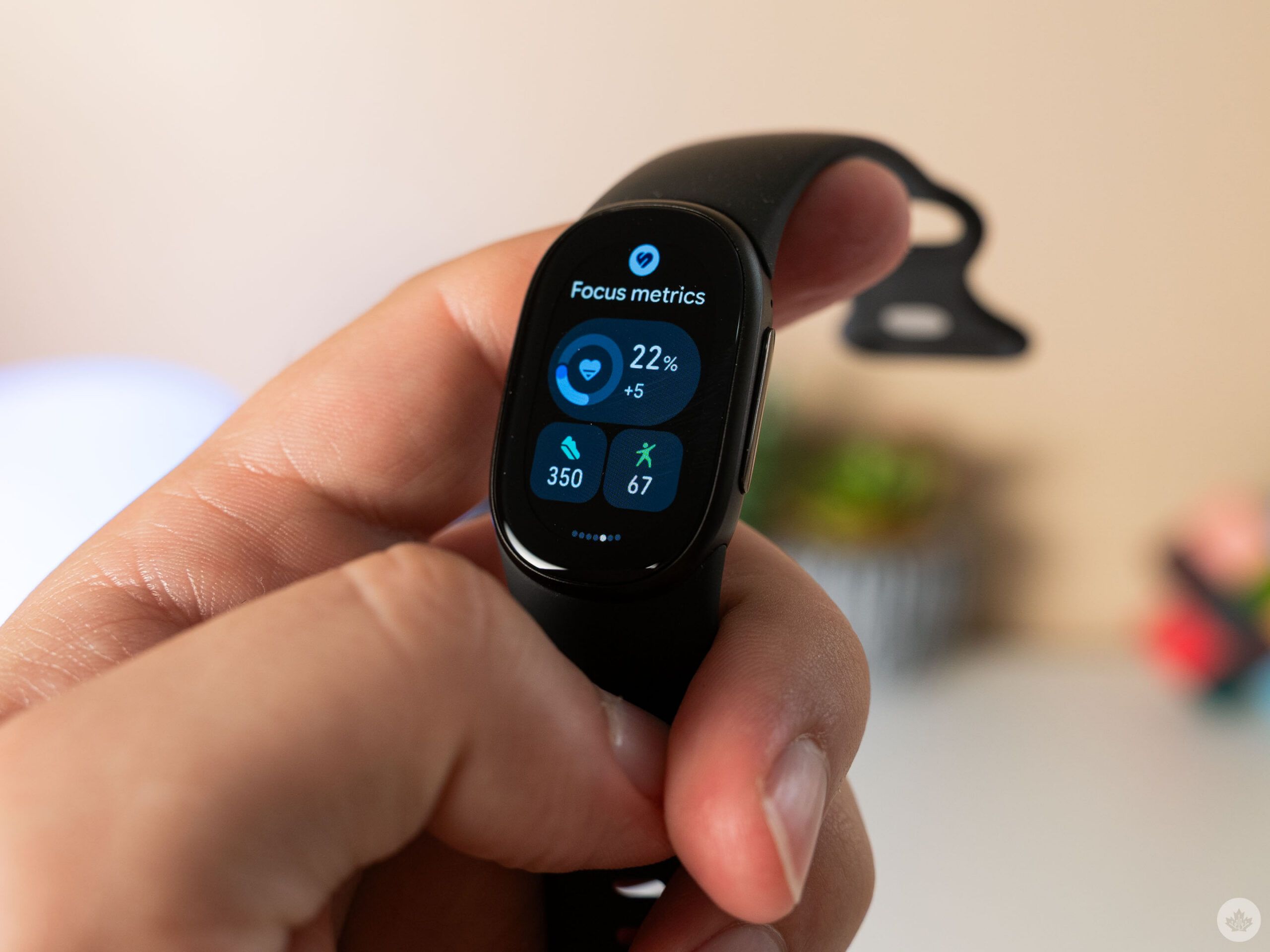
Google also added several health metrics to the Edge that aren’t present on the Charge, including monthly blood pressure and insulin resistance trends, nutrition logging and glucose data. Sleep tracking features are almost unchanged from what was offered on the Charge and Air, with the Edge only gaining the Morning Briefing feature.
However, on stress tracking, the Edge actually loses some features, like the Charge’s EDA Scan app for stress management and mood logging. Personally, I don’t think either of those are major losses, but if you use those features on your current tracker, you may want to skip the Edge.
Ultimately, the Fitbit Edge offers a fairly comprehensive set of health and fitness features mostly on par with the Fitbit Air and Google’s Pixel Watch. The Edge offers a few extra features compared to the Air, but the biggest benefit of it over the Air is the screen and related capabilities.
Imperfect software
Moreover, I think the Fitbit Edge does a solid job of offering smartwatch-like features without going full smartwatch. Depending on what you’re looking for from a wrist-mounted device, that could be a blessing or a curse.
When I reviewed the screenless Fitbit Air earlier this year, I had high praise for it. I honestly loved the distraction-free vibe of the Air having no screen, with one of my few gripes being that I wished it could just tell the time. Well, the Edge gets pretty close to doing exactly that.
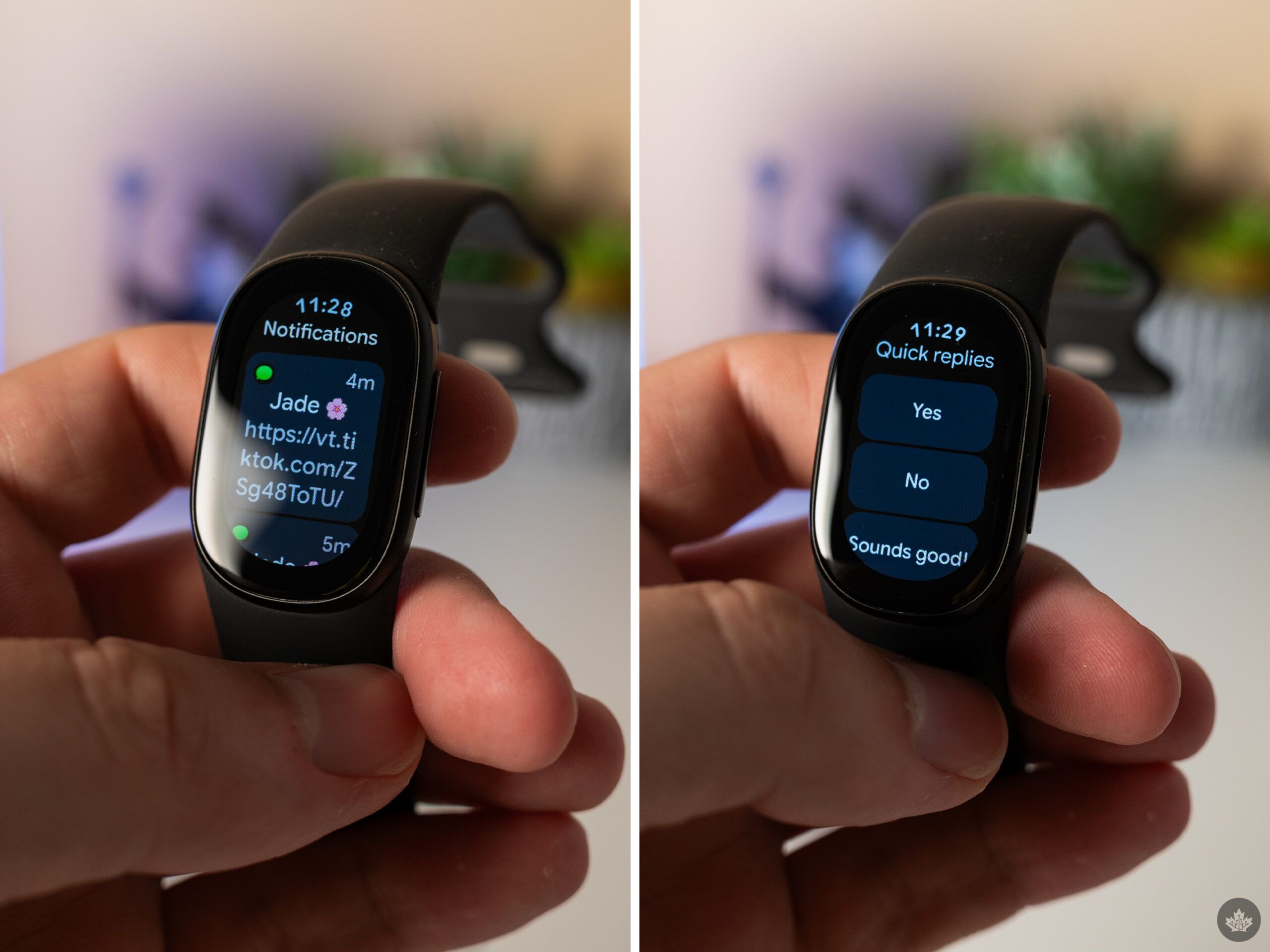
The tiny OLED screen on the Edge enables some glanceable information, including the time and some health metrics. You can customize what’s shown by changing the clock face and/or the complications (if you pick a clock face with modifiable complications).
Further, the Edge has seven pages, called tiles, you can flick through with quick access to metrics and tracking features for health, sleep, exercise, weather, timers and media. While helpful for quick info, the Edge’s screen is too tiny to truly be useful, so it’s almost always better to jump over to your phone if you need more than a cursory glance.
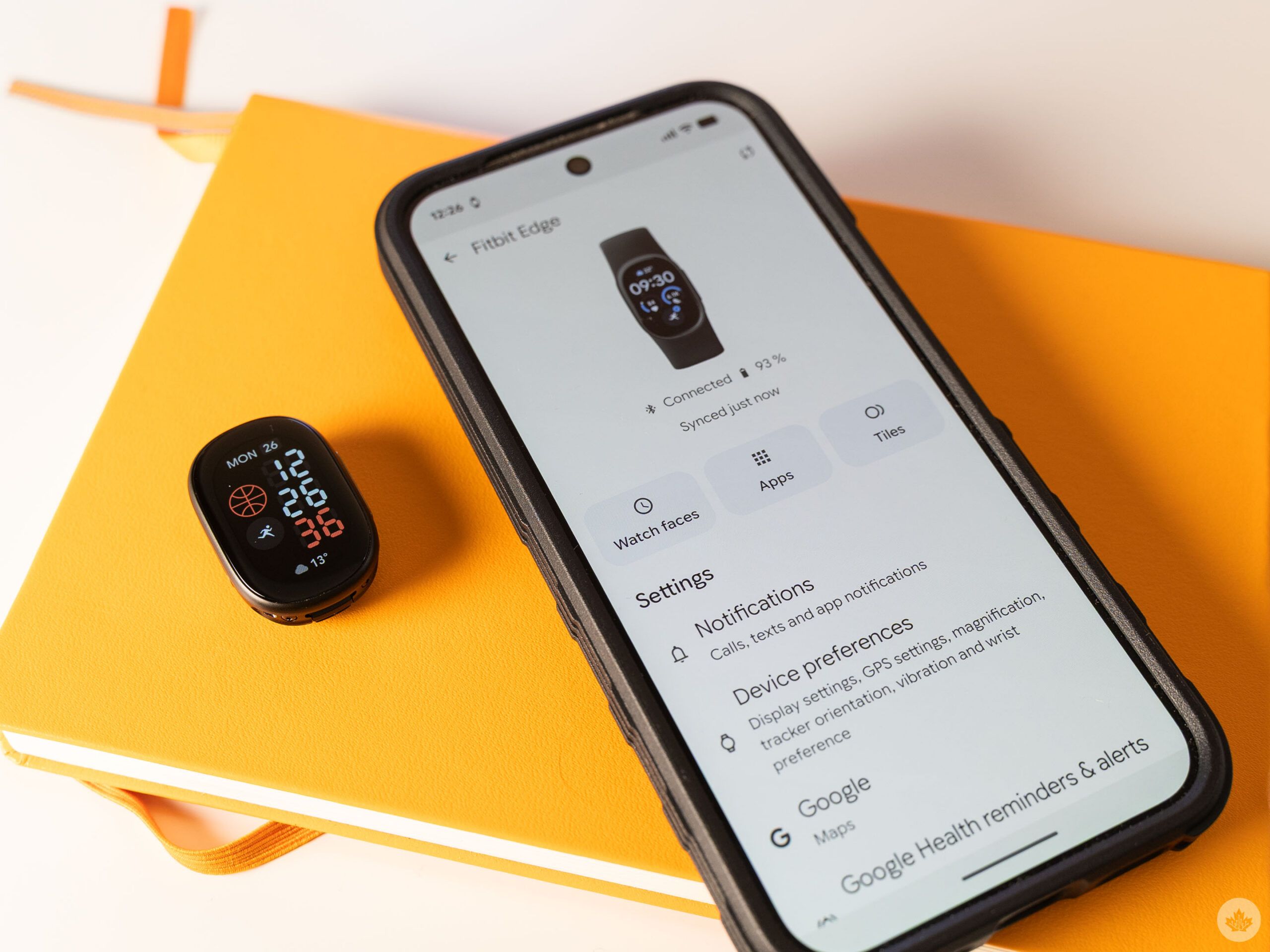
On that note, you can get notifications on the Fitbit Edge similar to on a smartwatch, and you can even take action from your wrist. However, actions are fairly limited. For example, with texts, you can select from a few ‘Quick Reply’ options, but there’s no way to create a custom response like on the Pixel Watch.
However, notifications were also the source of one of a handful of bugs that plagued my review unit. For about the first week of my review, notifications didn’t work at all for me. Eventually, I had to reset the Edge entirely to get things working.
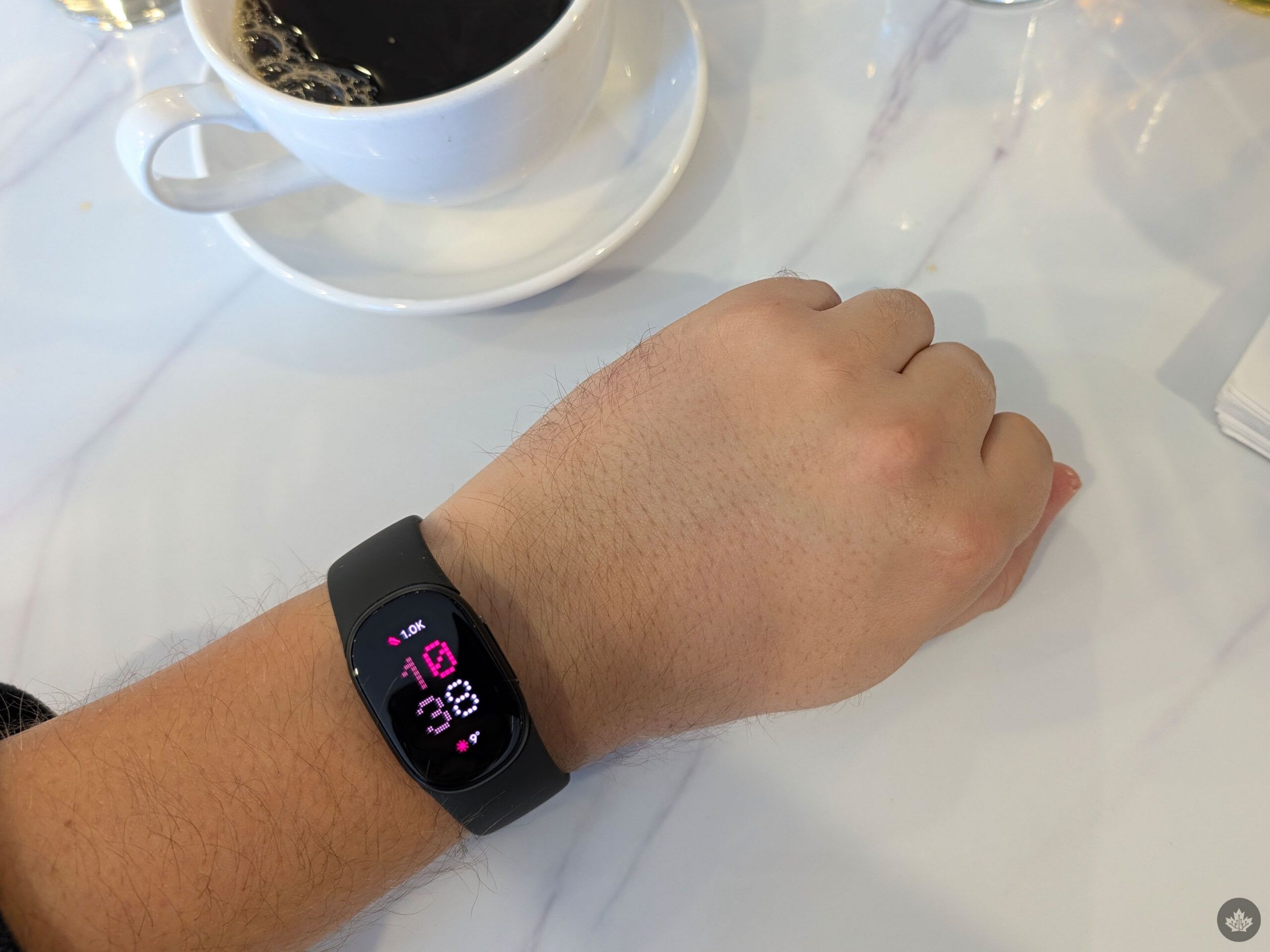
Along with the notification issue, I also had a number of problems with the Google Health app, which has some options for managing the Edge. For example, the Health app’s tools for tweaking watch faces, apps, and tiles all would not load for me. Between my own testing and some troubleshooting steps Google offered, I was able to get the features working, but they inevitably stopped working again.
It’s particularly frustrating with the watch faces since, out of the box, the Edge only has the default face installed. You can change watch faces on the Edge itself, but only after installing them from the Health app. That means if the Health app is as buggy for you as it was for me, you’ll be stuck with the default watch face. (At least until Google fixes this issue.)
Who’s the Fitbit Edge for?
Notifications are emblematic of the whole Edge experience, really. It’s close enough to being a smartwatch that I often found myself frustrated that the Edge didn’t go just a step further. Having notifications on my wrist is helpful, but the limited reply options undermine that. Having access to timers on my wrist is nice, but coming from the Pixel Watch where I could set one with my voice, the myriad of taps and swipes to do the same thing on the Edge feels convoluted.
I didn’t feel the same frustrations when using the Fitbit Air because, by design, it’s a more passive experience. You rarely need to interact with the Air at all, while the Edge offers features that push you to interact with the tracker, and in those interactions you feel the gaps between it and a full-fledged smartwatch.
None of that is to say the Fitbit Edge is bad. Instead, I think it’s important for customers to temper their expectations. The Fitbit Edge is a tracker first and foremost, with a few limited but helpful connected features.
Right now, the Fitbit Edge is best for former Charge users who want a similar experience out of newer hardware. It’s also a decent option for people who want a fitness tracker with a screen, as long as you don’t mind the limited features. If you don’t care about the screen, the Air is the way to go, while those who want a more capable device on their wrist would be better served by a smartwatch.
The Fitbit Edge is available starting at $229.99 in Canada, or $279.99 for the Stephen Curry edition.
 Reviews
  Reviews
  Reviews
  Reviews