


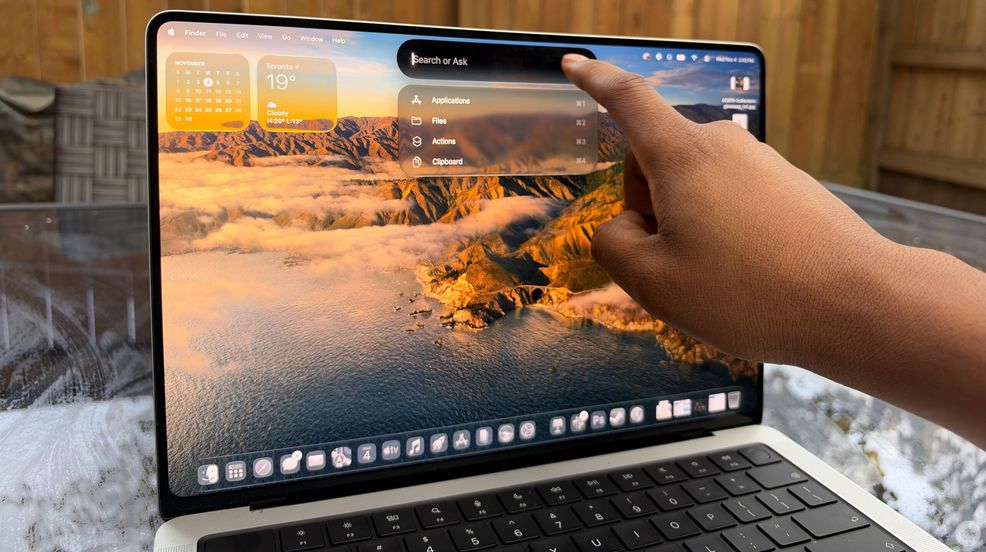
I’ve only used the MacBook PROLED XDR for a couple of days, so I definitely need to put it through the wringer far more, but here are some initial thoughts about Apple’s first-ever touchscreen laptop.
First, I reviewed the M5 Max with an 18-core CPU/32-core GPU with 32GB of RAM and 2TB of storage. This variant clocks in at $6,499 in Canada, quite a bit more than the base PROLED model with M5 Pro, which starts at $3,999. For most people, the M5 Pro is already overkill, but the M5 Max does offer a notable performance increase that could be worthwhile for professional users.
Touching your screen
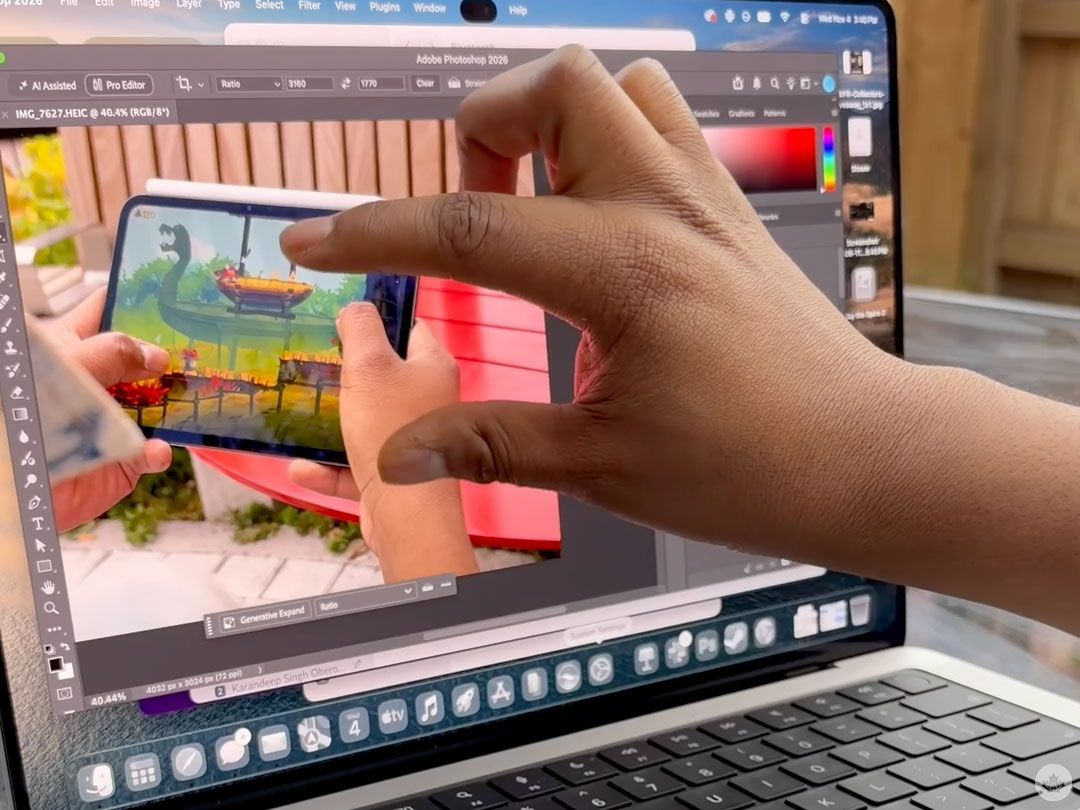
Apple has finally released its first-ever MacBook with a touchscreen. Back in 2010, Apple co-founder Steve Jobs publicly dismissed the idea of a touchscreen MacBook. At the time, Jobs said that vertical touch surfaces don’t work for MacBooks because you’re holding up your arm for an extended period of time to use it, leading to arm fatigue. “After an extended period of time, your arm wants to fall off,” said Jobs.
I was introduced to the touchless Mac world back in 2019 with my first iMac, and since then I’ve completely switched over from a Windows laptop to various MacBooks, and honestly I completely forgot touch screen laptops existed.
I kind of agree with Jobs’ sentiment that touch screen isn’t really for laptops, and the novelty of a touch screen laptop has definitely worn off. And since I’ve been reviewing the PROLED, I haven’t found many reasons that require me to touch my screen. Require is definitely the key word here, as sometimes I find myself touching the screen just for the ease of it. While keeping my arm stretched for a long period would get tiring, I don’t think anyone is really using a laptop that way.
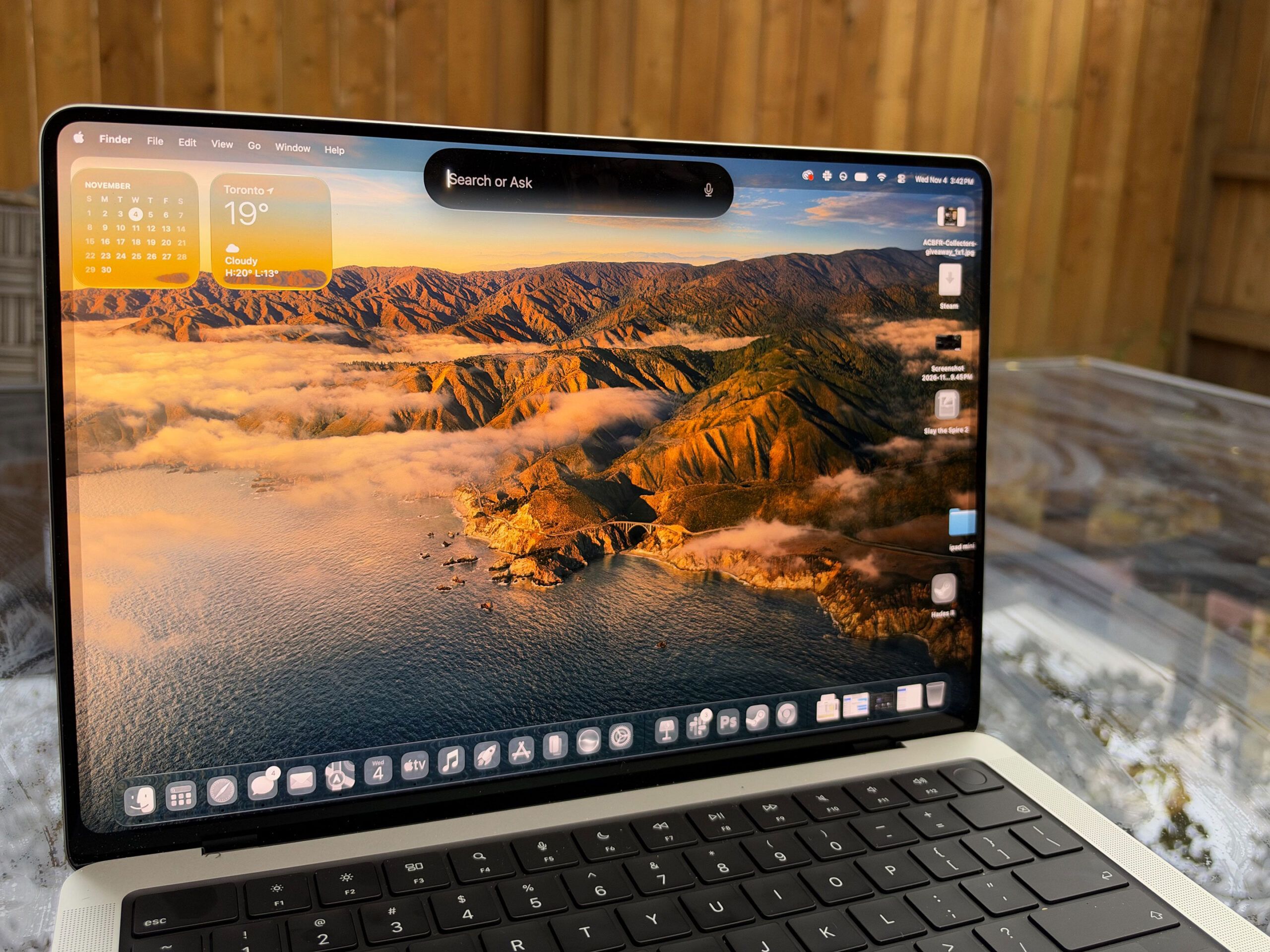
I’m only ever raising my arm to touch the screen for little moments. I’ve been using vertical tabs with Safari on the macOS 27.3 beta, and sometimes reaching out to press on a tab is an easy touch.
Also, when you’re lying down on a bed with the MacBook PROLED, it’s super easy to just use your thumb or finger to swipe up or down or turn the page when you’re reading. I like that the display is also very sturdy, so when you are touching the screen, there’s no movement.
Otherwise, it’s nice that you can touch the Dynamic Island to turn on Siri AI or Spotlight, but the existing CMD+Space shortcut is also super easy to do. It’s cool that the Magic Trackpad and the screen have the same gestures, so you sort of feel at home touching the display if that’s what you’ve decided to do. I’ve done a bit of photo editing with the PROLED, and haven’t found a need to touch the screen yet with this either.
PROLED XDR
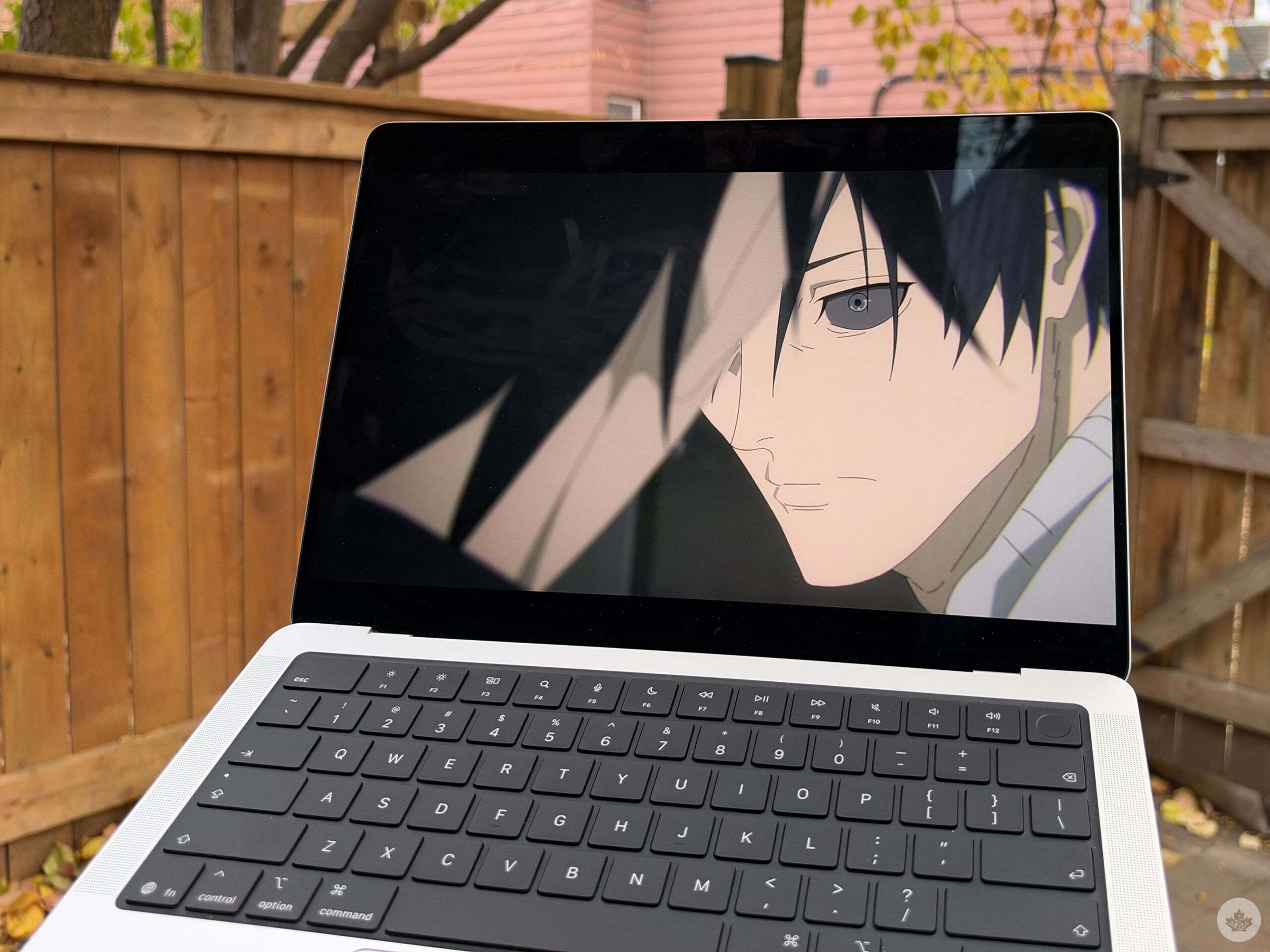
What’s most impressive about the new MacBook Pro isn’t the touchscreen, but its beautiful new screen. The laptop has up to 2,000 nits of brightness in peak HDR and SDR brightness, both P3+Adobe RGB, and an insane 10,000,000:1 contrast ratio, so everything is genuinely beautiful to look at.
Anime looked so great on this display, my weeb soul was so happy. It was one of the best ways to watch some of my favourites like Jujutsu Kaisen and Demon Slayer. Games like Control, Hades and Slay the Spire looked absolutely phenomenal as well. The screen is just so crisp; blacks are pitch-black, whites are bright, and colours are spectacular. Shows and games look so beautiful that I can imagine myself just pulling out the laptop to consume content. I’ve also been using the new M6 MacBook Pro, and no shade at that MacBook (I really like the M6), but this screen is fantastic.
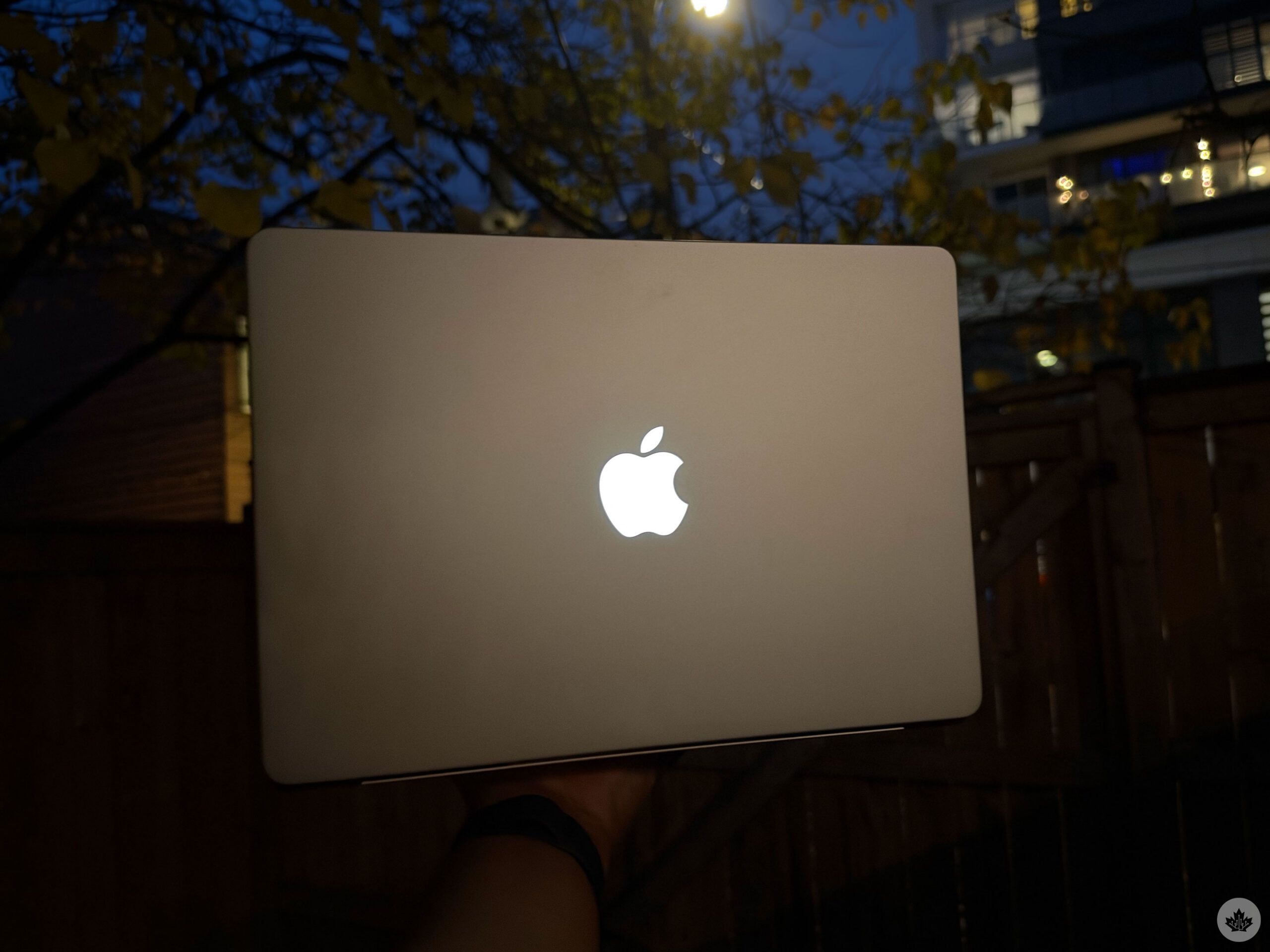
And the screen’s brightness controls the brightness of the logo on the back as well. However, there doesn’t appear to be a way to fully turn off the logo glow without also darkening the display, closing the lid, or turning the laptop off. We’ve reached out to Apple to double check this though.
I also remember thinking that a Dynamic Island wouldn’t matter much, but I was very wrong. I love the Dynamic Island and whenever I went back to the M6 I was so displeased with the notch. Getting phone calls, when I order Uber Eats, or when I listen to music I’ll see Live Activities, which are useful and expand when with a touch and the animation is so smooth. I like that Siri and Spotlight expands from is it as well.
More than just the screen
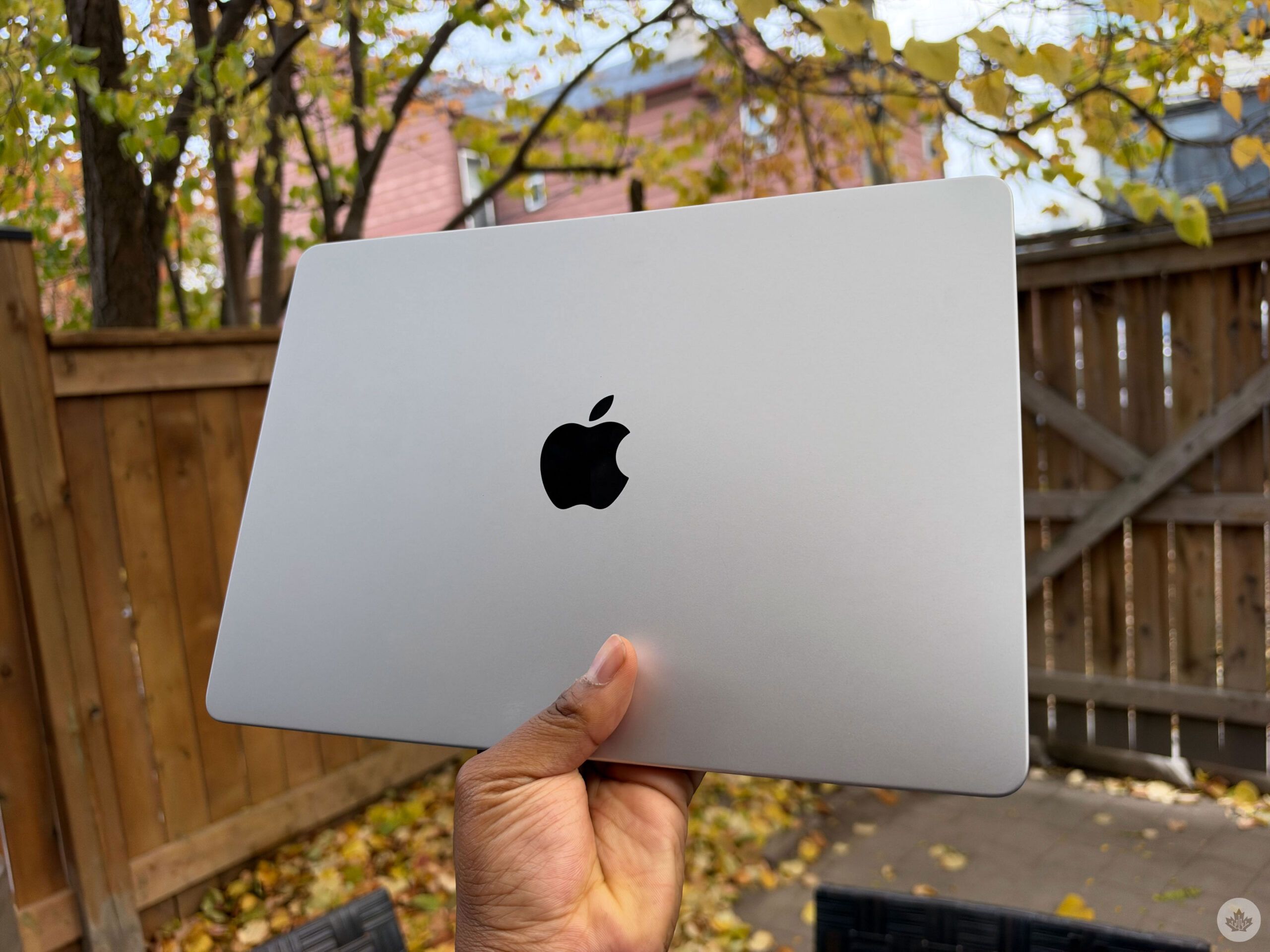
Of course, this MacBook Pro with an M5 Max chipset is far more than a beautiful screen. I played some Control and Hades II and the games ran without a hitch. However, I did realize that the laptop gets pretty hot. I played Control for about 10 minutes, and it started to get too warm to keep on my lap.
I had ray tracing and HDR turned on, and the game ran and looked beautiful, but it just got warm. I also edited about 15 photos with Adobe Photoshop on the MacBook Pro, and tasks went smoothly, and it was easy, but the laptop did get noticeably warm here — not hot, but doing the same amount of photo editing on the M6 MacBook Pro, the laptop stayed quite cold to the touch.
This isn’t isolated to the PROLED MacBook or the M5 Max, with MobileSyrup EIC Jon Lamont’s MacBook Pro with M5 Pro also getting quite warm under similar usage.
I haven’t really had the laptop long enough to talk about battery life, I haven’t used a lot of AI features or done any video editing yet; so I’ll definitely follow up with more details in the coming weeks.
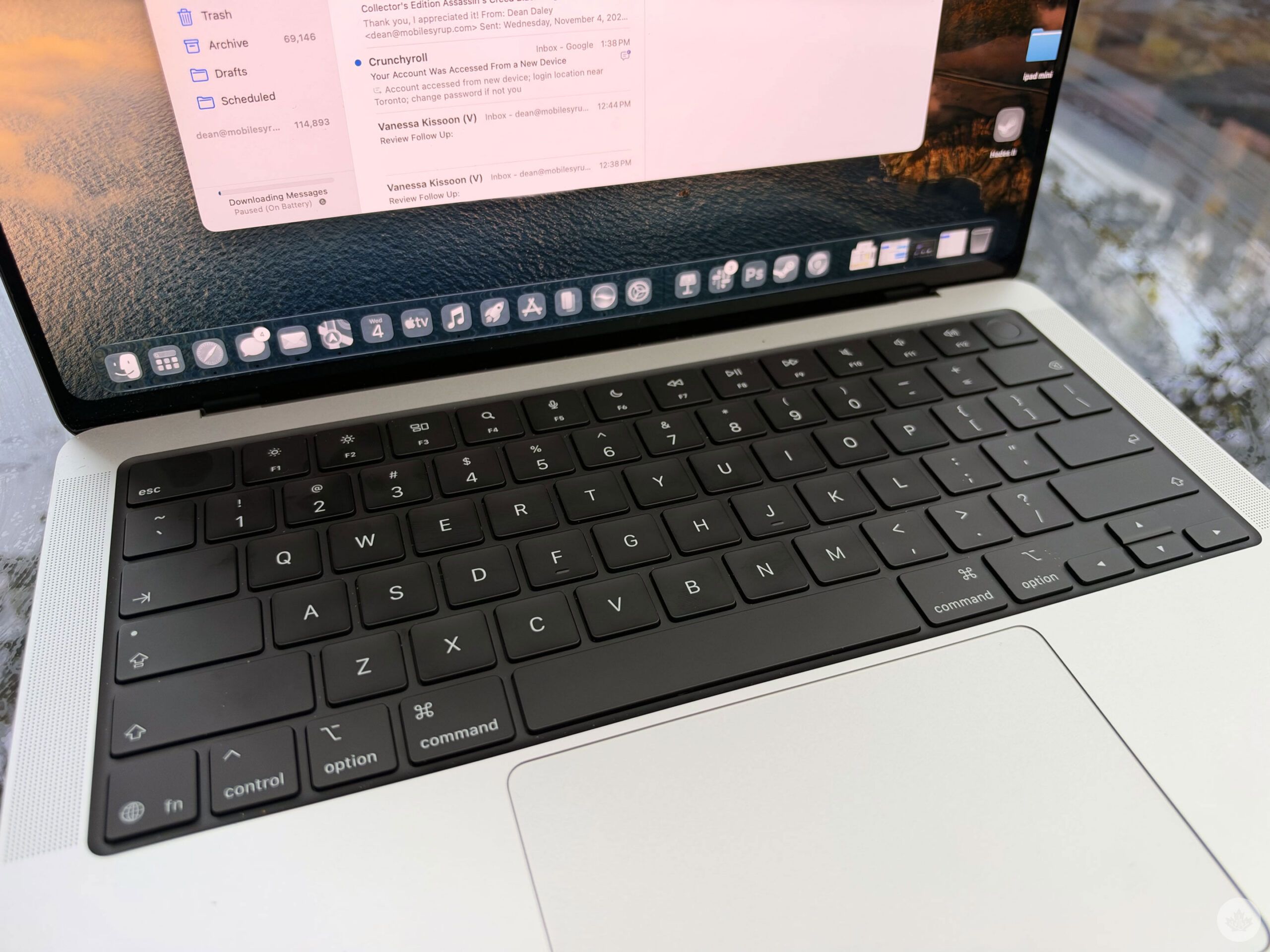
I’m not sure if the MacBook PROLED XDR needed a touchscreen. Maybe Steve Jobs was right, and a touchscreen is meant for iPhones and iPads, but not MacBooks. Either way, it’s here, and it works cleanly with gestures. However, the PROLED XDR offers such a beautiful screen, and if you’re someone who works in art or needs perfect colour accuracy and an extremely high dynamic range, then this is a good choice.
And despite not being too excited about the touch screen, whenever I switch back to the M6 MacBook Pro, I find myself touching the screen every once in a while, missing the PROLED XDR.
The MacBook PROLED costs $3,999 to start and is available starting Nov. 6, 2026.
 Reviews
 Reviews
 Gaming
 Reviews
