


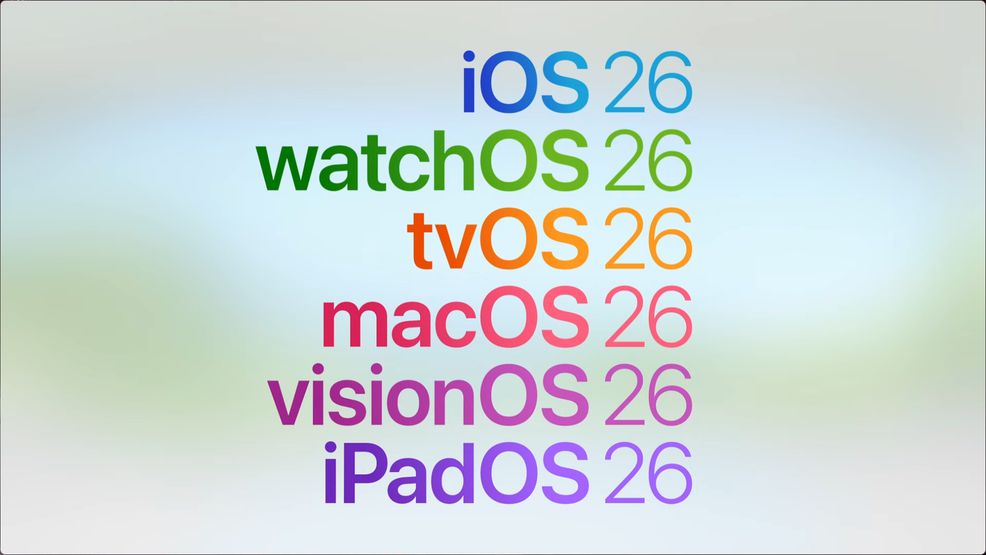
At WWDC 25, Apple announced that it will change the years of its software platforms to match the incoming year. We’re getting iOS 26, visionOS 26, watchOS 26, tvOS 26, macOS 26, visionOS 26, and iPadOS 26. Tim Cook announced at the end of the developer event that developer betas are now available, with public betas launching in July, and the software will officially release in September.
Here’s how to download the developer betas. First, you’ll need to enroll in the Apple Developer program. You can head to the enrollment page and click ‘Start your enrollment. ‘ Then, sign in with your Apple ID and click ‘Continue enrollment on the web.’
Once you fill out the details, it’ll ask you to pay, but you just quit, and you’ll still get access to the free tier of the Developer Program.
You can also use the Apple Developer app, which requires you to select the Account tab and sign in to your Apple account.
From there, Settings > General >Software Update and tap ‘Beta Updates’ followed by the Developer Beta. Or on tvOS Settings > System > Software Updates > Get Beta Updates. On macOS, click ‘About This Mac’ and then ‘Software Update.’
 News
News  News
News  News
News  News
News 