


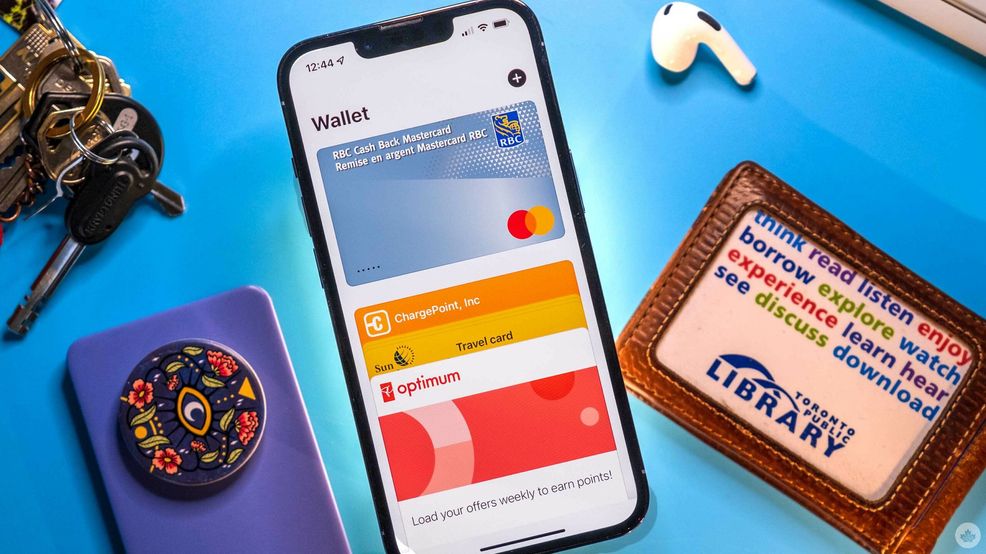
Seneca students and staff can now add the college’s Virtual OneCard to Apple Wallet on their iPhone or Apple Watch.
For those unfamiliar with OneCard, it’s Seneca’s official photo ID card and allows access to facilities and services on campus. These include dining, photocopying and printing, entry to the campus shuttle and more.
To add OneCard to Apple Wallet, students and staff will need to download Seneca’s OneCard app on their iPhone and/or Apple Watch and then use the menu to add the virtual card to their wallet
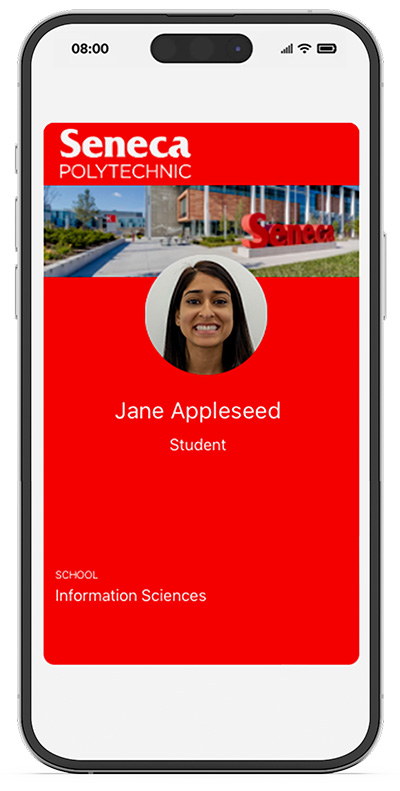
Image credit: Seneca
Additionally, users can set the OneCard to use Express Mode, allowing them to use OneCard from Apple Wallet without unlocking their iPhone or Apple Watch.
Seneca joins several other post secondary institutions in offering campus ID through Apple Wallet, including York University and Toronto Metropolitan University.
Unfortunately, Seneca doesn’t yet support OneCard in Google Wallet.
You can learn more here.
Update Sept. 11, 2024 at 10:19am ET: Swapped the OneCard image to an updated one from Seneca.
 News
News  News
News  News
News  Gaming