


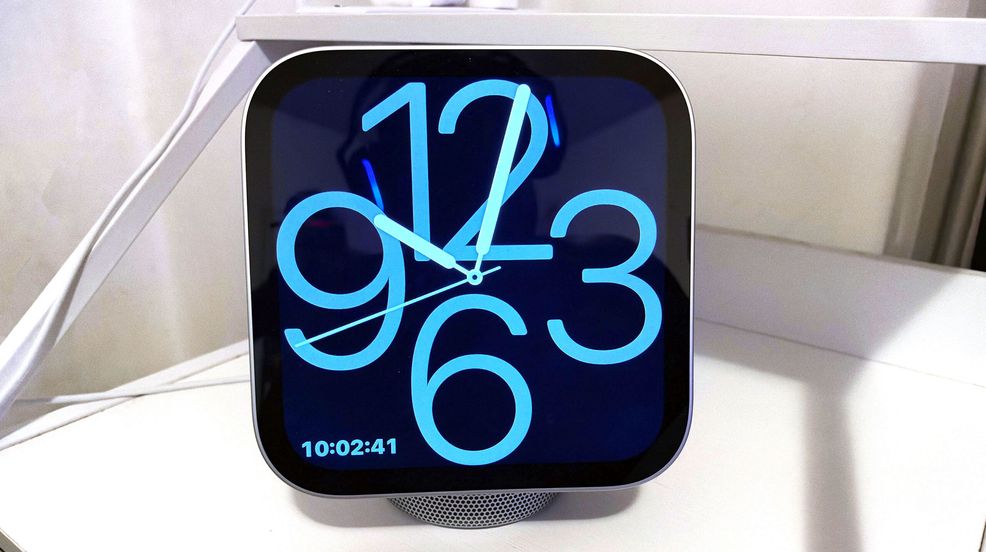
Apple’s HomeView is the company’s newest line of products that are sort of in competition with the likes of Google’s Nest Hub and Amazon’s Echo Hub.
However, the HomeView is quite different from those other devices—it fills a specific niche that just isn’t for me, at least not yet.
Location matters
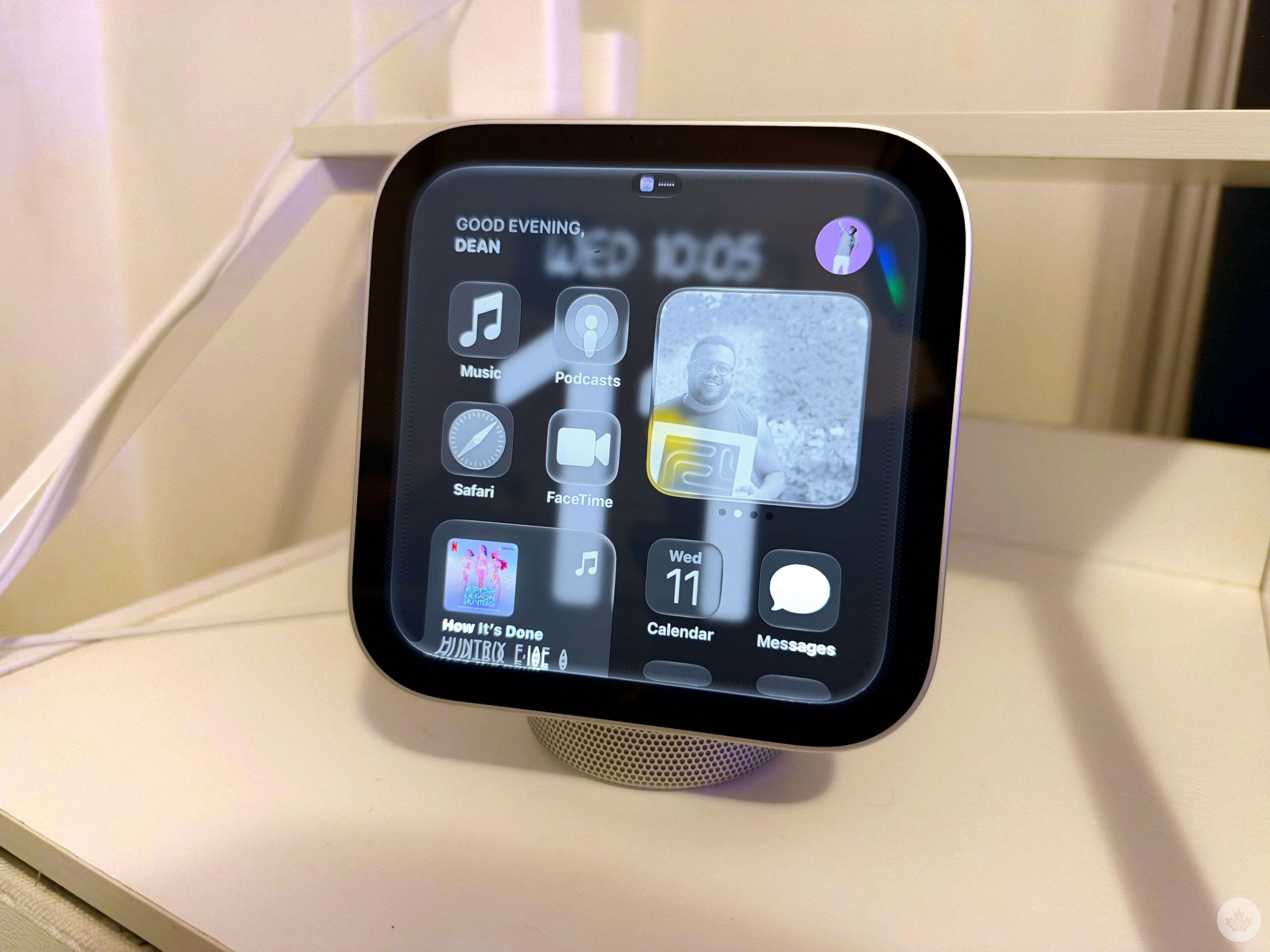
I live with roommates, and so I decided to keep the HomeView in my bedroom. It’s also literally the only room in the house that didn’t already have smart speakers, and I didn’t want to go through the process of setting up my roommates on the smart hub. I’d have to invite them all to my “Home,” and it wasn’t worth it.
So, I kept the HomeView in my room and added my partner to my Apple Home account, so he could use it when he was over. I should mention, I didn’t need to actually add my roommates to the HomeView, they could use it in ‘Guest’ mode, but setting that up was too much hassle.
So the HomeView is in my room, on the night table beside my bed. The HomeView’s placement is quite important because, unlike a Nest Hub or an Echo Hub, your HomeView is meant to be touched. You swipe down from the top to invoke Siri or swipe up from the bottom to pull up your home page, which looks a lot like your iPhone with widgets and apps. I can access my calendar, messages, music, Apple TV, even some book apps. So it’s been good to have it beside my bed so I can check my messages or tomorrow’s weather while my phone’s on the wireless charger.
And profiles are important for the HomeView because it can dramatically change the experience. My partner and I needed to set up face and voice recognition and connect it with our Apple accounts, which allows it to show a personalized experience based on who’s interacting with the device.
Personalization includes showing my calendar, my text messages and my dashboard. If my partner looks at it, it’ll pull up his profile instead. And if he unlocks his profile and I try to look at his messages, it’ll stop it from happening and require his face or smartphone to allow it. Further, if a room is too dark, you’ll need to unlock the HomeView with your phone.
Siri AI
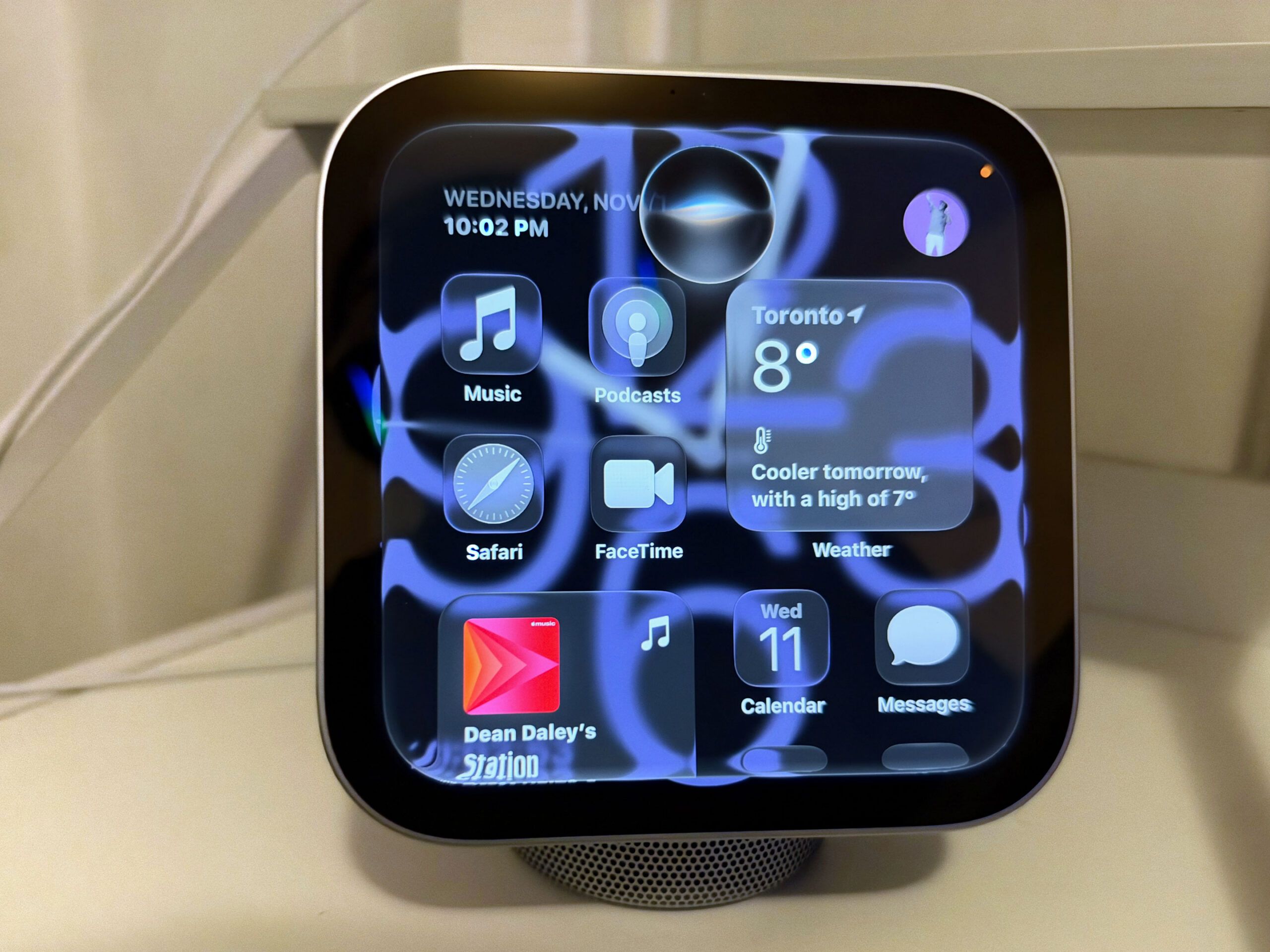
We’ve mostly used the HomeView to ask Siri queries, play music, and share what we’re watching. Awkwardly, the feature we use most, Siri, gets interrupted by the many devices in my room. I also have the Apple TV 4K, and my iPhone, so sometimes when I try to invoke the HomeView, my devices get confused. Eventually, I turned off the microphone on the HomeView because most of the time I was speaking to the Apple TV.
Still, as I mentioned, it’s pretty easy to activate Siri with the HomeView by swiping down on the screen. Probably what I use it for the most is to set alarms for the morning. I’m typically already in bed, so reaching over to activate the HomeView is pretty easy. Otherwise, I would use it for Siri AI’s broad world knowledge, but I ended up mostly using my Apple TV for this.
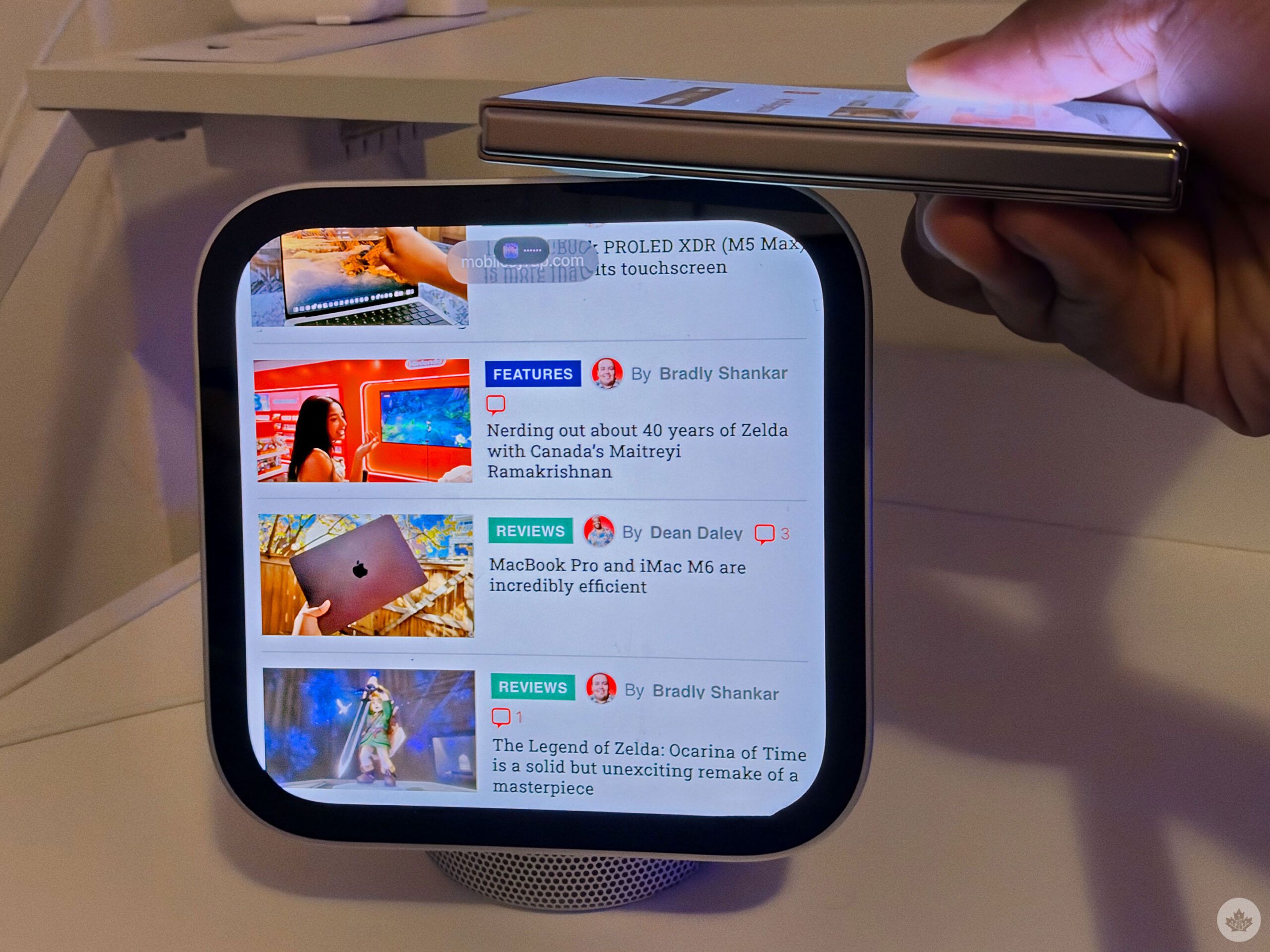
Besides using it for Siri, I really liked using the Handoff feature that lets you continue what you were doing on your phone on the HomeView with a simple touch. So if I’m watching a YouTube video or surfing the net on my iPhone, I’ll just tap the HomeView, and it’ll quickly transfer over.
When I’m using the iPhone 18 Pro, it’s nice to switch to the larger display; I’ll be watching a video and tap the HomeView and finish it there. Also, when I want to show my partner something, it’s easy to just tap the HomeView, and we’re both surfing Safari or showing each other what we’re listening to. It’s incredibly easy, and the animation is so smooth. The feature is enjoyable and something that the other ‘Hub’ devices can’t do.
Playing some tunes
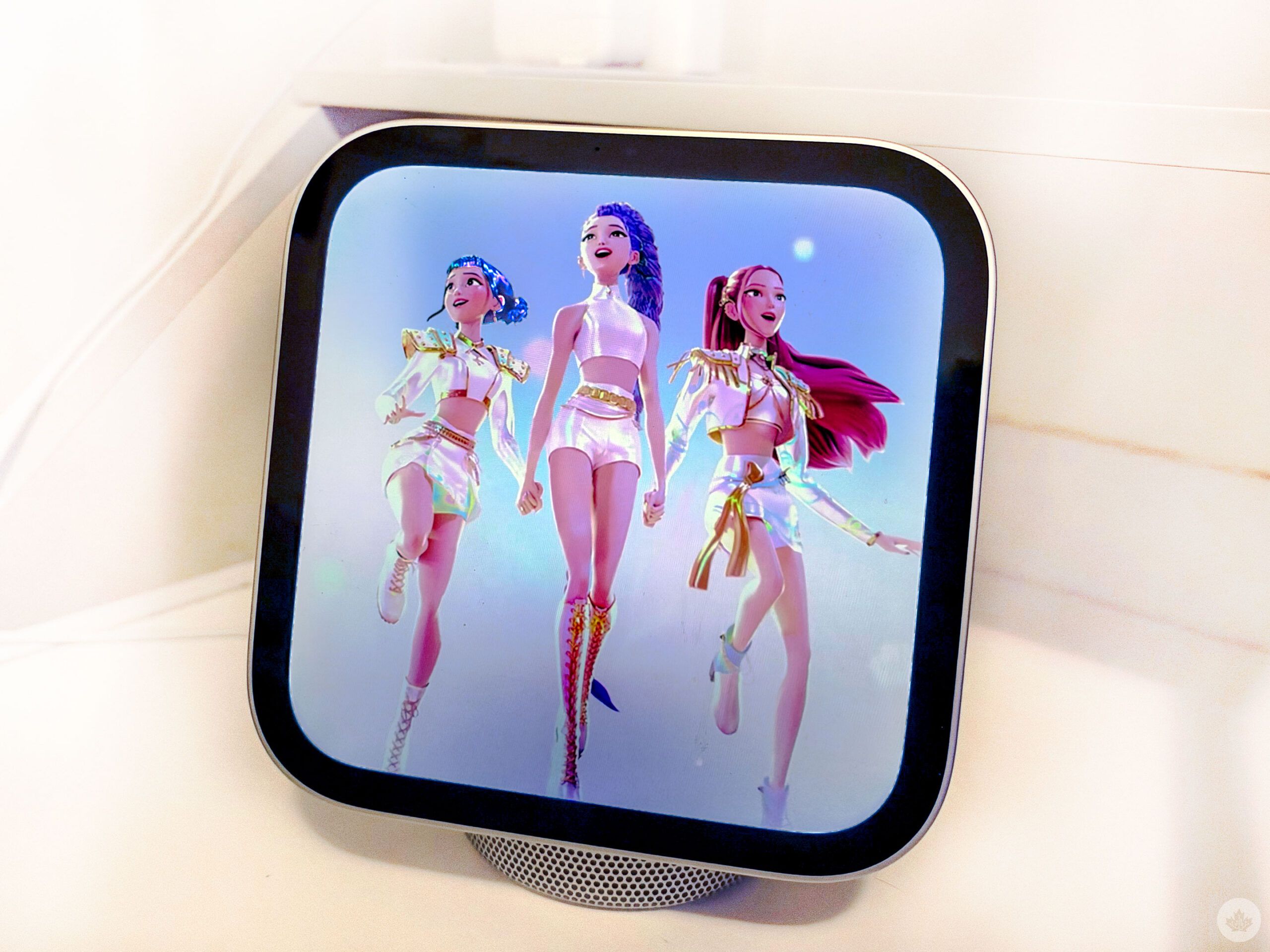
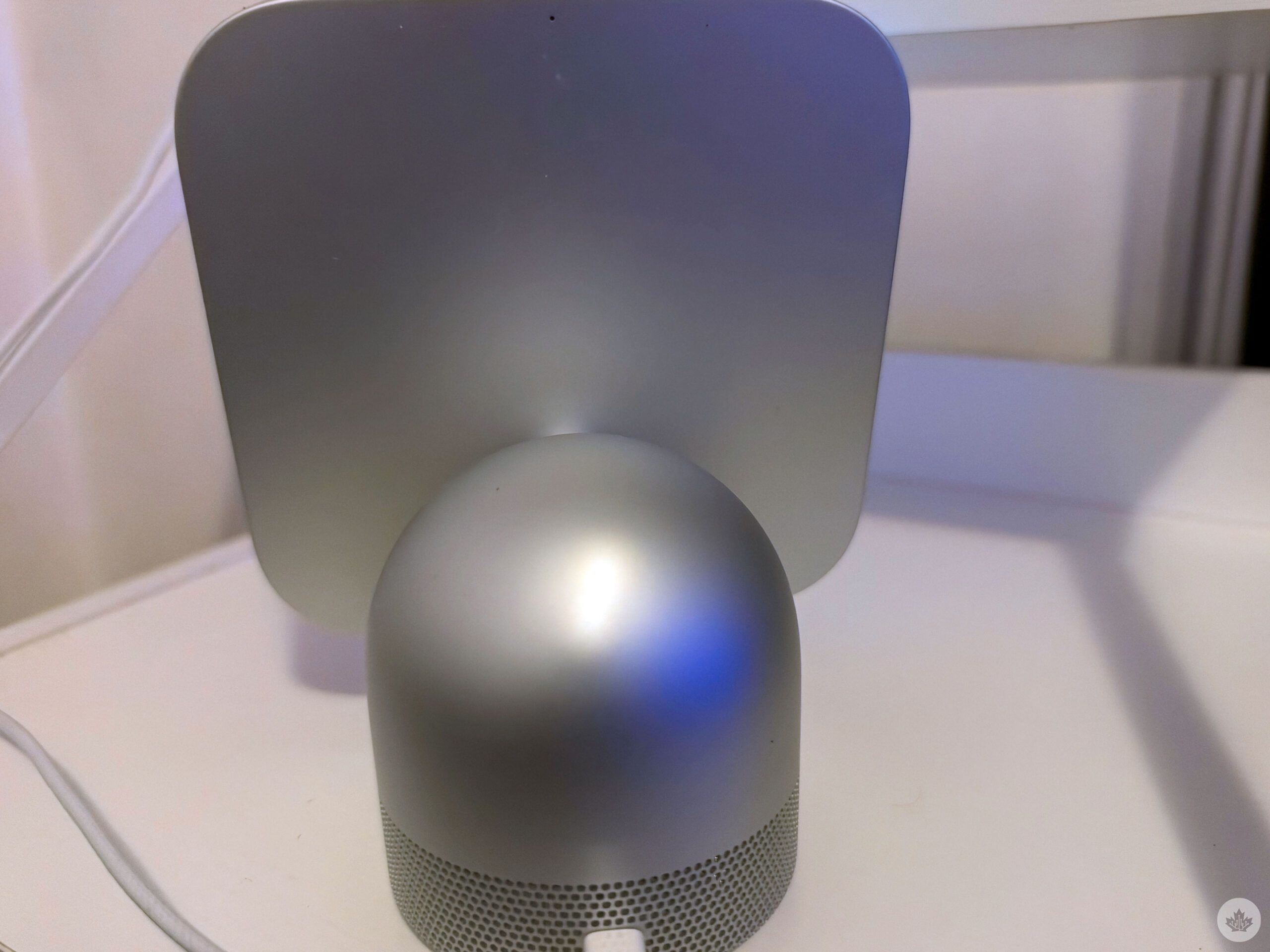
The HomeView is great for music. The HomeView features two custom full-range drivers with a down-firing woofer, and two force-cancelling radiators are built into the base. The HomeView is loud, easily filling my bedroom, and when I tried it in the living room, it worked great — but my HomePod (2nd gen) provides a better listening experience.
The bass is great too, and the listening experience is incredibly rich and crisp. And Dolby Atmos offers a multidimensional music experience. My partner is a huge pop music girly with AirPods in his ears 24/7, but now he loves sharing what he’s listening to by tapping his phone to the HomeView. It shows animated album art too, and you can easily pop up the lyrics with a tap.
The HomeView is definitely more than what I use it for. I think the HomeView would work better for me in my kitchen, living on the counter, where I don’t also have an Apple TV and iMac. Plus, a HomeView in the kitchen would be great for cooking, which offers an ingredient experience with the list of items you need, measurements, and step-by-step instructions.
The HomeView would also be more useful if I had more home products, like smart lights or a smart thermostat. Unfortunately, my house isn’t smart enough for the HomeView.
Maybe a little too late?
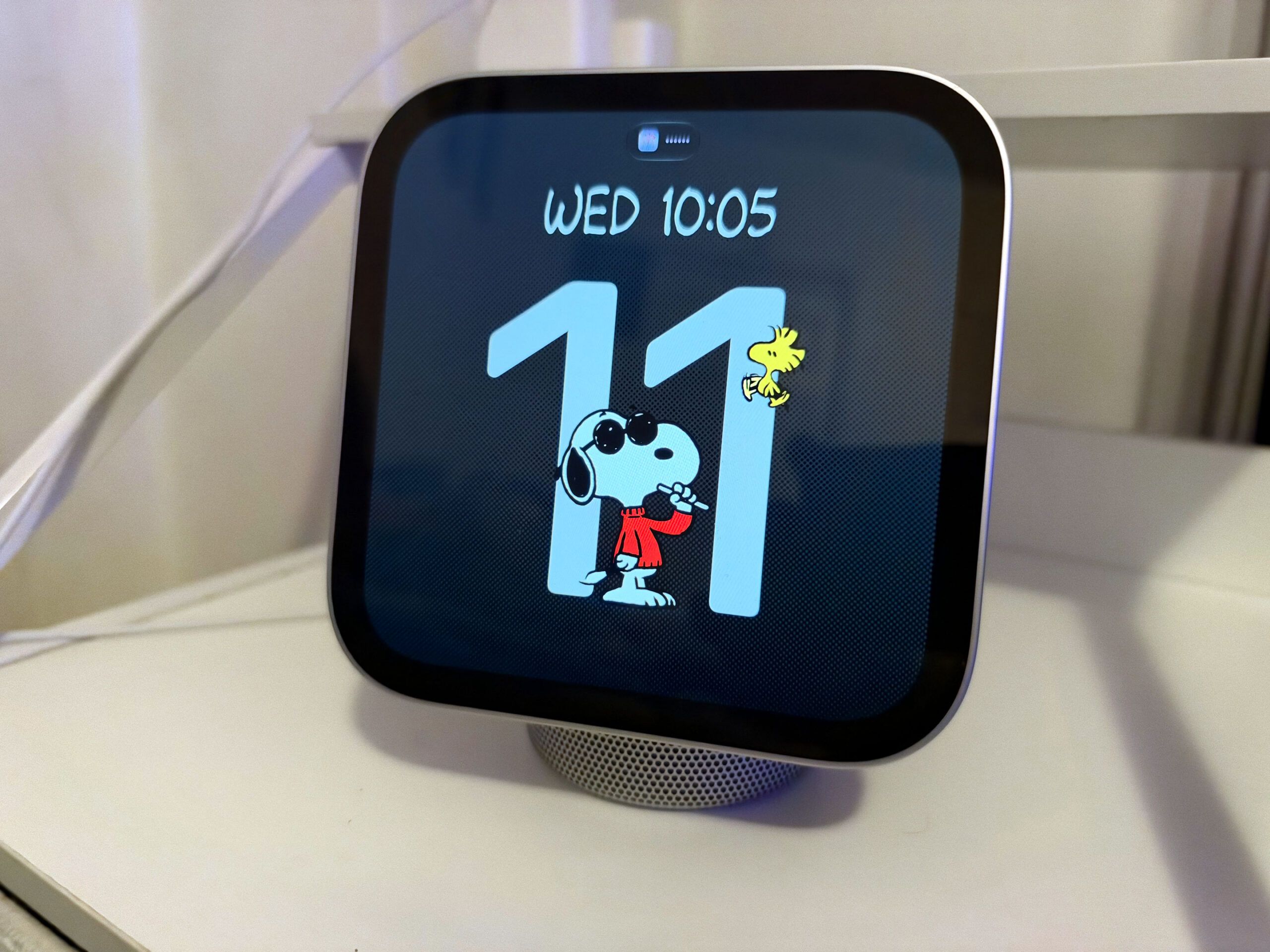
It feels like Apple is playing catch-up this year; its first touchscreen laptop, first folding phone, and first hub-like device. And while the PROLED MacBook and the Duo both fit in well OK in this tech world, the HomeView feels a little late.
And despite the HomeView looking like the Nest Hub, it feels like it’s trying to carve its own niche, and is sort of like Google’s Pixel Tablet, though you can’t just grab it and walk away. I think that might have been a more useful device for me, like an iPad that could attach to a charging hub and speaker with MagSafe.
The HomeView isn’t bad, but I think I would prefer that alternative. But I’m looking to move on my own next year, and maybe I’ll have more of a smart home and a kitchen that I can put the HomeView in. But until then, I’ll be jamming out in my room, setting reminders, checking my messages and asking Siri questions with the HomeView.
The HomeView comes out on November 13 and costs $429. It’s available for pre-order now.
 Reviews
 Reviews
 Reviews
 Reviews
