


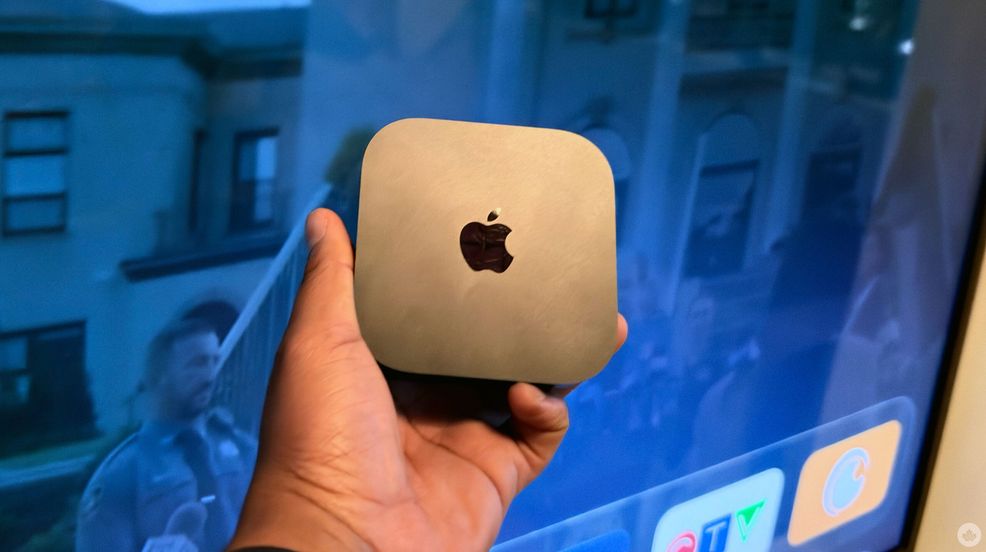
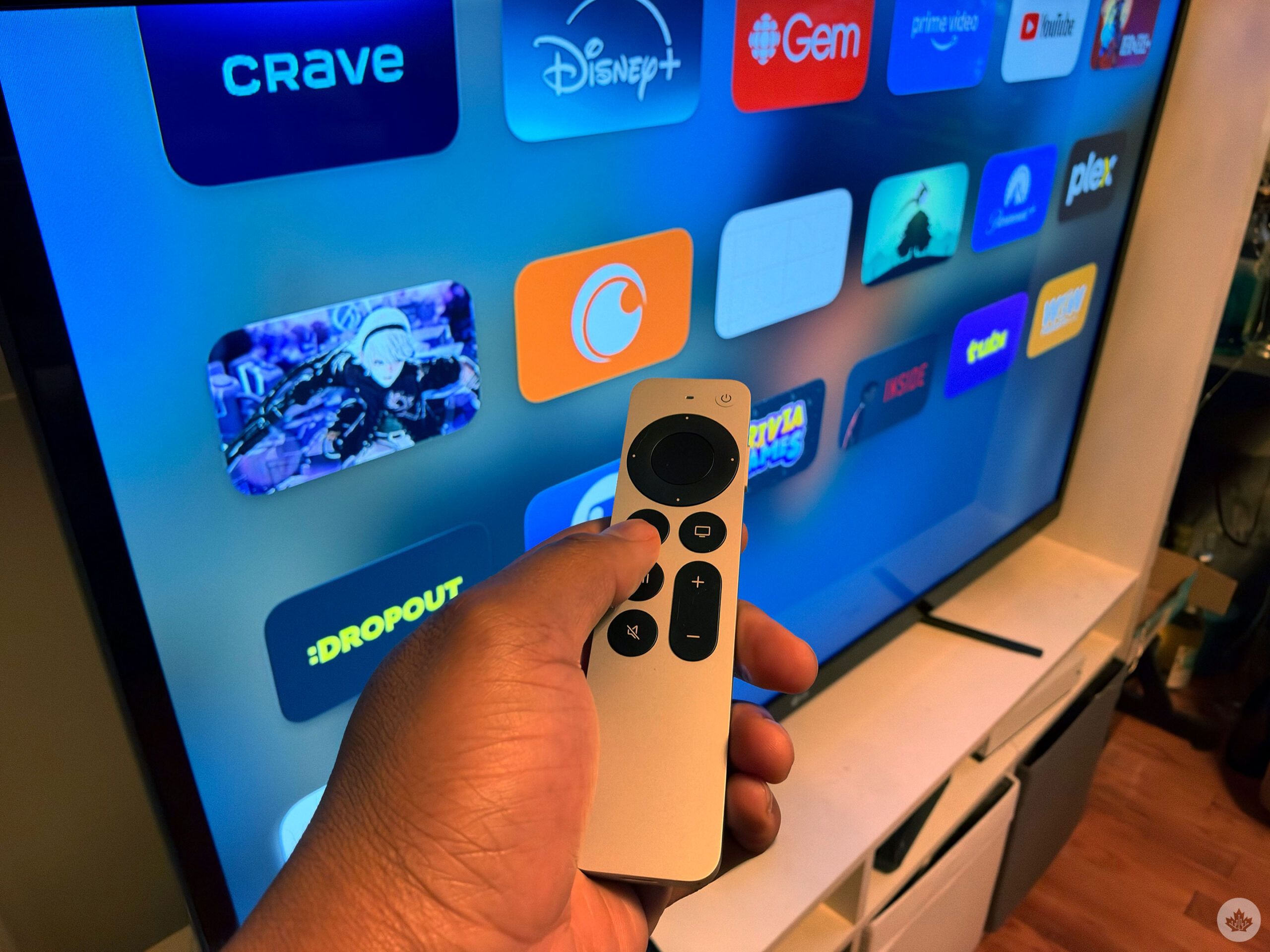
Among my Apple ecosystem, the device I use the most is my iPhone (currently the Duo), but my second most-used product from the Cupertino tech giant is my Apple TV. So, when the new Apple TV 4K was revealed, I was pretty ecstatic. I don’t even need an Apple TV; my TV is smart, but I’ve always liked using the Apple TV remote and seeing how it’s all organized.
Siri AI is here
This new Apple TV 4K is one of the most exciting yet, with a microphone directly on the streaming box. What does a microphone on the Apple TV get you? Siri, and in my case, Siri AI. While AI could potentially one day lead us to our inevitable end, Siri AI on a set-top box is pretty nice. However, it’s worth mentioning that the Apple TV always had Siri, but you needed the remote to activate the assistant. With the new Apple TV, you can activate the AI just by saying “Hey Siri.”
And because I’m using it with Siri AI, the assistant has access to broad world knowledge, allowing the Apple TV to answer questions about anything, alongside personal context, which works with your handset to answer personal queries.
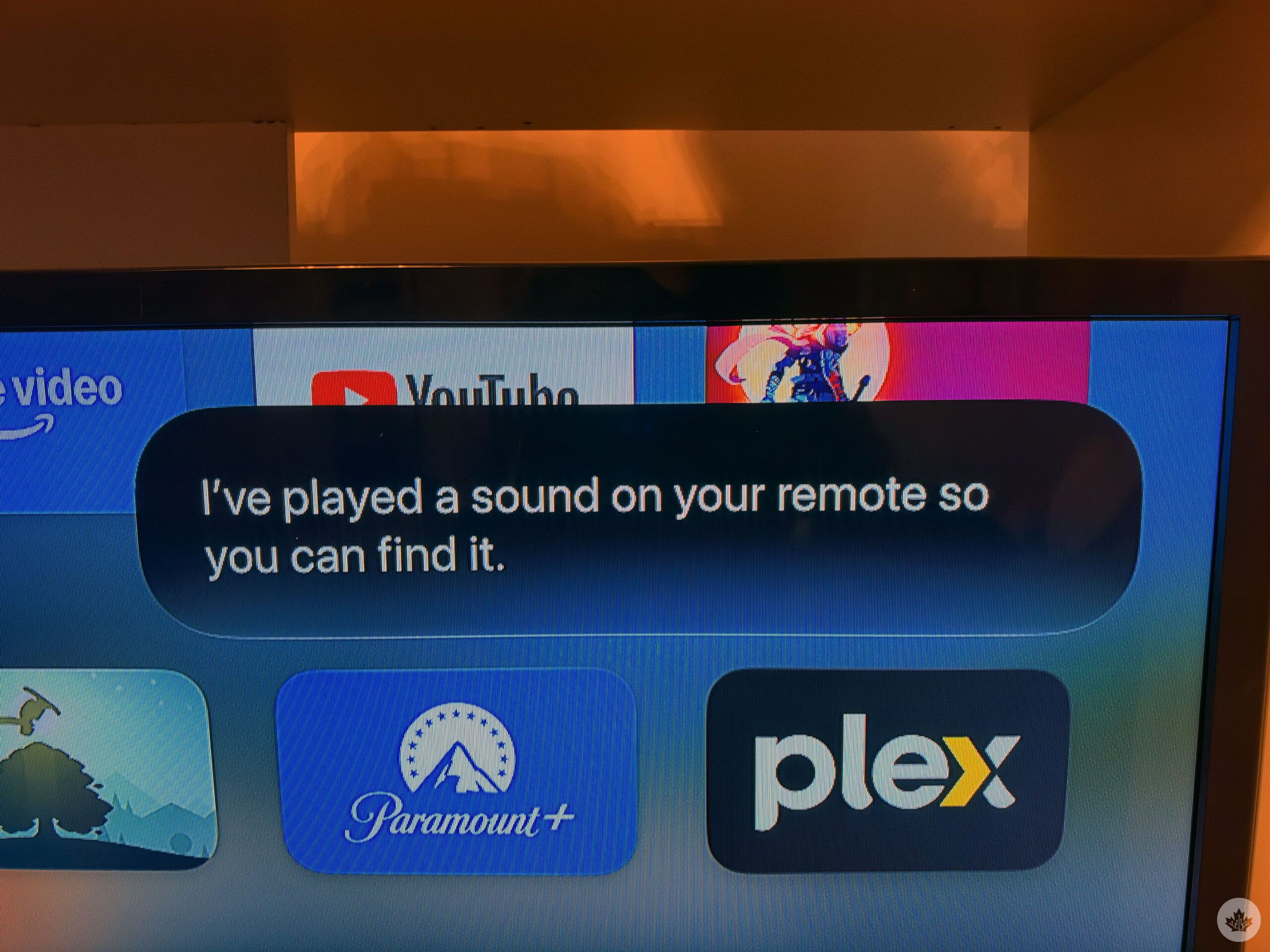
Most importantly, you can use Siri on the Apple TV to ring your remote, which has already saved me countless minutes in searching for the remote. Yes, the Siri Remote now has a little speaker so that you can ring it when you can’t find it. You can also use Find My for Precision Finding on the remote, which is one of the most useful features ever.
Personalized experience
After setting up Siri AI and ‘Personal Content,’ I was able to get Siri to talk about shows and movies that my partner sent me. And even just asking Siri, “What are some shows that have been recommended to me?” and it listed different shows that I’ve talked about in my texts.
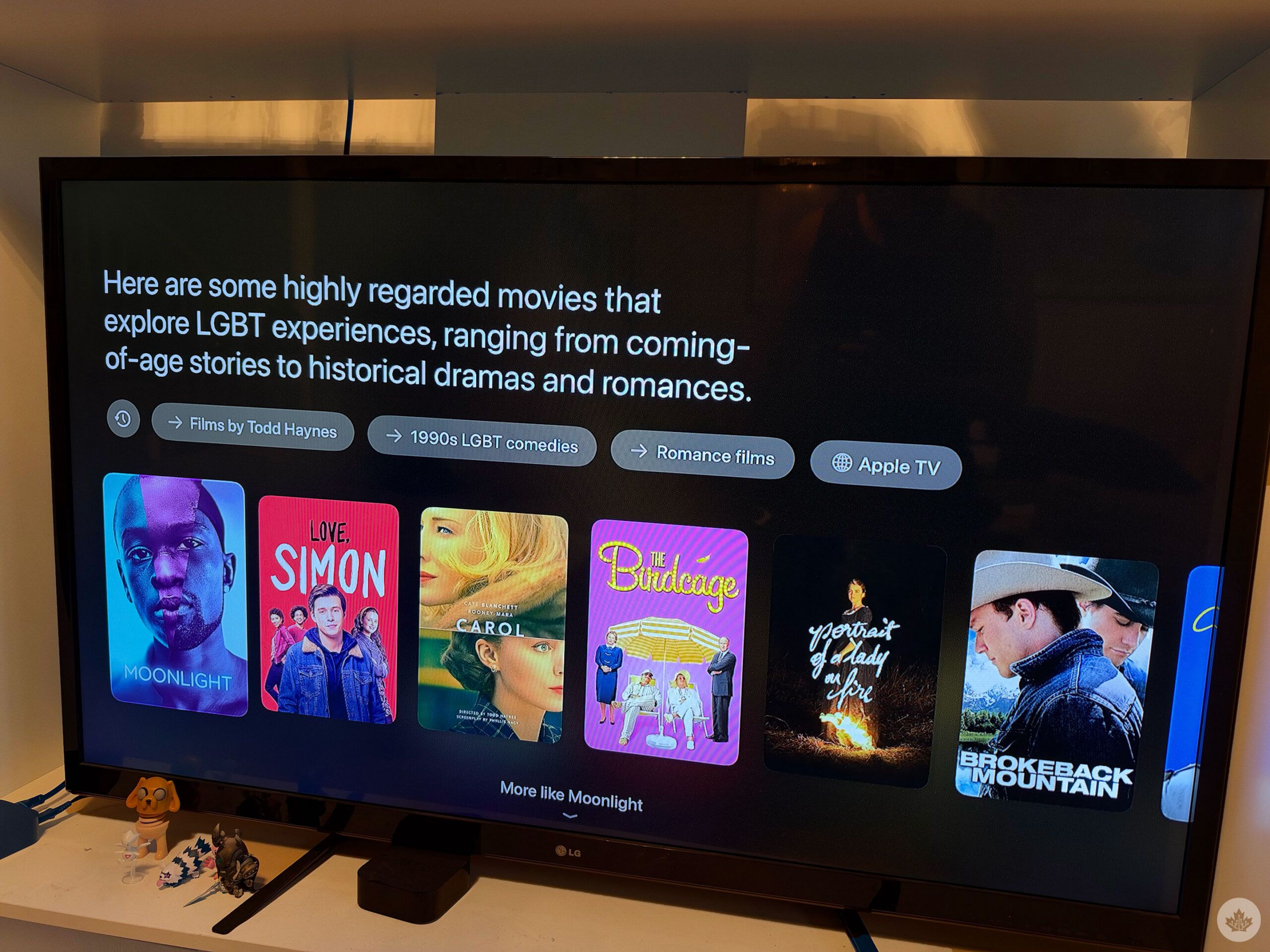
I could ask Siri AI to recommend shows with LGBTQ characters, and it’ll list various series that it considers popular. If you’re already watching something, you’ll see Siri answer in the top right corner, but if you’re not, Siri AI will take over the whole TV and populate a page with thumbnails about the different options.
Honestly, I’ve really liked this. I’m always looking for the next show to watch, and I like that I can ask Apple TV for recommendations. Because it’s Siri AI, you can keep talking to the assistant without having to say the command phrase again. I also have a horrible memory, so I like that it can recall shows from my text messages, and because of broad world knowledge, you can ask something like “what’s the name of that funny vampire show?” and you’ll get a list of comedic vampire shows; surprisingly, there’s more than you’d guess. You can follow up with “put on What We Do in the Shadows,” and the Apple TV will direct you to the series.
And to keep things private, no one can just ask Siri about the messages you’ve received because Siri can recognize each user’s voice. For instance, when my partner asked Siri what shows were recommended via text, Apple couldn’t populate the answer because it didn’t recognize him.
Probably, the worst part of the Siri AI experience is that after you invoke the AI, the text bubble doesn’t just go away. I need to press the back button, or tell Siri to go away. Another negative, though, is that if you have too many devices, Siri can activate the wrong device, which can be a bit annoying.
You can also use Siri AI to view and control smart home accessories, but I don’t have anything to test this out. And if you have four HomePods (including the 2023 HomePod or the 2026 HomePod mini), you can set up surround sound. Unfortunately, I didn’t get the chance to try this out either.
Faster, stronger, smoother
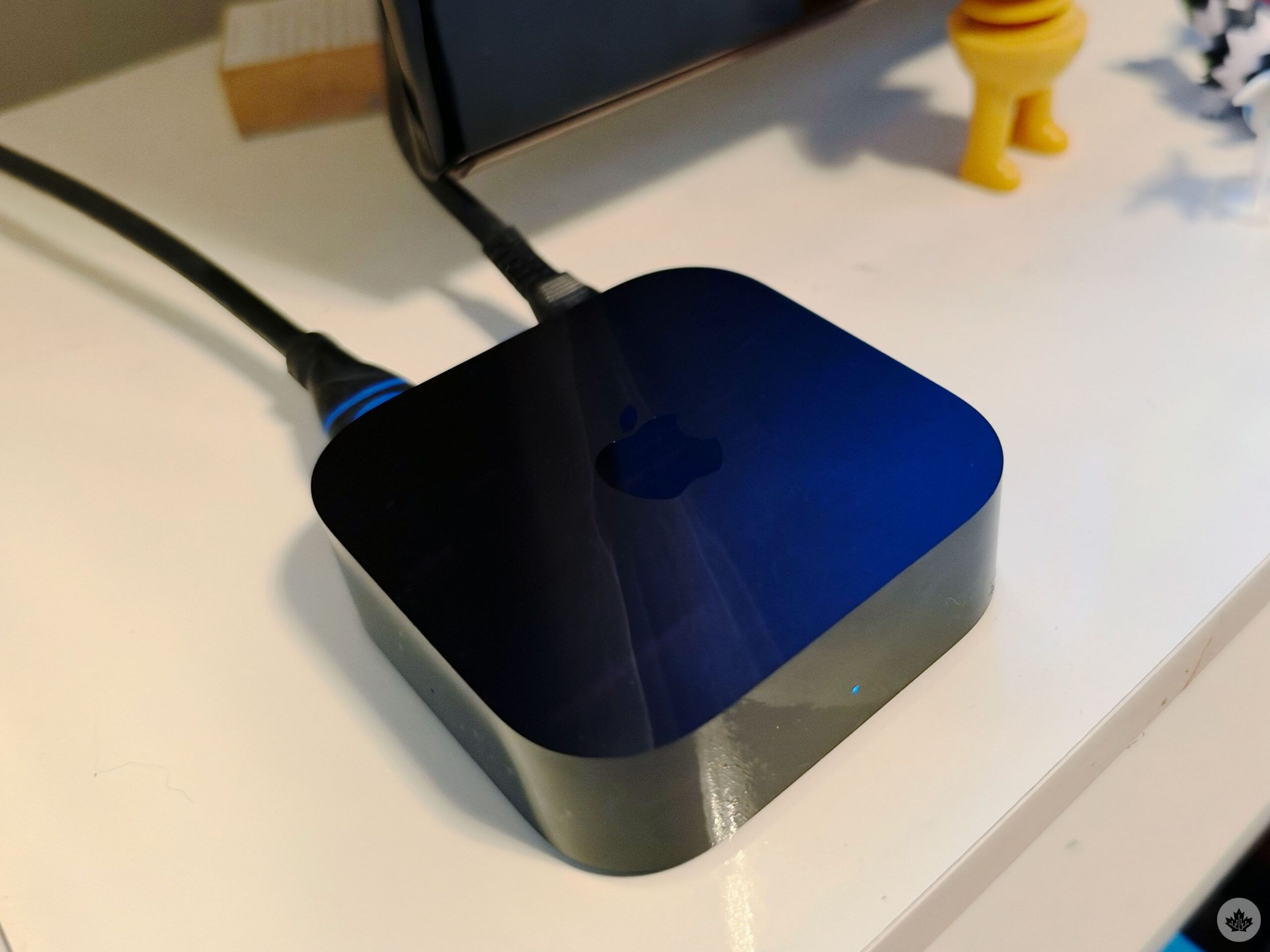
The Apple TV 4K is powered by the A19 chip and offers up to 50 per cent faster CPU performance and 2x faster GPU performance. This is the same chip that powers the iPhone 17, and you can tell how responsive the Apple TV 4K is compared to its predecessor. Navigation is faster, and animations are quick; I really like how smooth the experience is. Especially with Siri AI, it pulls up information incredibly fast too, or tells you it can’t find that answer.
The Apple TV 4K also obviously offers 4K output, high dynamic range (HDR) and supports Dolby Vision and Dolby Atmos. Of course, this isn’t new to the Apple TV 4K, and I’ve had an experience with the previous set-top box. Other features include controlling your Apple TV with ‘Remote Control’ on your iPhone or Apple Watch. Private listening with your earbuds is still available as soon as you pull out your earbuds.
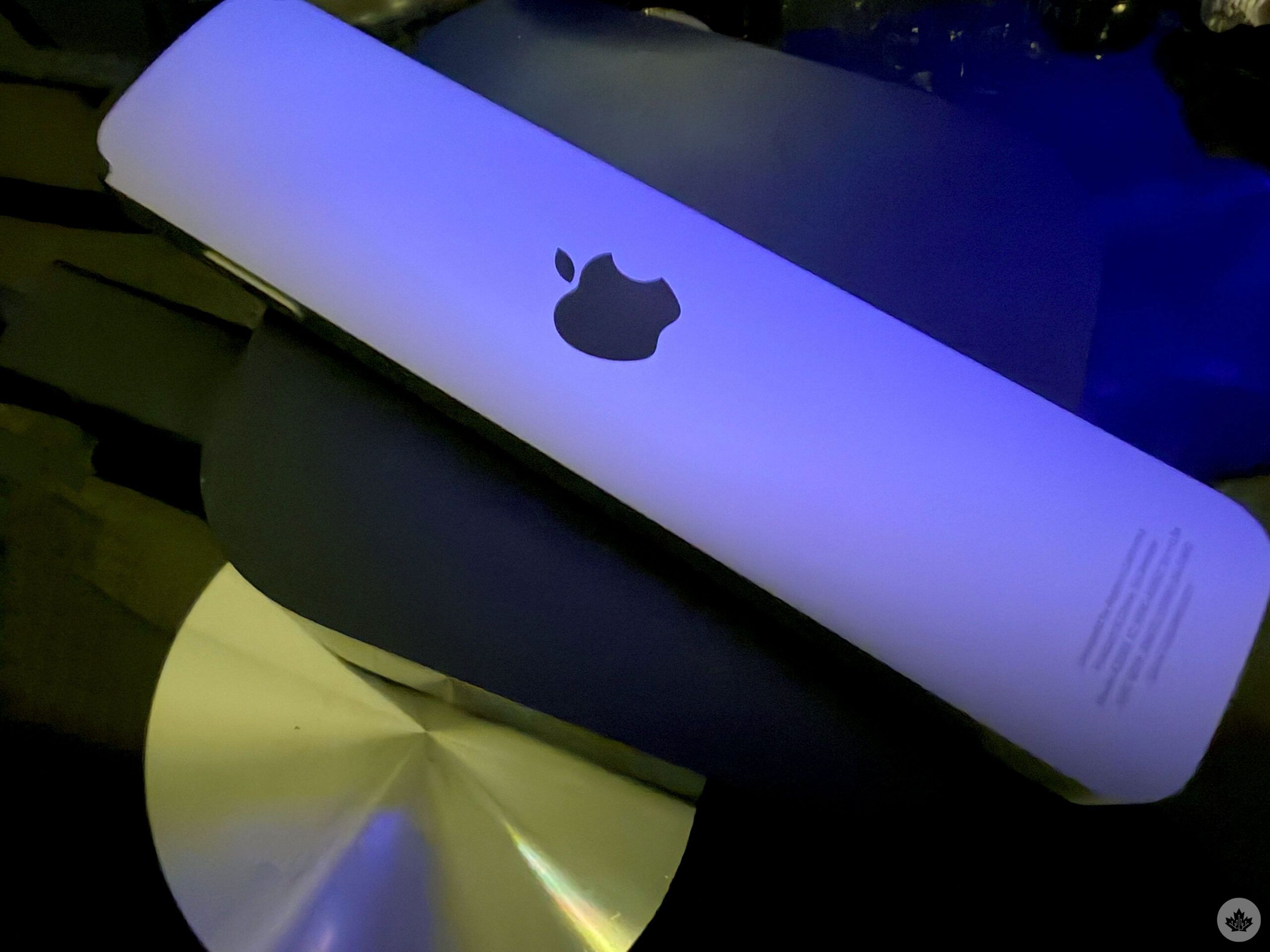
You don’t need this Apple TV 4K; I don’t need it either, especially considering its $429. However, I like the experience, especially being able to find the remote simply with my voice. I also never dreamed of the day that I’d use AI on the Apple TV, but when I forget the name of a show I wanted to watch or am looking for my next series, the assistant has come in clutch.
It’s worth mentioning Siri AI is still in beta, and you’ll need to change your language to U.S. English to try out the experience. If you’re seeing the same ol’ Siri on your iPhone, it’s likely because you haven’t made this change yet. And you’ll need to make sure you’re updated to iOS 27.2.
The new Apple TV 4K is available Friday, November 13, for $429. Alongside the Apple TV 4K, Apple’s new HomeView is also out on Friday.
 Reviews
 Reviews
 Reviews
 Reviews
