


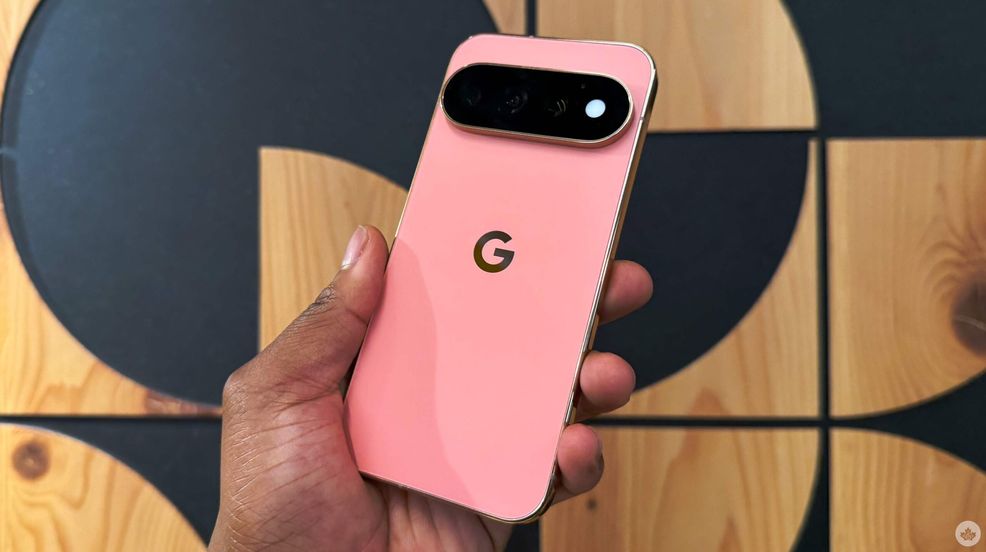
Google just rolled out its big November Pixel Drop update, and users are already inundated with bugs.
So it’s not uncommon for the latest Pixel Drop to have problems. Usually, a new Pixel Drop brings a few annoying issues that often get resolved if you skip the drop and wait for the patch.
So with that in mind, let’s see what new problems have emerged with the most recent Pixel drop.
No pictures, please
The first problem that users are reporting is that the camera has pretty much stopped working for the Pixel 10 and 11 series. When users open the Pixel Camera app, it either shows an error that reads “Something went wrong. Close and open the Camera app again. Learn more,” or it opens but displays only a black screen.
Interestingly, users are reporting the same issue with third-party camera apps, so the bug isn’t limited to the Pixel Camera app. Currently, the best fix is apparently to completely shut down the device and leave it for five minutes. (Whatever works, right? 🤷)
Display issues
Secondly, users are reporting that the Pixel’s low-light mode for screensavers isn’t dimming while charging at night.
So far, there seems to be a fair number of reports about this problem– so although it isn’t exactly widespread, it isn’t isolated either. For now, the only way to resolve this issue is to manually turn down your phone’s brightness.
There are also reports of problems with the Always-on Display (AOD), and the lock screen in general. Redditor u/joelnodxd noted that, among the many AOD bugs, the notification drawer is glitching and popping up instead of the actual AOD, and their Pixel 9 Pro Fold’s inner screen doesn’t automatically light up when unfolding, remaining dark until they press the power button.
Another Redditor, u/AncientOneSeven, also added that they can’t change the lock screen style on their Pixel 10 Pro XL, and rebooting does nothing.
Notifications
I wanted to group all the notification problems into one section because there have been a few issues, including one I’ve been experiencing myself.
To start, a lot of the problems have to do with the notification drawer. Part of it involves the notification drawer glitching with the AOD, while some users (specifically u/Rude-leek-3290) note that collapsing the notification drawer with unaddressed notifications now takes up to three swipes instead of the usual two to close. If the drawer is clear, it takes two swipes to close instead of one. User MV7300 on Reddit also added that swiping down on the home screen to bring down the notification shade isn’t working as normal.
Personally, I’ve had a similar issue where, even though my sound is on, notifications won’t play any sound. I managed to fix this by restarting my device, but it’s been sporadic and has returned at times, so I’m still keeping an eye out.
Connectivity problems
For starters, some users (myself included) are reporting that random drivers are simply shutting off. One user noted that his NFC and Bluetooth were randomly shutting off, while mine is my Wi-Fi. It took me a day and a half to find a temporary solution: turning off adaptive connectivity. People who connect to workplace WiFi networks are also having a similar problem; however, there doesn’t seem to be a fix on that end.
Accidental Touches
One issue that seems to affect many users (including myself and u/blowfishbrisket) is accidental touches while the device is in a pocket. Essentially, devices wake up at even the slightest touch and register touches even when kept in a pocket. The issue occurs only within the first few seconds after turning the device off, and it also happens even when Tap to Wake is off.
- Source: Android Authority (2) (3) (4)
 News
 News
 News
 News
