


Xbox has introduced a new way to experience Cloud Gaming on the web. Starting today, the company is testing a refreshed web experience offering a new interface.
If you opt in to the preview, you’ll see some changes to the experience, including updated navigation features and a refreshed look and feel. Xbox says that this is only a preview, so some functions might be different than the current web experience, and there might be some changes made over time.
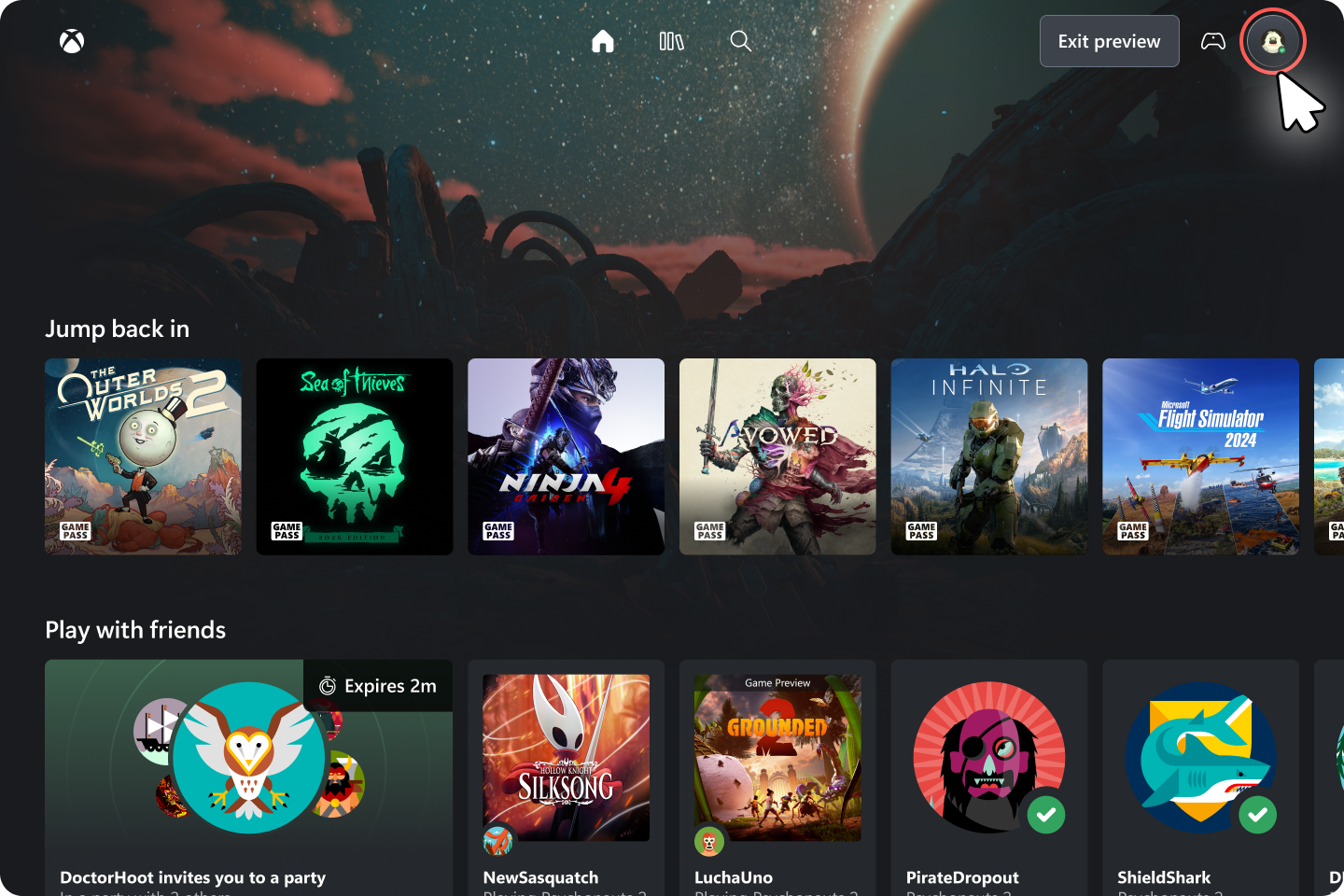
Here’s how to access:
- Go to xbox.com/play in your compatible browser and sign in with your Xbox Account
- Once logged in on xbox.com/play, go to Settings and ensure the Preview Features toggle is set.
- Enter play.xbox.com into your browser or wait for prompts and links to appear, but this might take up to 10 minutes. You can try logging in and out to expedite the experience.
You can also provide feedback within the experience by heading to your profile, hitting the drop-down menu, and selecting “Give Feedback.”
Source: Xbox Wire
 News
News  News
News  News
News  News
News 