


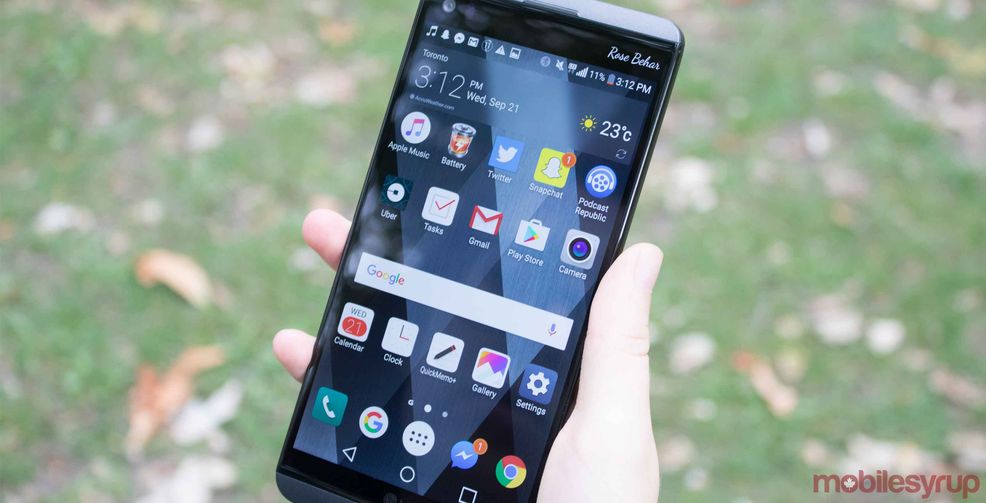
Freedom Mobile officially launched Wi-Fi calling and the feature is currently available to those who own the LG V20.
Wi-Fi calling gives Freedom customers the ability to make and receive phone calls, as well as send and receive messages while connected to a WiFi network. Calls, SMS and MMS messages sent this way are deducted from your monthly call and text buckets.
Freedom previously stated in an interview that Wi-Fi calling will come to many other devices. However, for now, here’s a quick how-to enable Wi-Fi calling on the V20.

1. Update to the latest software OS
2. Turn on Wi-Fi settings on your device
3. Tap on the Settings menu
4. Connect to an available Wi-Fi network
5. Choose “Call” menu
6. Activate “Wi-Fi Calling”
7. Select your Wi-Fi calling preferences, such as when you want Wi-Fi calling to be in use.
 Streaming
  Resources
  Sponsored
  News
News 