


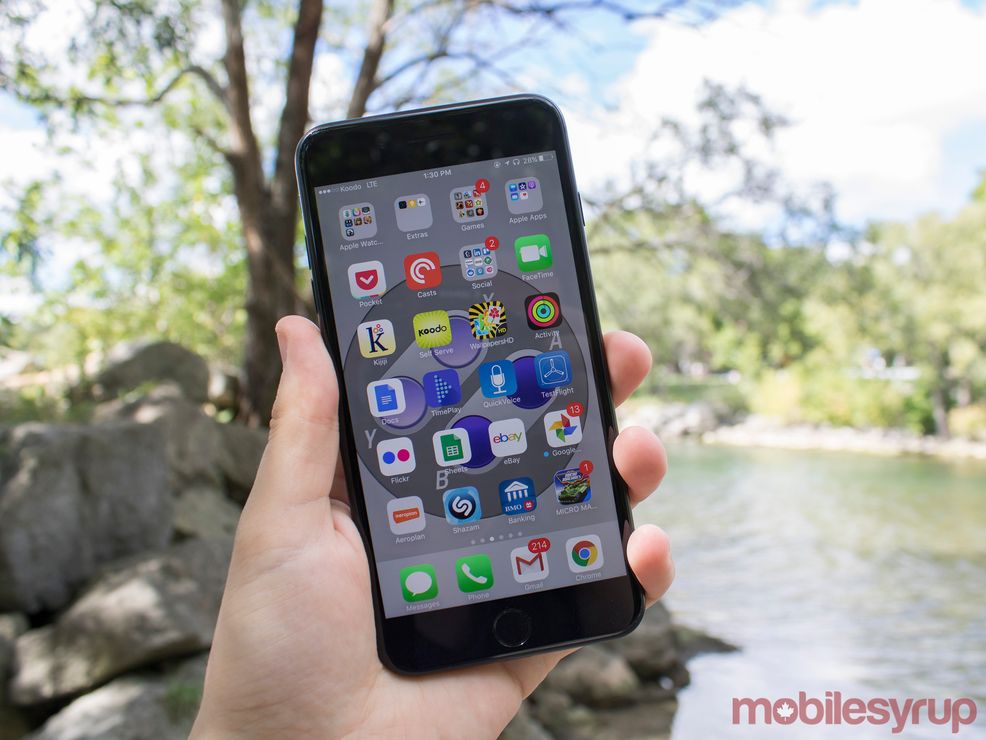
Apple has changed the way you use the home button on the iPhone with the operating system’s latest iOS 10 update and a lot of people aren’t enjoying the shift.
While for many it is just a transition period and they’ll get use to the shift, there are some who find it too much of a change and would like it to go back.
Well, if you’re one of those who would just like to have the old home button function back then follow theses few easy steps to put to home button to pre iOS 10 days.
Step 1

Navigate to general.
Step 2

Next, move to accessibility.
Step 3

Now, select Home Button.
Step 4

You can now change the Home Button’s settings.
There you have it. You can now rest easy. Of course if you want to go back and give the new functionality a try you can just turn off the setting.
 Resources
  Resources
  Gaming
  Resources