


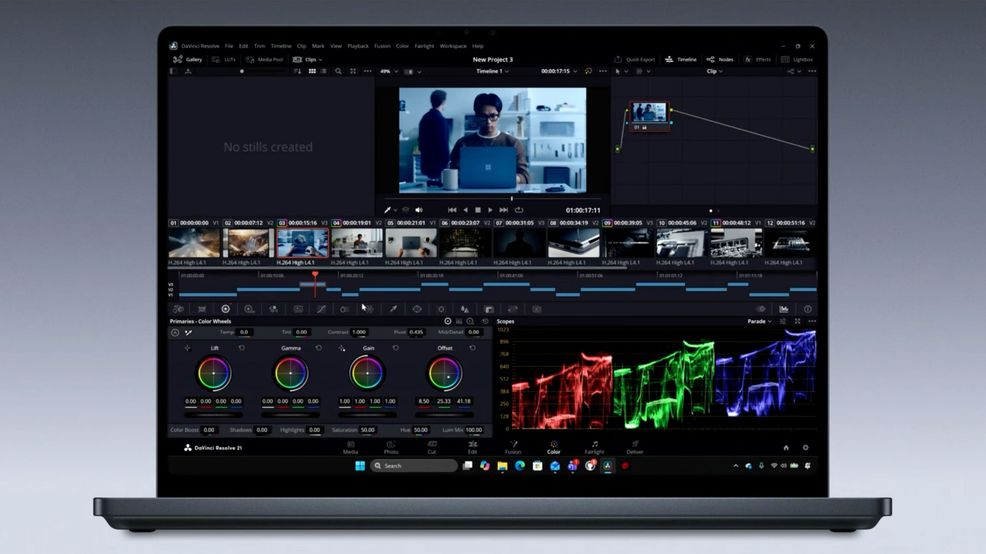
Microsoft held a Surface event on Oct. 7 where it detailed new hardware and several Windows updates.
As expected, Microsoft finally unveiled its “builder tier” Surface Laptop Ultra sporting Nvidia’s RTX Spark chipset. Microsoft positions the Surface Laptop Ultra and RTX Spark as the best choice for running local AI models, claiming the laptop outperforms the MacBook Pro with M5 Pro chip in several AI workloads.
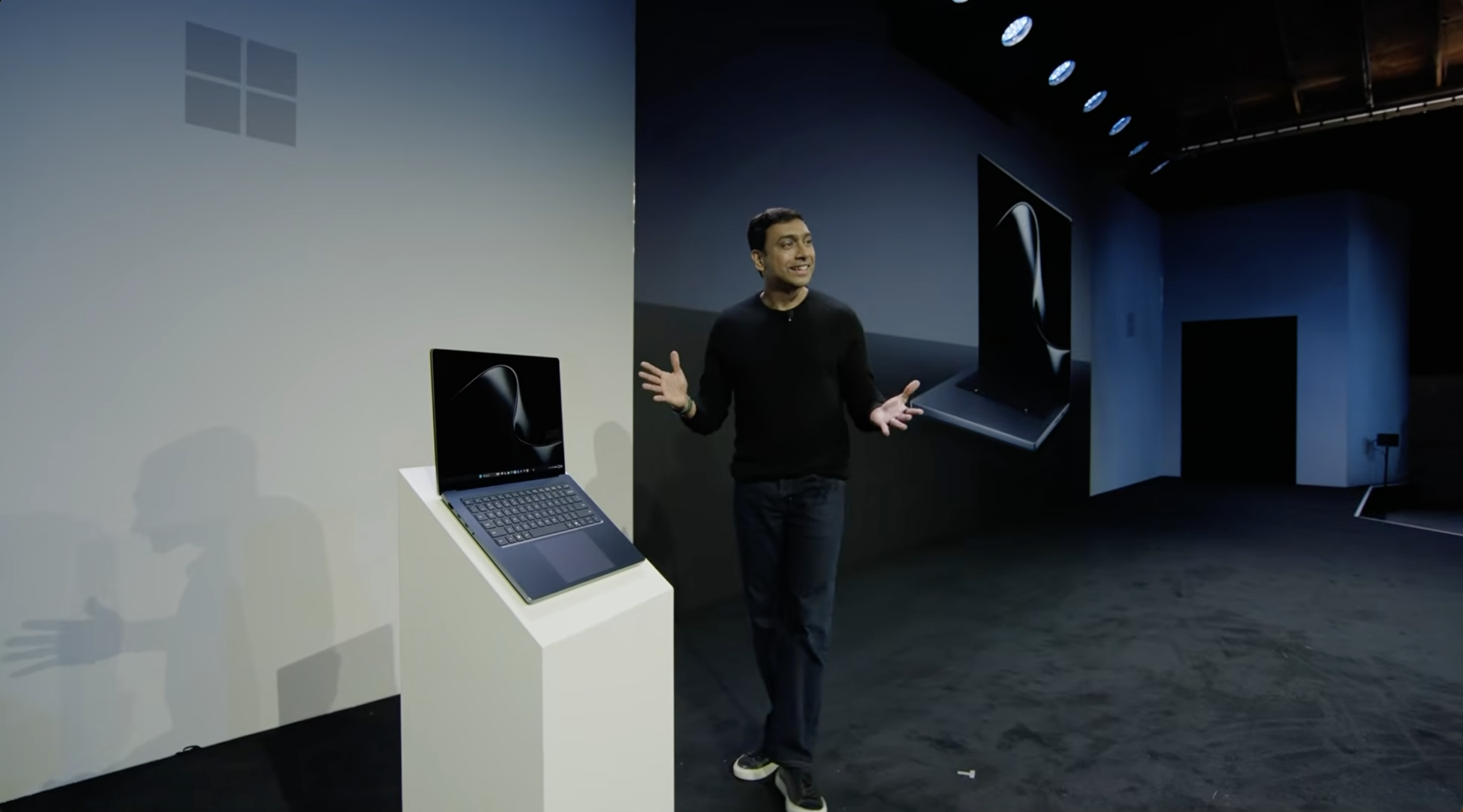
While Microsoft characterized the Surface Laptop Ultra as a device aimed at professionals, the first thing the company talked about was gaming, noting that the new Gears of War: E-Day can run at 60fps on the device (though it didn’t share other performance details). Microsoft also said in 2027, Call of Duty would come to RTX Spark.
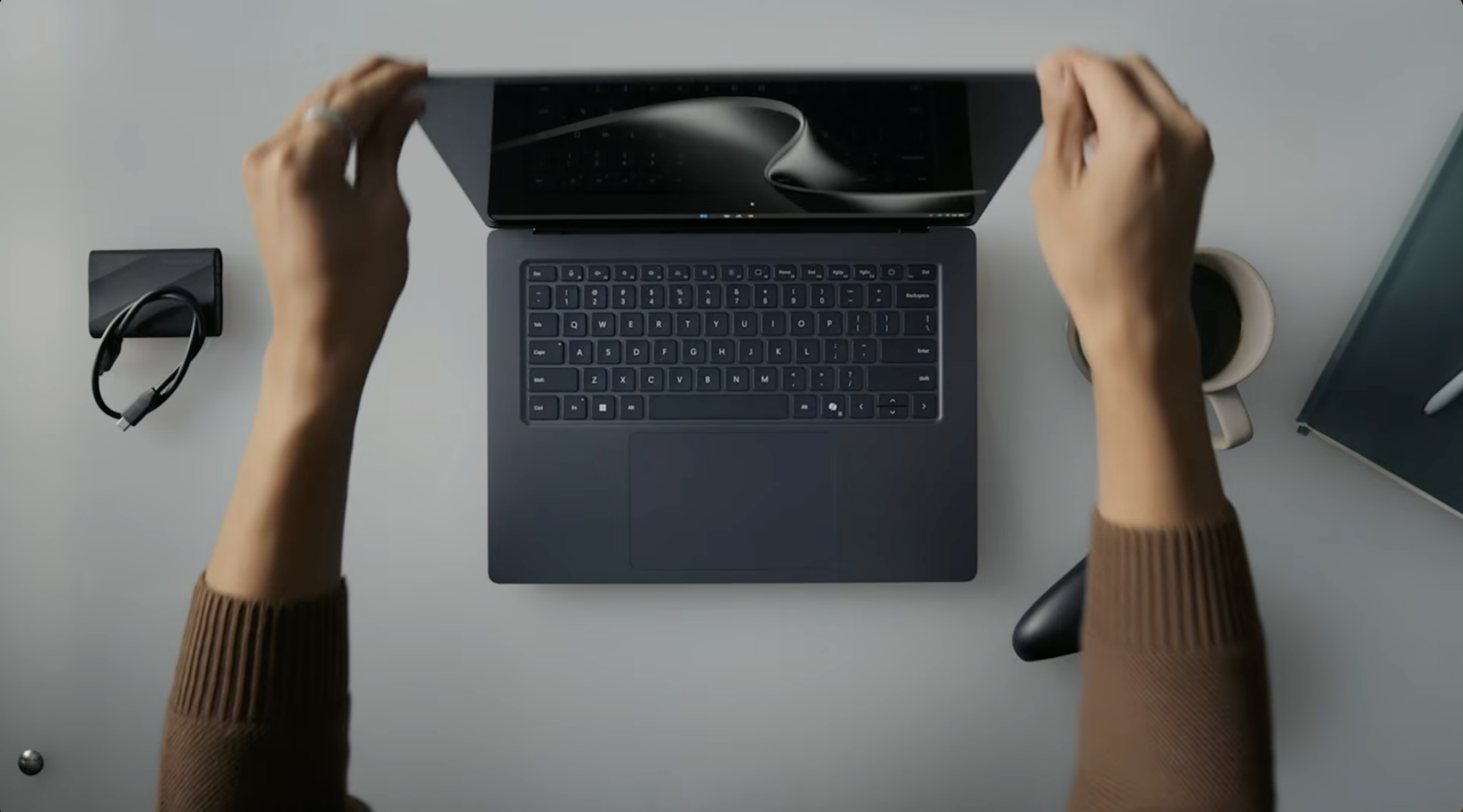
Other highlights on the Surface Laptop Ultra include a bright, HDR PixelSense display and the most ports on a Surface Laptop. Speaking of ports, Microsoft also showed off a new magnetic USB-C charger, giving customers the best of magnetic charging with USB-C compatibility.
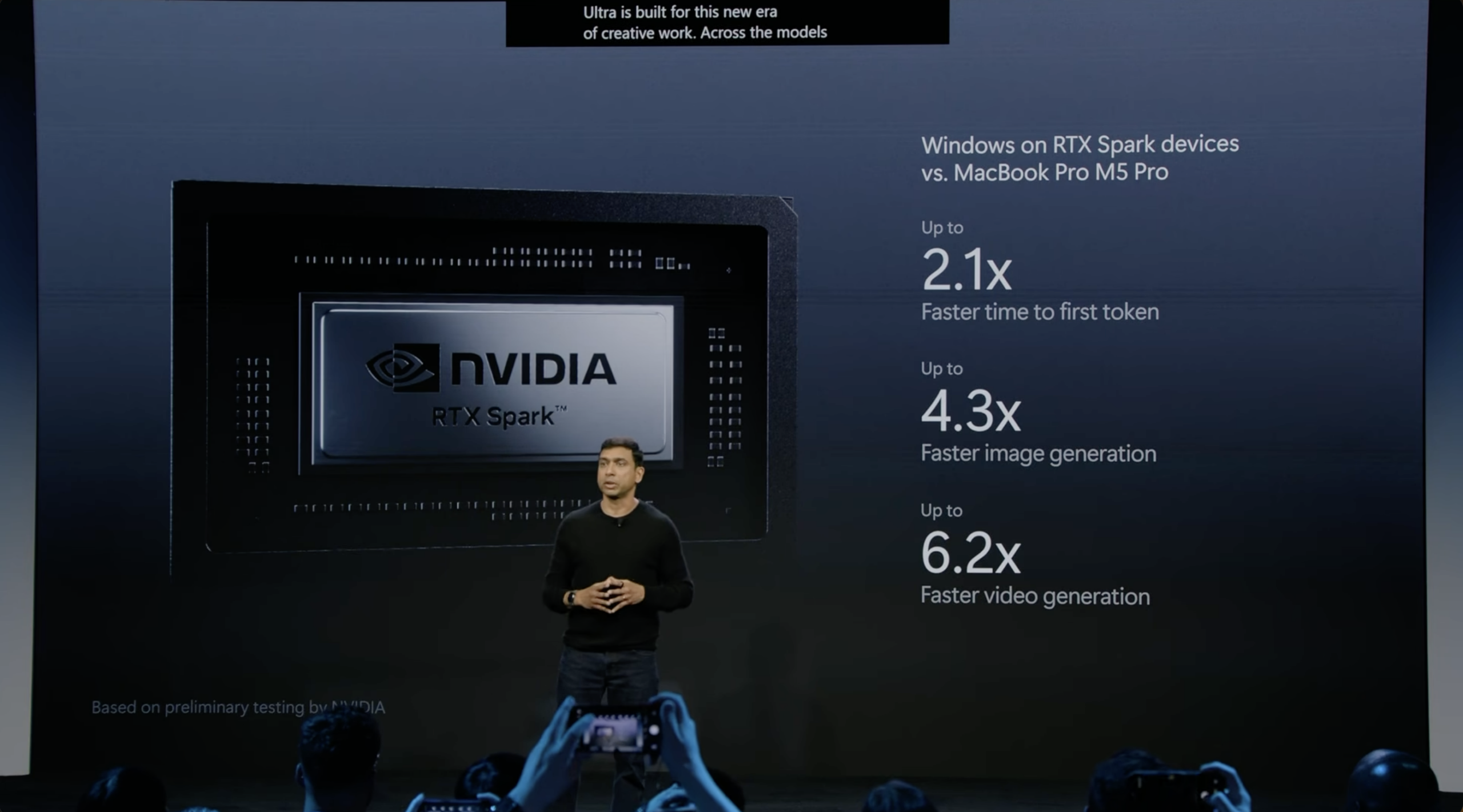
RTX Spark AI performance.
Alongside the Surface Laptop Ultra, Microsoft showed off several other RTX Spark laptops from other manufacturers like Dell, HP, MSI, Asus, and others.
The Surface Laptop Ultra starts at US$2,599 (about C$3,705.84) and is available for pre-order ahead of an Oct. 16 release. However, we don’t yet have Canadian pricing — stay tuned for that.
Hybrid intelligence and Windows updates
Microsoft showed a new capability in GitHub Copilot that can automatically route AI prompts to local, on-device models if those models can tackle the task. If there aren’t any local models that can do it, then Copilot can fall back to cloud models.
Beyond GitHub, Copilot on Windows can also use Hybrid Intelligence to use local models and complete local actions. That means local file access (though thankfully, making changes requires permission). Microsoft says this enables Copilot to see and interact with what’s on your PC, and the local models mean data isn’t leaving your device.
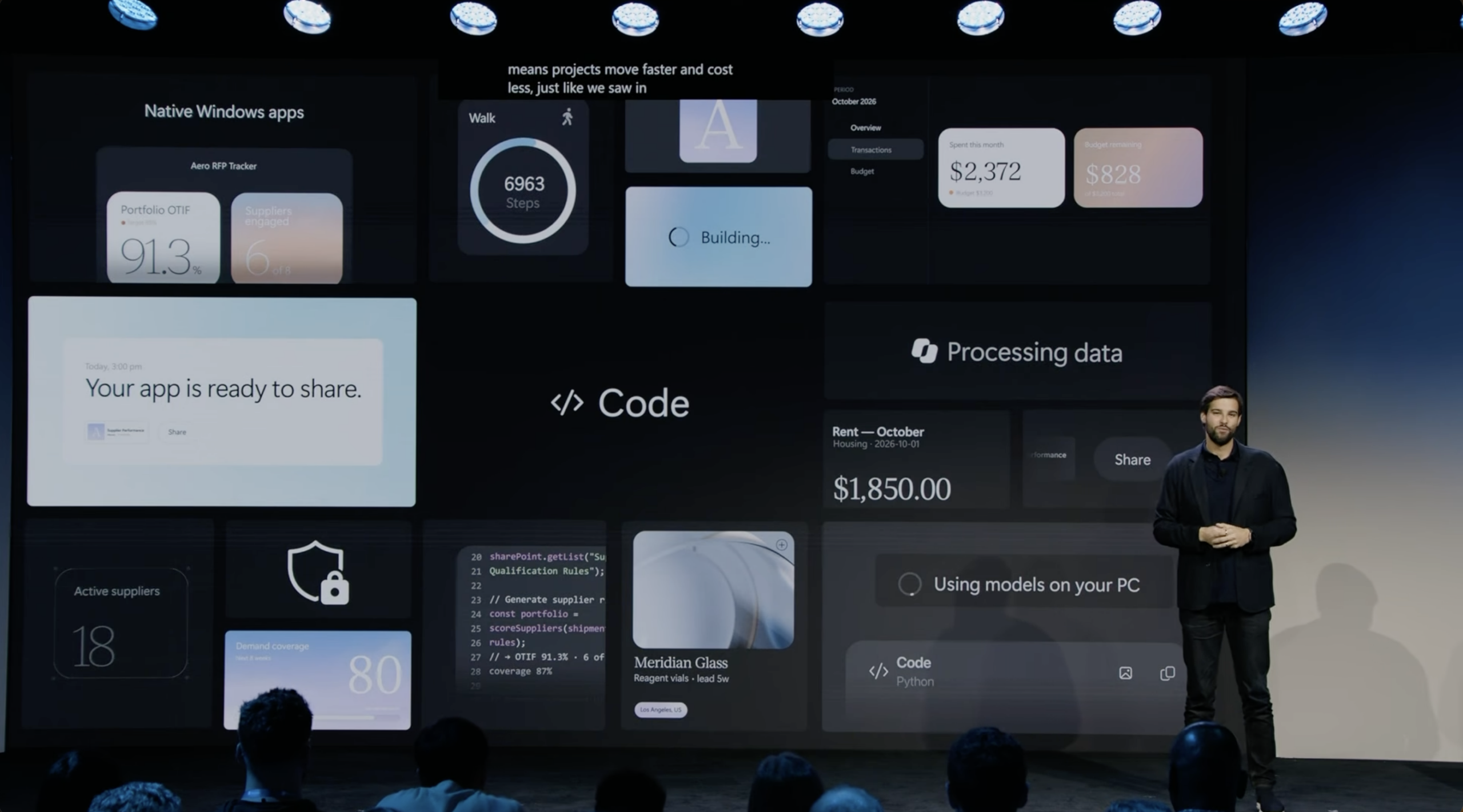
AI-generated Windows apps
One demo Microsoft showed involved having Copilot help with tax season. With a prompt, Copilot started gathering various tax-related documents stored across the PC, organized the files, stored them in a zip file, and even crafted an email in Outlook to send to the accountant with the zipped folder. It paused at the end for the user to review the email and files before hitting send.
Windows Search is getting some handy upgrades, including quick actions that users can trigger just from search. Some actions Microsoft showed off include launching apps, changing PC settings, and sending texts.
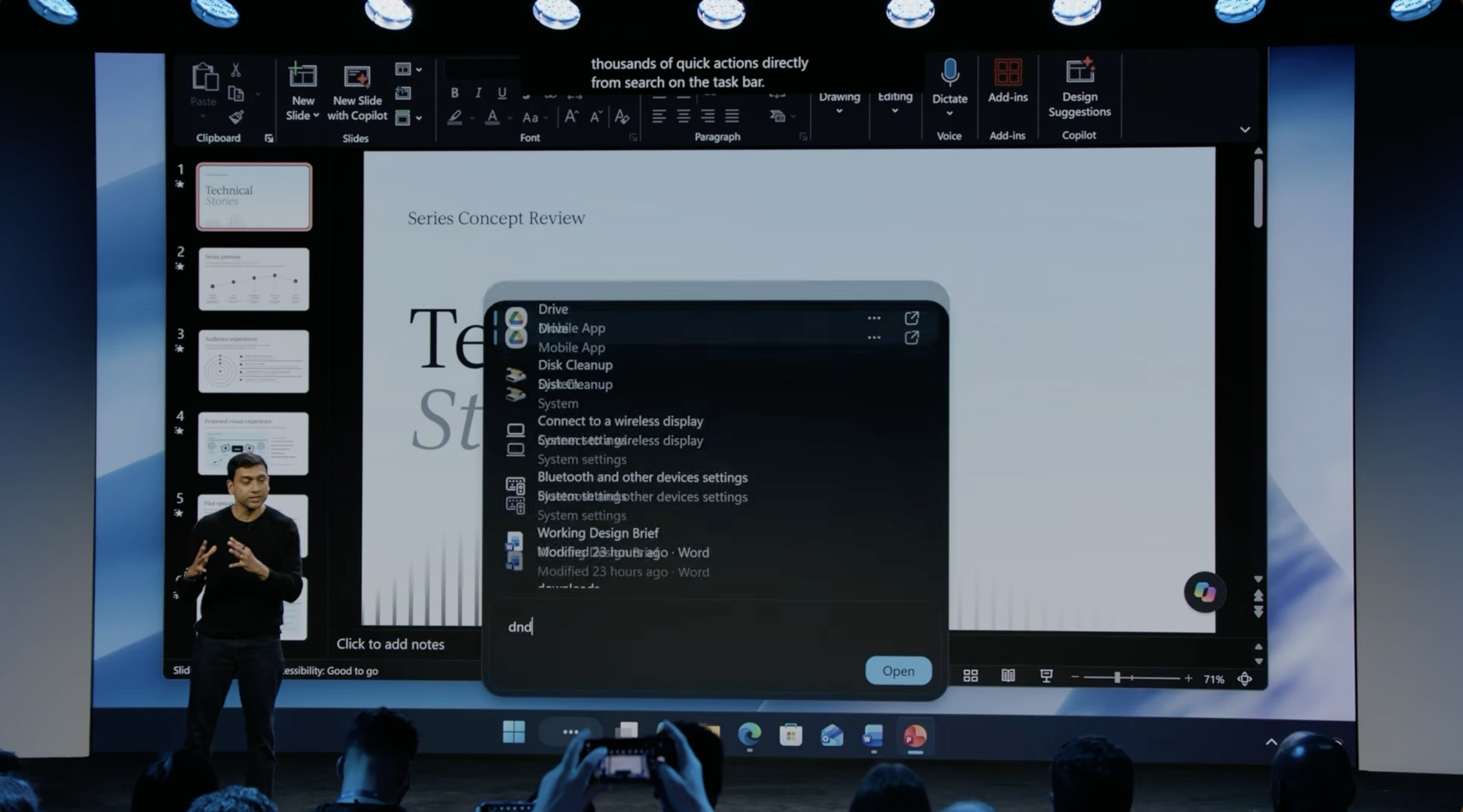
Upgraded Windows Search
Copilot also lives in Search now, allowing users to quickly ask it questions right from the taskbar.
Another Copilot change Microsoft shared is the ability to create native apps “from a single prompt.” The company claims Copilot can build apps for users that can then run right on their machine.
Elsewhere, Microsoft announced that Meta’s Muse app is coming to Windows. Thought, given the severe security issues with Muse, I’m not sure I’d recommend anyone install it.
Prompt injection protection
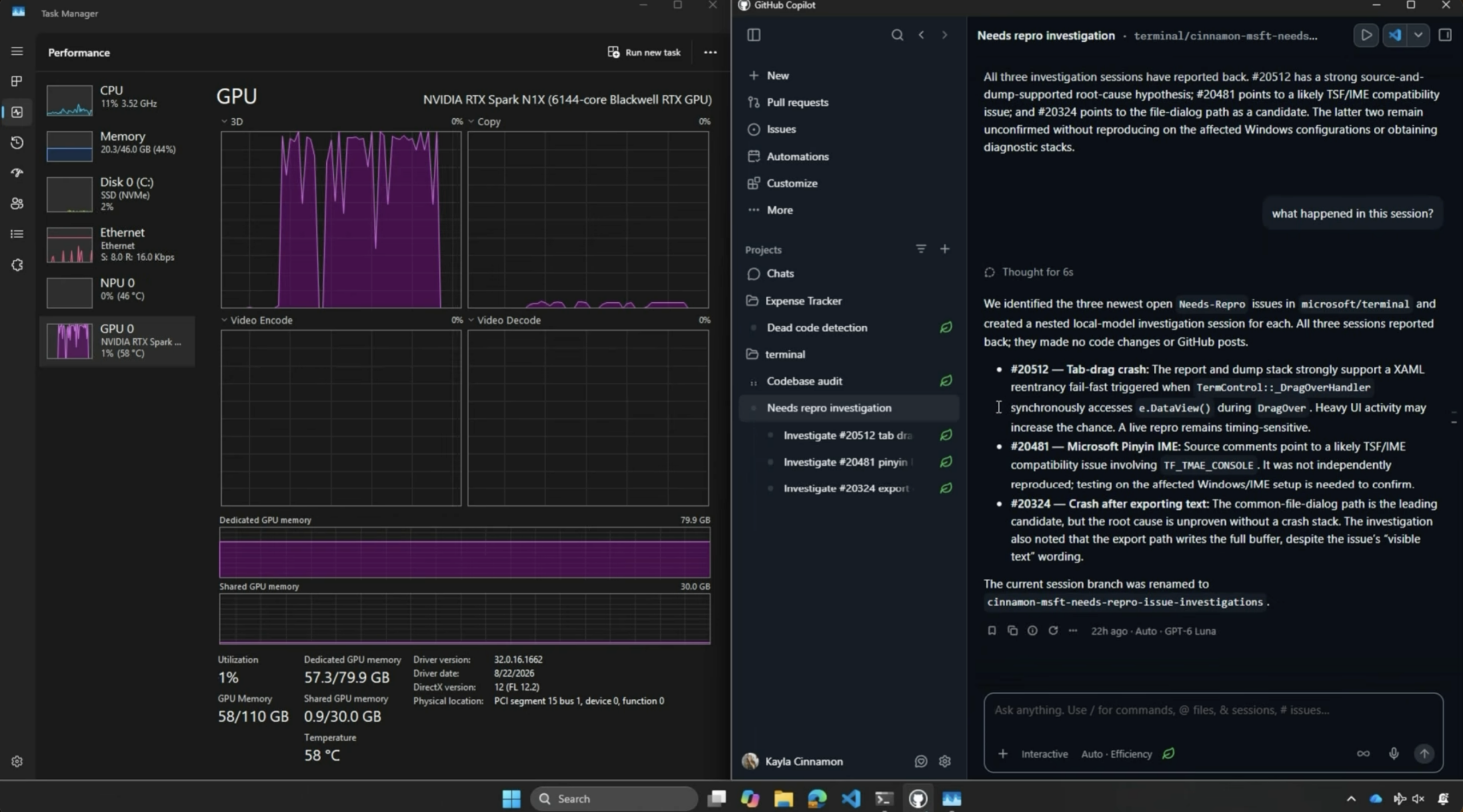
Running local AI models in GitHub Copilot
A new Windows feature Microsoft unveiled should make agentic AI tasks more secure than before. For one, Microsoft says Windows can now separate AI agent activity from user activity, and thus apply different levels of security and access to those activities.
In a similar vein, Microsoft says its Defender security platform can now detect malicious activity, such as a prompt injection attack — which is when someone includes instructions that only AI models can detect that trick AI into doing tasks other than what the user specified.
However, there are a lot of details Microsoft left out of its demo, so I’m not sure how effective the tool will be. Still, if it works as well as Microsoft claims, it could help address the prompt injection problem.
 Business
  News
News  News
News  News
News 