

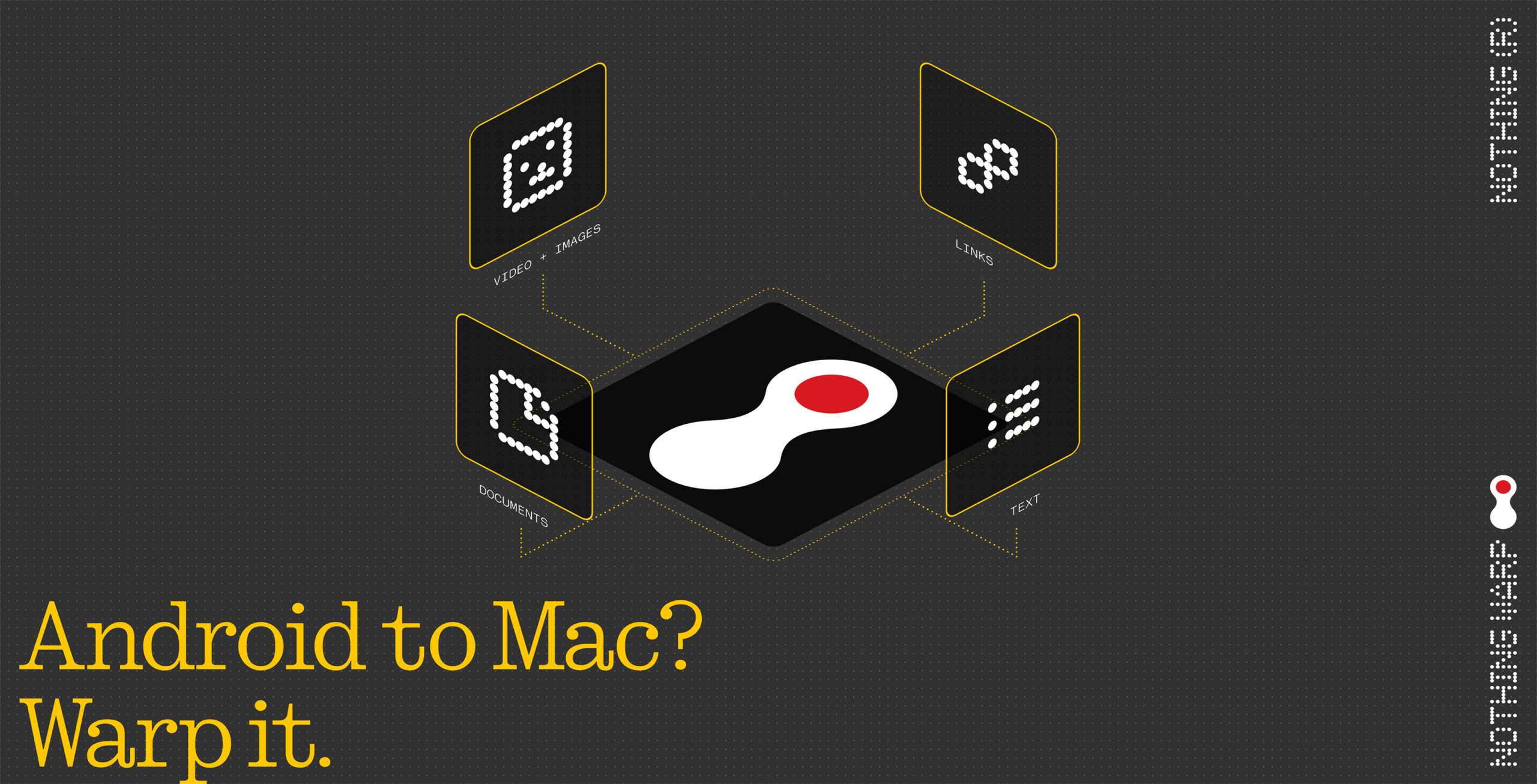
Updated on April 21, 2026, at 3:31 p.m. ET: Nothing has reinstated access to Nothing Warp on the Nothing Community website. While the app is still unavailable at the moment in the Google Play Store, the app is available as an apk to download on the community website.
Update on April 16, 2026, at 4:38 p.m. ET: Nothing Warp has been removed from the Nothing Community and is unavailable to download from the Chrome Web Store and Google Play Store.
Following in the footsteps of tools like AirDrop, Quick Share and Phone Link, Nothing’s new Warp tool is making file transfers smooth and easy.
Unlike its predecessors, Nothing Warp connects any computer, whether PC, Mac or Linux, with any Android device, not just Nothing phones. It is a Chrome extension available on the Chrome Web Store, as opposed to a built-in application.
All that is required to transfer to any computer is Google Chrome and the Nothing Warp app, available on the Google Play Store. Additionally, transfers are not limited to files. Text, webpage links and essentially anything that can be shared can be copied and sent over to the other device’s clipboard, with multiple clips able to be stored and are easily accessible.
On the phone side, selecting any file and sharing will pull up Nothing Warp, which can be selected to transfer between devices. On the computer side, dragging and dropping files from the destination folder to Nothing Warp’s clipboard will start the transfer.
The only minor downsides are that files and text saved to the clipboard can only be removed from the app, not the extension. Additionally, there are many permissions that need to be granted in order for the app to function. However, the app uses the user’s Google Drive to transfer files, without using its storage, so nothing is stored on Nothing’s end.
Image Credit: Nothing Community
Source Nothing Community
MobileSyrup may earn a commission from purchases made via our links, which helps fund the journalism we provide free on our website. These links do not influence our editorial content. Support us here.

