


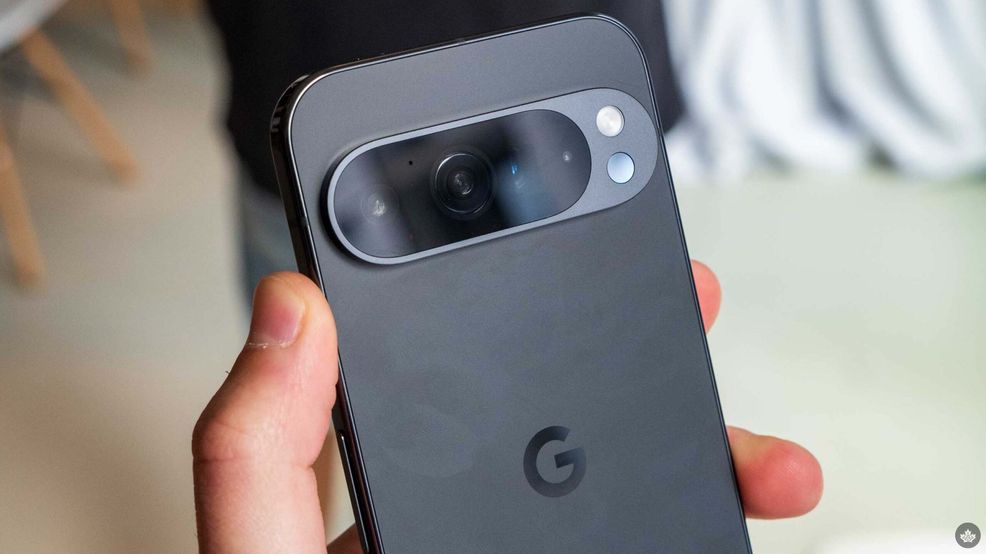
If you lose your new Pixel 9, there is an increased chance of finding it again, but make sure that you set up the ‘Android Find My Device network.’
Google is able to do this by loading up the Bluetooth chip with reserve power when the device is on so once it dies, the Bluetooth module can still act as part of the Android Find My Device network. Like the Apple Find My network, this works by pinning other Bluetooth devices anonymously to triangulate your lost phone. That means it only works as long as the Bluetooth chip is running.
Once your phone dies fully, it will show its last known location in the Find My Devices app. The Pixel 8 series also has this feature.
To ensure this is enabled, open the Find My Devices app on your Android phone and go through the setup phase. This is something you need to do on all new Android phones. At one point during the setup, you’ll be presented with four options for using the Android ‘Find My Device’ network—choose ‘With network in all areas’ to get the most robust coverage that works offline.
On that same page, you’ll also see a small line of text explaining that your phone works on the network even when it’s out of battery.
Source: Android Police
 News
News  News
News  News
News  News
News 