


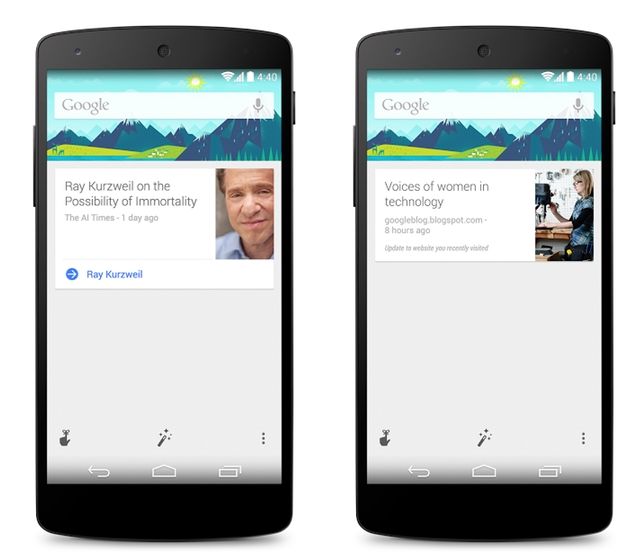
When we reported during I/O that Google Search had been updated to allow the “OK, Google” voice search hotword to work from anywhere on an Android smartphone, including the lock screen, there was a mix of excitement and confusion from Canadian Android users. They had updated to the latest build, alright, but they couldn’t get the damned thing to work.
It appears as though Google is performing a staged language rollout and Canadian/UK English has yet to make the cut. Reddit user Fluffywings has found a temporary solution, however, in changing the default language to American English (less vowels, more “y’alls”). Here are the specific menu actions to take to make the change:
Go to Google Search -> Menu -> Settings -> Voice -> Language and change to English (US)
Under Google Search -> Menu -> Settings -> Voice -> “Ok Google” Detection -> Enable From Any Screen
Early results from the Reddit thread seem positive, and Fluffywings notes that the language swap may work for non-Canadian users as well. Post a comment to let us know if you get it to work, as well as your country location.
[source]Reddit[/source]
 News
News  News
News  Streaming
  News
News 