
Follow Us:
14

Hands-on with the Chrome for Android beta (Video)


There is something refreshing about coming upon a total surprise. Today’s Chrome for Android beta was one such refreshment.

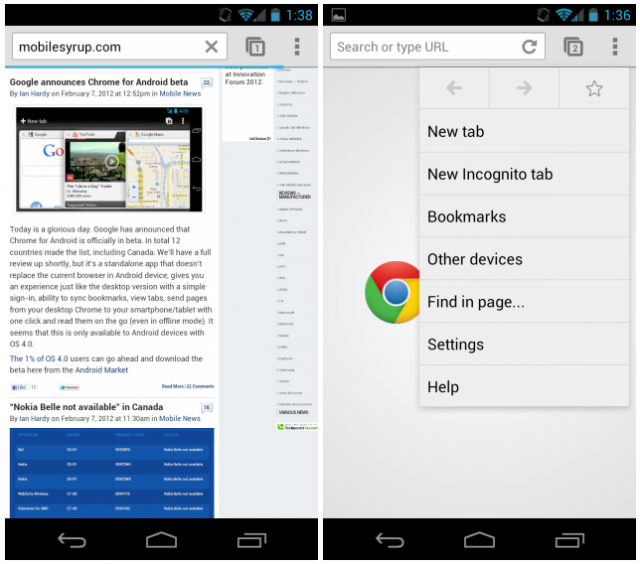
Though it is still very rough, and the performance quite uneven, if this is the future of Android’s browser I am quite alright with it. For starters, you can log in to your Google account and sync bookmarks, tabs and settings with your desktop equivalent. You can also create Incognito Tabs for those times you don’t want to be tracked.

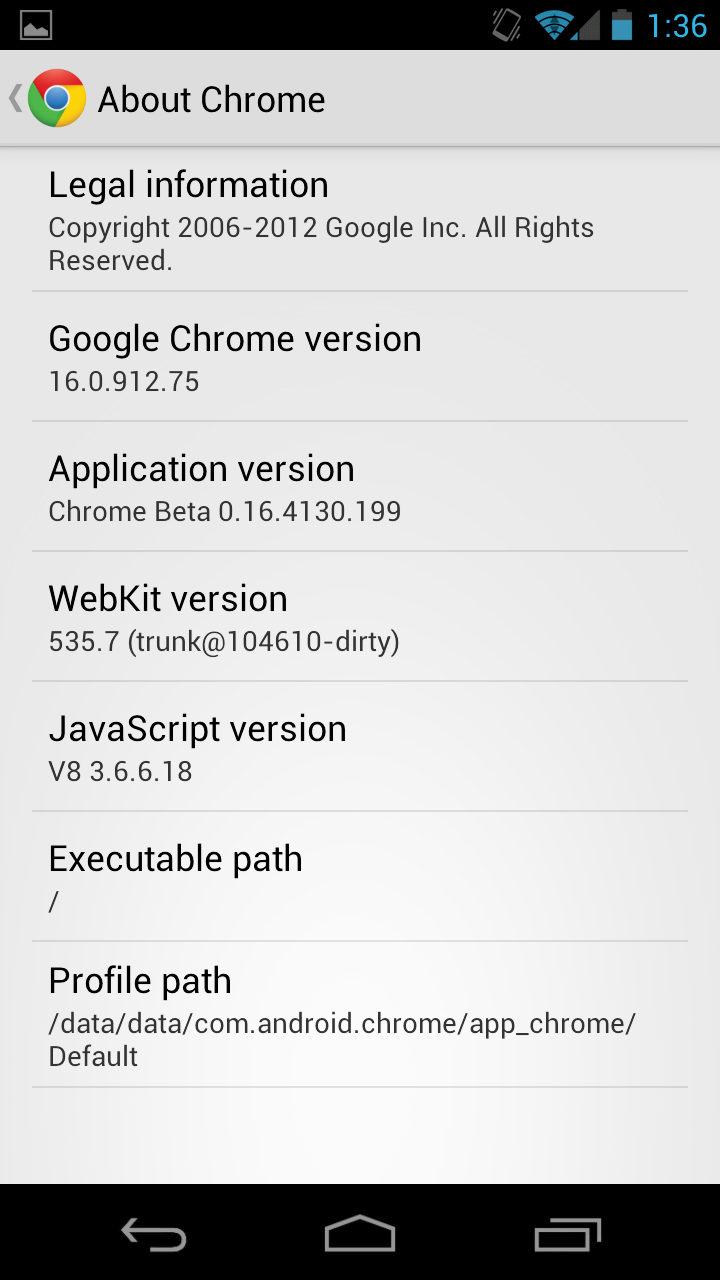
The renderer is clearly more mature than any Android browser before it, as it uses WebKit version 535.7, while it shares the same code base as Chrome 16 from the desktop. There are some significant changes — you can’t merely port a desktop version to mobile and have it work — but its integration with the Android 4.0 UI is wonderful.
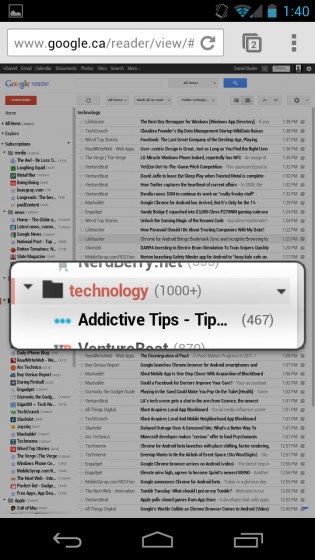
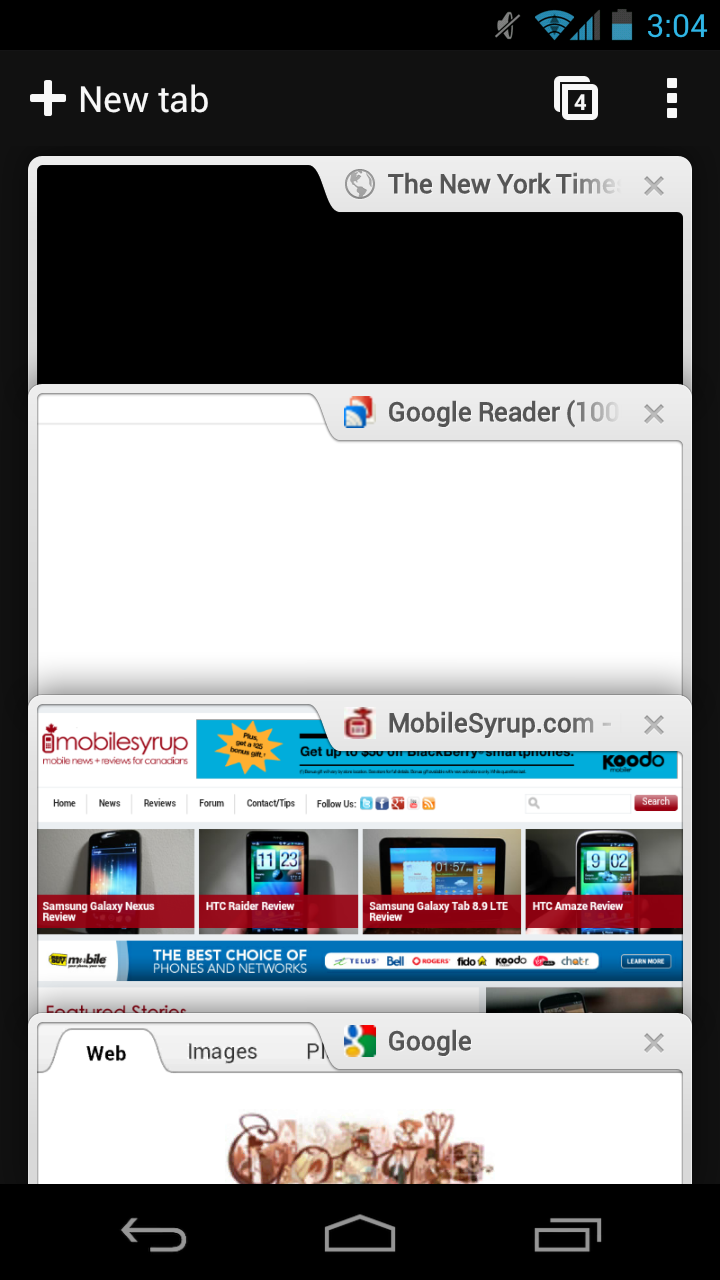
For starters, the tab menu operates like a bunch of floating cards which respond to your tilting of the device. If you want to “stack” the cards, you can do so, or “spread” them by turning your device the other way. To remove a tab you flick it away as you do in the previous ICS browser, but the animations are much smoother.

Page renders are also wonderfully fast, on par with the excellent Samsung Galaxy Note browser. I did notice some delay in opening larger pages, but there is no checkerboarding. Pinch-to-zoom and scrolling is buttery smooth, easily matching Mobile Safari in iOS 5.0.1 on the iPhone 4S.  There is a built-in zoom feature that, when zoomed out, will allow you to more precisely press on links. This is a huge benefit to those Galaxy Nexus users who love to work with the whole web page, but don’t want to have to zoom in every time they need to click a link.
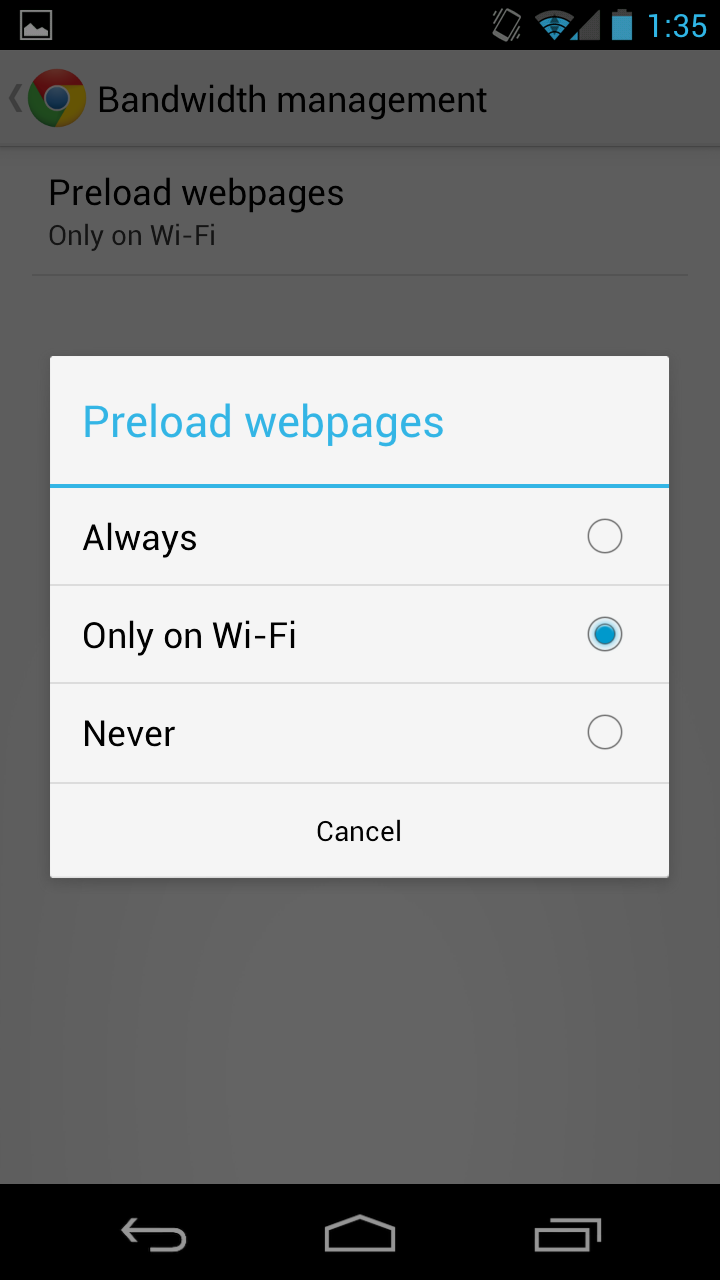
The Settings tab allows you to change a number of Privacy, Content and History rules, though you cannot force a web page to render its desktop version like you can in the ICS browser. Hopefully that will come soon.

In all, the Chrome for Android beta is a major improvement over its built-in predecessor, and bests any third-party browser by a mile. If the development team is anything like the desktop version, updates will be often and comprehensive — right now the Tab Sync feature doesn’t work for me.

Check it out in the Android Marketplace. It is compatible with Android 4.0+ devices.

Related posts:

Discussion

14 comments for “Hands-on with the Chrome for Android beta (Video)”

  1. “clearly more mature” also includes the Opera and Firefox browsers? i’m all for Opera Mini and Opera Mobile. :)

    This looks like a nice app. i use Chromium on the computer, and the WebKit-based TouchPad browser. It’s about time Google releases a Chrome browser for Android, instead of just calling it “Browser”.

    Like or Dislike: Thumb up 4 Thumb down 4

    Posted by Alex Perrier | February 7, 2012, 4:37 pm
  2. The Tab-Sync feature initially does not work for me, however, I restarted my Desktop Browser, and in the option -> personal stuff -> Sign in -> Advance, I check the “open tab” checkbox. From then on, my Tab-Sync feature worked!

    Like or Dislike: Thumb up 2 Thumb down 0

    Posted by JL | February 7, 2012, 4:50 pm
  3. What’s the case that you’re using on the GNex in this video?

    Like or Dislike: Thumb up 0 Thumb down 1

    Posted by Vinay | February 7, 2012, 5:00 pm
  4. Daniel, what is that clock/weather widget you are using if I may ask?

    Like or Dislike: Thumb up 0 Thumb down 1

    Posted by Craig | February 7, 2012, 5:02 pm
  5. Just tried it on my Galaxy Nexus. Tap to zoom is a bit weird, but this browser pretty much eliminated the need to keep zooming in. It’s insanely fast which one should come to expect since it preloads pages on wifi.

    Like or Dislike: Thumb up 1 Thumb down 1

    Posted by Thas | February 7, 2012, 5:21 pm
  6. Does any know ~ if that means you can use the free phone on gmail now??? (I know there is an App for it in the US but I am in Canada)…I am guessing not

    Like or Dislike: Thumb up 0 Thumb down 2

    Posted by Marcello | February 7, 2012, 6:20 pm
  7. The $64K questions is: can it make google voice calls like the desktop versions?

    Like or Dislike: Thumb up 0 Thumb down 1

    Posted by Jim R | February 7, 2012, 6:57 pm
  8. I cant seem to find this in the Marketplace? Link please?

    Like or Dislike: Thumb up 2 Thumb down 1

    Posted by MrMarvelous | February 7, 2012, 7:44 pm
    • Hmm found it. The font is a little weird but the zoomed out view is definitely nice. Has potential but at the moment I prefer the stock browser. Love the ics browsers colour theme. Also over rogers network this browser doesn’t seem faster. Will try on wifi later.

      All in all I will keep this downloaded and expect big things from Google in the future. As usual. ;)

      Like or Dislike: Thumb up 3 Thumb down 1

      Posted by MrMarvelous | February 7, 2012, 8:35 pm
  9. I love it. I have been using dolphin since I got the gnexus, but now that chrome is out it has just become my everyday browser.

    Flash is dead.

    Like or Dislike: Thumb up 2 Thumb down 1

    Posted by benjamin | February 7, 2012, 8:07 pm
  10. The browser itself is pretty good. My problem with it is the same issue I have with the desktop version of chrome – the bookmarks suck.

    In Dolphin I can access everything in a few quick movements: swipe, scroll, click. Done. In Chrome Beta? Two clicks… wait for bookmarks page to load (huh?)… now 2-4 more clicks to navagate back and forth through multiple pages of folders. Not to mention all the wasted space with those huge bookmark icons. Not that it surprises me, after all Google still has not put a bookmarks sidebar in desktop Chrome. Even Microsoft had that right a decade ago. Google, if you must reinvent the wheel at least don’t make it square!

    If you don’t have a bookmarks system that allows for quick, easy, user friendly, efficient access then you ruin the browsing experience. Its like building BMW and putting the ignition, headlights/wiper switch, and gearshift in the glove box. Accessability please!

    Like or Dislike: Thumb up 3 Thumb down 3

    Posted by Mark | February 7, 2012, 8:13 pm
    • People actually use the sidebar for bookmarks? I always thought it was the most annoying thing on IE.

      I much prefer typing a few letters and have the bookmark popup in my nav bar.

      Like or Dislike: Thumb up 6 Thumb down 3

      Posted by anona | February 7, 2012, 8:42 pm
  11. They really need a desktop renderer instead or a desktop-like rendering experience. There’s many things that use some sort of complex AJAX and JavaScript scripts which don’t render well or properly like desktop browsers.

    For instance, Google Docs (desktop version) is completely unusable. The desktop version of Facebook is a hit or miss with all these browsers. Google Docs for mobile is useless as its missing a rich text editor which is the whole point of Google Docs.

    So I for one want to see Google working towards putting Chrome to Android so I can load desktop sites on my tablet instead of using stripped down mobile versions which are meant for the phone.

    Like or Dislike: Thumb up 1 Thumb down 0

    Posted by deltatux | February 8, 2012, 12:42 am
  12. Why the hell didn’t they just not rebrand the existing on on ICS. Seriously what is the difference?

    Like or Dislike: Thumb up 1 Thumb down 1

    Posted by Steve Dion | February 8, 2012, 8:05 am

Post a comment

