



All the way back in 2022, I took it upon myself to find out whether the tech section at Dollarama carries hidden gems — you know, to alleviate some of the financial burden that comes with being a tech enthusiast.
Armed with a few dollars and VERY low expectations, I bought a bunch of products from the Canadian value retailer, including Bluetooth speakers, headphones, wireless chargers, gaming mice, and more. Although some of the purchases turned out to be complete duds, I actually managed to find some decent products that punched well above their weight class.
That one-off experiment turned into a two-part series, and now, four years later, I’m back with a third edition.
First things first, Dollarama’s tech section has definitely gotten more interesting in the last four years, even though it’s still dominated by the Tech1 brand.
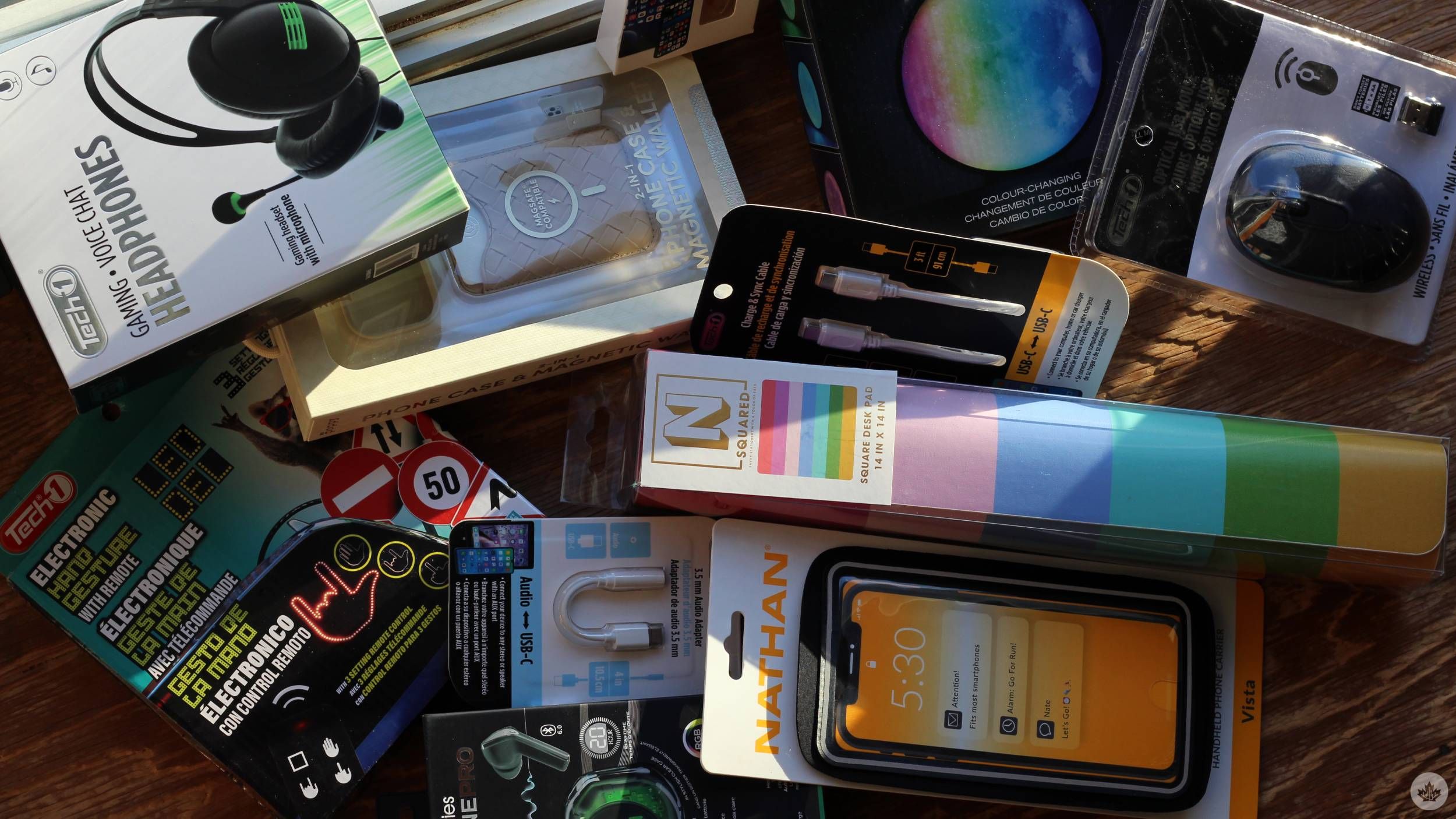
My new haul includes not only a wireless mouse and a MagSafe-compatible accessory, but also wireless earbuds and even a gadget designed to give other drivers the middle finger — literally.
Here’s what I found at my local Dollarama:
Audio on a budget
Acellories GemstonePro wireless earbuds ($5.03)
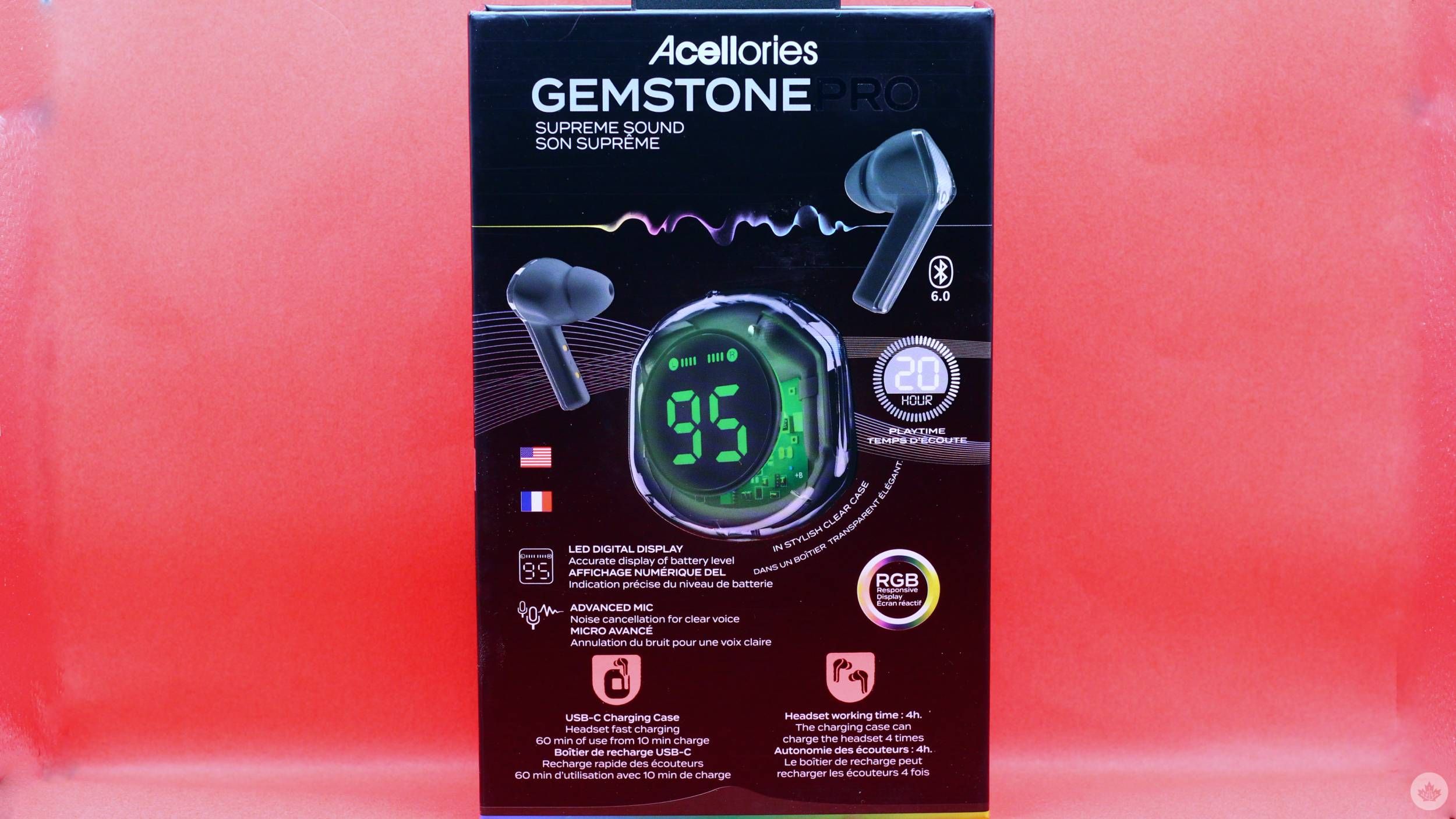
We’re starting strong with this one. After selling wired audio products for years now, Dollarama now carries wireless earbuds, and they’re surprisingly good considering they cost just about the same as two large double-doubles from Timmies.
The first thing I noticed when I was picking up the earbuds was their packaging. For something that costs $5, Accellories has spent a lot of resources ensuring a somewhat positive first impression. The other big thing is that they’re available in two colorways: White and Black.
I picked up the Black ones and was surprised to see extra silicone tips and a charging cable included in the box.
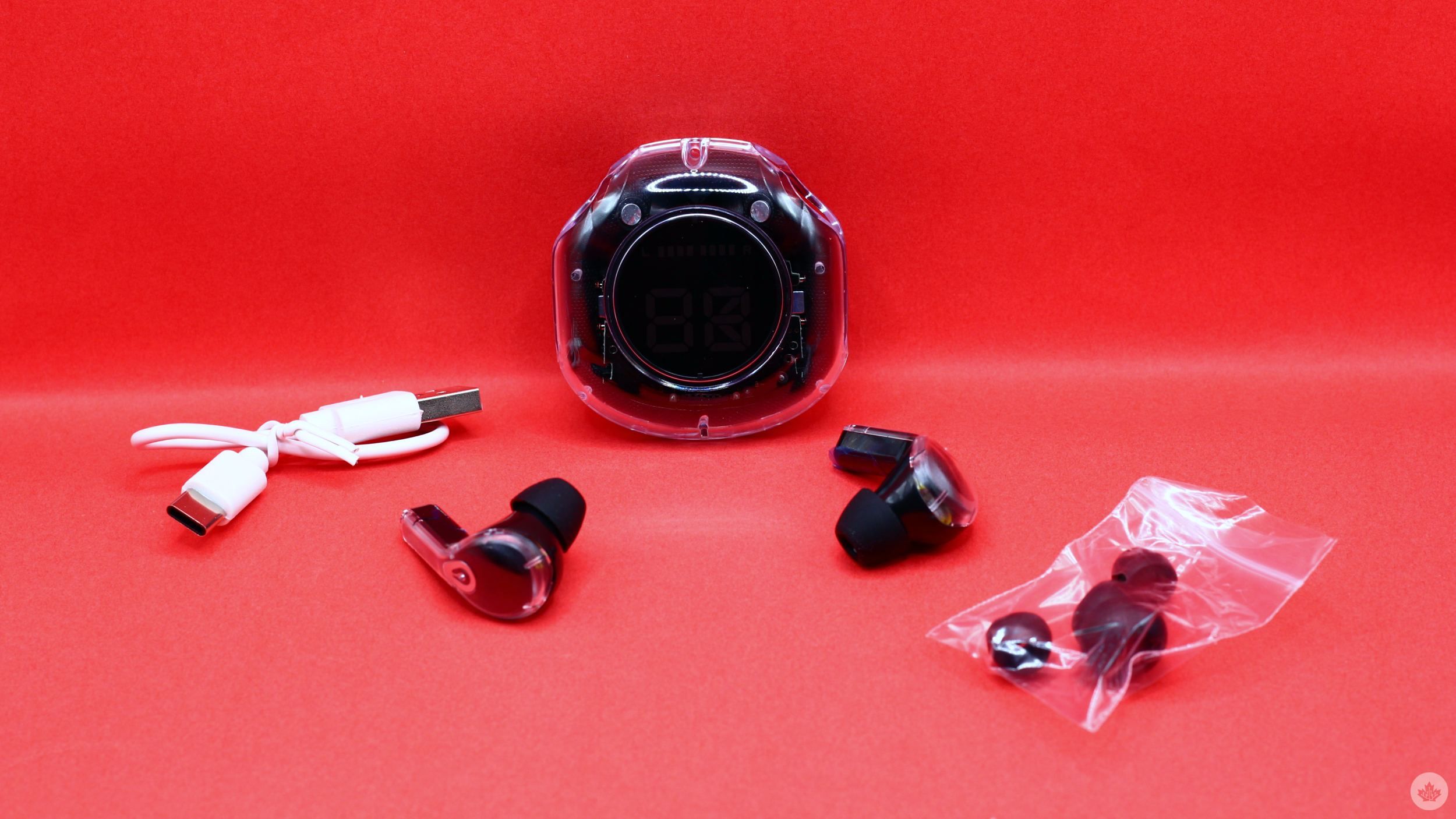
It makes you wonder what the company’s margin is if it includes all that in a $5 package. Also makes you wonder whether all the bigger brands are charging us a premium for things that don’t cost all that much. Of course, there’s a lot more that goes into the price of wireless earbuds than what all is included in the package, and the GemstonePro shines in that department too.
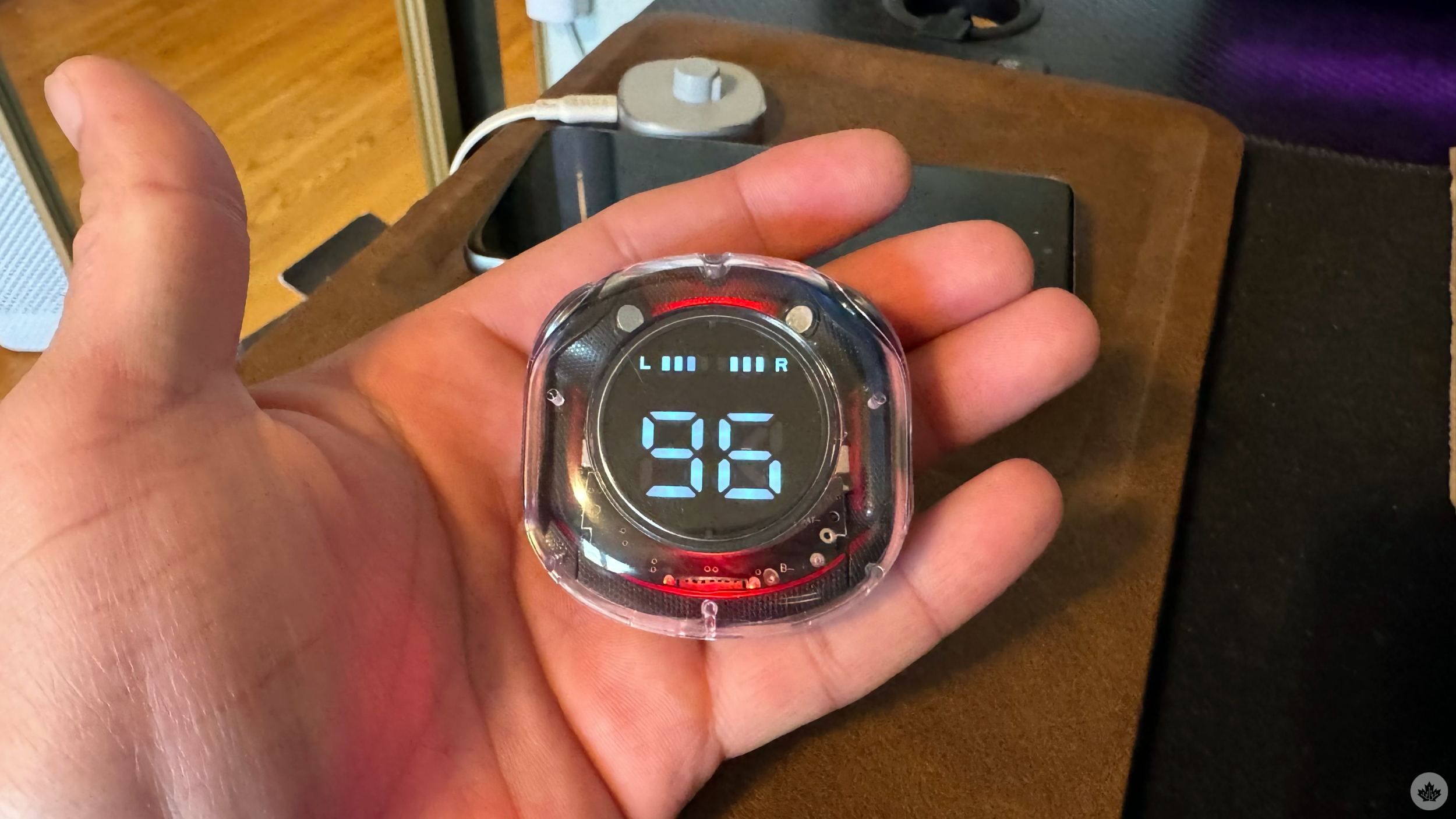
The earbuds don’t boast the most premium build out there, but they don’t feel flimsy either. The buds and the case feature a Nothing-like translucent design, with an RGB LED battery indicator on the latter. The buds themselves feature a mic and capacitive touch buttons on each stem to play/pause music, which I REALLY wasn’t expecting on a $5 device.
The case charges via USB-C, and I’ve found that the buds are good for roughly 1.5 hours of playback on a full charge. Acellories claims 20 hours of playback with the case, though that claim is definitely incorrect. I was able to get roughly 5 hours of playback. Just one full charge of the buds knocked the case’s battery indicator from 100% down to 52%.
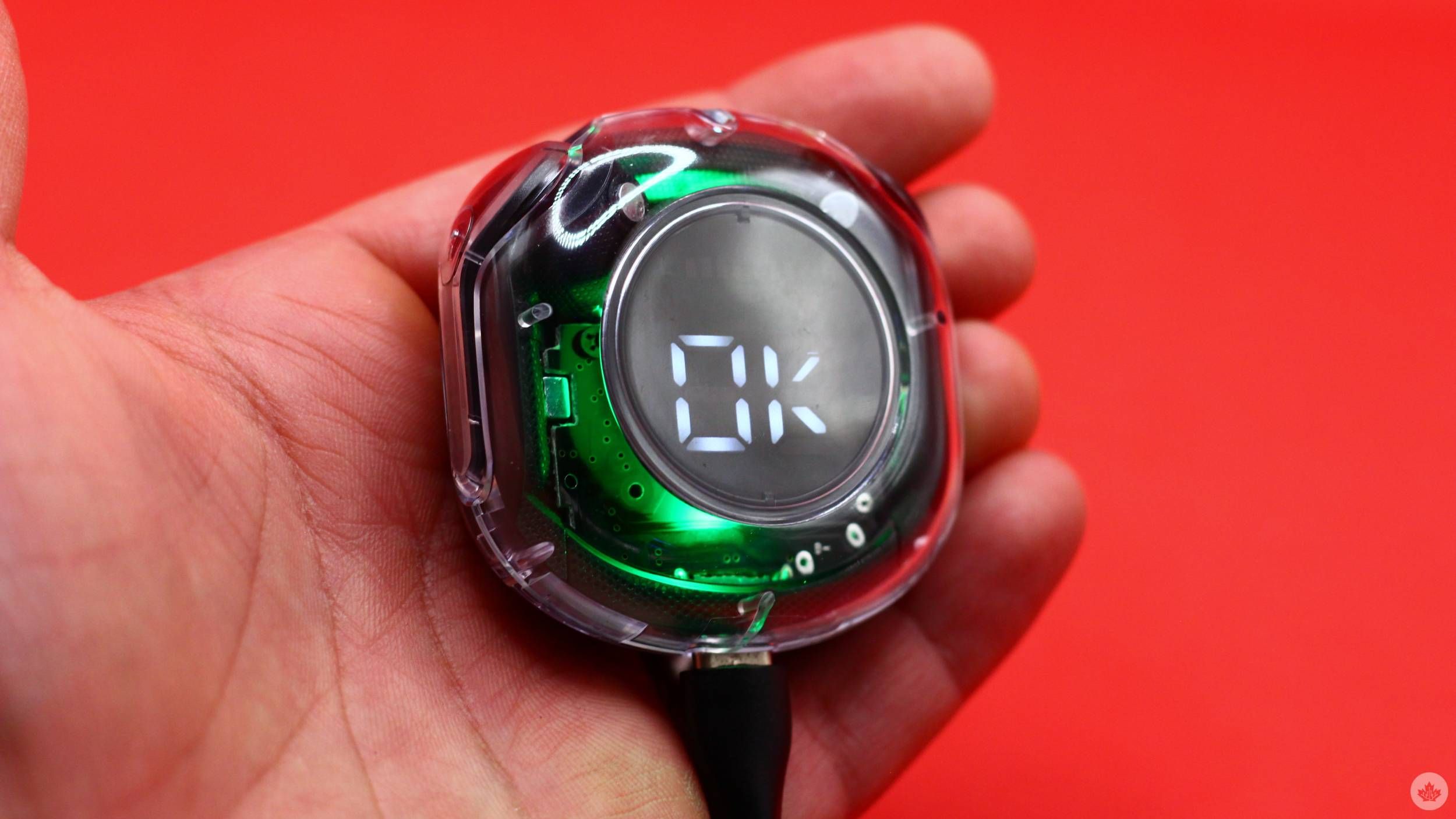
Lastly, and most importantly, the buds don’t sound tinny, as we’ve come to expect from cheap earbuds. In fact, they’re surprisingly decent for something that costs $5, as long as you’re not expecting audiophile-grade sound here. Normally, I’d say that earbuds this cheap are best reserved for listening to podcasts and audiobooks, but the GemstonePro are good enough for music too.
They’re also a great option for kids who just can’t be trusted with expensive options just yet.
Tech1 wired gaming headset ($4.78)
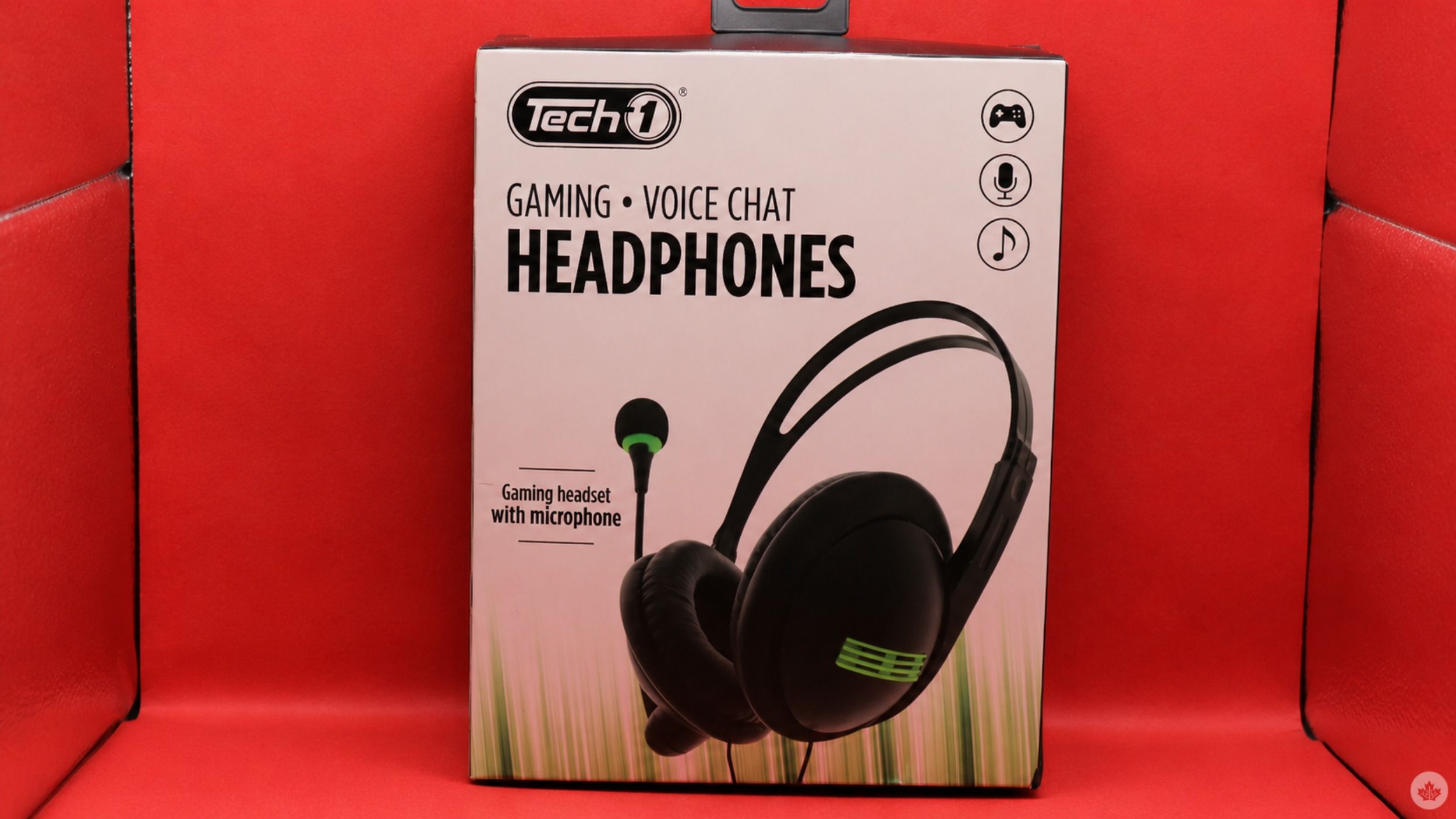
Remember when I said the GemstonePro doesn’t feel flimsy? Well, these are the opposite. One wrong move, and I feel like I could snap these with ease. That, however, is the only real complaint I have with the headset.
Audio-wise, they sound decent enough, with loud and clear audio. Bass is practically non-existent, but I was still able to make out which direction enemy footsteps were coming from in games like Valorant. That, in itself, justifies the $5 price tag.
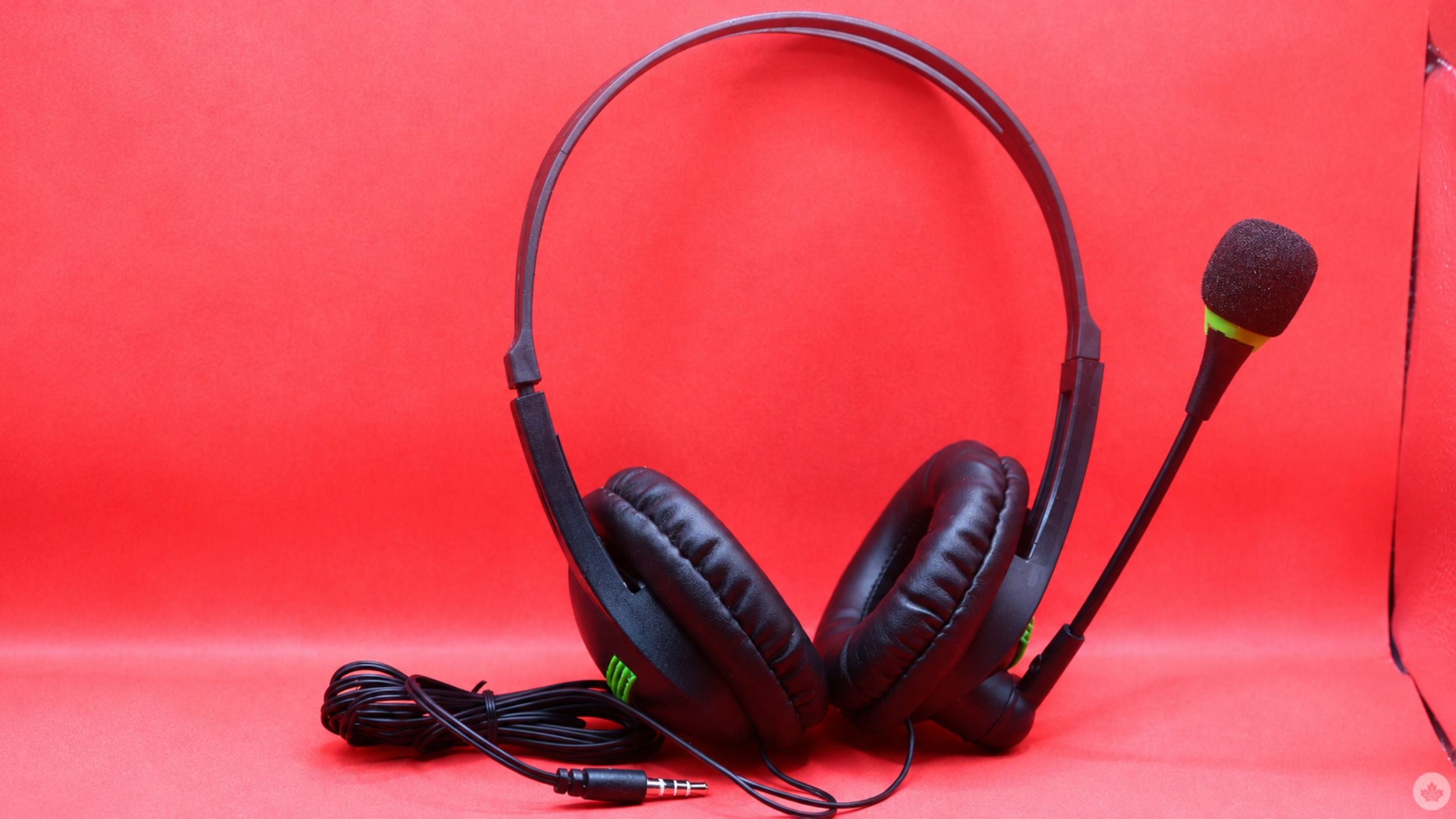
The microphone works great too, so your teammates shouldn’t have any trouble understanding your comms.
Similar to the GemstonePro, I’d recommend picking these up for a kid who’s just getting into gaming. Considering the build quality, they won’t last long, but they’ll get the job done.
Tech1 USB-C to 3.5mm audio adapter ($4.50)
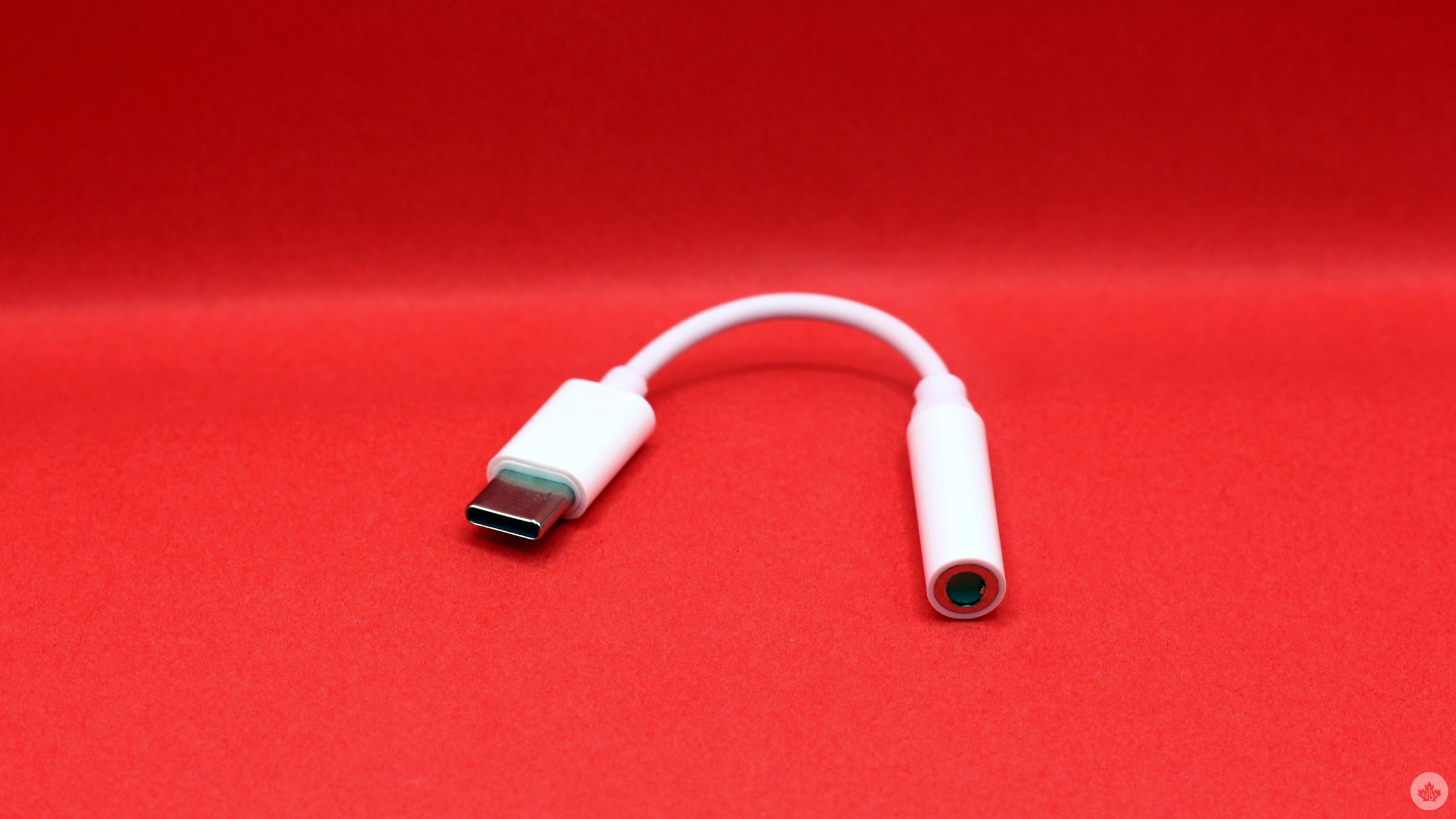
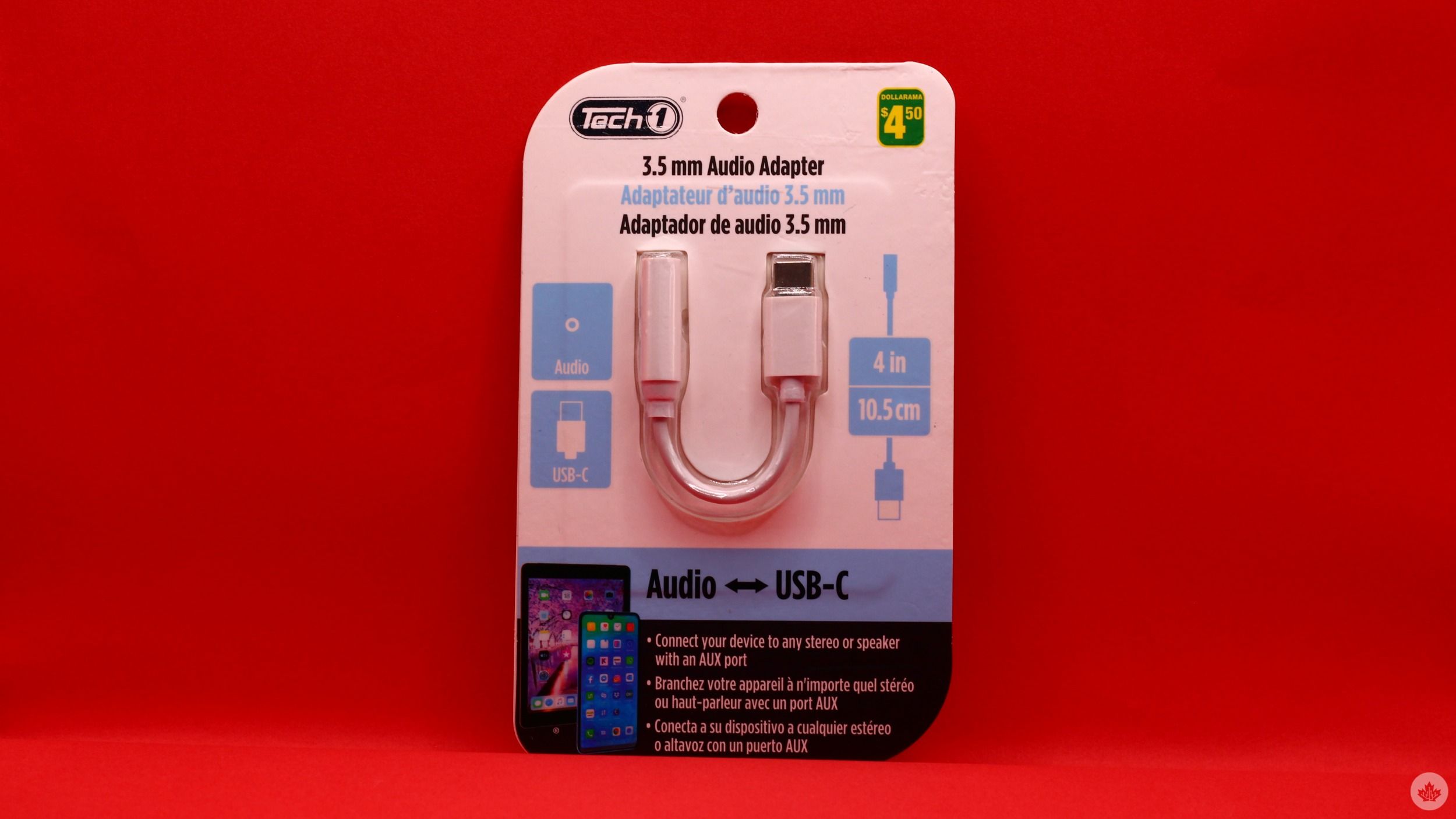
Nothing much to see here. If you own 3.5mm wired headphones or earbuds and would like to use them with your modern USB-C phone, this $4.50 adapter works as intended.
Note that Tech1 hasn’t mentioned any audio specs on the packaging, so we don’t know the adapter’s bit depth. What I was able to confirm, however, is that the adapter works seamlessly with both Android and iOS phones and supports mic use too.
Phone accessories without the premium
Tech1 USB-C charging cable ($4.53)
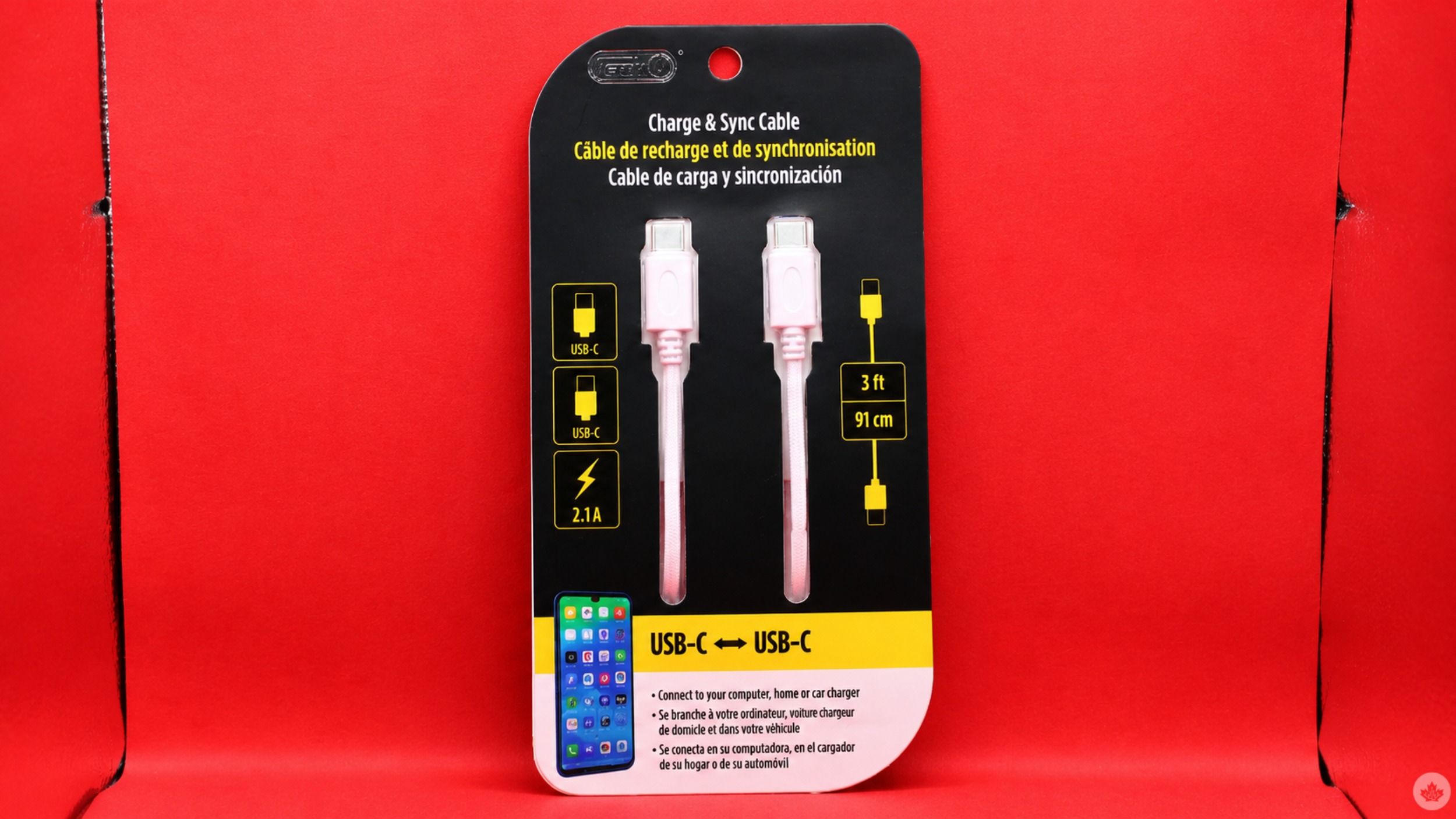
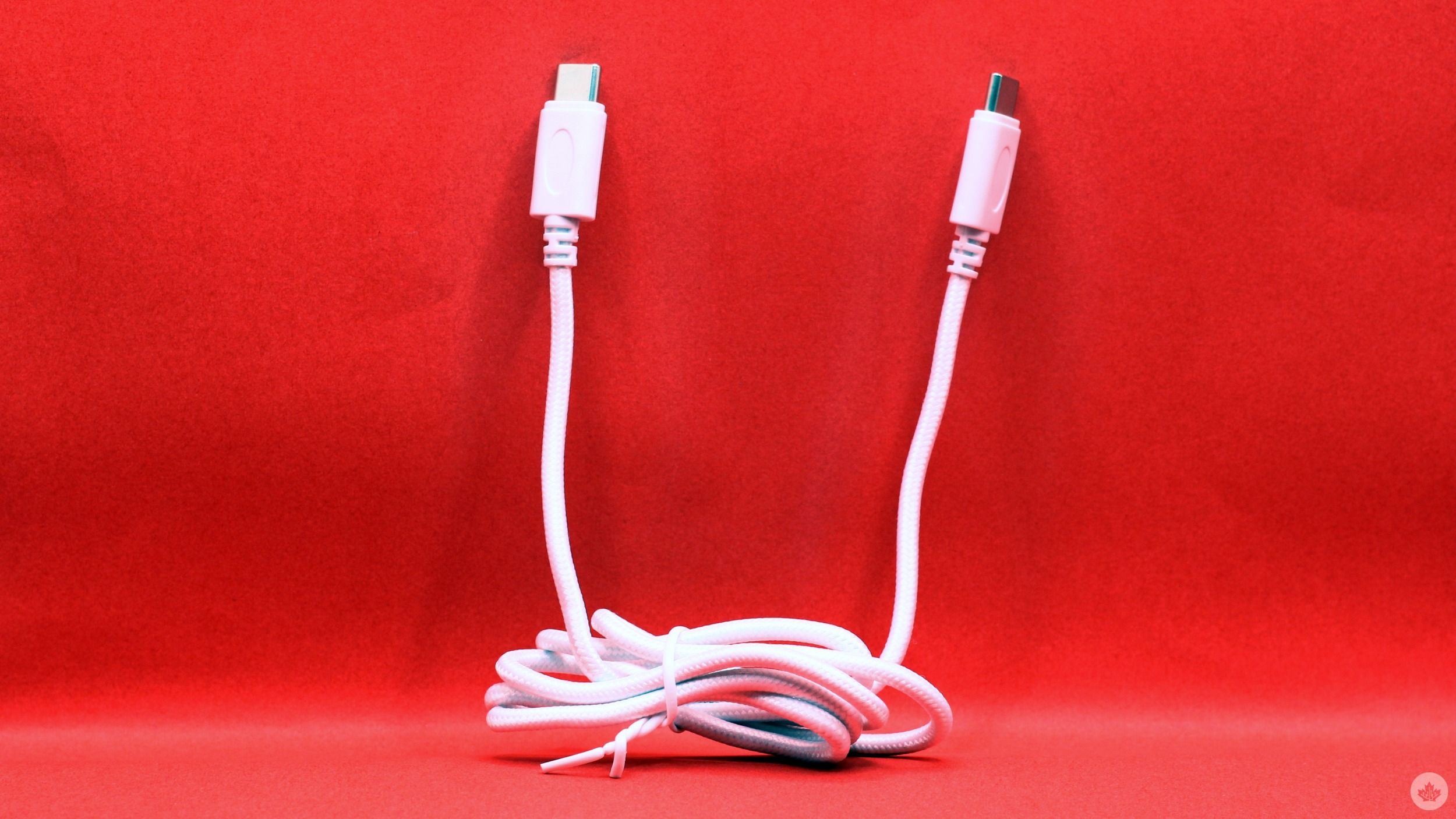
Again, this isn’t a particularly exciting find, but a functional one nonetheless. Tech1’s USB-C to USB-C charging cable is 3ft long. More impressively, it’s braided and doesn’t feel cheap.
The packaging advertises 5V/2.1Amps, making these cables more suited to slow overnight charging, instead of quick refills during the day.
XO Poppy MagSafe-compatible case and wallet ($5)
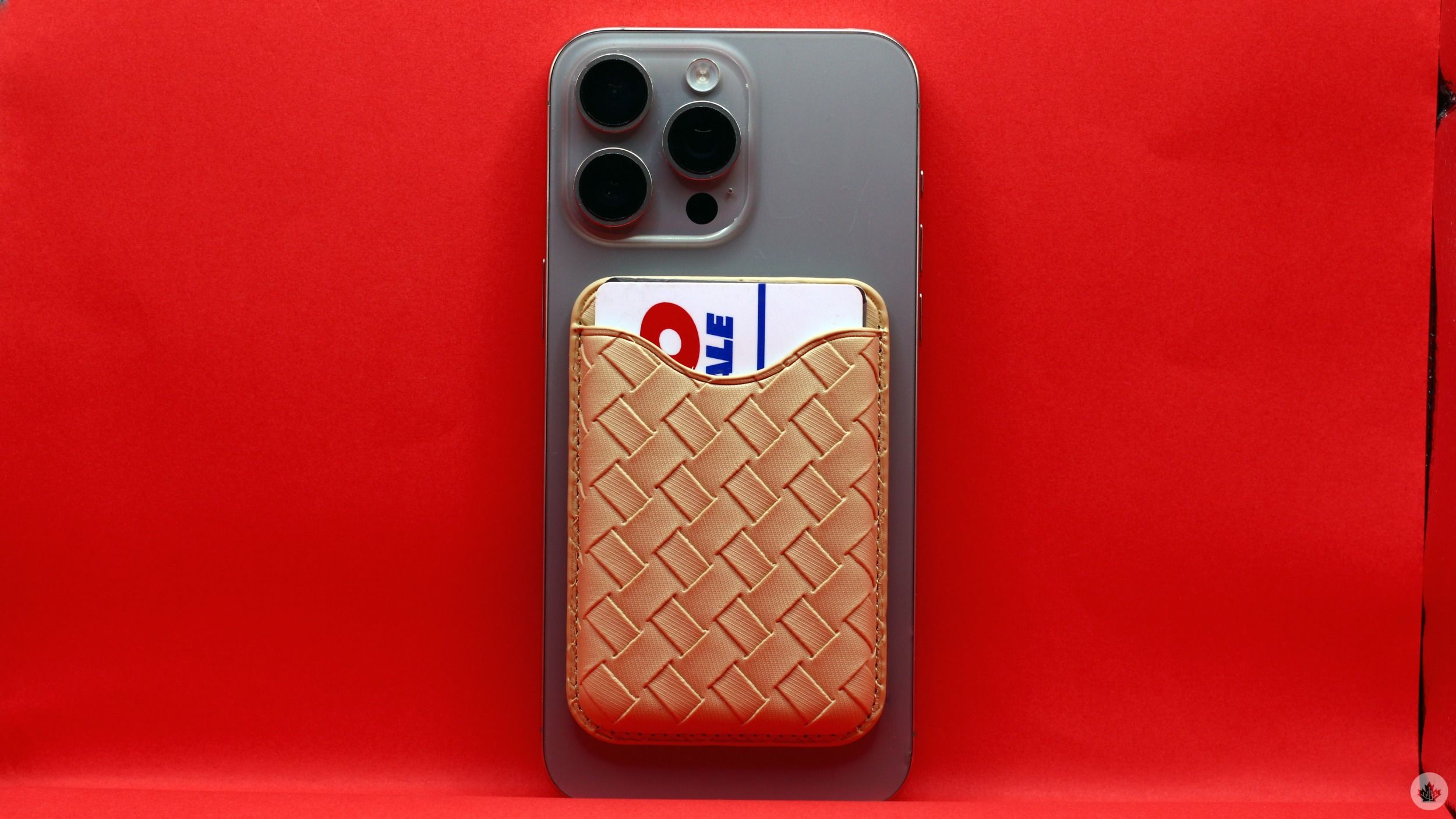
This one actually comes as a case plus MagSafe wallet combo, though for this experiment, I was only interested in the latter.
The case fits the iPhone 12 Pro Max and the iPhone 13 Pro Max. I couldn’t find a combo for other phones, so if you happen to own either of those models, great for you. If not, getting a MagSafe-compatible wallet for $5 is still a pretty sweet deal on its own.
The wallet can hold 3 cards comfortably. You can squeeze in a fourth, but that’s also where things start getting a little tight. More importantly, the wallet’s magnets are surprisingly strong. I gave my phone a vigorous shake with the wallet attached, and it did not detach.
Tech1 touchscreen stylus and ballpoint pen ($3)
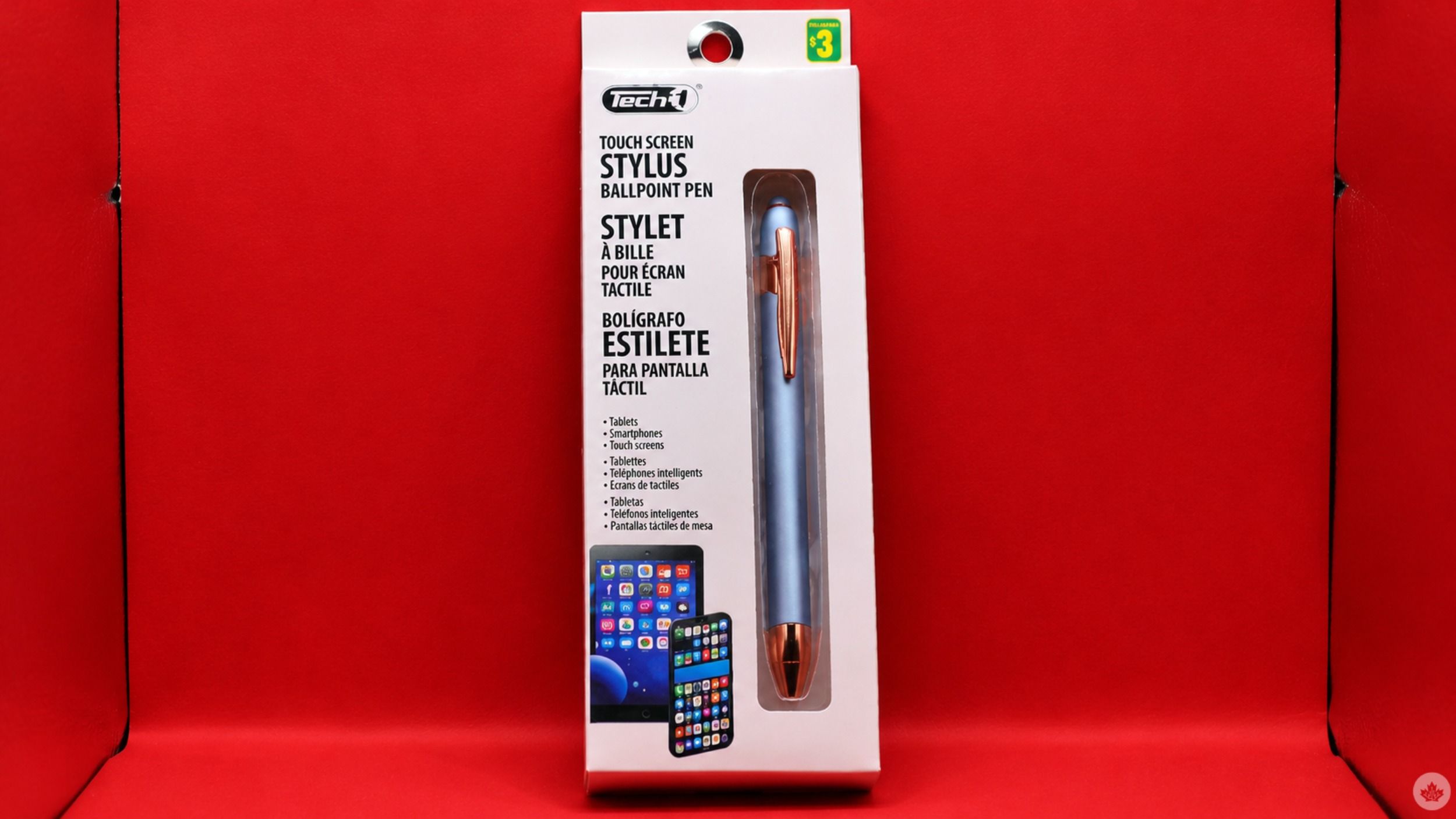
The Tech1 stylus is the first real bust of the haul. It’s a pathetic excuse of a stylus that’s basically a ballpoint pen with a soft silicone tip slapped onto the other end. There’s no tech here — the silicone tip’s job is to mimic your finger, and it doesn’t do a great job at that.
It works just fine for regular tapping and scrolling, but that’s about it. It doesn’t track properly enough to be used for sketching or for handwritten notes. In my use, I found it easier to just use my finger for tasks that required even a little accuracy.
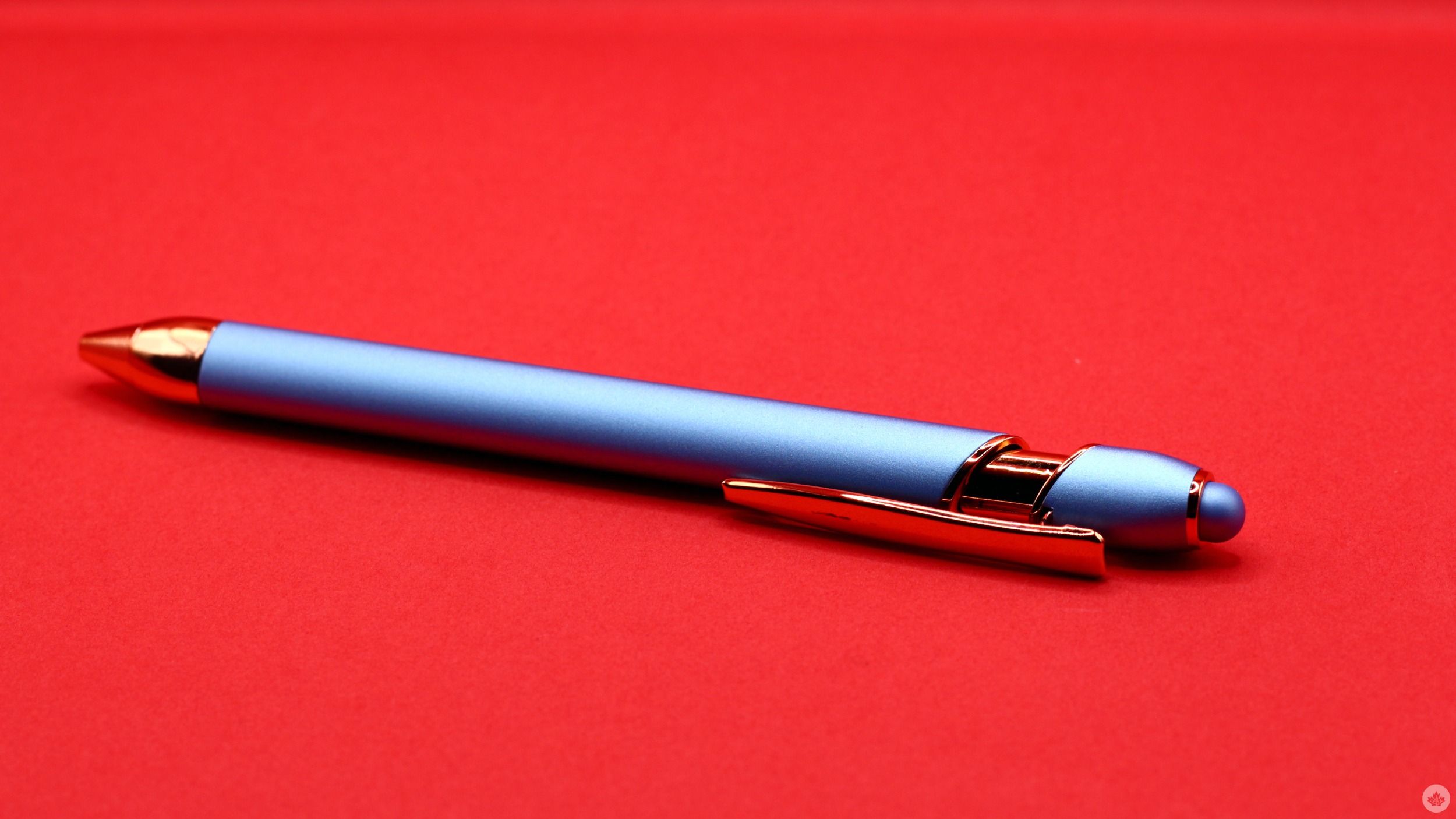
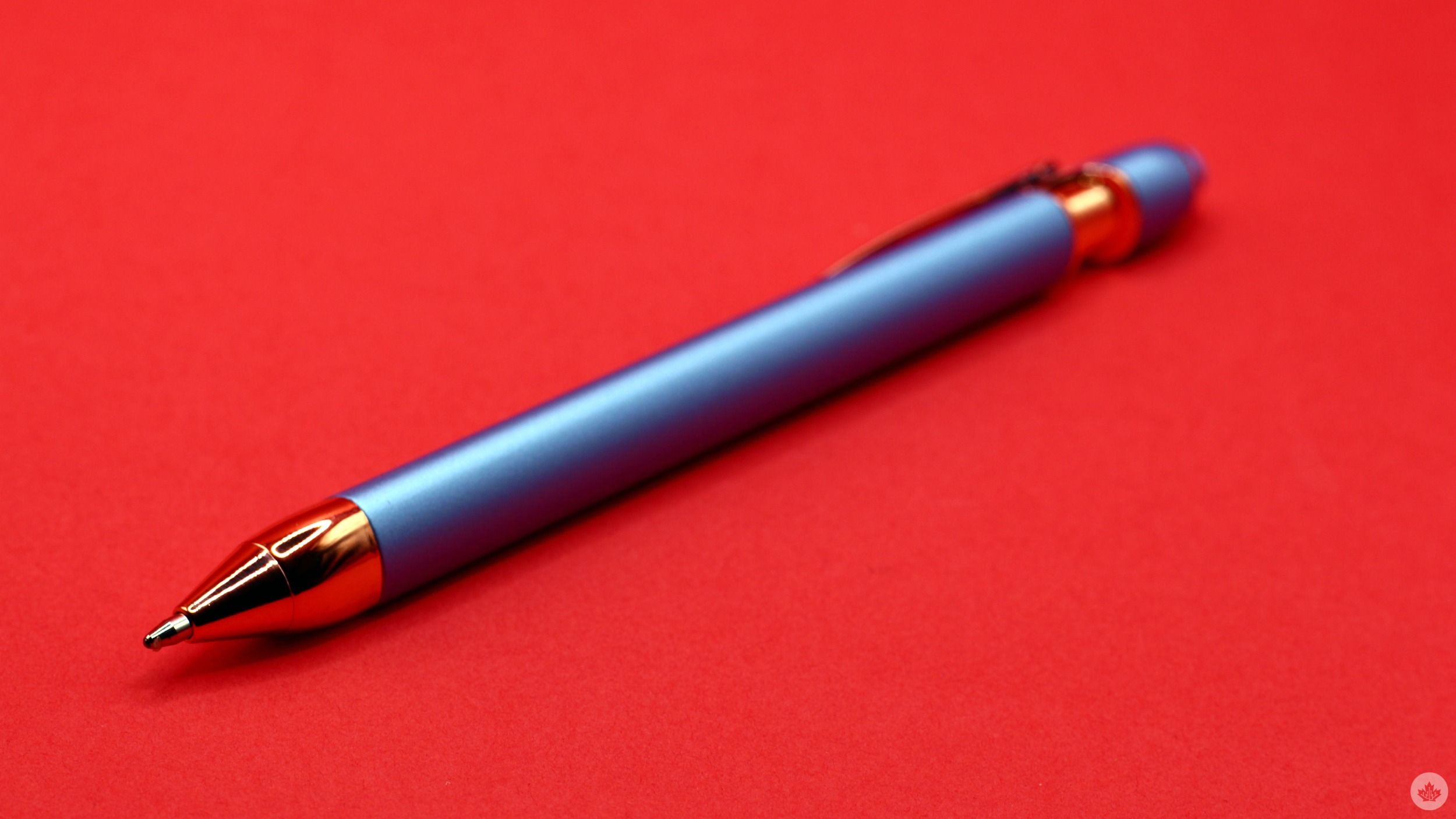
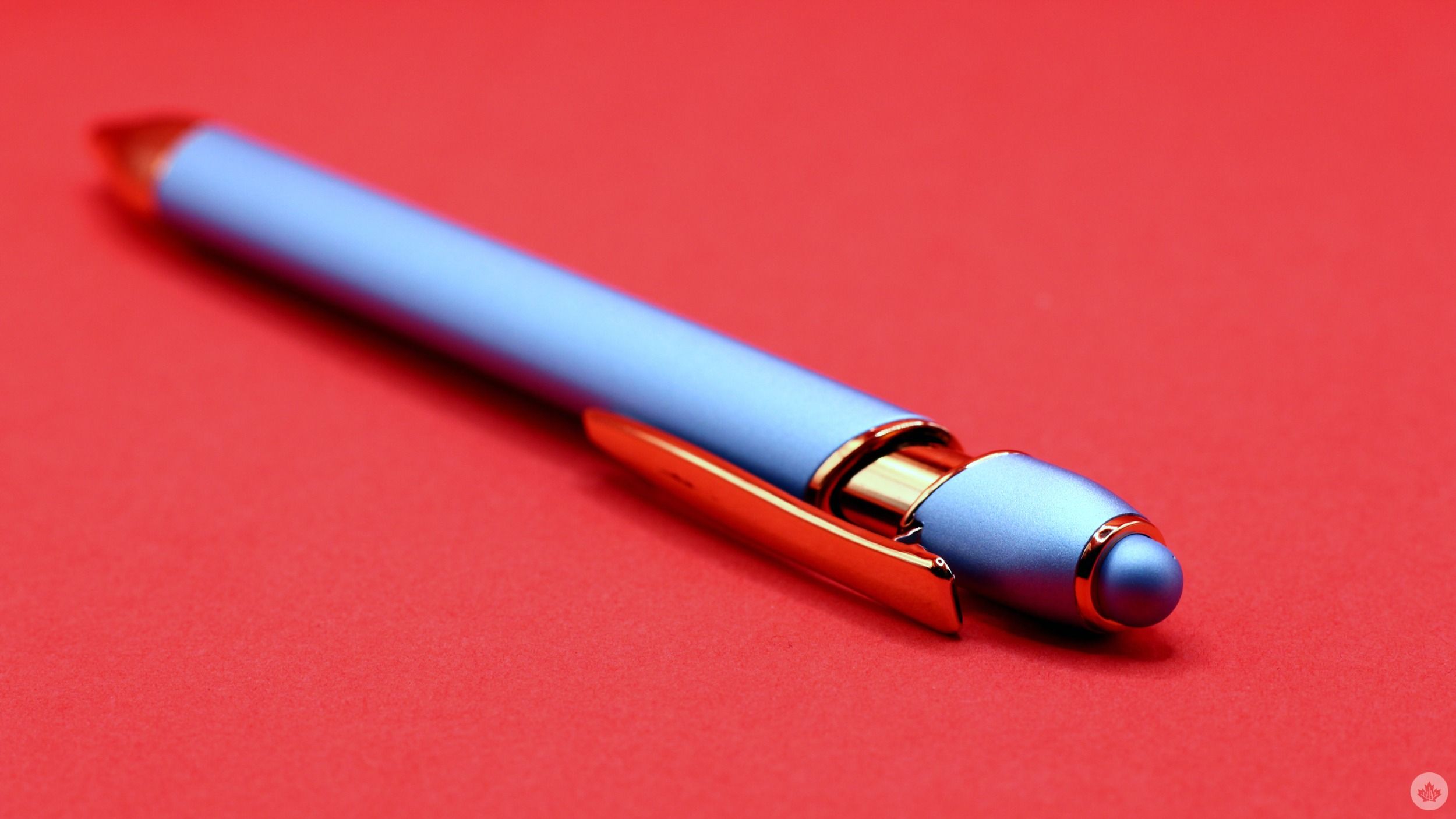
For $3, I can see the stylus being useful for people with limited hand mobility, but for all others, I’d recommend saving your money.
Nathan Vista handheld phone carrier ($4)
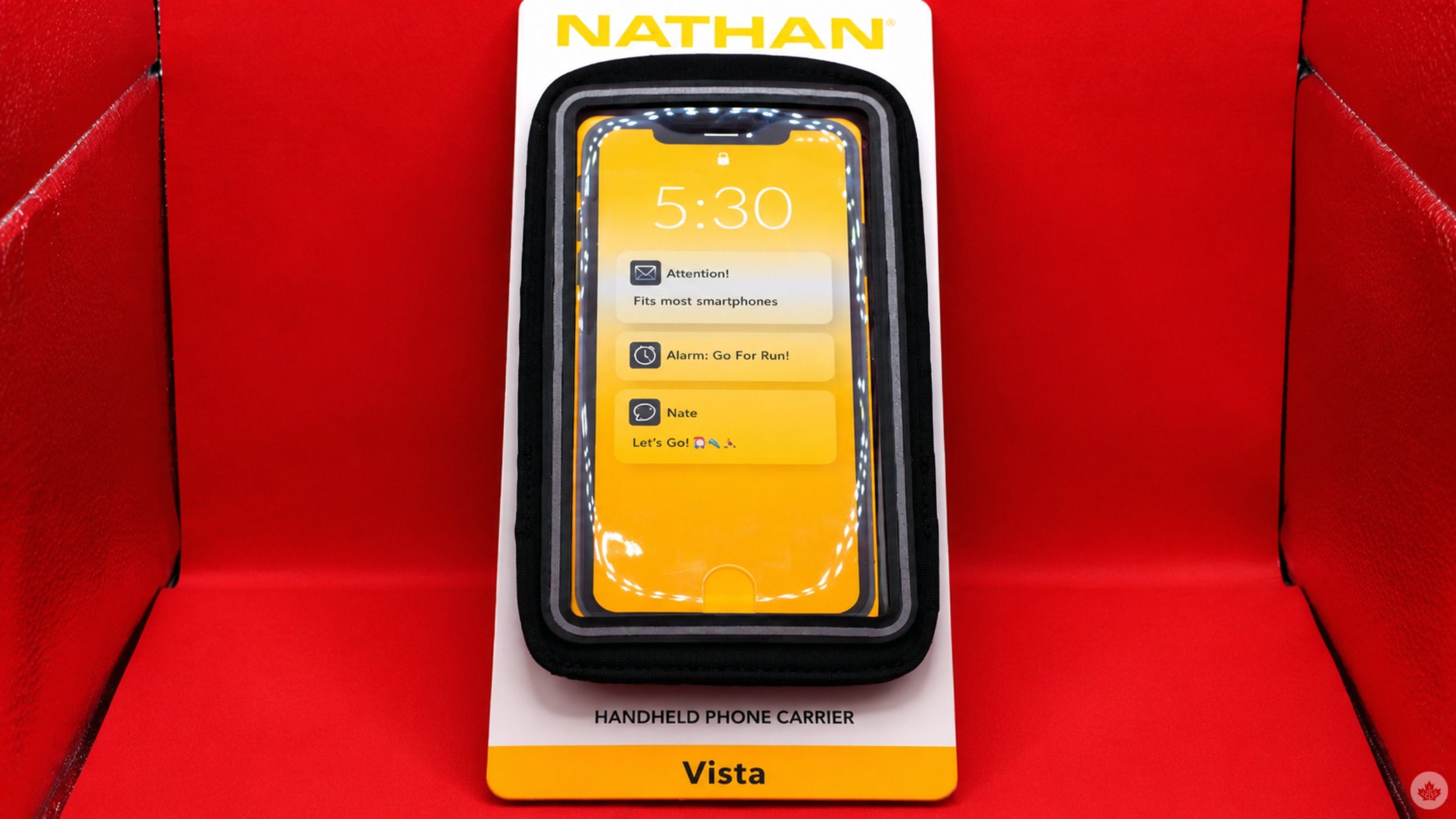
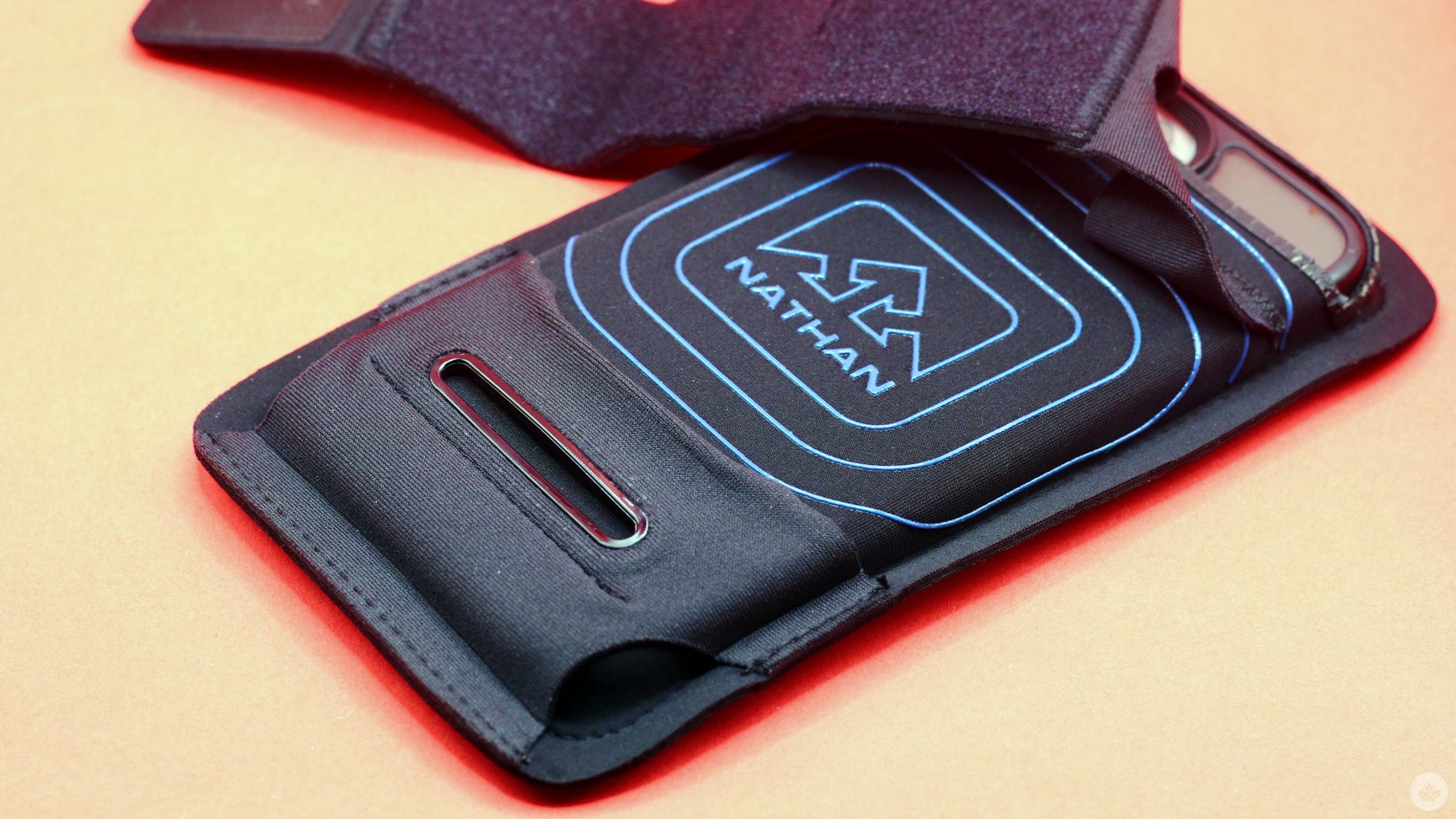
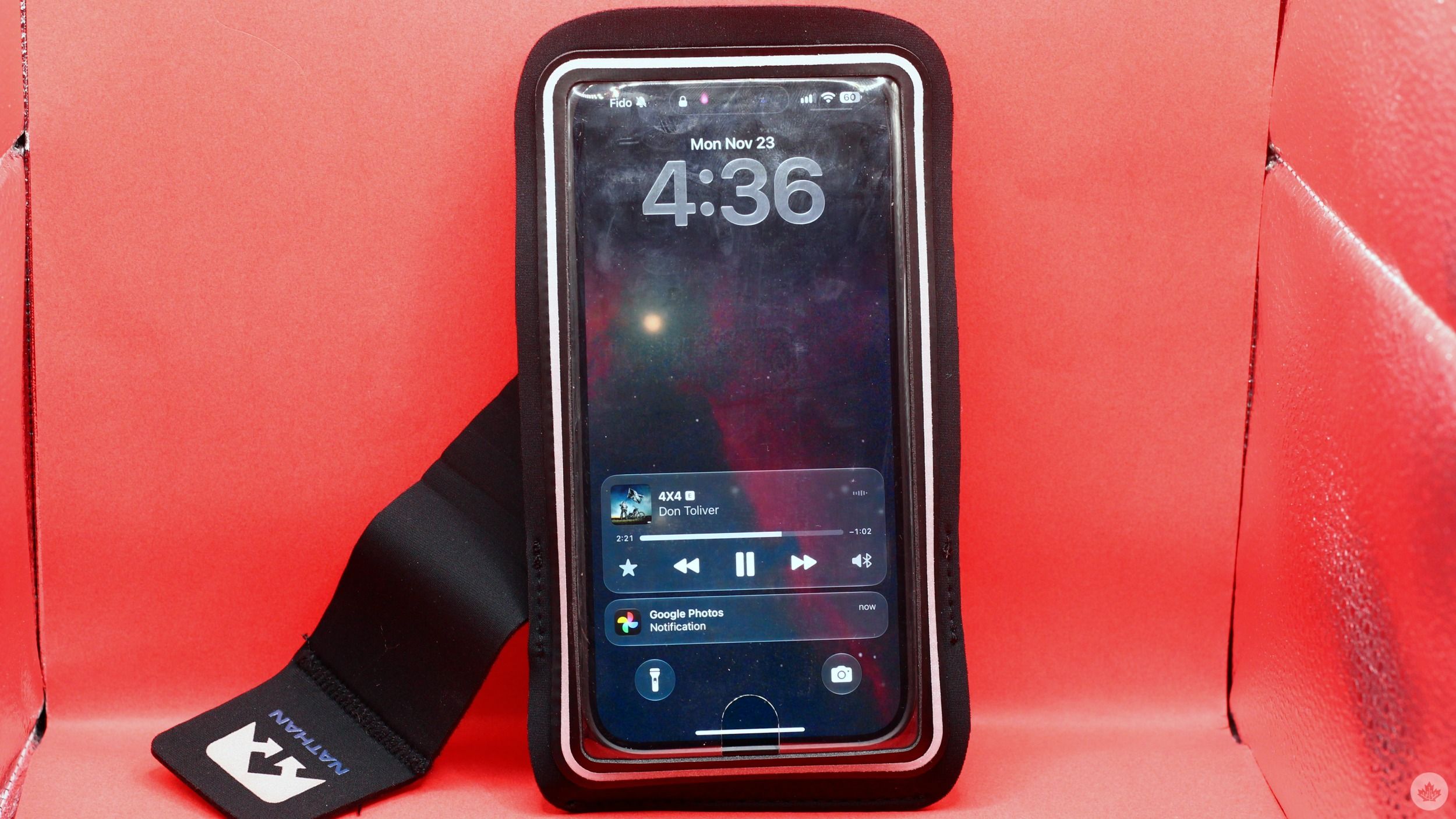
This goes for over $45 on most online stores, so it being available for just $4 at Dollarama is already a big win.
Runners need to carry their phone not just for navigation, tracking, and music, but also for communication in emergency scenarios, and this phone carrier makes that easier without hurting the wallet.
The strap feels gentle on the skin and is stretchy, allowing you to wrap it around your wrist, arm, and even bicep. The phone itself sits inside a transparent compartment that registers touch, which means you can continue using your phone through the carrier while running. The case is one-size-fits-all, and I was able to squeeze an iPhone 17 Pro Max in with ease, so most slab phones should fit just fine.
For just $4, this is an absolute steal for runners.
Budget desk setup
Tech1 wireless optical mouse ($4.78) and N Squared multicoloured desk pad ($4.50)
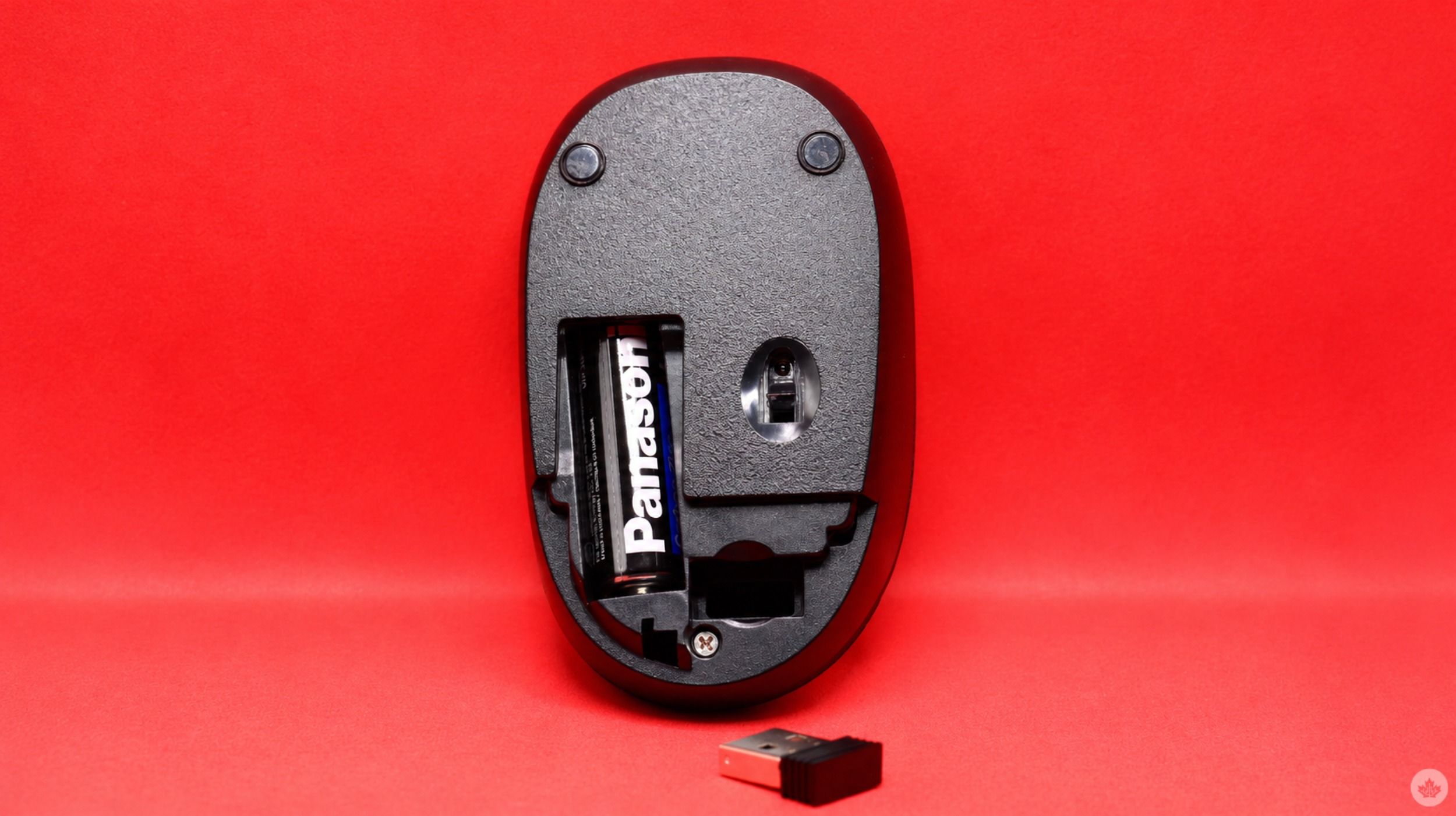
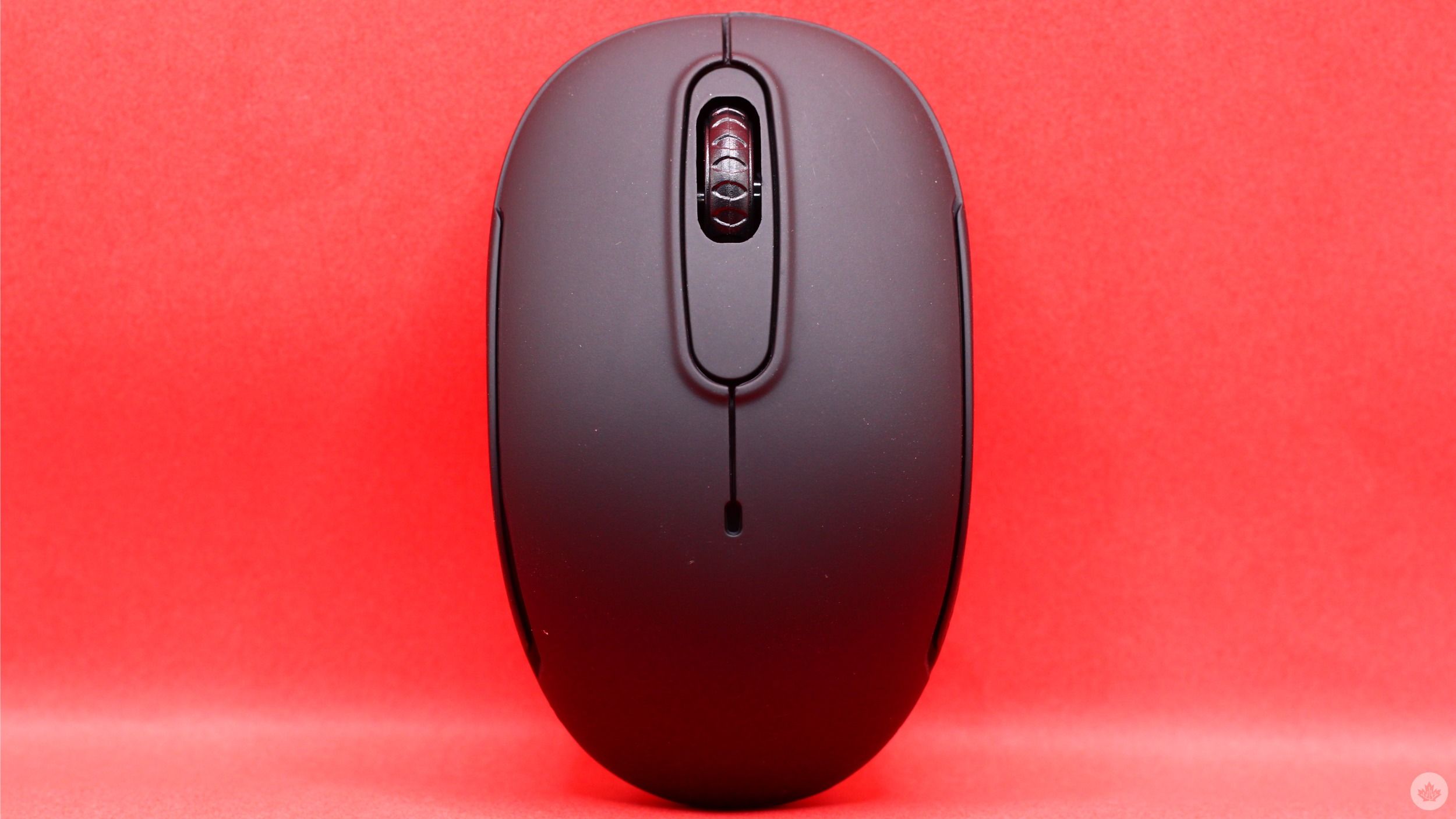
After the wireless GemstonePro earbuds, the Tech1 wireless mouse might just be the biggest standout of the haul.
Looks-wise, the mouse isn’t all that special. It has an ordinary look to it, but don’t let that fool you. The mouse sports a small footprint, and it’s extremely light too. It runs on a single AA battery, which does add to the mouse’s overall weight, but nothing substantial.
It communicates over a 2.4Ghz connection with a USB-A dongle that you plug into your device of choice. When not in use, the dongle can conveniently sit inside the mouse body, making the $4.78 gadget a solid addition to your portable setup.
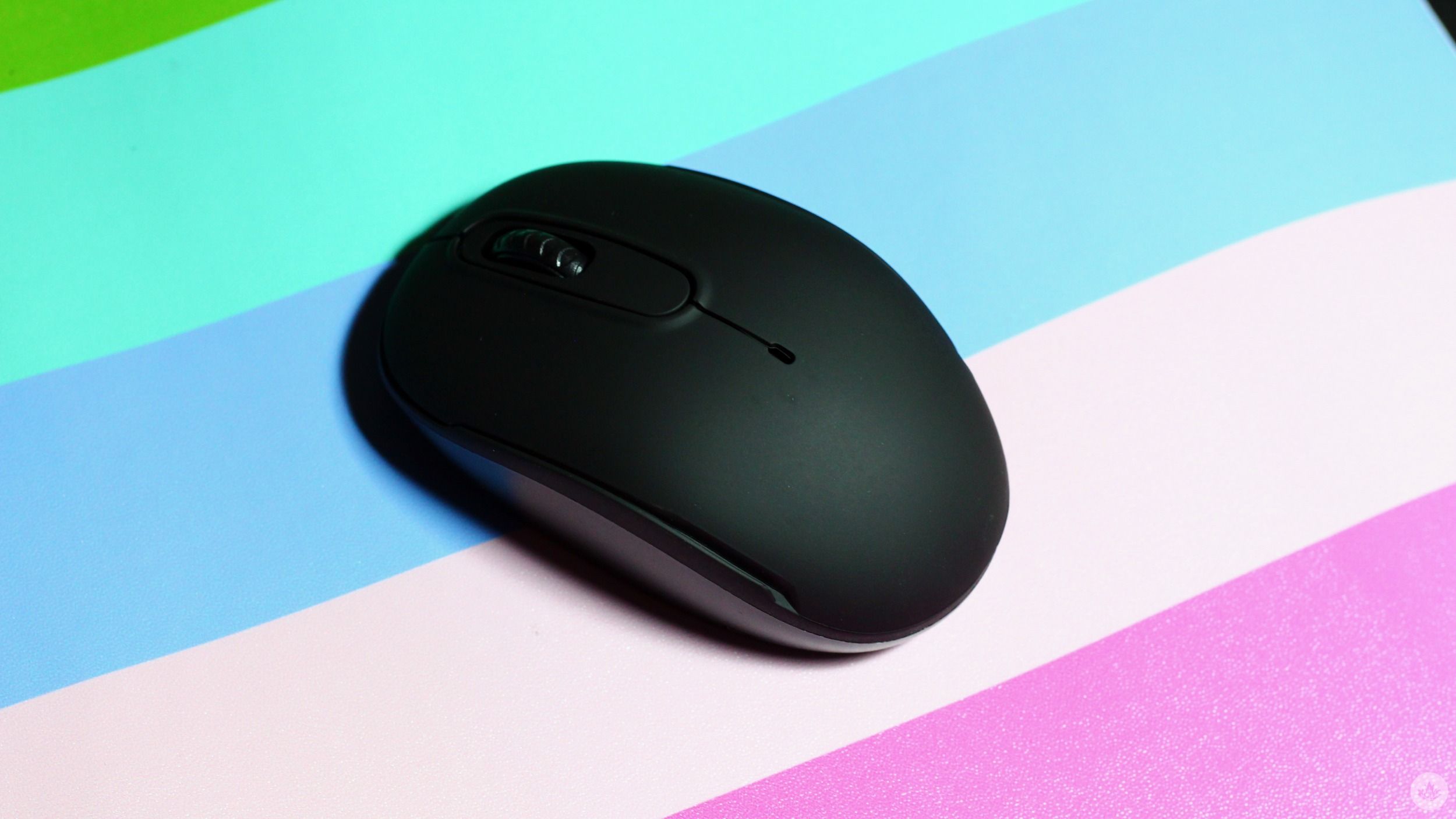
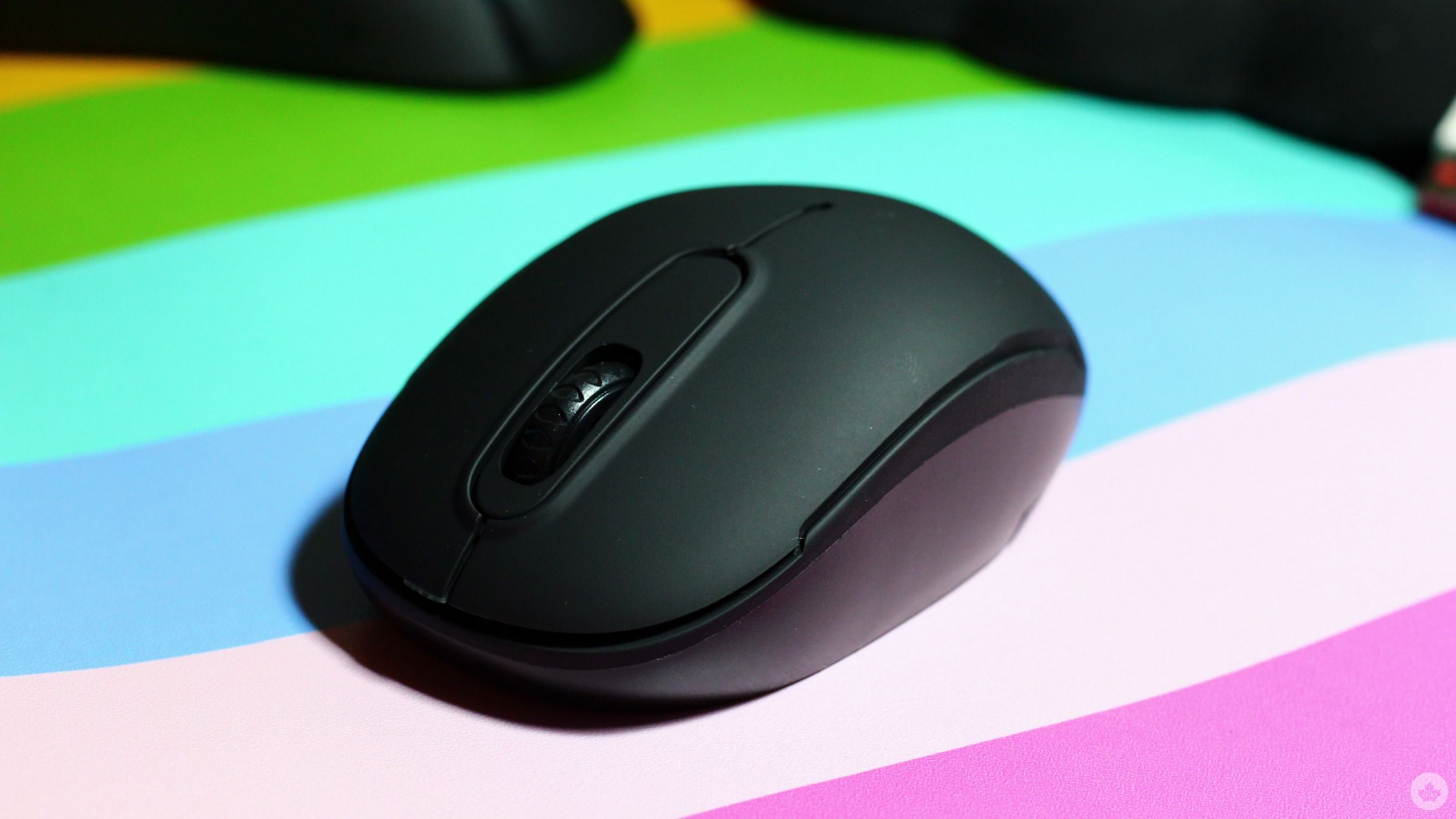
The N Squared multicoloured desk pad, on the other hand, seems to have confused itself with a mousepad. A traditional mousepad only needs to accommodate your mouse, while a desk pad is supposed to cover a big portion of your desk, if not all of it.
At 14×14 inches, the $4.50 N Squared multicoloured desk pad is so small that it can’t really be called a desk pad. I don’t see the point of getting this, unless you’re looking to cover your bedside table with it.
And even if you do try to use it as a mousepad, the leather-like finish will ensure that there’s just enough friction that your mouse can’t glide across as intended. This was another miss for me.
Wonderfully unnecessary
Tech1 electronic hand gesture for cars ($5)
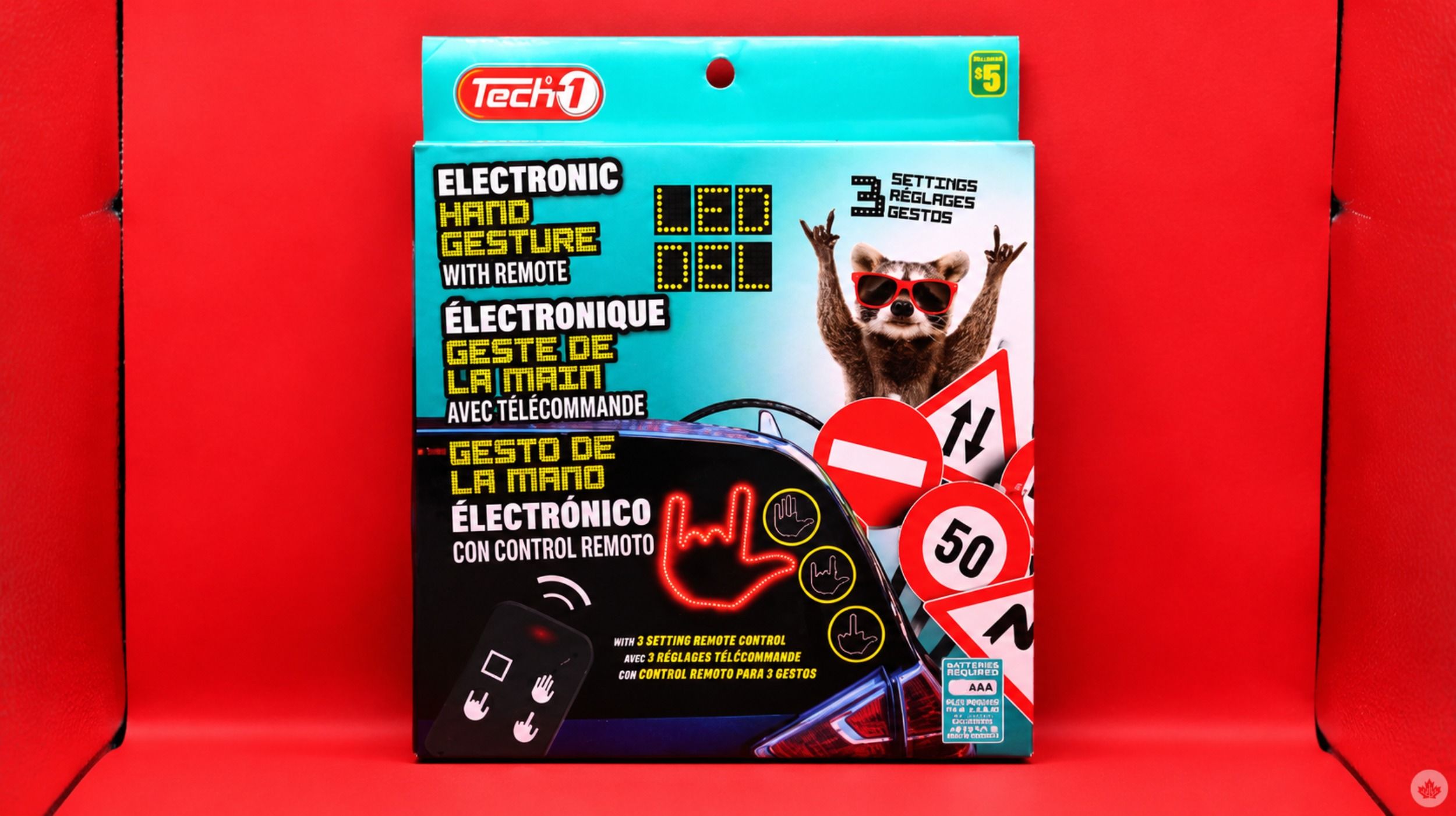
That subhead is exactly how I felt when I first saw the hand-gesture light at Dollarama. It’s literally a hand with Orange LEDs across it that alternate to display three different hand gestures: rock on/devil horns, an open palm, and the middle finger.
The sign is meant to go on the rear glass of your car, attached with the included sticky Velcro pads. The sign itself takes three AA batteries, while its remote takes one AAA cell.
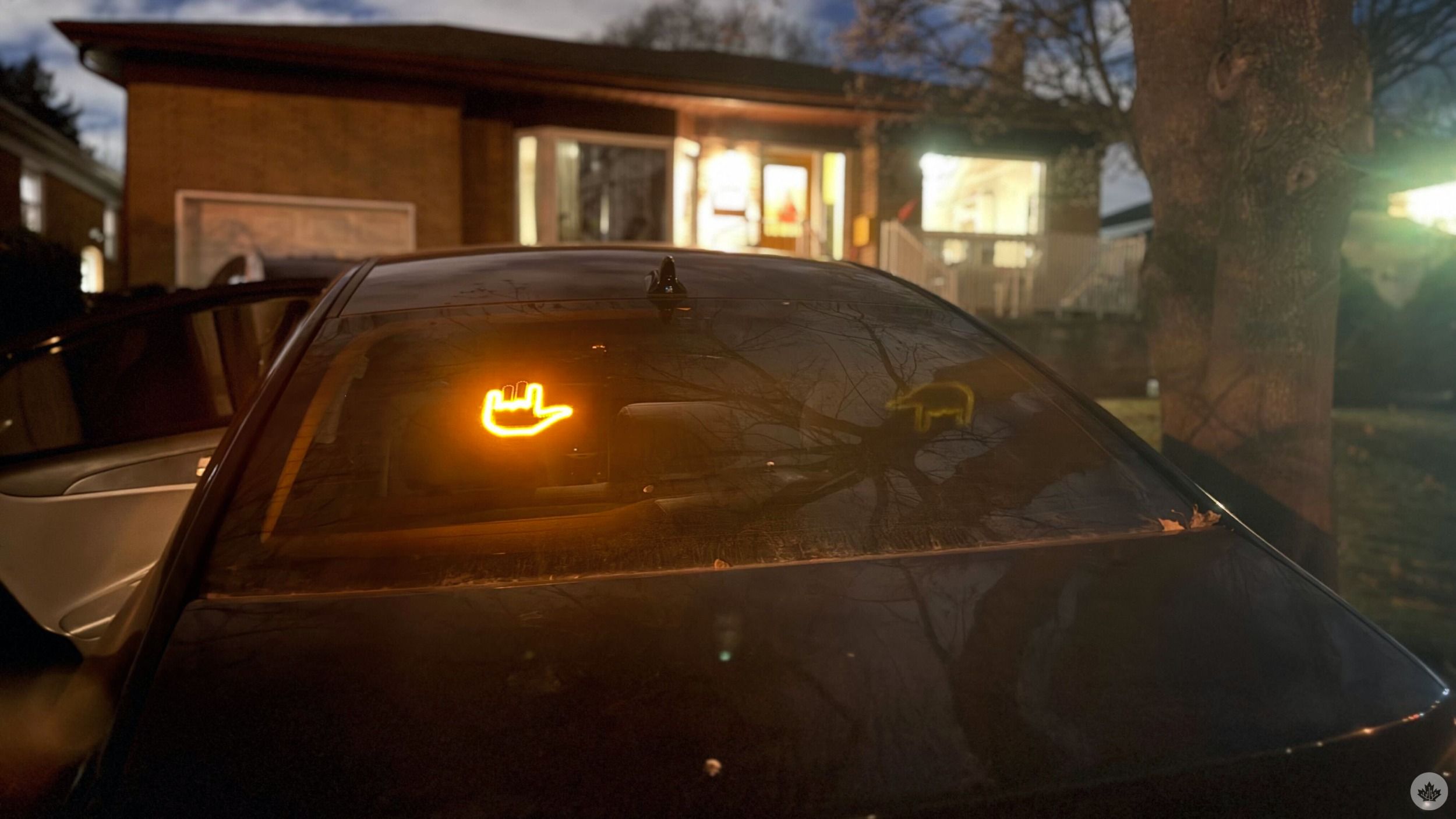
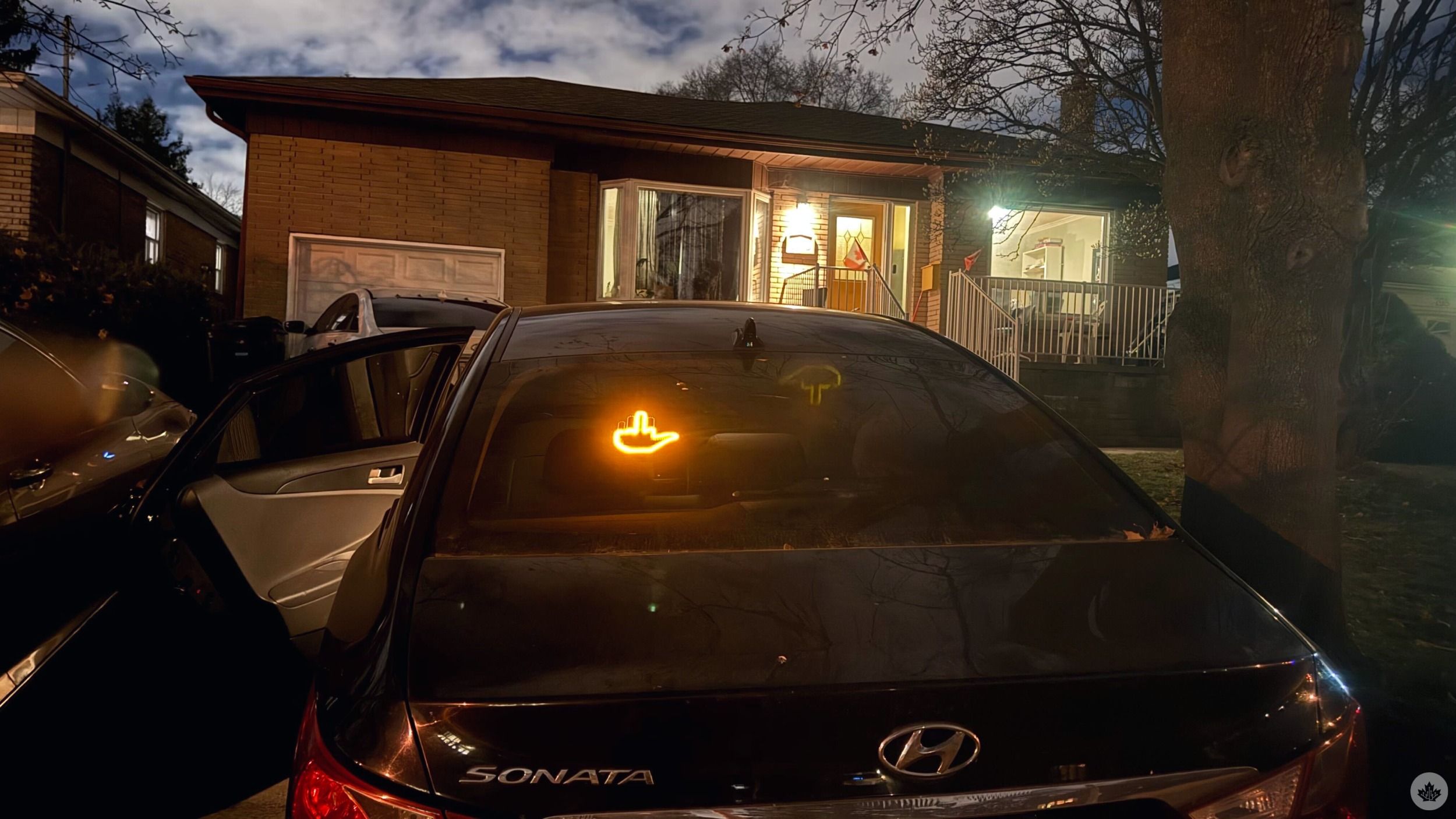
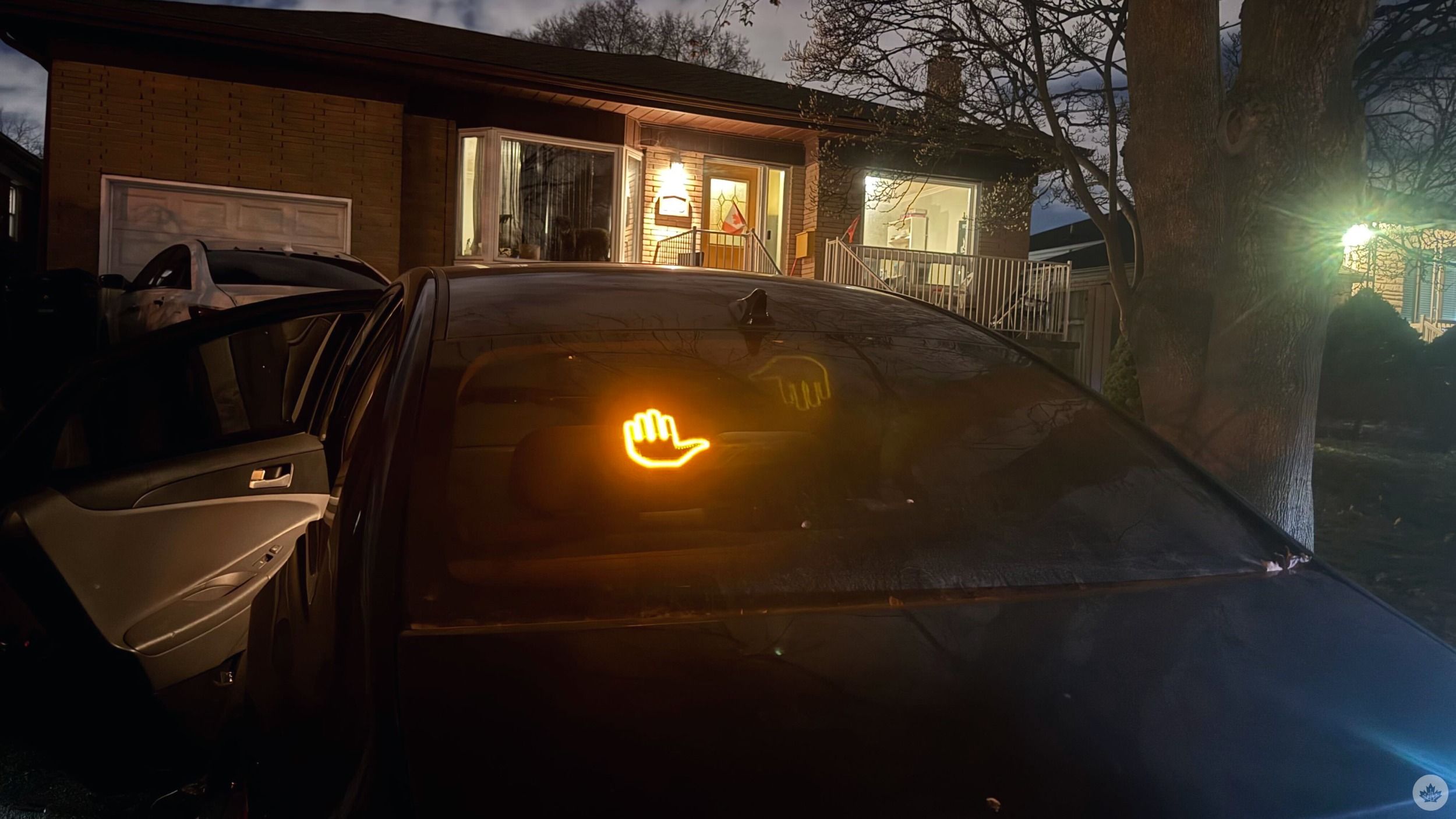
Although not exactly my thing — I’d rather focus on the road than flipping other drivers off — the device works surprisingly well. The LEDs themselves are bright, and I was easily able to make out the gestures through my car’s tinted rear windshield — even during the day.
And if you’re like me and don’t want to gesture to other drivers on the road, no one’s stopping you from using it in your room instead. Think of it like that reversible octopus mood plushie, but with a remote control.
HomeDeco colour-changing moon light ($5)
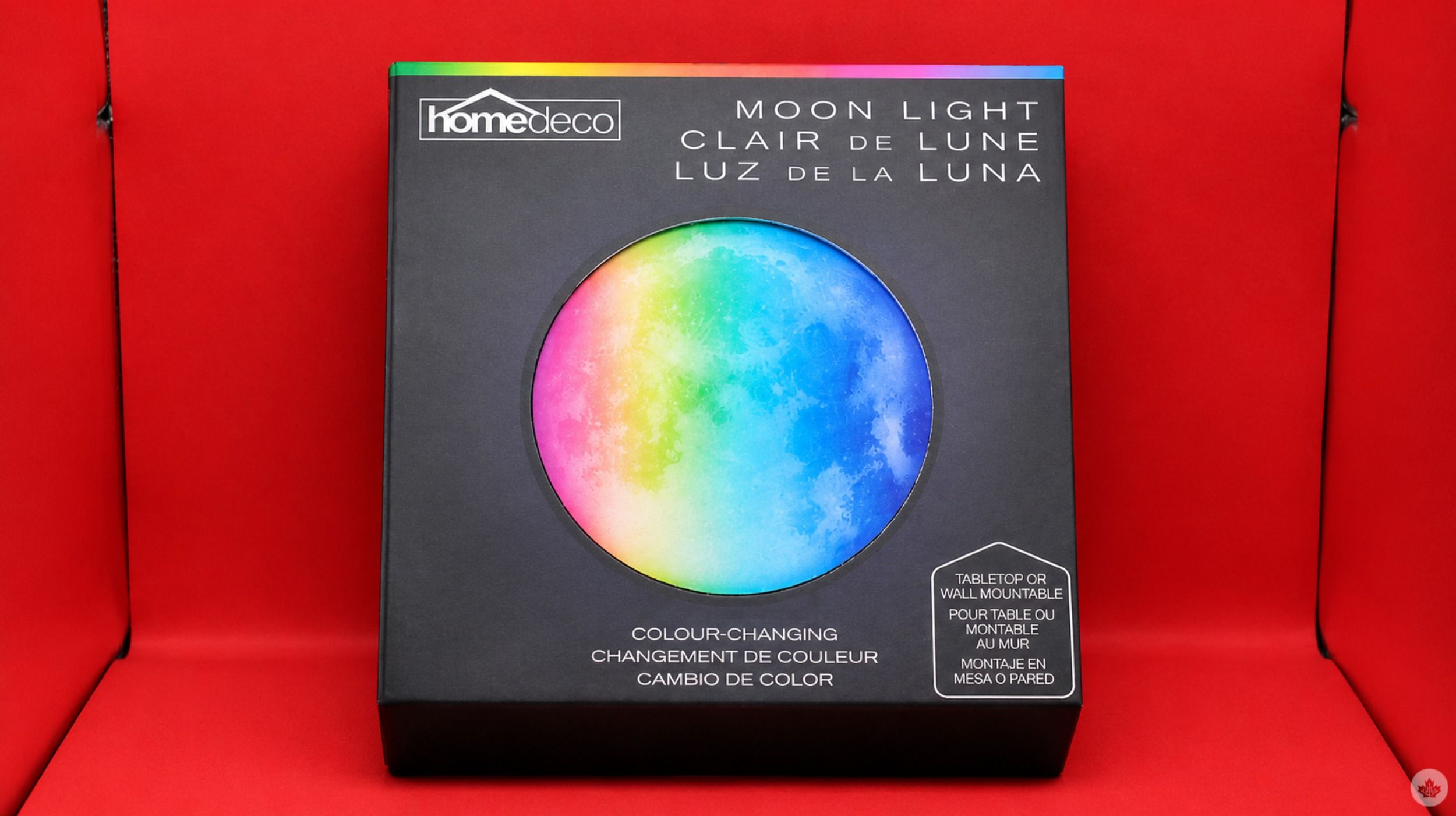
I’m leaving this haul’s biggest dud for the end. I’m actually a big night light guy. I’m not scared of the dark, but I like having a faint light glowing somewhere in the room if and when I need to get up in the middle of the night.
The light requires three AA batteries, and even after popping in a fresh set, the light just didn’t turn on.
I found others online with working units, so I likely got a defective one. This happened with a few products in earlier editions, so I’m not all that surprised. That’s $5 lost on a moon that never shines.
 Sponsored
 Deals
 Features
 Features
