


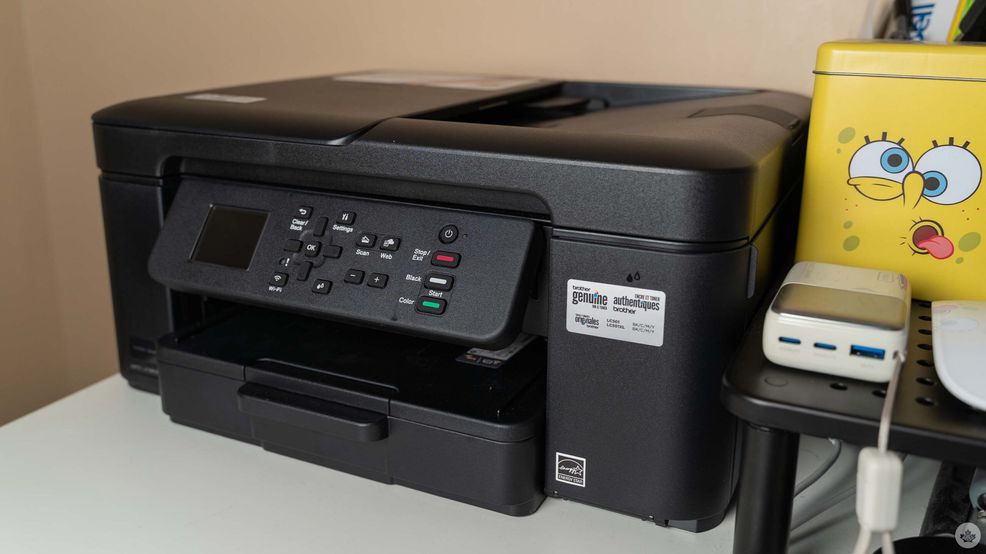
I’ve got some major grievances with printers.
Over the years, I’ve tried a bunch of them, including multiple models from HP, Epson, and others. And I keep running into the same major headache: when I need to print something, they never work.
The central issue is that I don’t need to print often. Most of my job exists in the digital world, so it’s exceedingly rare that I need a physical copy of anything. But every once in a while, I do need to print. A shipping label here, a document there. And that’s always when my printer gives me a hard time.
See, most printers I’ve tried need you to print semi-regularly, or the ink dries up, and when you print, it’s splotchy and faded and missing parts of the document. Then I have to spend hours running calibrations and printing tests until the ink starts flowing properly again.
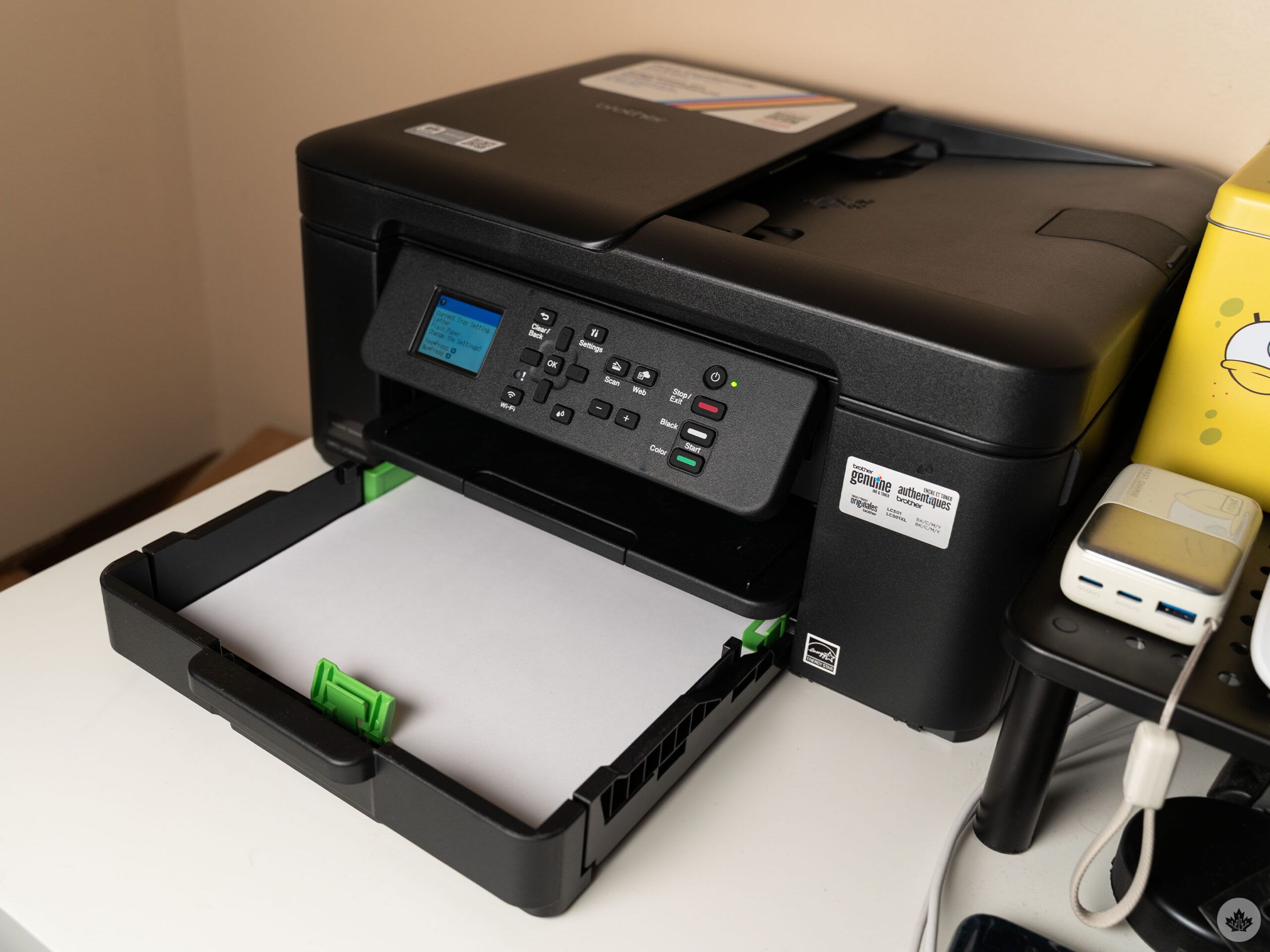
So when Brother reached out to me asking me to test one of its printers, I explained that exact problem. And Brother suggested I try its ‘Work Smart MFC-J1360DW Wireless Colour Inkjet‘ printer. Admittedly, I was a bit skeptical it would work, given it’s an inkjet printer and all the others that have plagued me with issues were also inkjet printers. But I figured, hey, they seem confident. Let’s see what it can do.
When the printer arrived, I set it up, calibrated it, and made sure everything was working as intended. Then I didn’t touch it for almost two months to see how it’d handle the first print job after a lengthy idle period. Much to my surprise, it printed perfectly on the first try.
Lots to love, even for infrequent printers
While that alone sold me on the Brother printer, there are plenty of other things to like about it. It’s got automatic duplexing, meaning it can handle printing on both sides of a page, borderless printing, and more.
I was also pretty impressed with the MFC-J1360DW’s printing speed and quality. Brother claims the printer takes less than seven seconds to start printing, and in my testing, that felt pretty accurate. Text quality was excellent, with everything being clear and easy to read. Image quality wasn’t quite as good, but certainly sufficient for my needs.
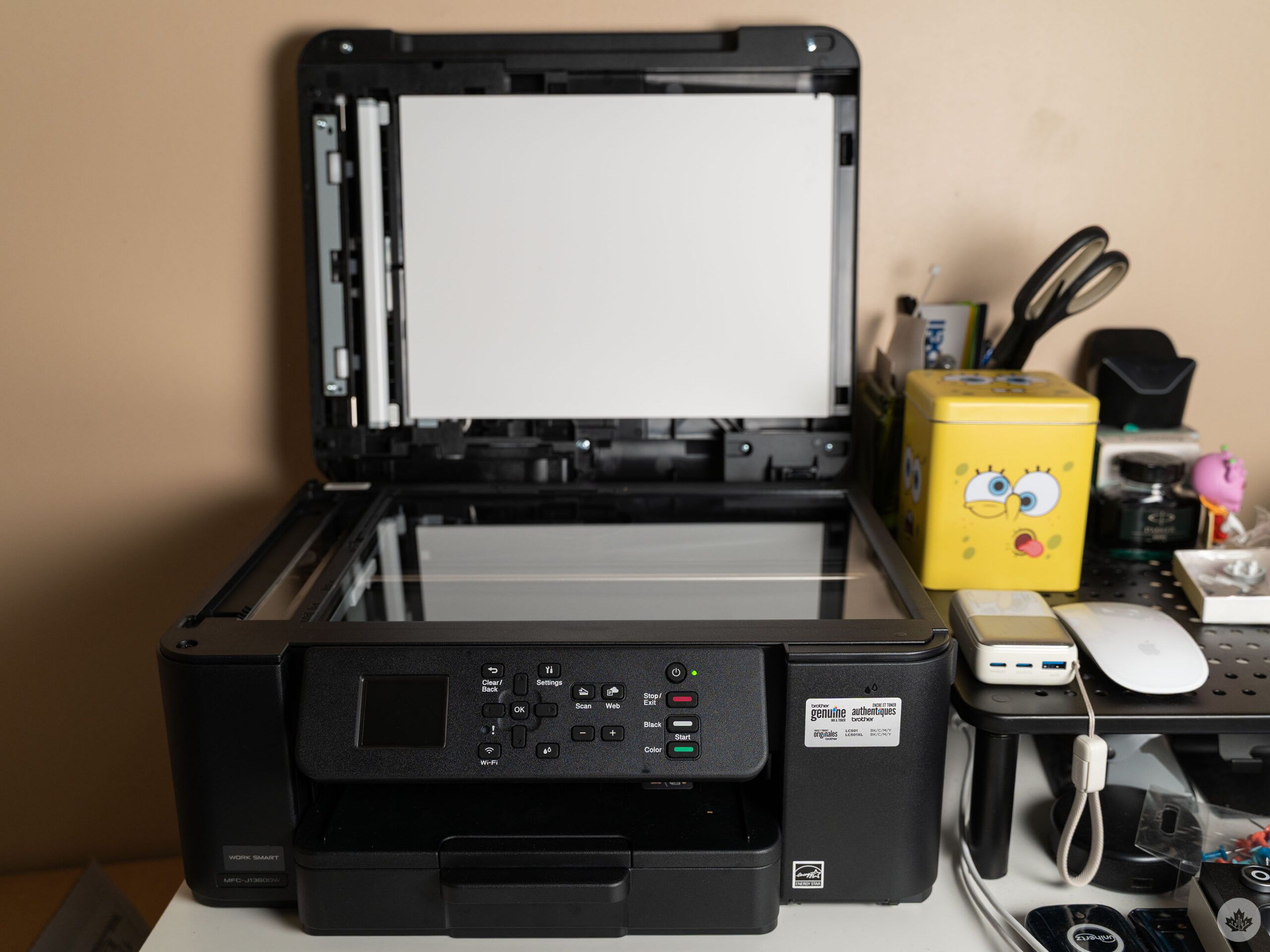
Beyond printing, the MFC-J1360DW boasts scanning and copying capabilities with both a letter-size flatbed glass for scans as well as a 20-sheet automatic document feeder (ADF) for loose stacks of up to legal-size paper.
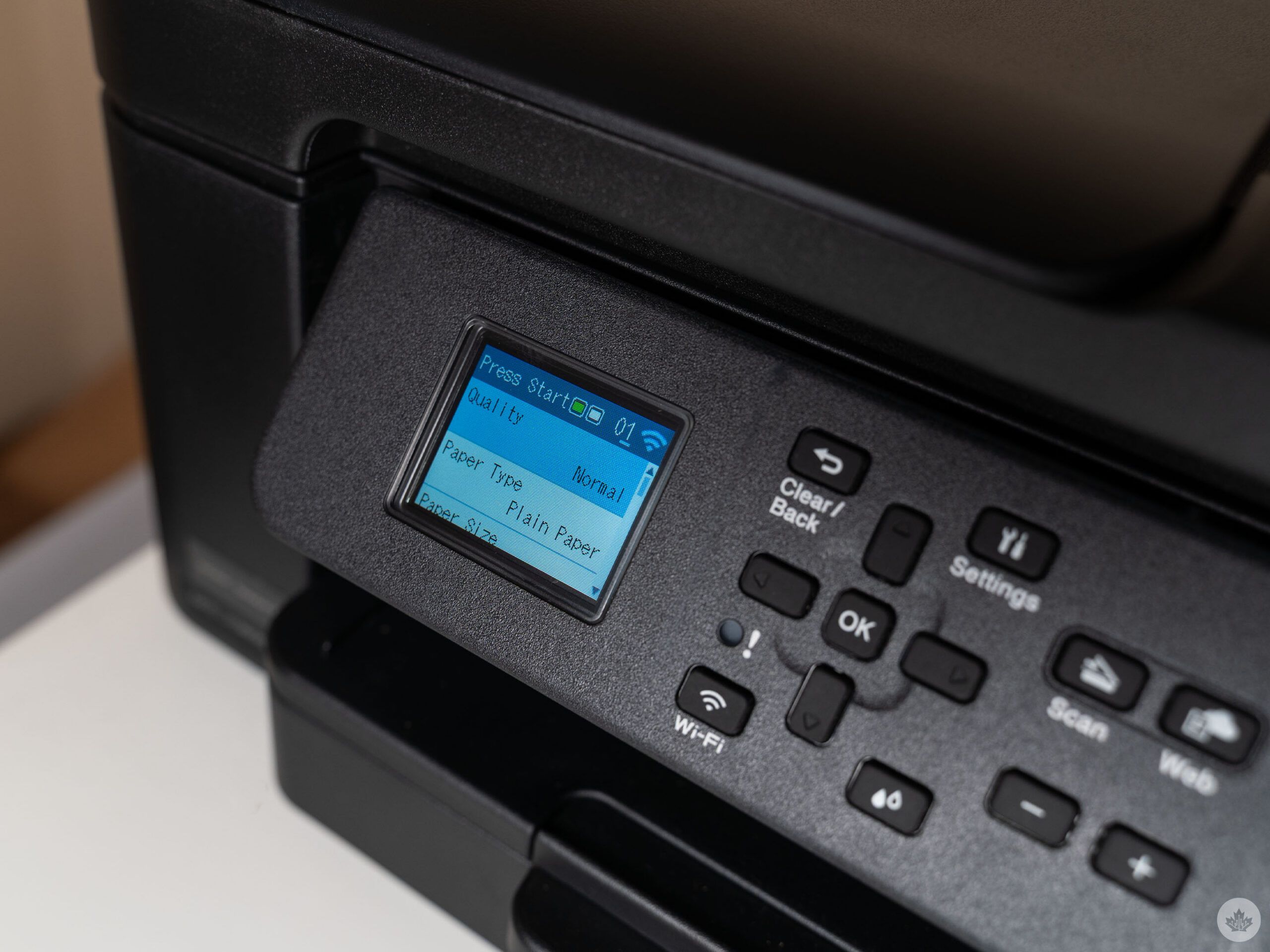
In terms of controls, the MFC-J1360DW sports a 1.8-inch LCD display with physical control buttons, which you can use to access various printer settings. Additionally, the printer offers wireless and wired connectivity options. I found setting up the wireless printing was a breeze with the Android app, and once it was connected to my home internet, I could easily connect other devices like laptops, tablets, and my desktop to it for printing.
Even better, replacement ink cartridges aren’t obscenely expensive like some other brands. The MFC-J1360DW takes four cartridges: Cyan, Magenta, Yellow, and Black. Standard cartridges start at $15.99, and you can get a three-pack of the colours for $40.99.
Minor grievances
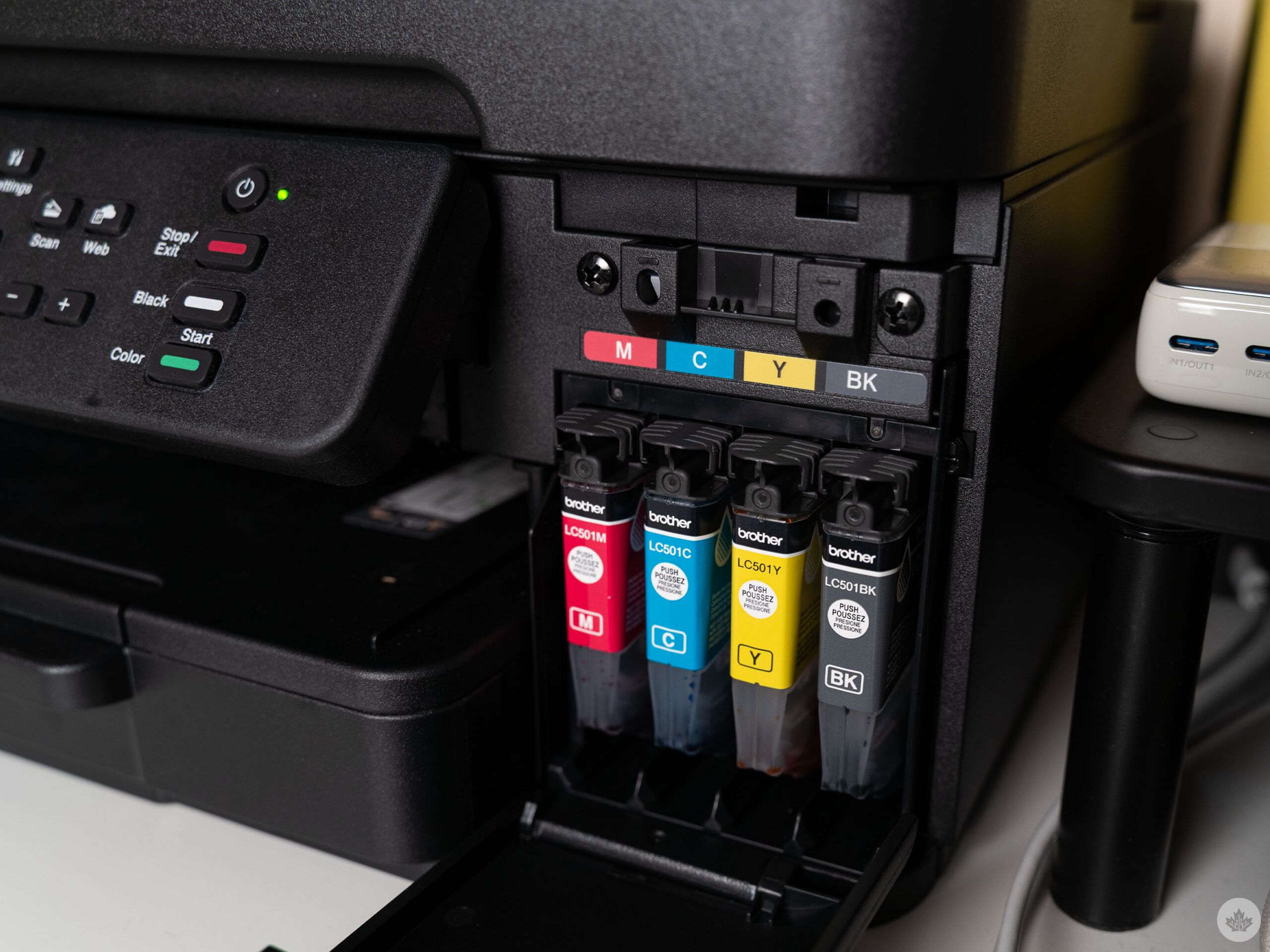
Brother’s MFC-J1360DW isn’t perfect, though my complaints are fairly minor. First, when I took it out of the box, I was disappointed to see that the packaging had slightly damaged the finish on the front. It’s not super noticeable, but there’s scuffing and wear, particularly around the control panel where the packaging rubbed against the printer.
My other complaint is that the MFC-J1360DW can be rather loud when in operation, and sometimes it makes noises for no discernible reason. On the first point, most printers are loud when printing, so it’s not that big of a deal. And with how fast it prints, it’s not loud for long.
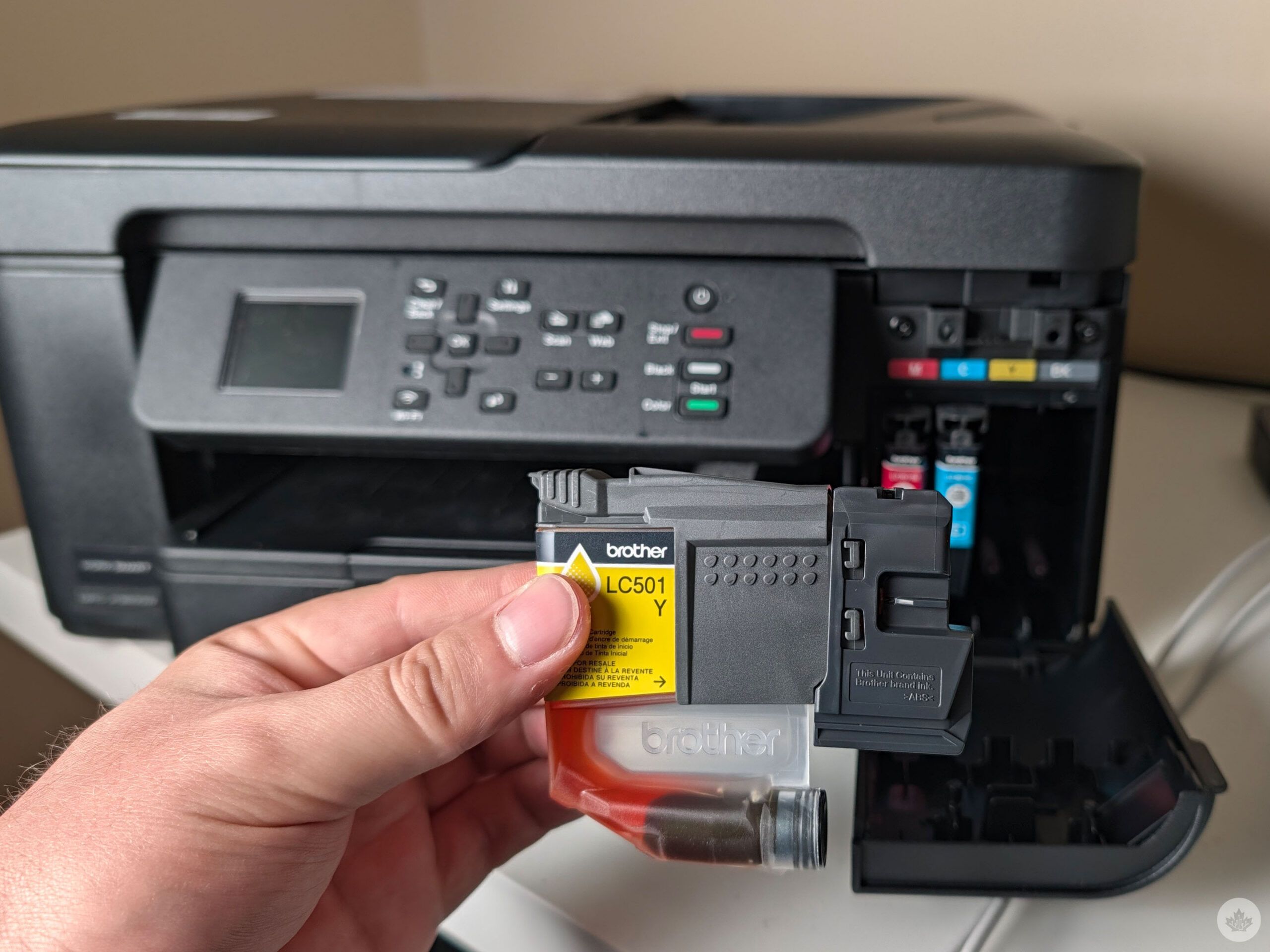
But the seemingly random noises have given me a few jump scares now, so that has gotten on my nerves more. My best guess here is that the noises are part of a shutdown or start-up routine of some kind, and that they happen when the printer wakes up or goes to sleep, such as when it’s been idle after a print job or when it installs an over-the-air update.
Still, these minor grievances don’t outweigh the fact that this printer can seemingly handle sparse print jobs with ease. Even better, the MFC-J1360DW itself is decently priced. It costs $179.99, though at the time of writing it was on sale for $89.99 for Black Friday. While that deal ends on Nov. 26, there will likely be other sales on it during the holiday season, so watch out for those.
 Reviews
 Reviews
 Reviews
 Reviews
