



At Google I/O 26, I tried out another Android XR prototype, and it felt like a more finalized version of last year’s experience. It left me with the sentiment that these glasses are pretty much just Gemini for your face, which is quite appealing to me.
Gemini glasses
When you activate the glasses, it opens up to Gemini Live, the company’s more conversational version of Gemini, allowing you to speak in natural language to your glasses. In my demo, I could only activate the glasses by long-pressing the right arm of the glasses. After a moment, I could hear the telltale sound of Gemini activating and waiting for my command. However, the Googler running the demo told me that when the official glasses are released, you’ll be able to summon the Assistant by saying “Hey Google,” or “Hey Gemini,” as well.
During my demo, I was able to play some of Stacy’s Mom by Fountains of Wayne, and control the music by swiping on the right arm with two fingers, and you can skip songs by swiping with one finger.
I also asked the smartglasses about a painting, which it referred to as a Vincent van Gogh replica, and then I asked about the original painting, and it informed me that I could visit the Metropolitan Museum of Art to see the painting.
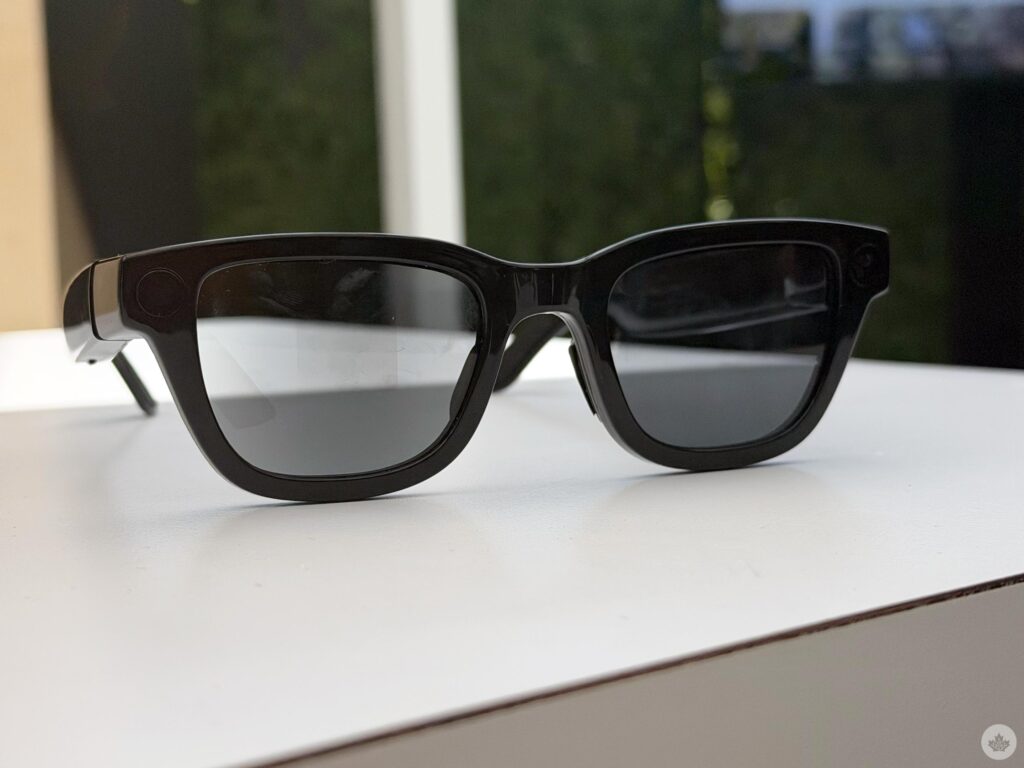
I easily took a picture with the shutter button on the glasses, and I could edit the picture with AI with the glasses and view it on the Pixel Watch; however, this didn’t work for me as the smartglasses missed the command, and I ran out of time. Right after you take a picture, you can view it on your phone, and it gets uploaded to your Google Photos.
A bit of display
They also turned on the display on the lens, showcasing the experience when you’re using smartglasses with a screen.
The time is shown in the bottom-right corner of the screen, and you’re able to make widgets and swipe through them. I didn’t make the widget myself due to time constraints, but it’s sort of cool. The Googler described it as thinking of it as your home page, which I actually thought was a little weird.
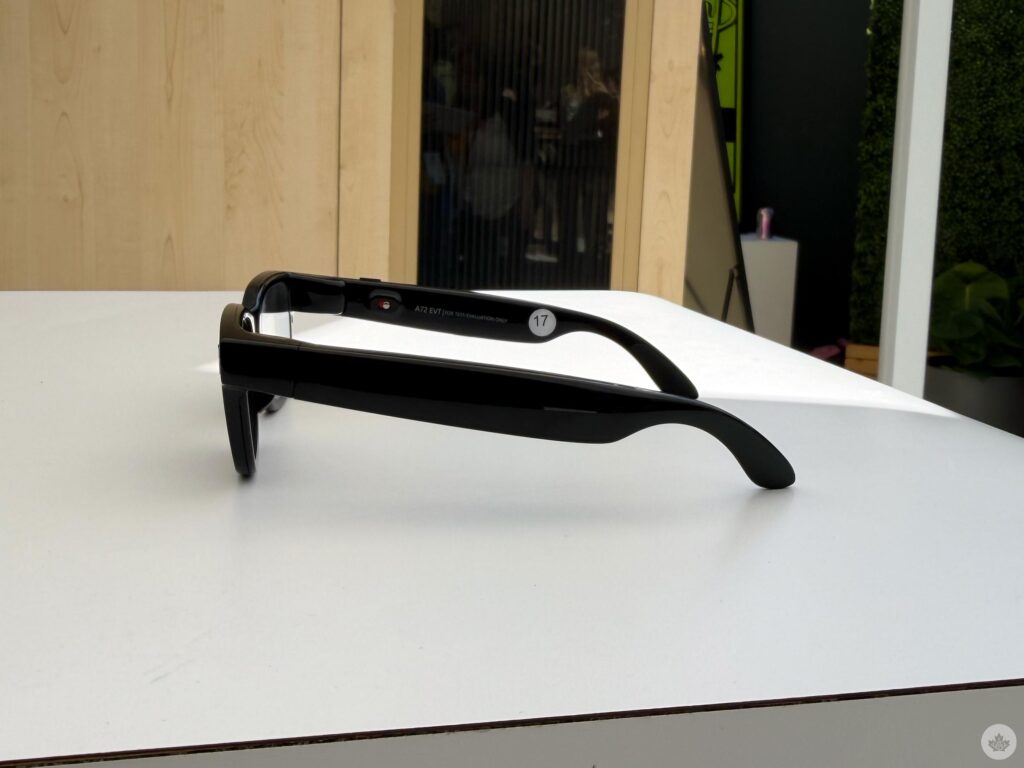
One of the widgets was Google Translate. I did a little demo, which had someone speak to me in Spanish, and I could read what they were saying on the little screen in the lens. The Spanish-speaking Googler spoke incredibly quickly, and while there was a bit of a lag as I waited for the words to appear on the screen, it worked, and I could read what was being said.
Google ecosystem
I’m starting to see the benefits of Android XR in this glasses form factor, compared to something like the Meta Ray-Bans. I’m someone who wears Meta Ray-Bans every single day, and even though they have a lot of AI capabilities, I could definitely see myself using Google’s because of the integration with the tools I already use, like Calendar, Photos, Keep and more. I was told that I could read a recipe in a cookbook, look at the ingredients, and tell Gemini to add everything to my Google Keep grocery list. You can look at a list of upcoming FIFA games and get Gemini to add them to your calendar.
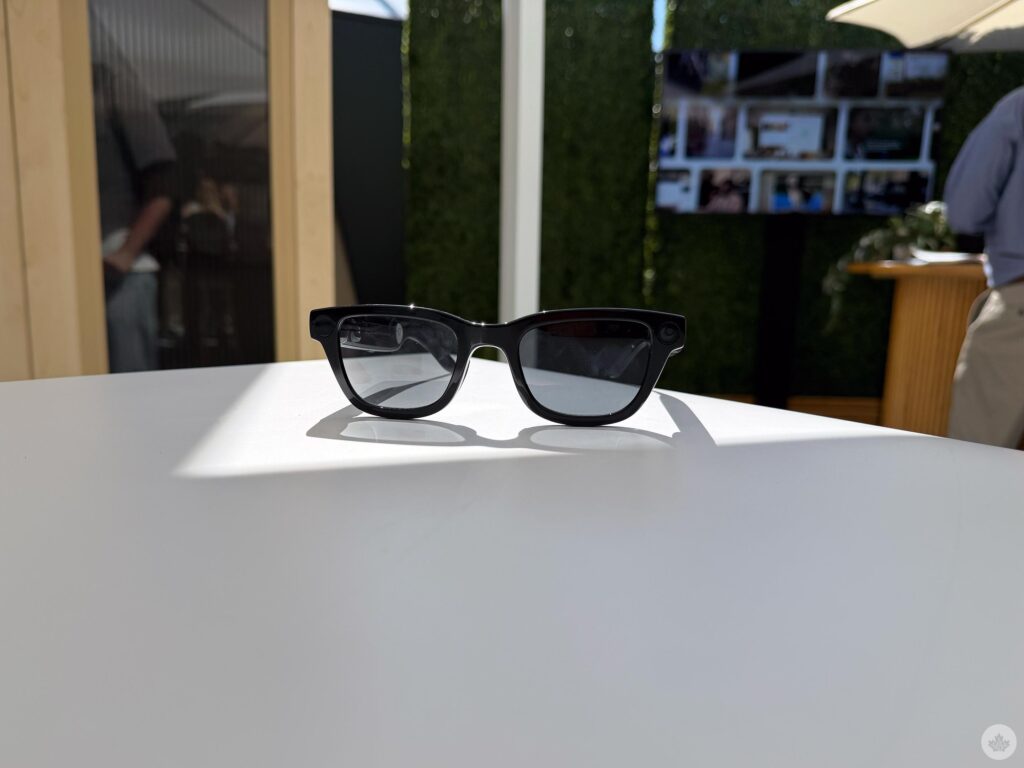
This level of integration is great if you’re already using Google’s suite of products, and you control all these features with nothing but your voice.
Google’s first official Android XR smartglasses, in partnership with Samsung, launch this fall. One model is designed by Warby Parker, and Gentle Monster designs the other one.
 Features
  Sponsored
  Features
  Features