


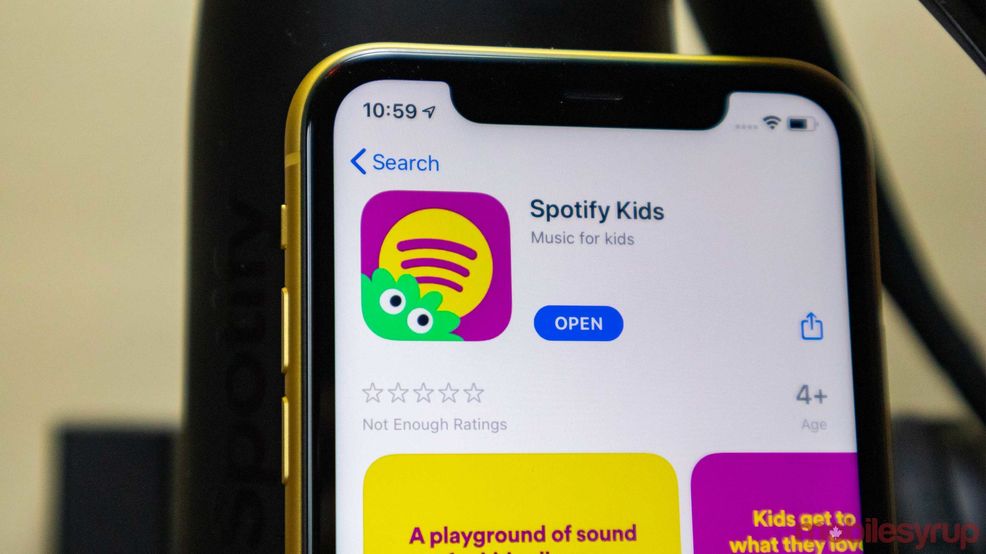
Spotify Kids is a standalone app to help children find more songs that are appropriate. Now, the app is adding parental controls, the ability to review a child’s listening history and an option to block individual songs and audio stories.
https://www.youtube.com/watch?v=gZFpiFxrXrM&feature=emb_title
Here’s how parents can log into the parents can block songs.
- Log into the “grown-ups” section of Spotify Kids.
- Tap the account you want to check out.
- Head to “Listening History.”
- From here, tap the “block” icon beside a track to hide it.
- Once hidden, that song won’t be visible anywhere in the child’s app.
- Note: Blocking a song only removes it from that child’s account so you can customize what each kid is able to listen to.
- You can unblock content at any time by revisiting the PIN-protected “Listening History” or “Blocked Content” and tapping the icon again.
Oddly enough, a song can only be blocked if it’s already in the app’s Listening History.
The content available in Spotify Kids is available to Spotify Premium Family subscribers on either iOS or Android.
Source: Spotify
 News
News  News
News  News
News  News
News 