


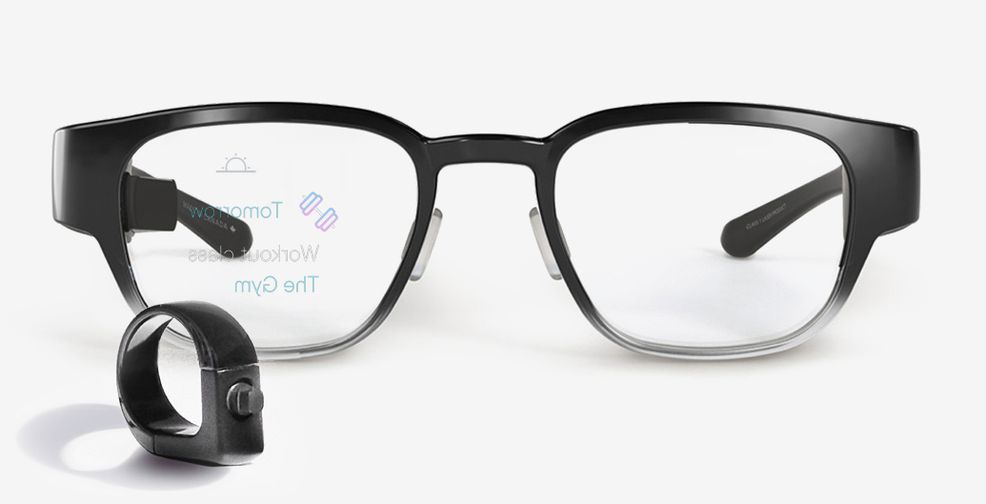
Waterloo-based North has announced that its Focals smart glasses now support Google’s Tasks platform.
This allows Focals owners to access their Google Tasks lists directly on the smart glasses.

In order to get Google Tasks to work on Focals glasses, you first need to download the app from either the iOS App Store or the Google Play Store.
Next, log in with your G Suite account and add a few to-do’s. Then open the Focals app and enable the Google Tasks ability.

Finally, you’re then able to add new Tasks through voice commands. You can also click to mark tasks as complete.
North also recently added a teleprompter feature and Slack integration to its smart glasses.
 News
News  News
News  News
News  Gaming