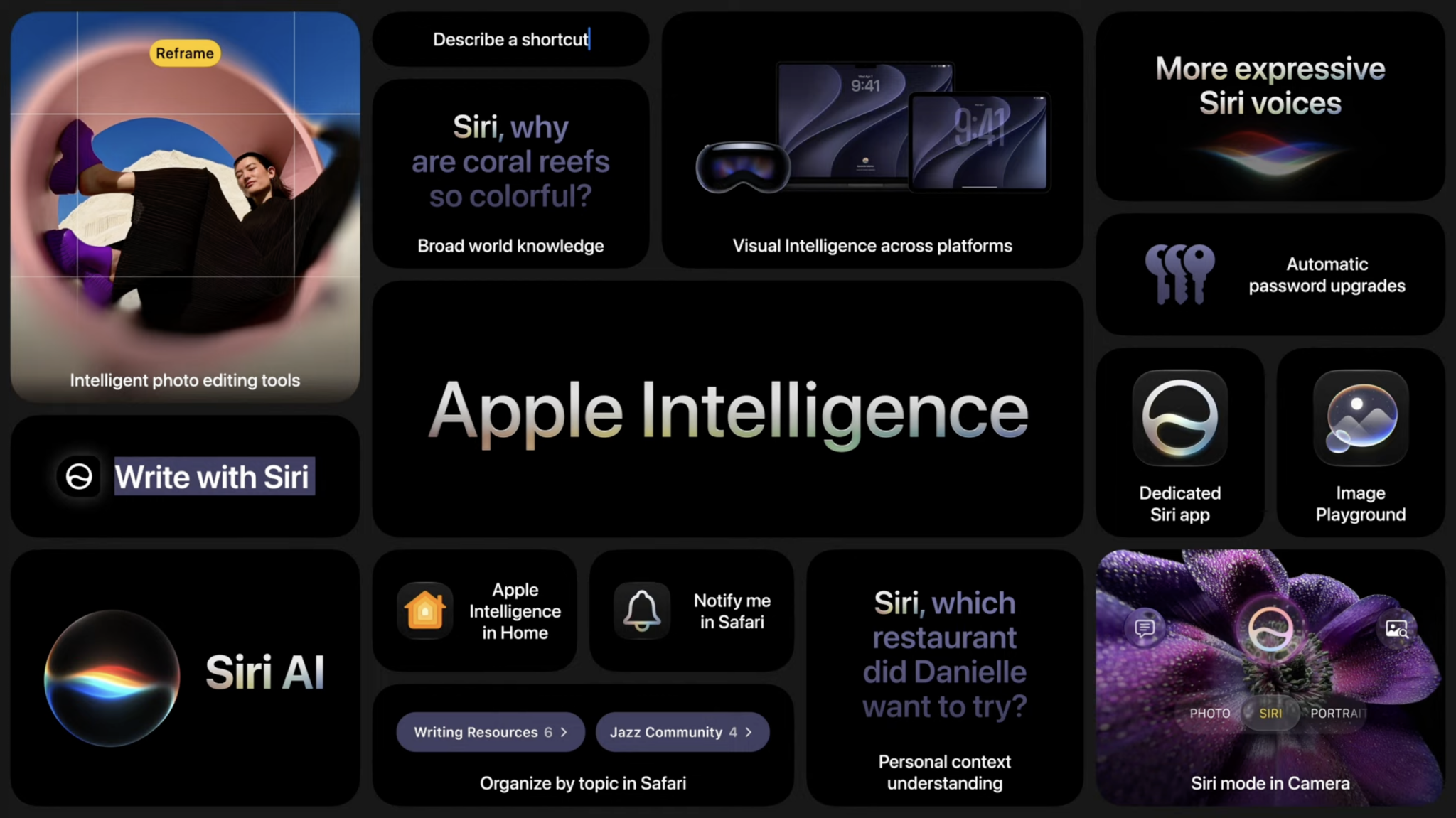
Last month at WWDC, Apple revealed some new features coming to iOS 27, and now the company has finally launched the public beta for the new OS.
Here’s how to download:
- Visit the Apple Beta Program website and choose to Sign Up or Sign In.
- Sign in to your Apple Account you use on your iPhone. Then accept the program terms and enroll in your account.
- Open Settings on your iPhone.
- Go to General > Software Update > Beta Updates.
- Select iOS 27 Public Beta.
- Go back to the Software Update screen, then tap Update Now when the beta appears, although it might take a moment, so don’t be alarmed if you don’t see the update immediately.
iOS 27 includes features like Siri AI, the next generation of Apple Intelligence. iOS 27 can keep an ongoing conversation, let you search your personal information and take actions across apps. In iOS 27 beta 3 (the developer preview), Siri gained access to some third-party apps as well.
iOS 27 also makes Liquid Glass more customizable with a new slider. Overall, the update makes things feel faster with app improvements and AirDrop transfers that can finish up to 80 per cent faster. The update also includes Screen Time and parental control updates, giving parents better access to their child’s activity.
Check out more iOS 27 updates here. Ahead of updating your phone, fair warning, Apple suggests that you download the beta on your secondary device — although I’ve had it on my primary phone since the developer beta last month and while I had some issues with posting to Instagram, otherwise it’s been problem-free.
MobileSyrup may earn a commission from purchases made via our links, which helps fund the journalism we provide free on our website. These links do not influence our editorial content. Support us here.