

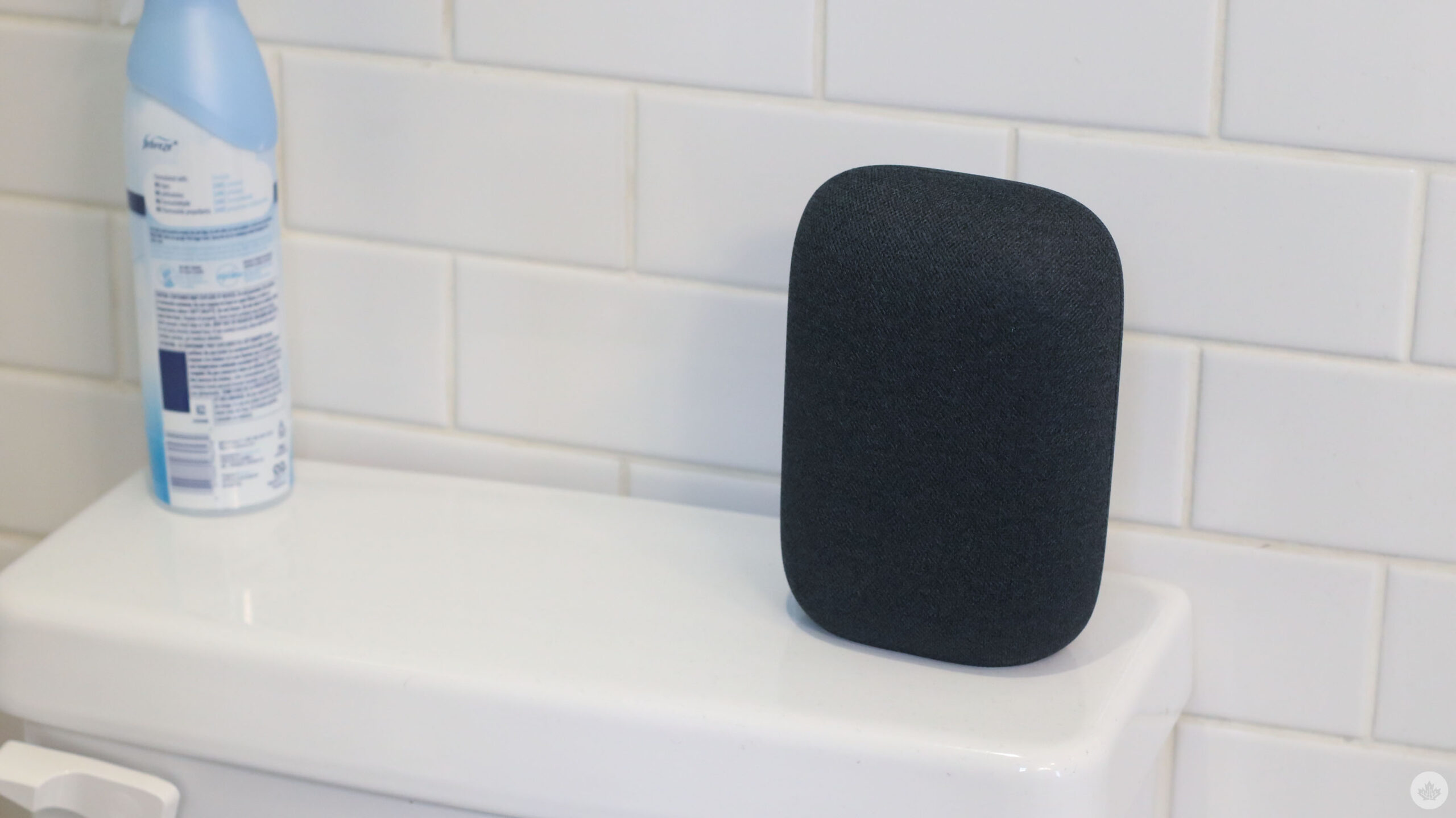
Google is bringing back Continued Conversation for your Google Home products. This feature was available on Google’s smart speakers previously, but when the company switched over to Gemini, the functionality was lost.
With Continued Conversation, you can say “Hey Google,” and then you can follow up with another question as the microphone stays active for a few seconds.
The upgraded version of Gemini for Home includes four big improvements, according to Google:
- “Conversational context: Unlike Google Assistant, Gemini “remembers” the conversation thread for smoother follow-ups that don’t require you to repeat yourself.
- “Multilingual support: This upgraded Continued Conversation feature is available globally across all supported languages and regions, not just U.S. English.
- “Smarter “side-talk” detection: Improved AI better distinguishes between commands and household chatter, reducing accidental responses.
- “Whole-home access: Once enabled, Continued Conversation works for everyone in the house, including guests.”
You can enable Continued Conversation by opening the Google Home app and navigating to Home Settings > Gemini for Home voice assistant > Continued Conversation.
Source: Google Blog
MobileSyrup may earn a commission from purchases made via our links, which helps fund the journalism we provide free on our website. These links do not influence our editorial content. Support us here.

