


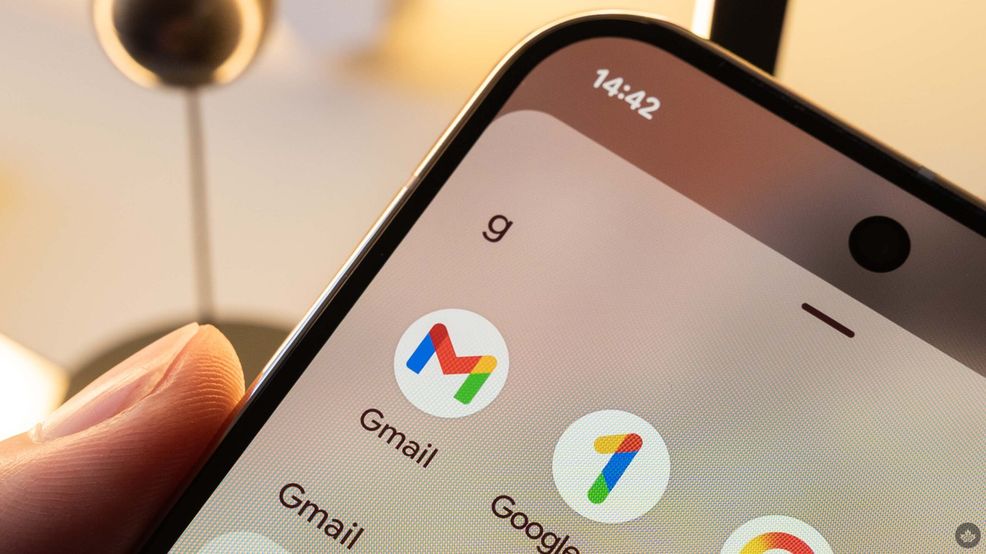
Google is (surprise surprise) cramming more Gemini-related AI features into Gmail. However, there is a bit of a catch; not all of them are free.
To summarize, a few Gemini features will be free for the public, including the already-released AI summarization tool for email threads. But most will require a Google AI Pro or Ultra subscription.
For starters, Google is bringing the AI overviews feature, commonly associated with Google Search, to its email service. Essentially, the version coming to Gmail lets you ask questions about your messages in the search bar using natural language. In its blog post, Google uses the example, “Who was the plumber that gave me a quote for the bathroom last year?” to drive home the point of using natural language rather than searching for a keyword and hunting for it in your inbox.
Although the mail thread summarization feature is free for the general public, the inbox search feature is available only to Google AI Pro and Ultra subscribers.
Google is also adding another paid feature, Proofread. Essentially, it is a subscription-only spellchecker (or, in a sense, just Grammarly) built right into Gmail.
The last paid feature Google added is called AI inbox. Essentially, it is a feature that Google says “filters out the clutter so you can focus on what’s important.” Google also says it is like a personal briefing that flags to-dos and catches you up on what it thinks is most important, based on your frequent contacts, VIPs, etc. Google also claims that this process “happens securely with the privacy protections you expect from Google,” according to the blog post.
Now, let’s move on to the free features.
Google has added a feature called Help Me Write, a tool that generates email copy from a prompt, similar to what a lot of users already do using third-party LLMs like ChatGPT.
Google has also updated its Smart Replies feature, now calling it Suggested Replies. Essentially, Suggested replies uses context from the conversation to instantly draft an initial response in your tone and style. From there, you can tweak it to your liking before sending it off.
These features are already available in the U.S. starting today, but Google has said it will expand to more regions and languages within the coming months, so Canadian Gmail users will have to wait a little bit before trying these out.
 News
News  News
News  News
News  Streaming