


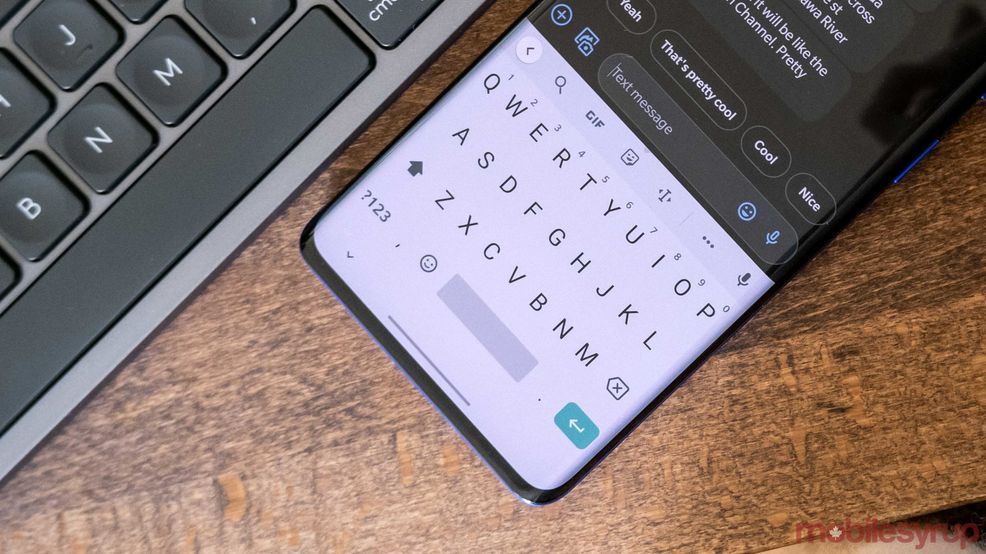
Reports indicate that some Pixel users are encountering a “New!” banner after opening Gboard and tapping on the microphone icon. According to Google, the new feature is poised to help users “save time typing” by using the Assistant.
Now, after tapping the microphone button, you’re able to say “clear” to delete what was previously transcribed, instead of having to use the backspace key.
Furthermore, there’s a new Google Assistant lightbar after tapping the microphone, informing users that Assistant is being used.
Additionally, there’s an option to add punctuation when you’re prescribing automatically. Previously, users had to say “period,” “comma” or “question mark.” 9to5Google says that this new update coincides with “faster voice typing” that downloads an offline model to the user’s device and works in real-time.
The Gboard settings now offer an “Enhanced voice typing” option, which means that these Assistant features can now be turned off if you toggle this.
The functionality is rolling out to Pixel 4/4 XL, Pixel 4a, and Pixel 5 users with the new Google Assistant and version 10.0 of the Gboard beta installed.
Source: 9to5Google
 News
News  News
News  News
News  News
News 