


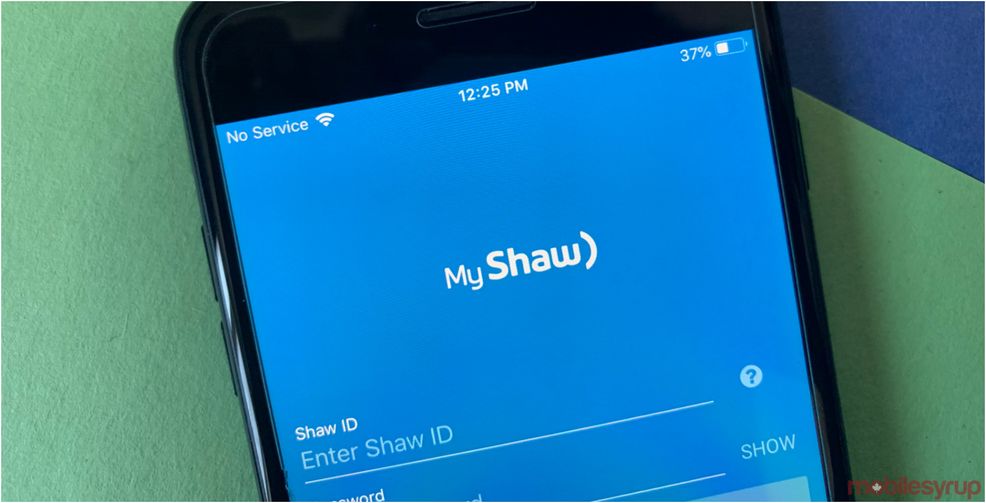
Shaw has updated its ‘My Shaw’ app with new features to allow users to refresh their TV channels and restart their modems.
The new features gives Shaw customers an easier way to troubleshoot their TV and home internet straight from the app.
Now when users open up the My Shaw app, they have the option to restart their modem under the ‘Troubleshoot’ options. Once you tap the ‘Restart’ button a pop-up will explain the process.
“We’ve included two new troubleshooting options that allow you to refresh your TV channels and restart your modem with the tap of a button,” the updated app description reads.
To refresh your TV channels, you’ll have to go into the ‘Manage TV & BlueCurve TV App Device’ settings. Then you have to tap ‘Refresh,’ after which you’ll receive a confirmation notification. The company says that it can take up to 10 minutes for the channels to refresh.
The new features are available for both iOS and Android users with the My Shaw app.
Source: My Shaw Via: iPhone in Canada
 Gaming
  News
News  AI
AI  AI
AI 