

The Pros
- Light for its size
- Better display
- More powerful chip
The Cons
- Battery life isn't as good
- No fingerprint scanner
- Much more expensive
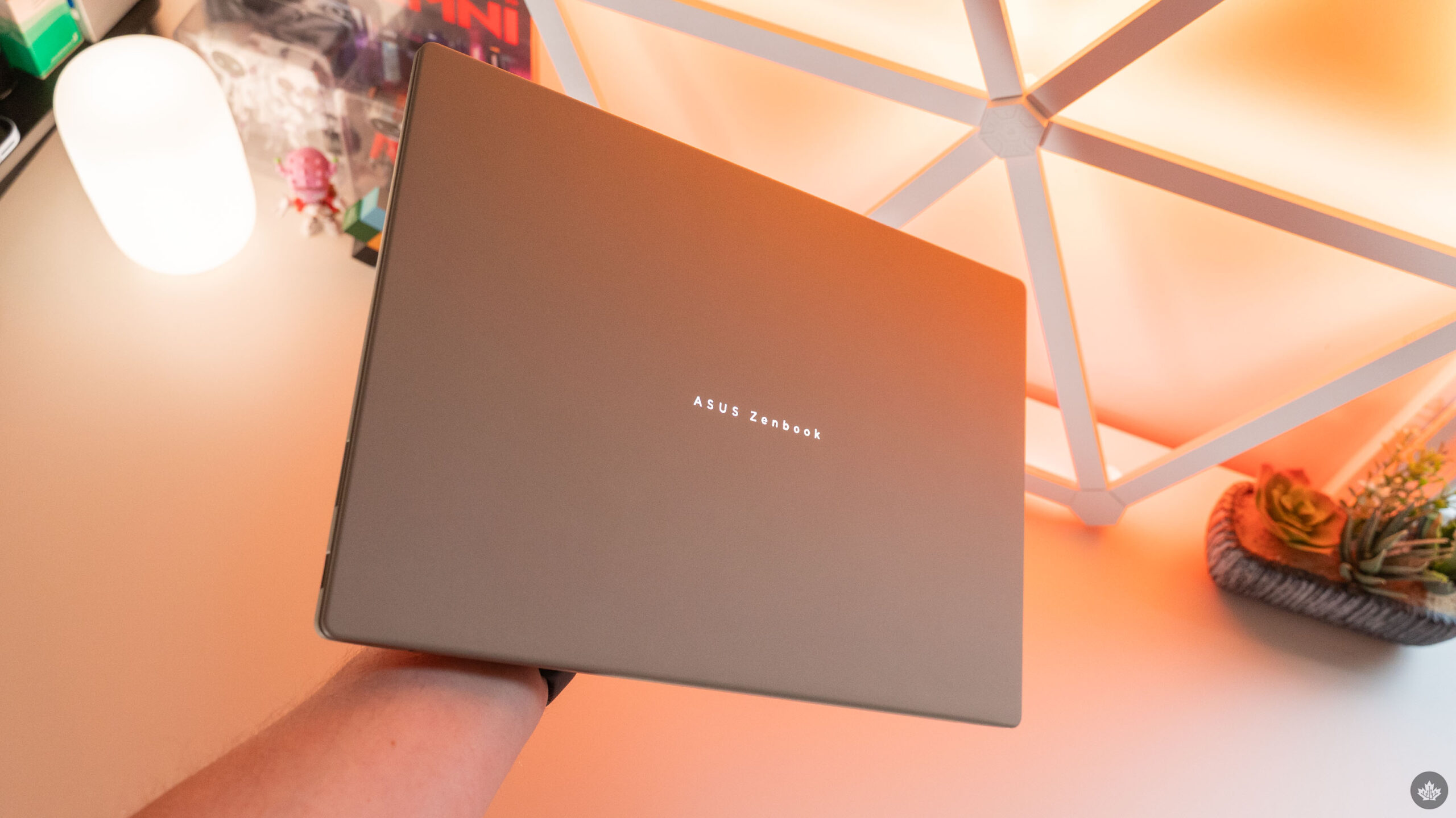
One of my favourite laptops from last year was the Asus Zenbook A14. Sporting Qualcomm’s Snapdragon X chip and Asus’ fancy ‘ceraluminum’ material, it quickly earned a place in my heart thanks to how light it is.
However, nothing is perfect, and while the Zenbook A14 definitely ticked a lot of my boxes, it left a few things to be desired. Thankfully, Asus fixed many of those issues with the 2026 version of the A14, and also rolled out a larger size with the Zenbook A16. I’ve been testing out the larger A16 for a couple of weeks, and overall, I’m quite impressed.
Typically, I’m not a fan of large laptops like the Zenbook A16, instead preferring smaller sizes (like the A14) for their increased portability. But with the A16 being so light, I get the best of both worlds — a larger, 16-inch display and a relatively portable laptop.
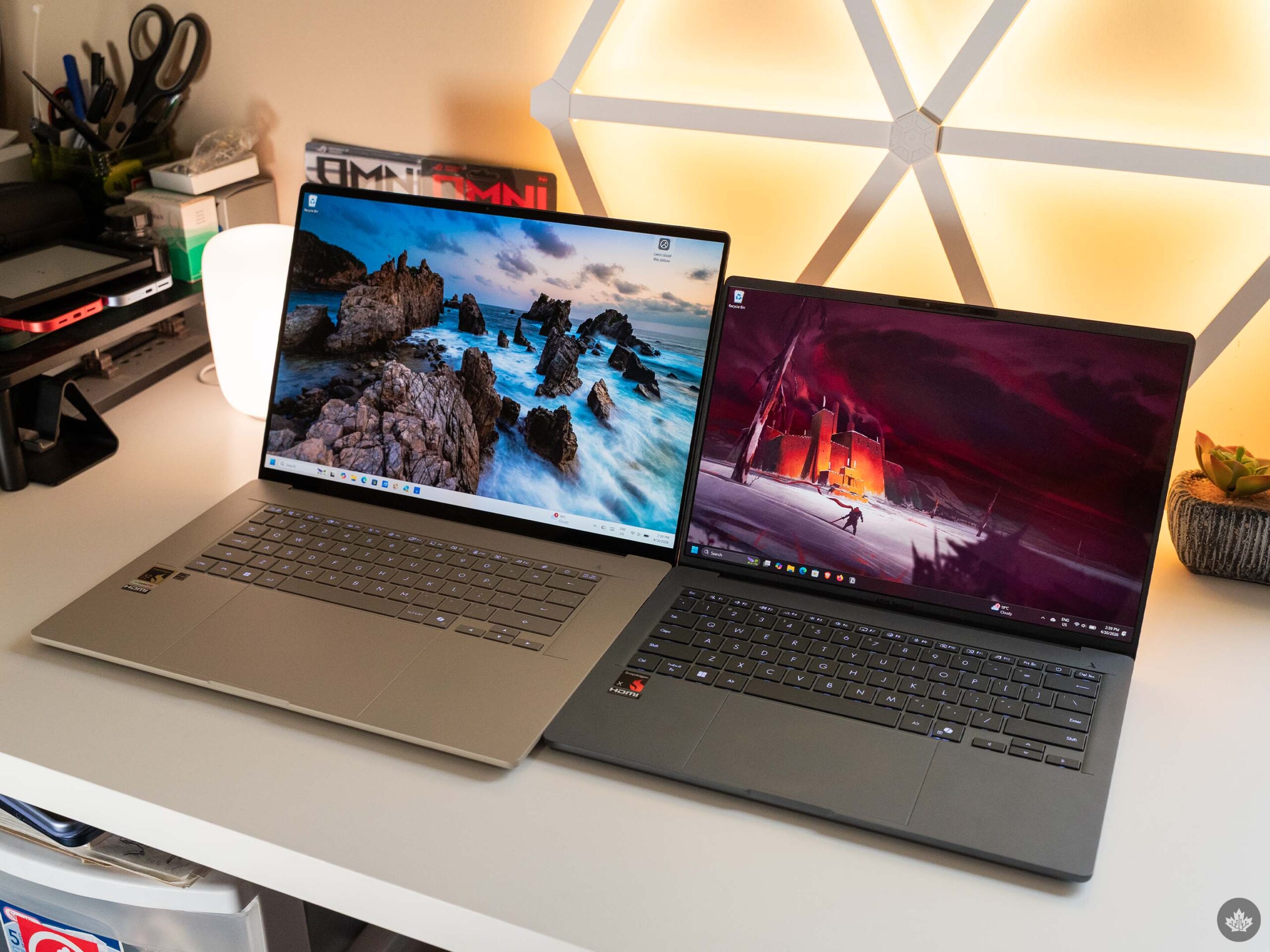
Zenbook A16 (left) and 2025’s A14 (right).
The A16 clocks in at 1.2 or 1.3kg (2.65 or 2.87lbs), depending on the configuration. While more than the ultralight 0.98kg (2.16lbs) A14, it’s still respectably light for a laptop of this size. Consider, for example, Asus’ own Zenbook S16, which weighs 1.5kg (3.31lbs), or even something like the 16-inch MacBook Pro, which weighs 2.14kg (4.7lbs).
Weight aside, the A16 also fixes the A14’s display. The original A14’s display wasn’t bad, per se, but it definitely had some issues. Notably, it was limited to a 60Hz refresh rate, 1,920 x 1,200-pixel resolution, and felt concerningly flimsy.
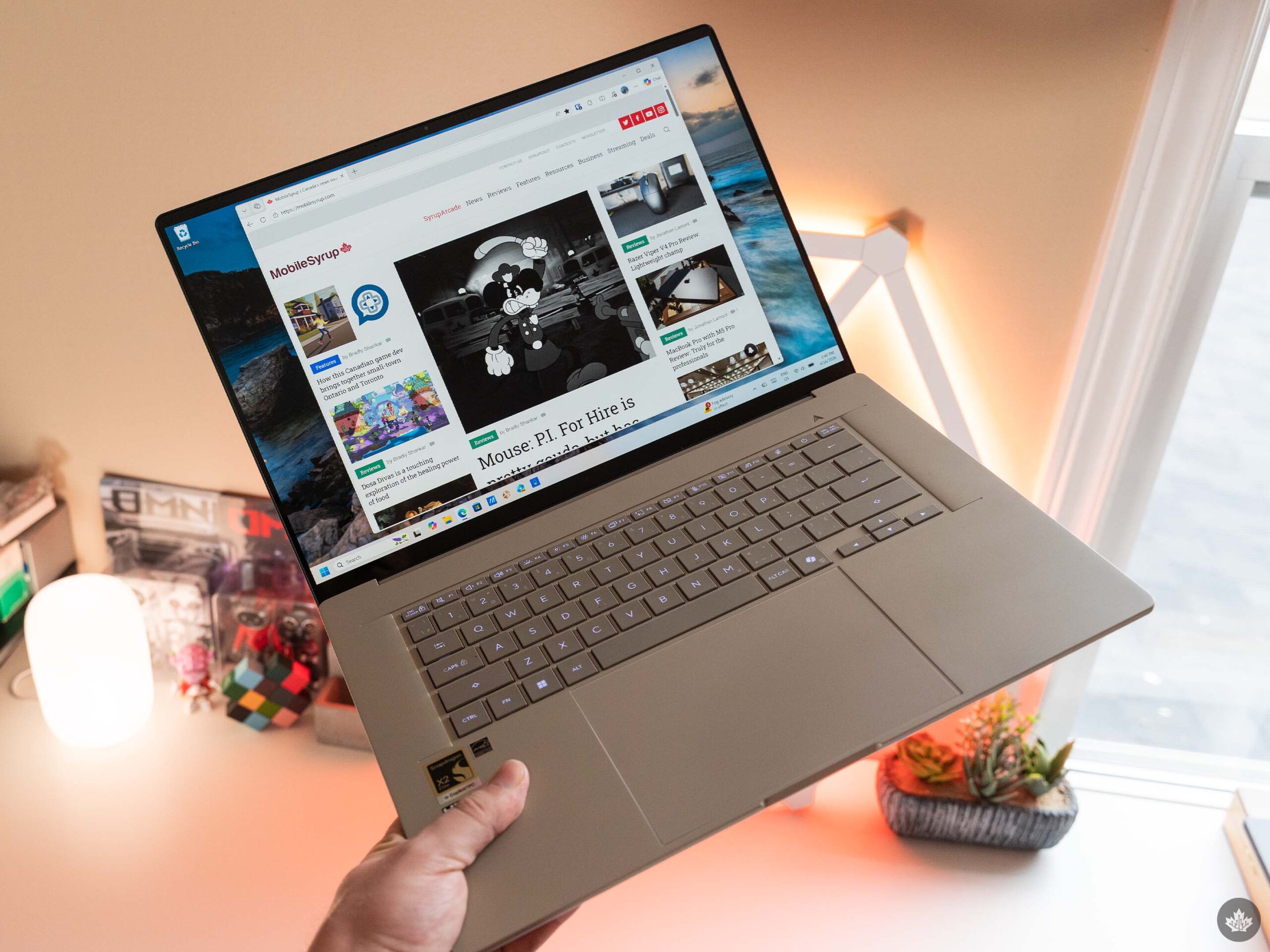
The new A16, on the other hand, sports a higher-resolution 2,880 x 1,800-display with a 30-120Hz variable refresh rate, and it feels much sturdier than last year’s A14. (I haven’t tried the new A14 to see if it also features a more sturdy display, but unfortunately, Asus’ spec sheets indicate it still has the same resolution and 60Hz refresh rate as the first-gen A14.)
Better display, worse battery
However, the display upgrade comes with some downsides too, namely, increased power draw. Part of that is the refresh rate — I’ve found in testing with other 120Hz laptops that the higher refresh rate hits the battery harder, and that holds true with the A16.
The variable refresh rate does help, but it’s hard to say how much time the display spends below 60Hz compared to the higher 120Hz refresh rate. Plus, I noticed my A16 review unit kept disabling the variable refresh rate, so I mostly stuck with 60Hz anyway. And as nice as 120Hz is, I find it’s not that big a deal on a laptop, especially one like the A16 that I use primarily for work tasks, compared to, say, something like Asus’ Zephyrus gaming laptop line, where you’d benefit more from the refresh rate while gaming.
But it’s not just the refresh rate. The higher resolution also hits the battery harder. And with the A16 sporting the same 70Wh power cell as the A14, I really felt the difference. When I tested the A14, it easily made it through my typical eight-hour work day and lasted well into the following day, usually netting me between 10 and 12 working hours’ worth of battery life. Not so with the A16, which struggled to hit that eight-hour sweet spot I look for in so many laptops.
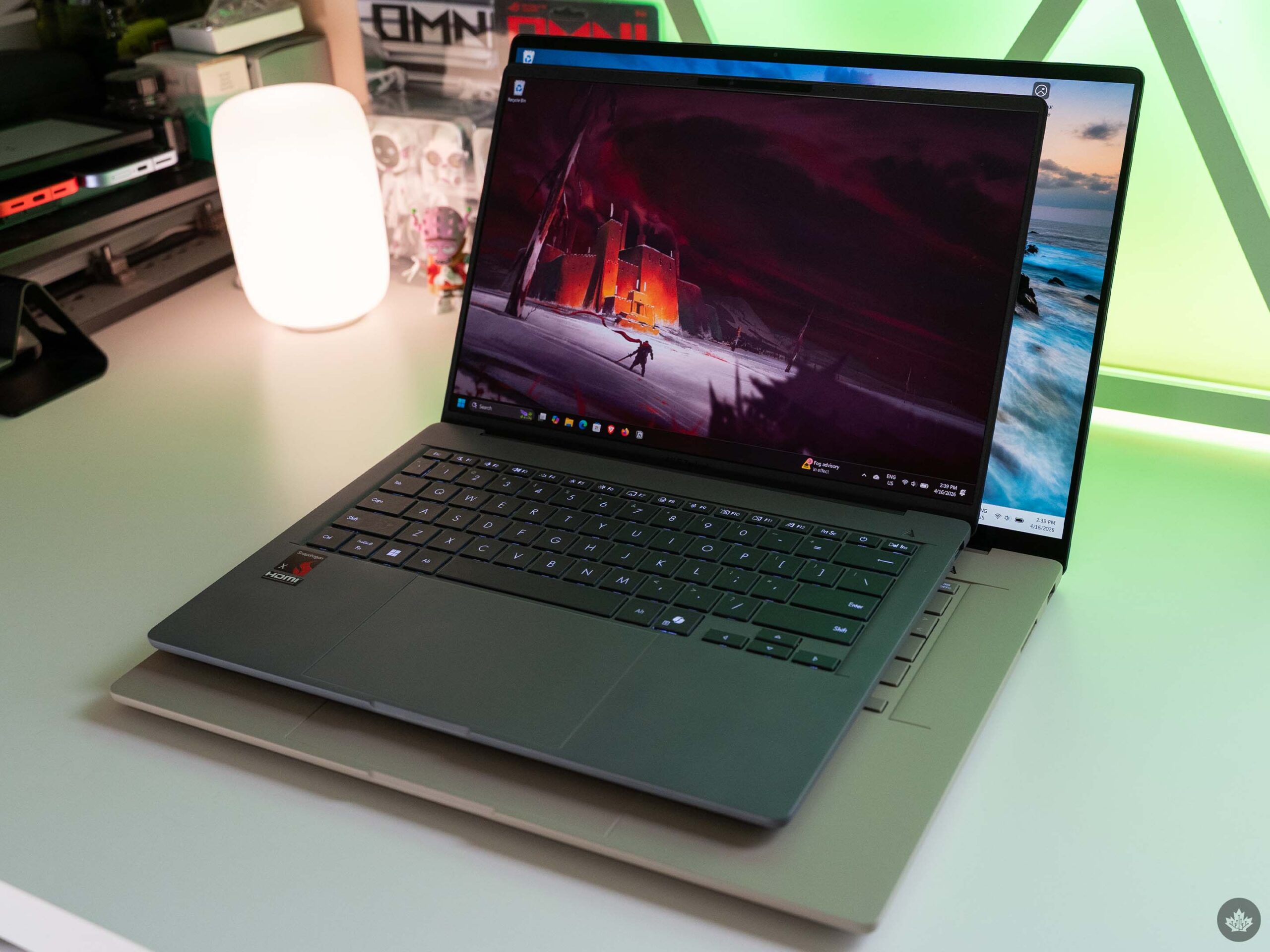
Zenbook A14 (grey) on top of the A16 (beige), showing the display size difference.
Now, a few caveats here. First, the A16 was running pre-release software for a portion of my testing time. After the laptop’s April 7 release, the laptop received some updates, including a BIOS update that Asus confirmed to me would bring small improvements to multicore performance and battery life.
Second is chip differences. The A16 I tested sports Qualcomm’s new Snapdragon X2 Elite Extreme chipset, compared to the lower-tier Snapdragon X I’ve tried in the A14 and other laptops. The X2 Elite Extreme is more powerful, but also more power hungry, which is a factor. When I tested the A14, I found that changing Windows’ power settings from the default ‘Balanced’ mode to the power-saving efficiency mode didn’t meaningfully change the battery life or performance. With the X2 Elite Extreme, however, running in efficiency mode does extend the battery life by a few hours without a significant impact on real-world performance.
In my testing, the A16 was averaging about six to seven hours of battery on Balanced mode, about seven or eight hours on efficiency mode, and post-April 7 update, it more consistently surpassed eight hours in my testing.
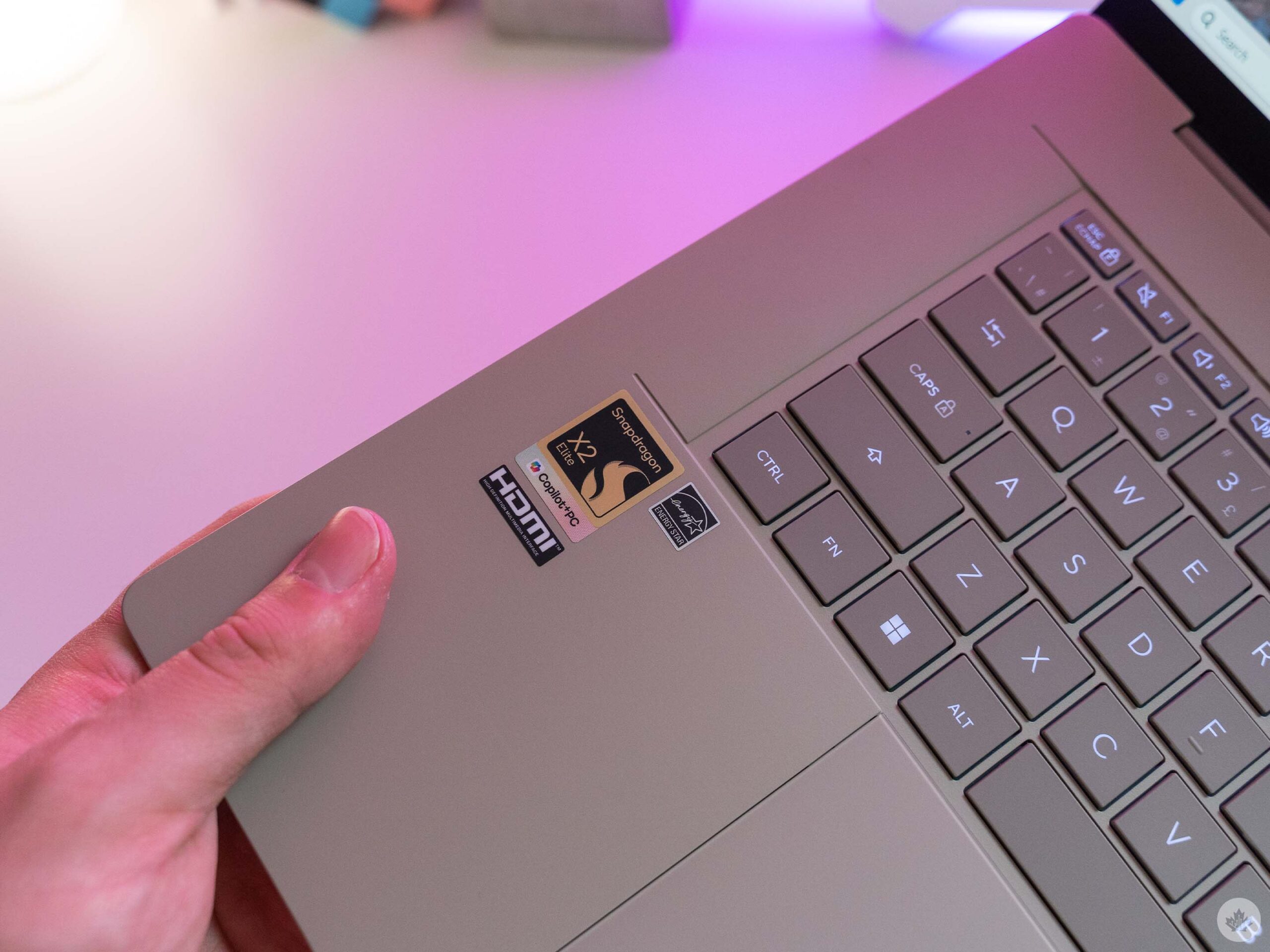
Of course, battery life is only one part of the formula. If a laptop has great battery life, but you can’t do anything on it, what’s the point? Thankfully, the A16 is an absolute workhorse and even with the efficiency mode keeping power draw under control, it still handles everything just fine.
My typical workload involves having 15+ browser tabs open, apps like Notion and my favourite Tweetdeck alternative deck.blue (running as a PWA), and some heftier programs like Adobe Photoshop, plus a smattering of other things like the occasional Word doc or Spotify. And even in the heaviest scenarios when I was editing tons of pictures in Photoshop for a review, the A16’s X2 Elite Extreme held strong.
I did note the occasional slowdown even when running on the max performance mode, but mostly that was attributable to Windows 11 jank or occasional internet hiccups. Nothing is perfect, after all.
All the other good stuff
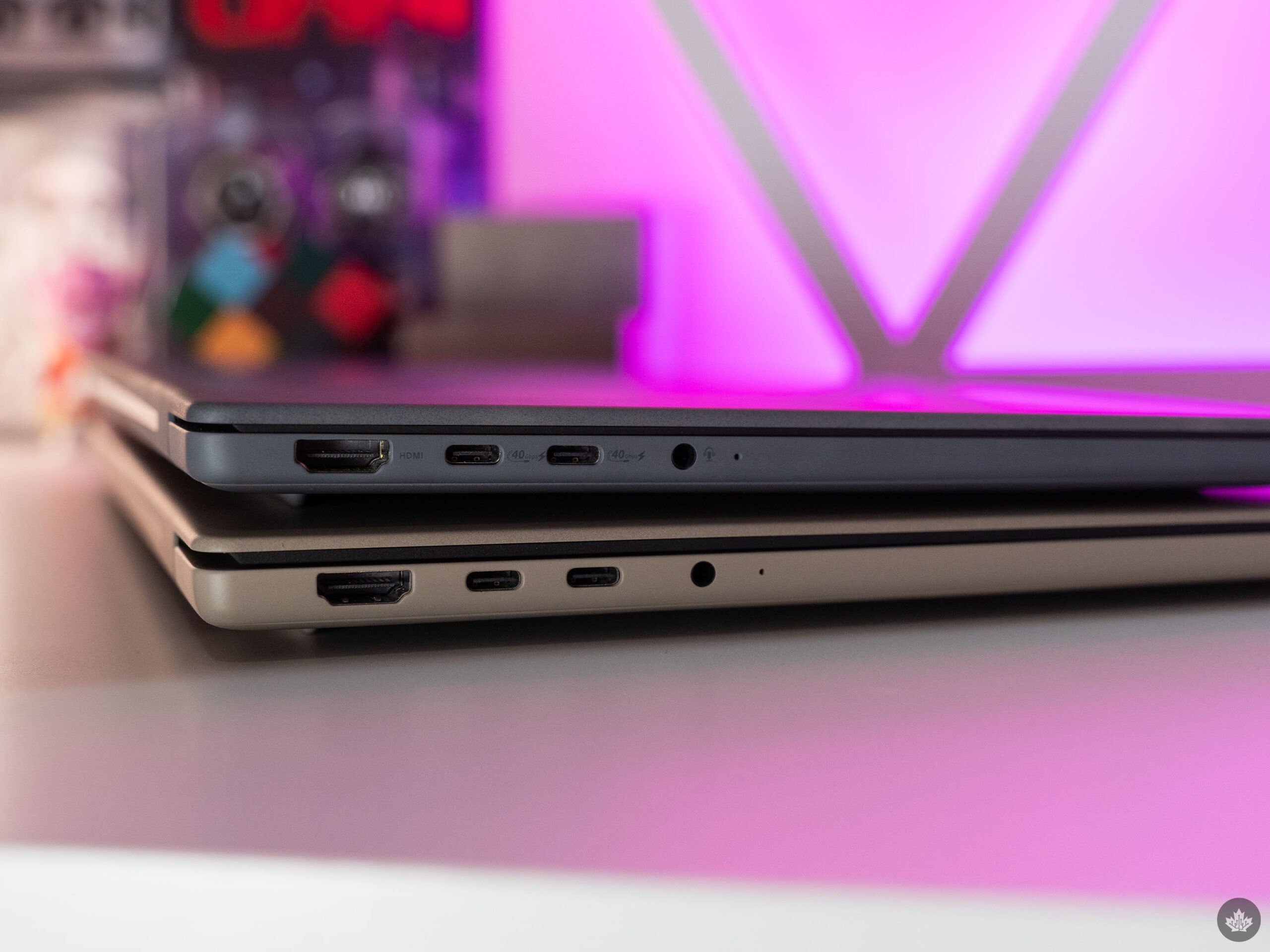
Looking beyond the big changes, like the new size option, upgraded chip, and display improvements, Asus kept most of the winning formula from last year’s A14 going on the A16.
The keyboard remains excellent and among my favourite laptop typing experiences. It has decent travel and offers some tactile feedback, which are both wins in my book. It also has a backlight, which is great, though some of the keys have noticeable dim spots (such as the caps lock key and many of the punctuation marks on the right side).
The trackpad still feels great and is arguably even better on the A16 as Asus took advantage of the extra space to make it larger. As for the webcam and speakers, they remain good enough. Not the best, not the worst, but able to handle basics like meetings and the odd YouTube video. But as with most laptops, you’ll want to grab a pair of headphones to get the best sound quality.
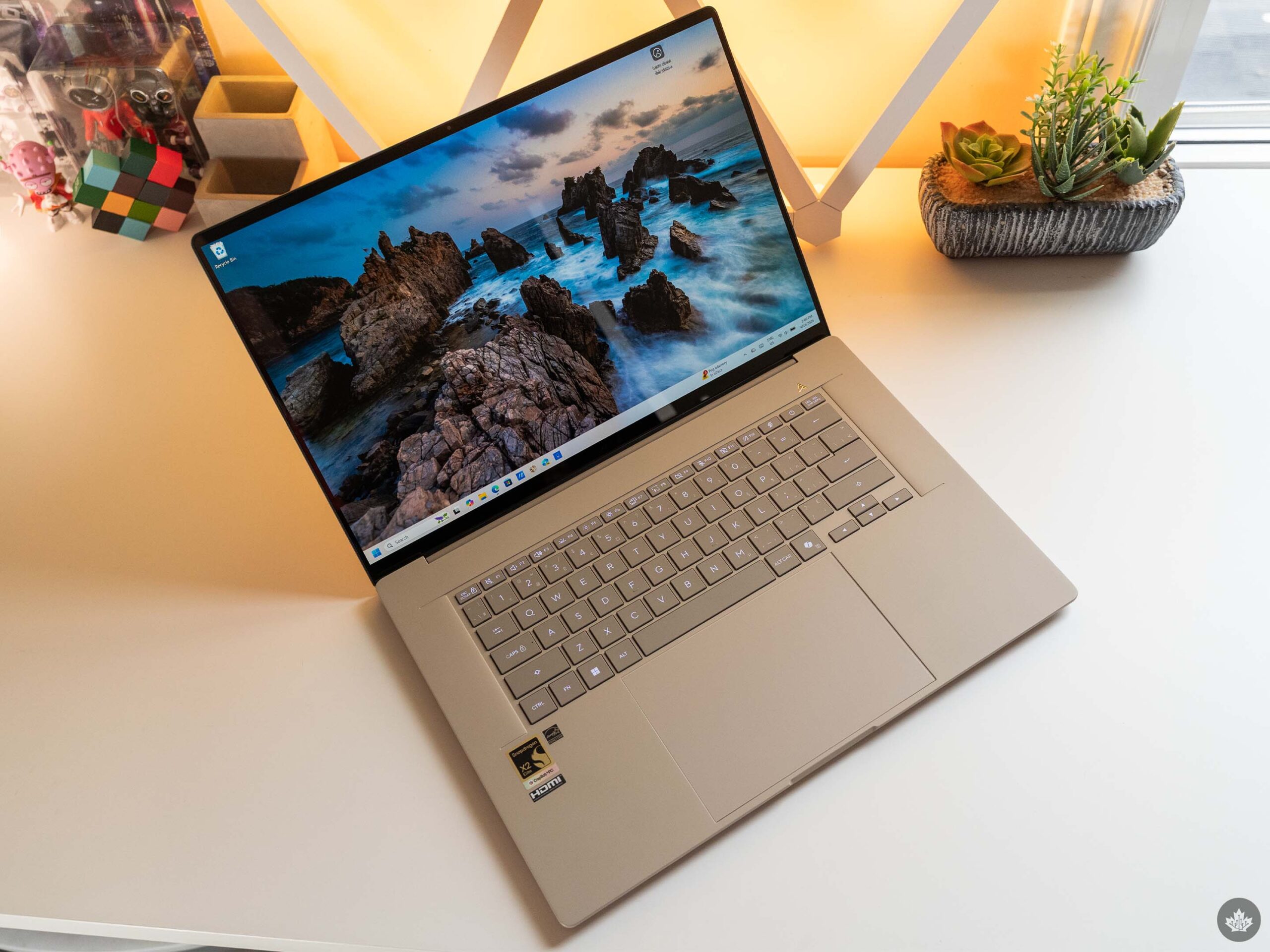
Speaking of the webcam, one pain point Asus didn’t address with the A16 is the login options. Like the A14, the A16 only offers Windows Hello face recognition alongside typical login methods like PIN or password. I find it to be hit-or-miss, and often end up needing to punch in my PIN anyway. I’d have loved for Asus to add a fingerprint scanner as another option. (Maybe next year…)
Small gripes aside, the Zenbook A16 brings excellent improvements to the already-great A-series formula. And Qualcomm’s latest silicon continues to push power and efficiency forward. If you’re looking for an ultralight Windows laptop with all-day endurance, this is the one to get.
The Zenbook A16 is available in Canada starting at $2,799 on the Asus Store.
MobileSyrup may earn a commission from purchases made via our links, which helps fund the journalism we provide free on our website. These links do not influence our editorial content. Support us here.

