

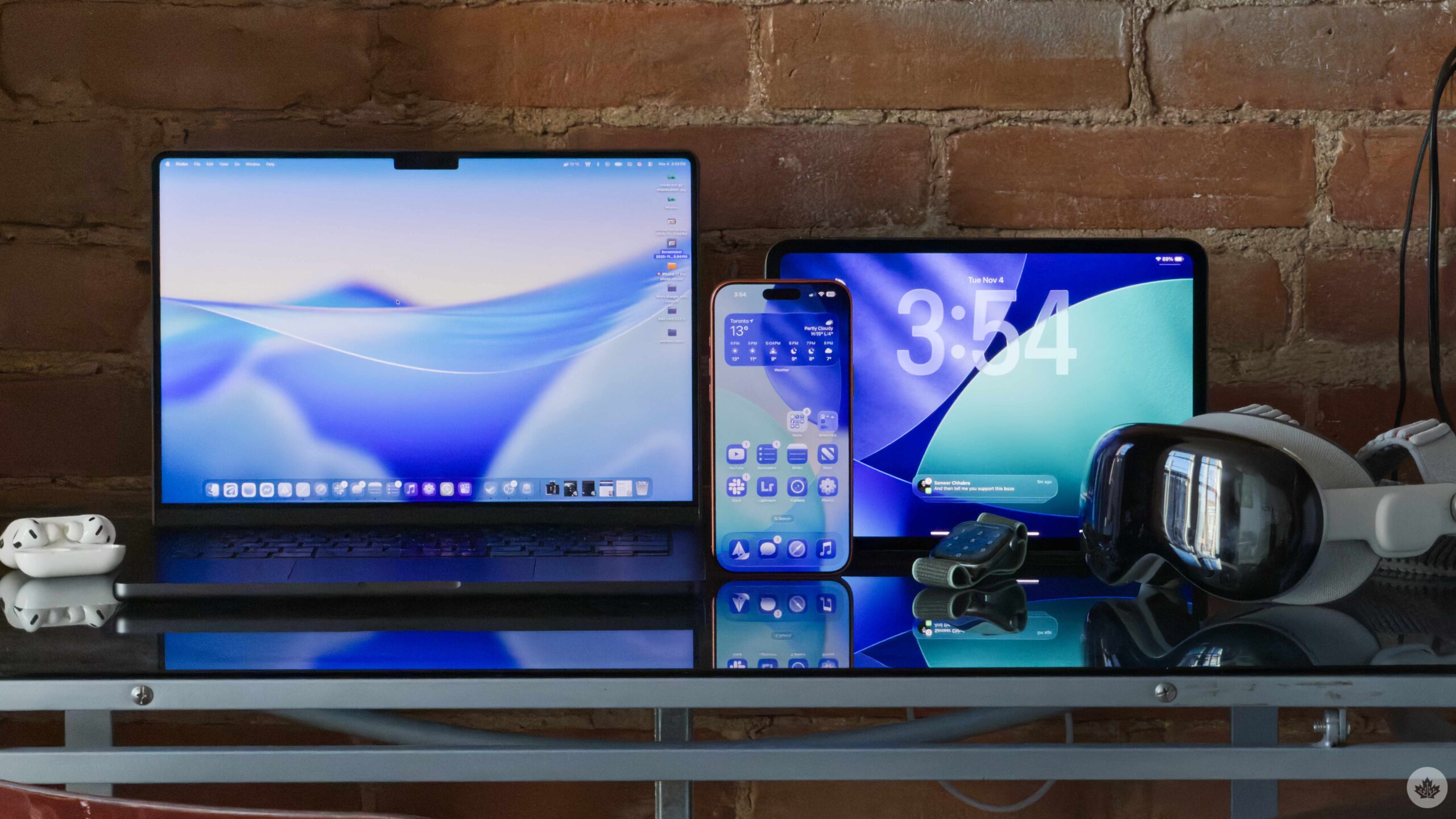
Apple has slid out its latest batch of software updates, and there’s a lot more than the slide-to-unlock mechanic returning.
iOS 26.1
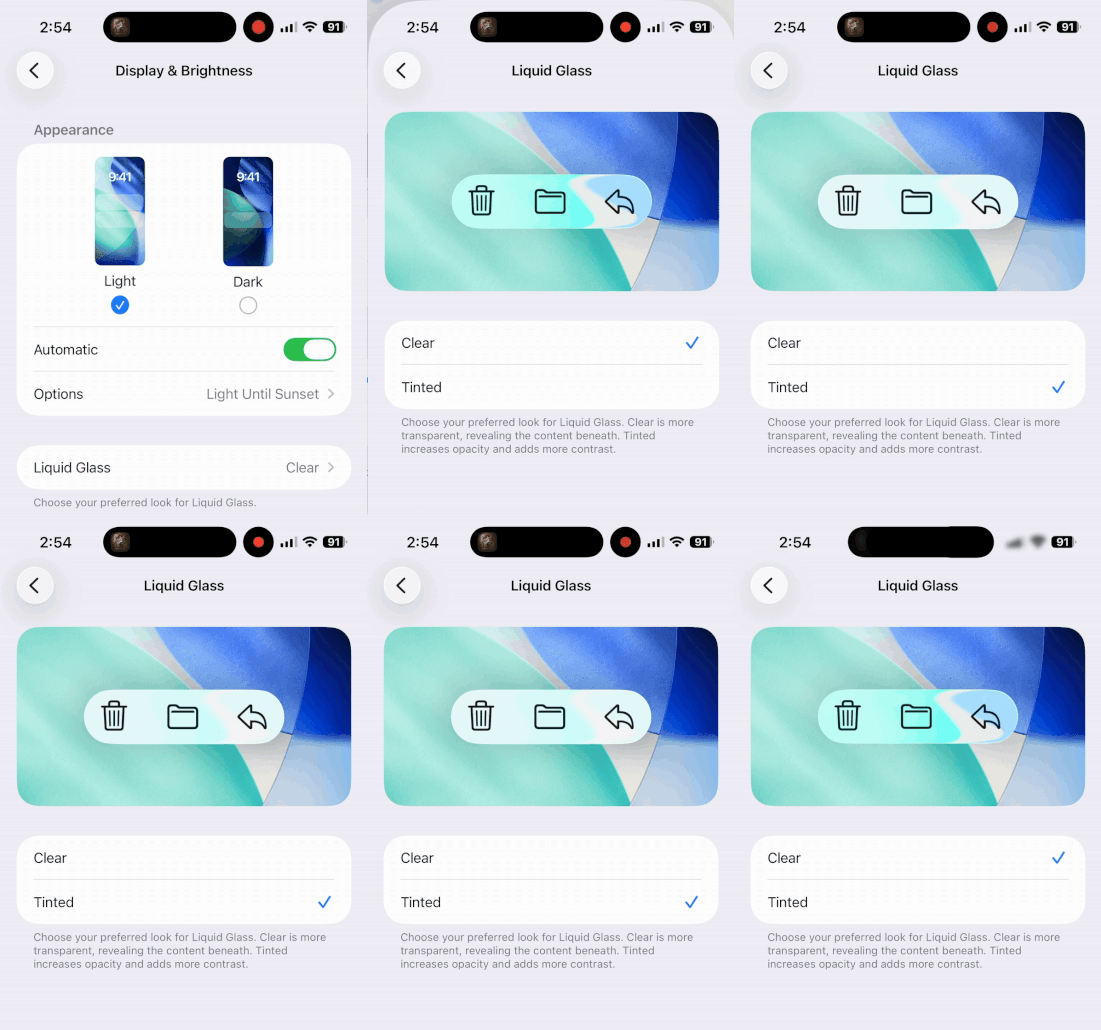
You can now turn down Liquid Glass in the Display Settings section of your phone, iPad or Mac. You can still use the Accessibility Settings to turn it down even more, but this new, slightly more fogged, option called Tinted should help most people who are annoyed by it.
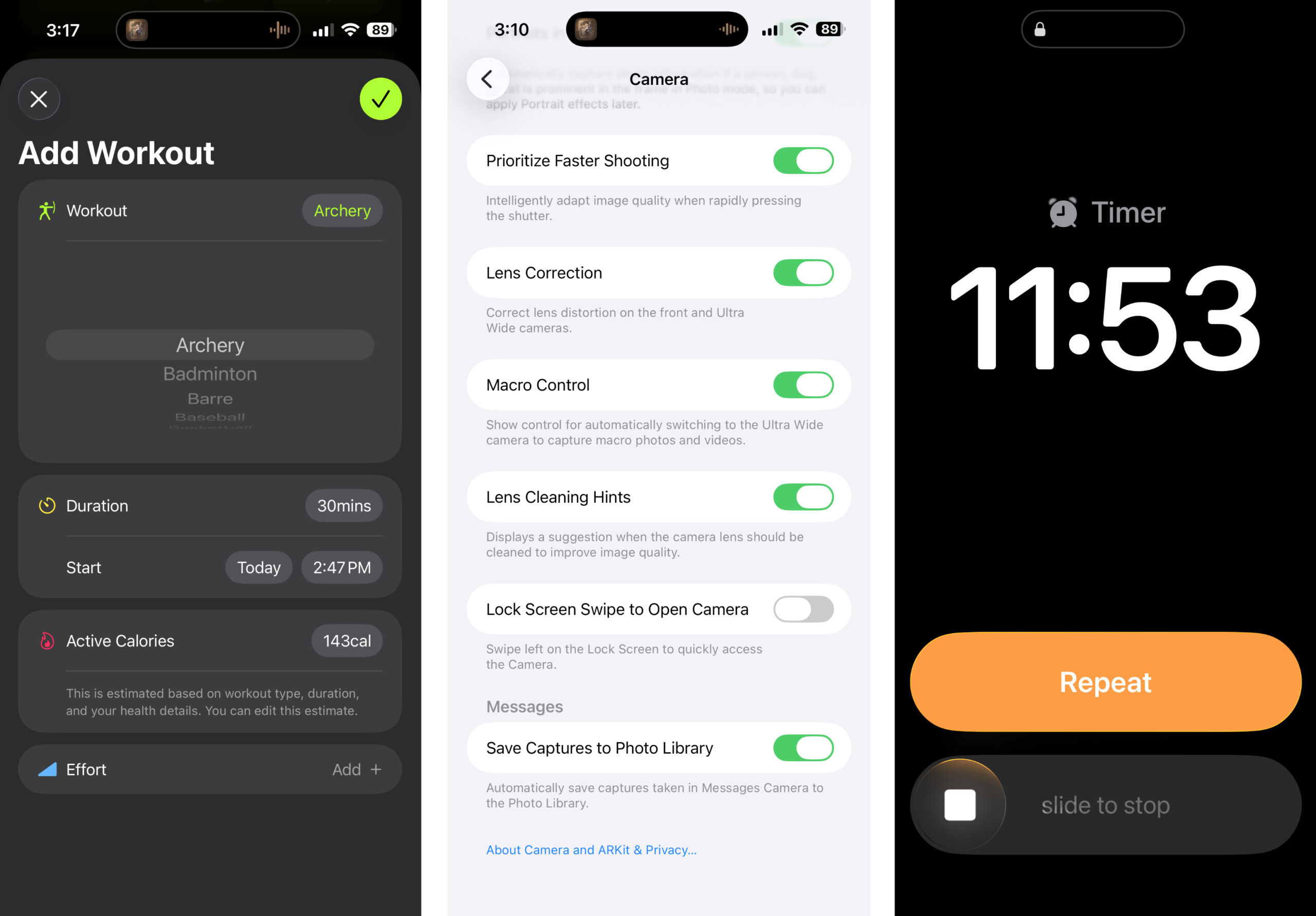
One feature I’m excited about is the ability to disable the option to swipe left to pull the camera up. With the iPhone 16/17 series, I’ve defaulted to using Camera Control to open the camera, so this gesture was redundant. However, it would be cool to pin another app there, like Notes or Reminders.
As I mentioned above, there’s a new (old) mechanic in the alarm and timer sections of the Clock app that lets you slide to stop your phone from buzzing to help prevent accidental touches on those groggy mornings.
If you’re an Apple Music subscriber, there aren’t many changes, but you can now swipe left and right on the now-playing bubble to skip tracks. I also saw people in the beta mentioning a new icon for Auto Mix that weaves the A and the M into a waveform, but that seems like it will be in the next update. That said, in this update, AutoMix will now work when using AirPlay.
If you use the Workouts app, there is now an option to log custom workouts. If you’ve been playing soccer without your watch on or forgot to record your workout, you can now add it in manually.
You might also notice more left-aligned text across the OS. The Settings app and the titles of folders on your homescreen are two good examples.
iPadOS 26.1
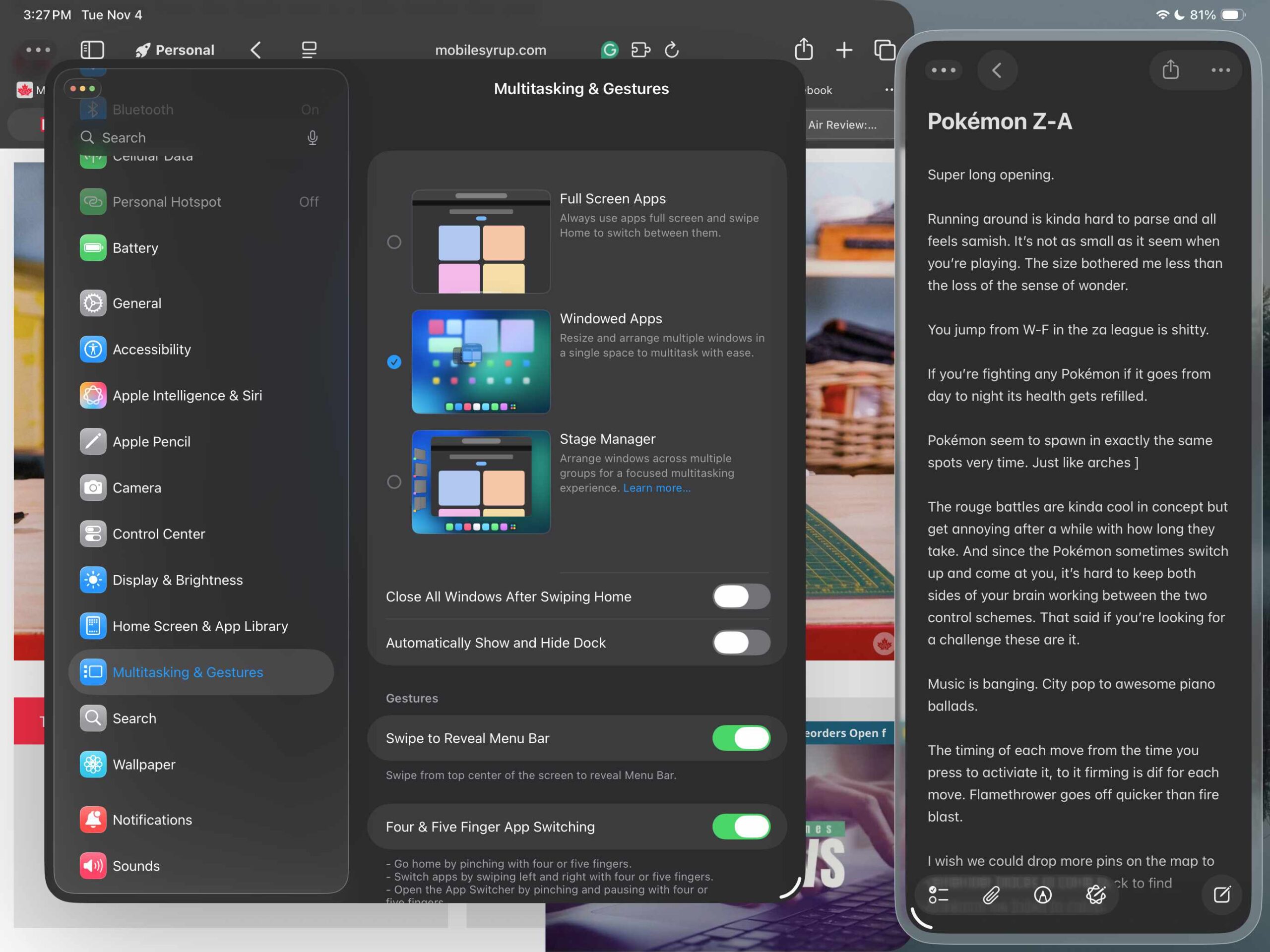
Apple’s tablet gets most of the major updates I mentioned above, but most notably, this update brings back SlideOver. This was a beloved Apple Multitasking feature that was stripped out in favour of multiple windows in the new Mac-inspired iPad mode.
While the new mode offers a lot more flexibility, if you choose not to use it, you lose access to three-app multitasking. Now, with the latest update, you can use the feature, but you need to use the Windows Apps or Stage Manager multitasking formats. If you have one of these enabled, you can tap and hold on the green stoplight button to reveal the option to SlideOver.
This new version is exciting because it allows you to slide an app over to the left or right sides, plus you can resize the app you’re hiding. Previously, it just became an iPhone-sized app pinned to the side of your display. Now you can make them horizontal, square or iPhone-like.
macOS 26.1
There isn’t much to note here, except for the same Liquid Glass reduction option you’ll find on the iPad and iPhone. However, if you’ve started using the new clipboard history feature built into Spotlight, you can now extend its memory from seven hours to eight days.
MobileSyrup may earn a commission from purchases made via our links, which helps fund the journalism we provide free on our website. These links do not influence our editorial content. Support us here.

