

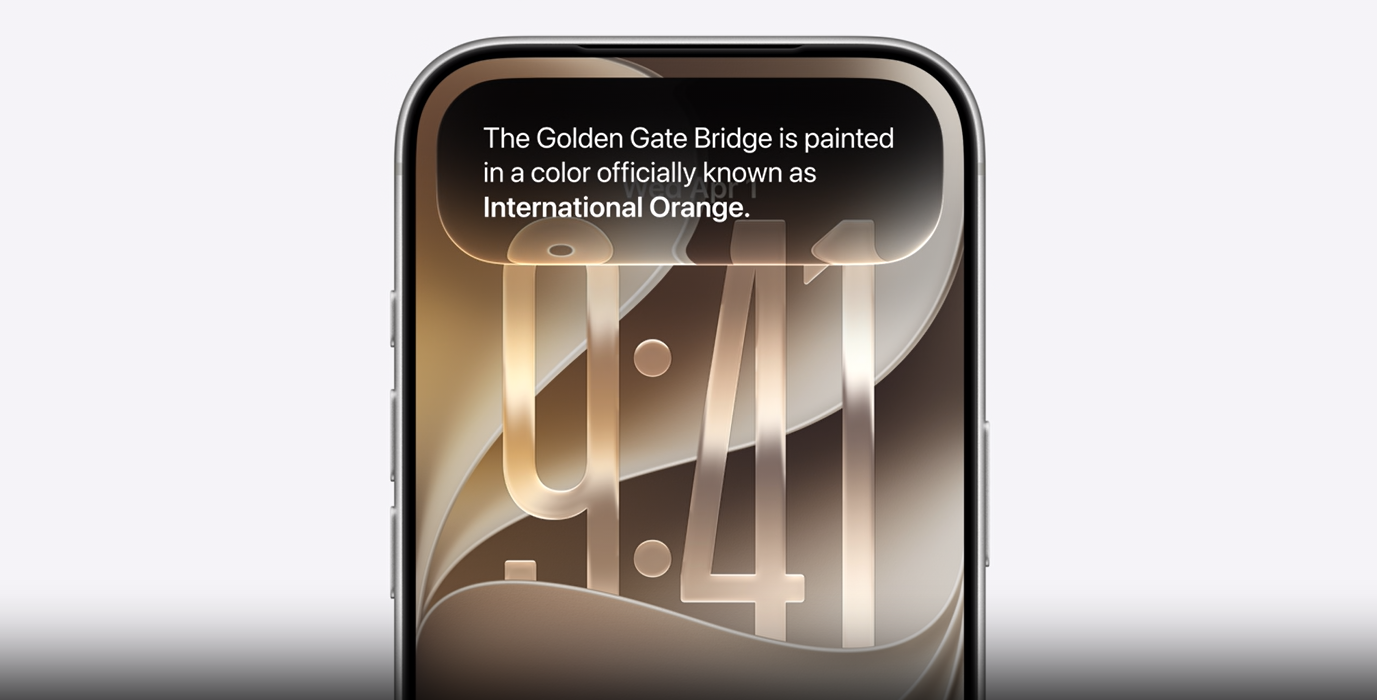
Unsurprisingly, Apple spent a chunk of its WWDC 2026 keynote talking about AI and Apple Intelligence.
Off the top, Apple detailed its next-gen Apple Foundation AI models, which it worked on with the help of Google and its Gemini AI. These models include image understanding and generation, and a new, more powerful on-device tasks. For example, the model can perform more accurate dictation.
A key to Apple Intelligence is personal context, which the company gathers from things like its Spotlight search’s semantic engine. Another key factor is on-screen awareness, which takes into account what people are doing on their phone.
Apple also made privacy a major part of its AI pitch, noting that it uses on-device processing or, when it goes to the cloud, it’s Private Cloud Compute to protect users’ data.
Siri AI will be available for developers starting today, and to consumers in beta later this year. However, Siri AI won’t come to the EU for starters, or to China while the company works through regulatory requirements.
The all-new Siri
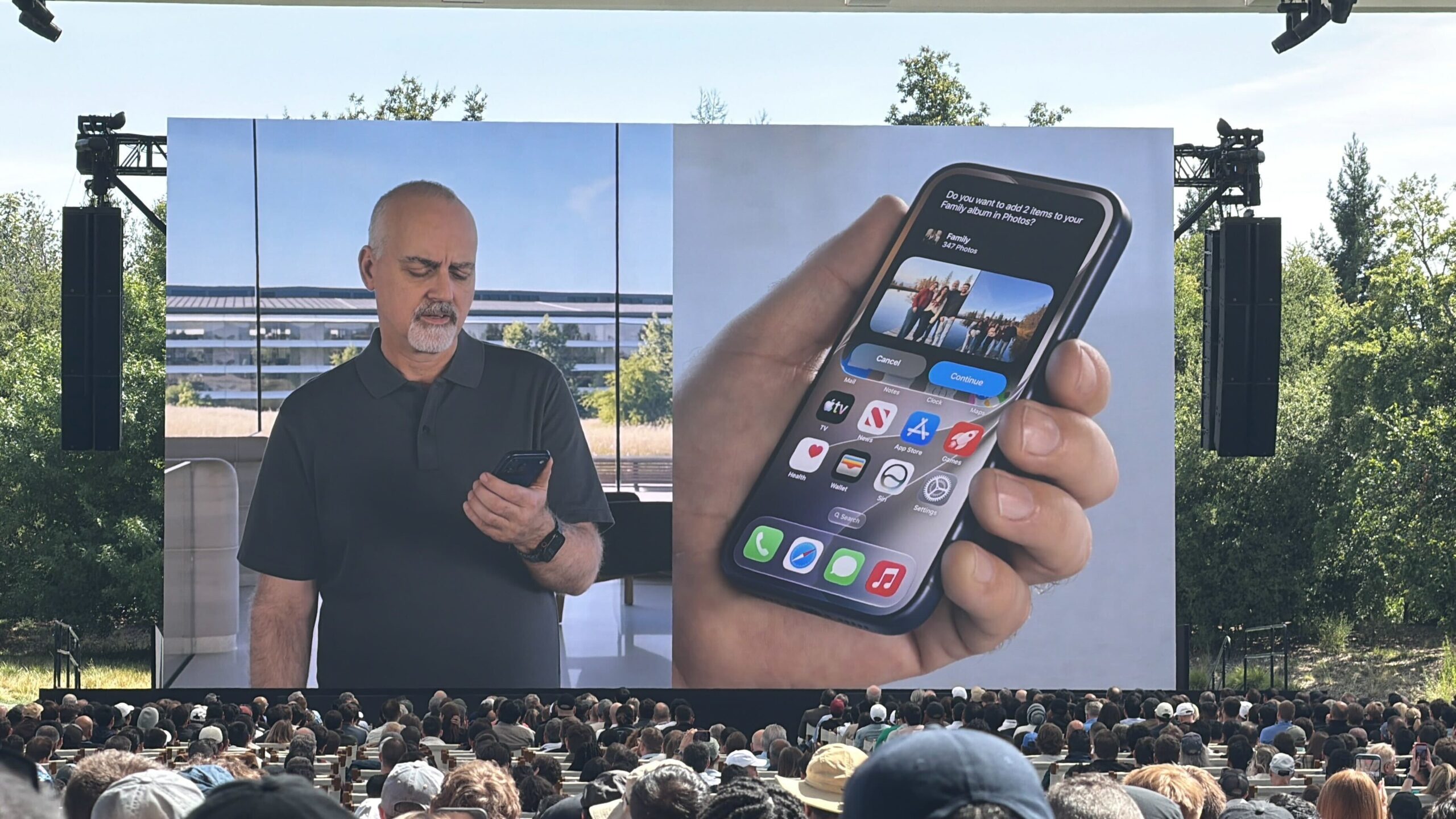
Apple is rebuilding Siri with AI, bringing in several aspects of the company’s AI strategy to make Siri a more capable and conversational assistant. There’s also now a new Siri app where your conversations will live.
In demos Apple showed during the keynote, the new Siri AI was able to quickly answer questions on everything from music to on-device content, such as surfacing information from messages or detecting where an image was taken. In one example, Apple showed the process of planning a World Cup watch party, including picking menu items and sending an invite to friends.
Users will also be able to customize Siri AI’s voice, picking from several different voice options as well as tweaking things like pacing and expressivity.
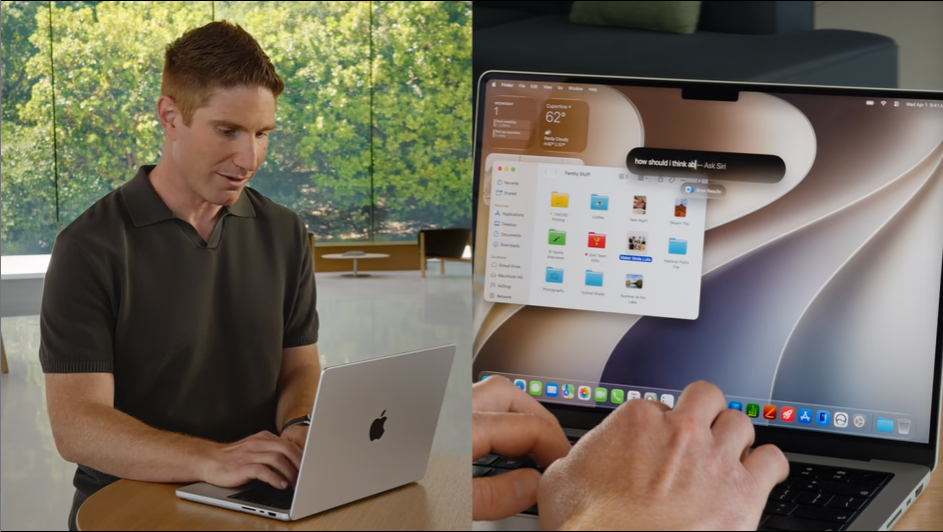
The Siri updates will extend to CarPlay and AirPods. Apple also tailored Siri AI across its various platforms, so you can get an improved experience on macOS, iPhone, and more.
There are a few ways to access Siri AI, from the classic ‘Hey Siri’ wake word to a new gesture where users can swipe down from the Dynamic Island to start a conversation. On iPad OS and macOS, Apple is integrating Siri AI into Spotlight search so users can quickly access it no matter what they’re doing. On the Apple Vision Pro, users can activate Siri AI by looking at the new 3D Siri orb and speaking to it.
The Siri app saves conversations across your Apple devices, allowing you to quickly revisit things or resume what you were doing on another device.
AI upgrades to apps and more
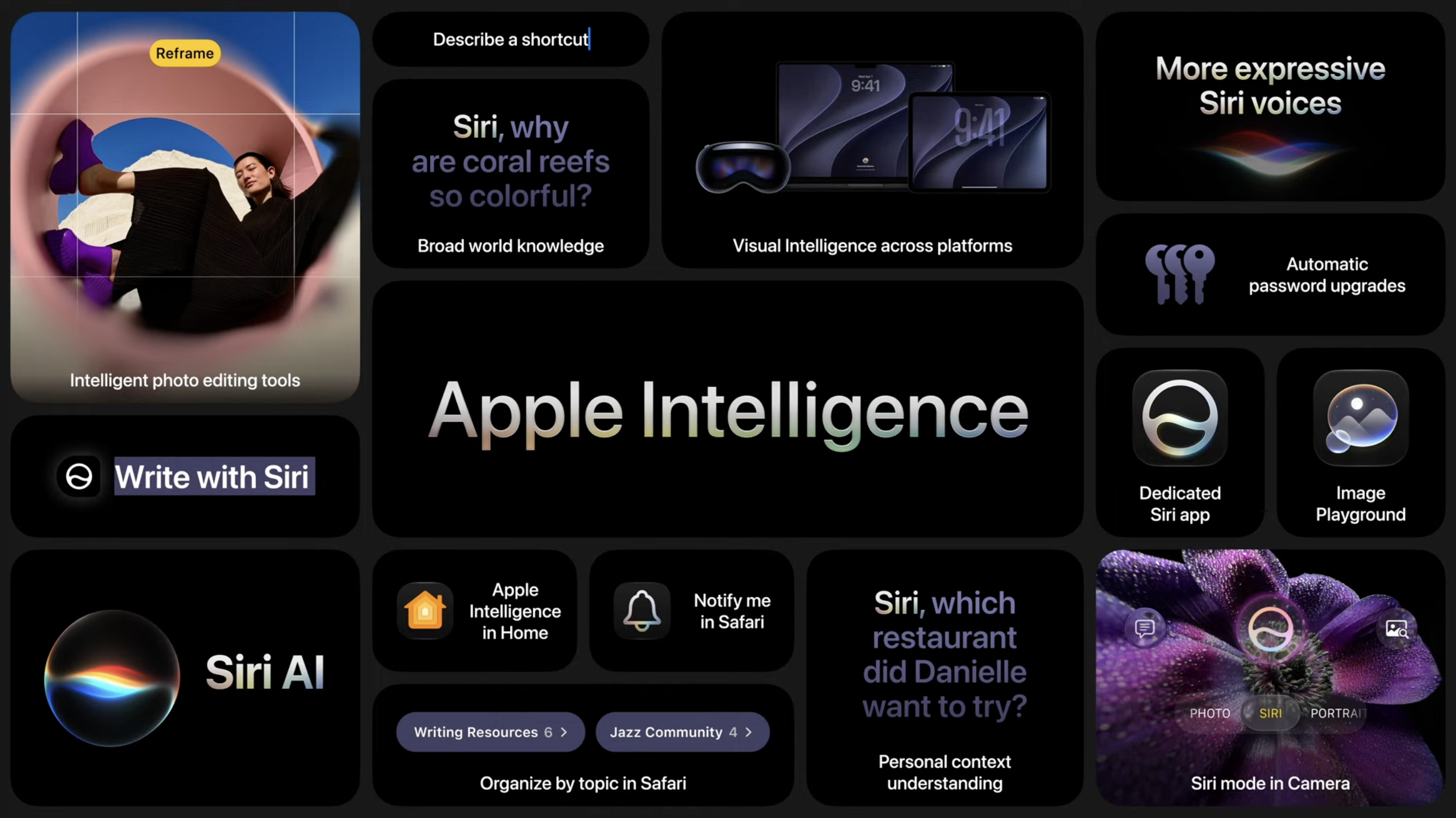
Apple also detailed some Apple Intelligence upgrades to its apps, like Safari, Passwords, and more.
In Safari, Apple Intelligence can automatically organize users’ tabs into relevant topics. This looks a lot like the tab grouping features available in other popular web browsers — here’s hoping users can manually group tabs as well as letting AI take the reins.
Another Safari AI feature is called ‘Notify Me,’ and it will monitor web pages and notify users of specific changes. For example, Safari can notify people when registration opens on a website.
Passwords can now leverage Apple Intelligence to help users update their passwords and more, and with Safari, it can even update compromised passwords on behalf of users.
Apple is also adding a ‘Describe an Extension’ feature that will let people vibe-code their own browser extensions right in Safari. Users can create their own browser extensions with a quick description, and they will appear right in the toolbar.
In iMessage, Apple Intelligence can now suggest actions based on message content, such as adding a reminder.
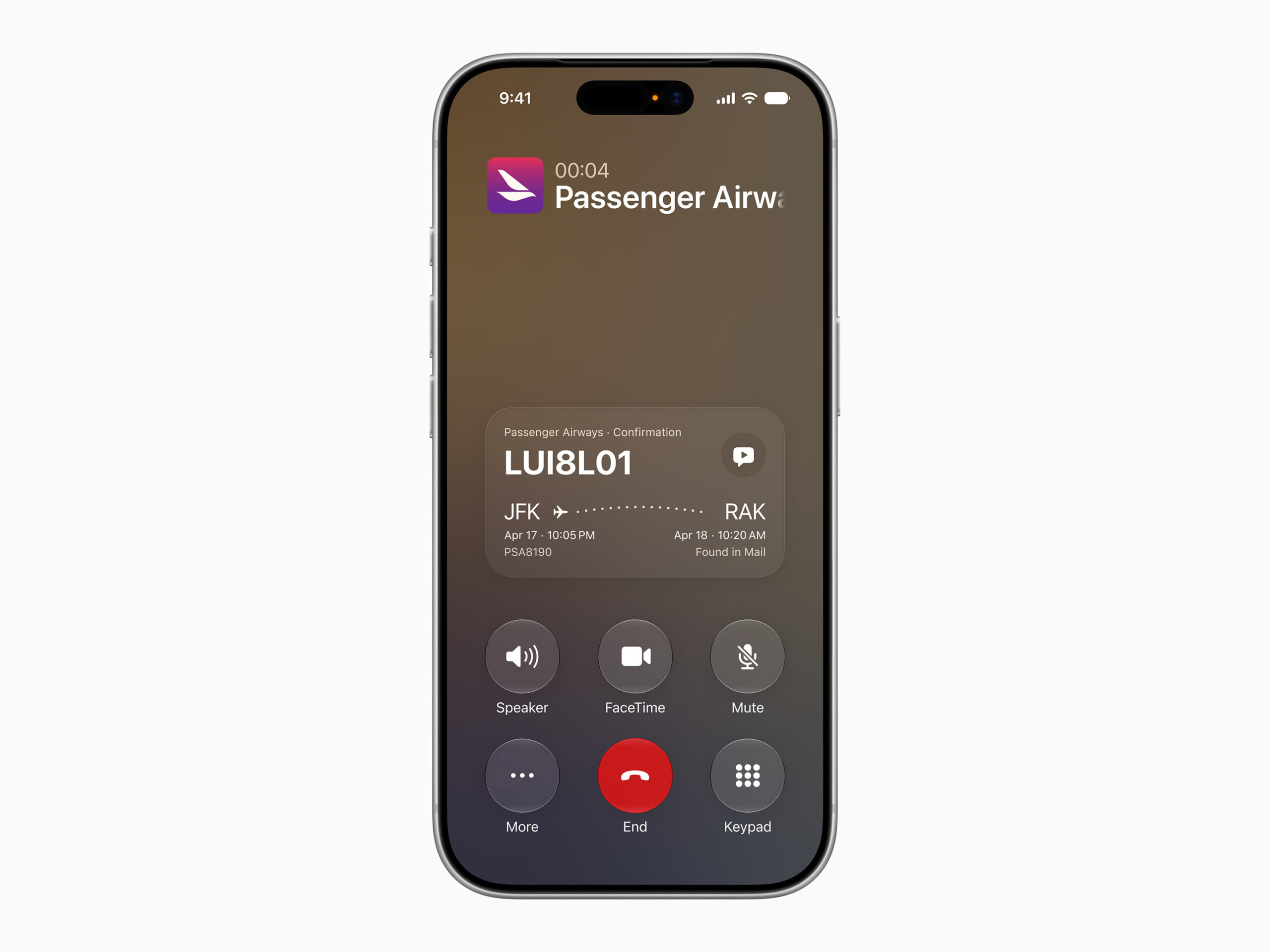
The Phone app can now surface relevant information in the call screen using a tool called ‘Call Context.’ For example, if you call an airline, it will show info about your ticket.
Apple Intelligence is coming to the Shortcuts app as well, allowing users to describe a Shortcut. Apple Intelligence can then assemble the pieces of the Shortcut based on their description.
Many of these Apple Intelligence features sound a lot like the Magic Cue feature Google added to its Pixel phones last year. However, my experience with Magic Cue has been mediocre at best, so it’ll be interesting to see if Apple can make these features work.
One new Siri feature Apple didn’t show off during the keynote is a new tool to easily split bills. Users can snap a picture of a receipt, select which items on the receipt were for them (or split with someone else) and get a prompt to send the amount to a friend.
Here are some of the other AI features Apple shared:
- Siri mode in the camera app.
- On macOS, you can right-click on anything and summon Siri to ask about it.
- More upgrades to Image Generation, including the ability to change image styles.
- New image editing tools, including improved Cleanup and Extend.
- Spatial Reframing will let users adjust the perspective of photos.
More to come…
Check out all of MobileSyrup’s WWDC 2026 coverage to learn more.
MobileSyrup may earn a commission from purchases made via our links, which helps fund the journalism we provide free on our website. These links do not influence our editorial content. Support us here.

