

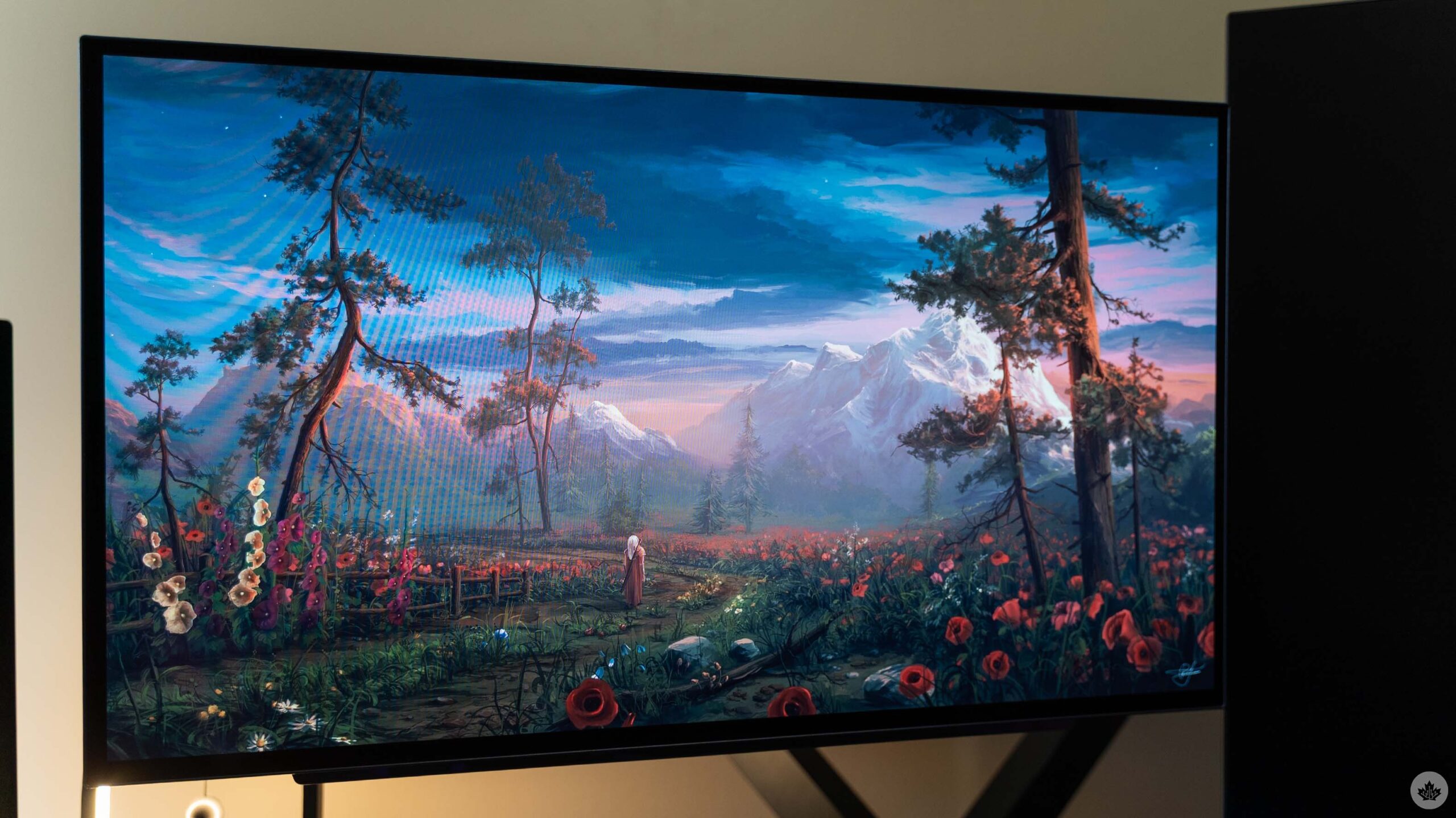
A few months ago, I upgraded my computer monitor. At the time, I was debating between going for 4K or sticking with 1440p and getting an OLED with a high refresh rate instead. I ultimately went with the latter, and I think it was the right decision.
I picked up a 27-inch LG UltraGear GX7 27GX704A monitor from Amazon with a 1440p resolution, 240Hz refresh rate, and 0.03ms grey-to-grey response time. It’s been absolutely fantastic for almost everything, though it’s not a perfect monitor.
One of the biggest concerns about OLED monitors is burn-in, understandably so. Burn-in, for those unfamiliar, is a result of uneven wear on the pixels that make up the display, which can be caused by showing static elements for extended periods (such as the Windows taskbar over the course of an eight-hour workday). But increasingly, tests show modern OLED monitors can handle burn-in pretty well, especially if you use the various tools that help mitigate the effects.
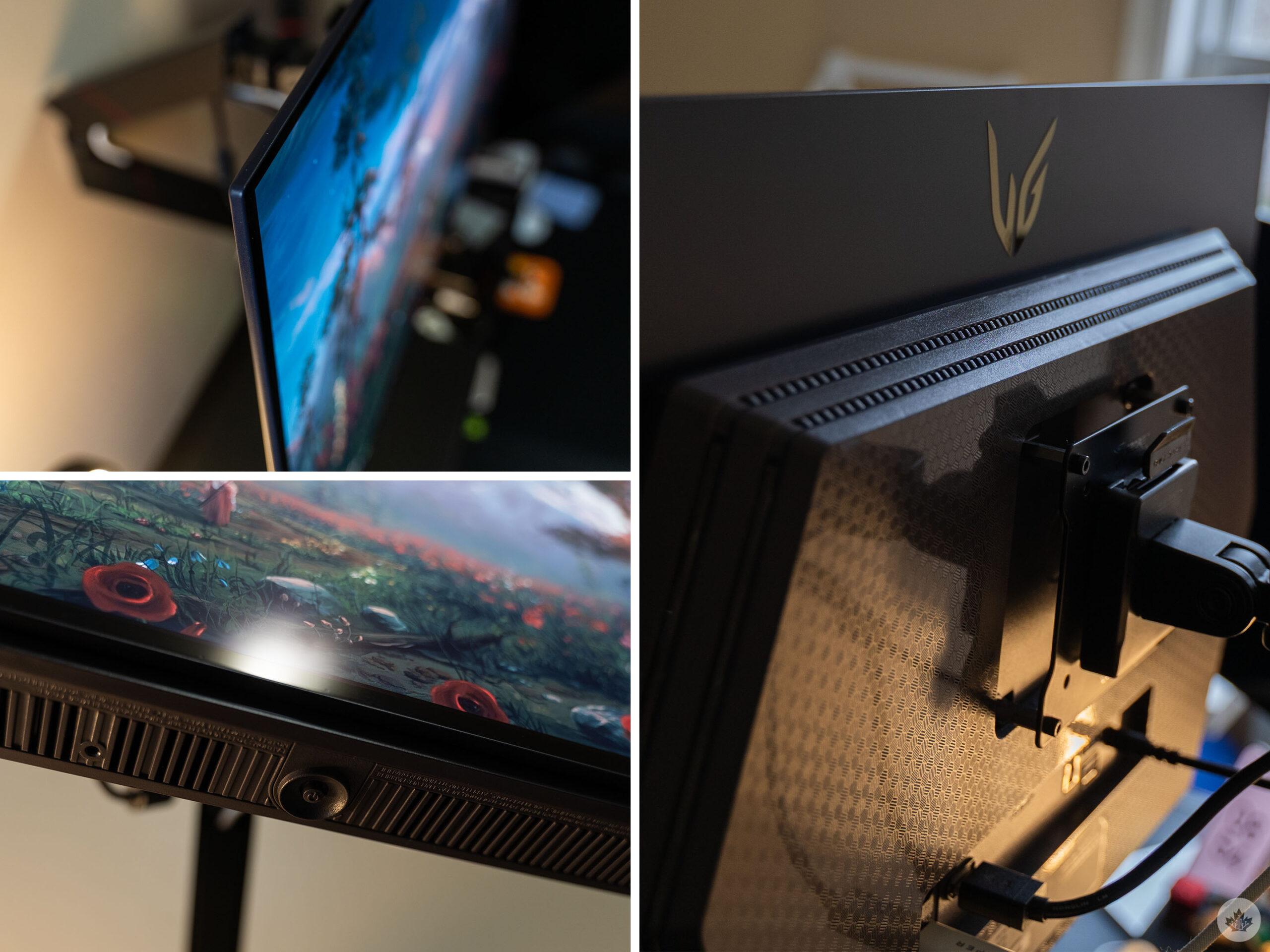
The LG GX7 is impressively thin at the edge.
For example, the LG GX7 monitor has a feature called ‘Screen Move’ that shifts the display a few pixels to avoid static elements from hitting the same pixels too hard. The first few times this happened, it was very noticeable, but after a couple days with the monitor, it stopped being obvious. Now, I rarely see when the monitor shifts, and only occasionally notice that the bezels are slightly uneven.
Other OLED care features include image and pixel cleaning, a screen saver function, and more. There are options to customize and tweak the settings as well, but I opted to leave things pretty much as is out of the box for maximum protection.
Great for gaming
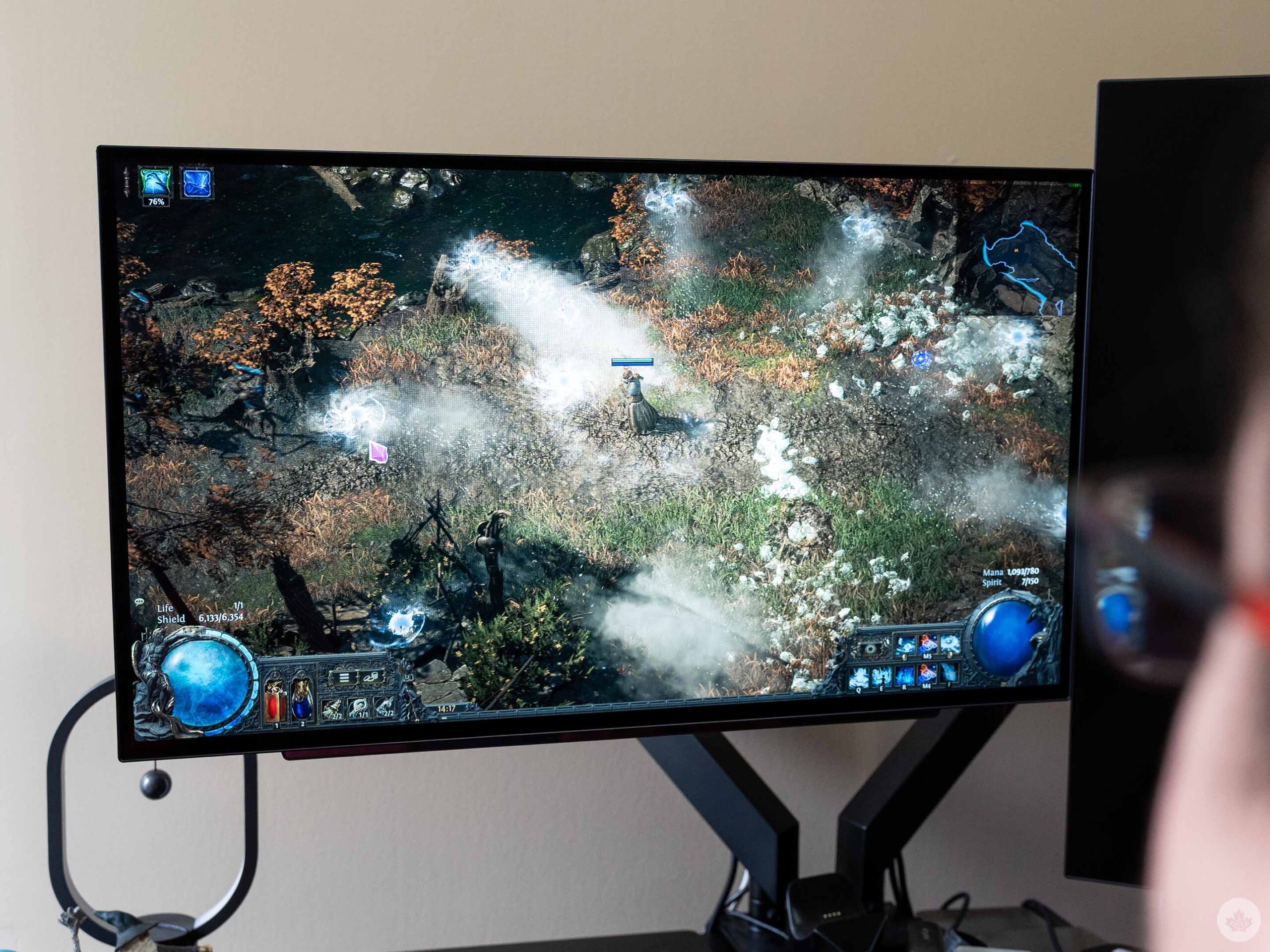
Playing POE2 on the LG GX7.
OLED care aside, the LG GX7 has been fantastic. My primary use case for it is PC gaming, and that’s one of the areas OLED monitors truly shine. Prior to the GX7, I used a 1440p LCD panel from Asus. Though the resolution didn’t change with this shift, the OLED still looks significantly better. Colours are richer, blacks are much deeper (thanks in part to OLED pixels emitting their own light, and not requiring a backlight). Perhaps even better is the lack of ghosting — my old monitor was horrendous for that.
Plus, thanks to the 240Hz refresh rate, I can really crank the frames on some games for ultra-smooth gameplay. Playing titles like Montreal co-developed Battlefield 6 and London, Ont.-made Warframe at 200+fps was extremely smooth and incredibly immersive, especially with the rich colours of the OLED panel.
And for the titles where I couldn’t hit those high framerates — for example, my beloved Path of Exile 2 — the GX7 supports variable refresh rates (VRR) via Nvidia G-Sync and AMD FreeSync Premium Pro. The VRR tech allows the GX7 to match its refresh rate to the framerate from my PC’s GPU, reducing screen tearing and stuttering and making things much smoother overall.
Unfortunately for the GX7, the VRR tech wasn’t exactly perfect. In some titles, there was a noticeable flicker, particularly in darker scenes or scenes with a lot of grey. I noticed it most while playing PoE2, but only when standing still in a dark room or while looking at the menus, which include a lot of grey. Once I got moving again, the flicker wasn’t noticeable. Turning off VRR also helped, but I found the flicker issue didn’t bother me enough to give up the smoother framerates. Still, it’s worth mentioning since the flickering may bug some people more.
Not so great for everything else

Uneven bezels caused by Screen Move.
Outside of gaming, I also used the GX7 as a second monitor with my work laptop when working from my home office. The GX7 handled this fine, though some of the weaknesses of OLED were more apparent.
For example, I quickly noticed that the monitor made text look pixelated and weird. After digging into it, I learned this is a common issue with OLED panels because the pixels are laid out differently than on more common display types.
Again, there are solutions to this issue. For example, I found some people use an app called ‘MacType’ to customize how Windows shows fonts so they appear clearer on OLED panels. Further, I noticed in my testing that text looked better in some apps than others. For example, text in Firefox looked more clear than in other web browsers. Moreover, I found dark mode made text look clearer than in light mode. (I’ll also mention anecdotally that some OLED panels I’ve tried on laptops don’t exhibit this issue at all, possibly due to the smaller screen sizes or different pixel layouts.) Ultimately, though, I’m not sure I’d recommend OLED over other panel types if your main usage involves a lot of reading. The text issue wasn’t an issue at all for gaming, but when I used the monitor for work, it was more problematic.
Worth it for everything but work
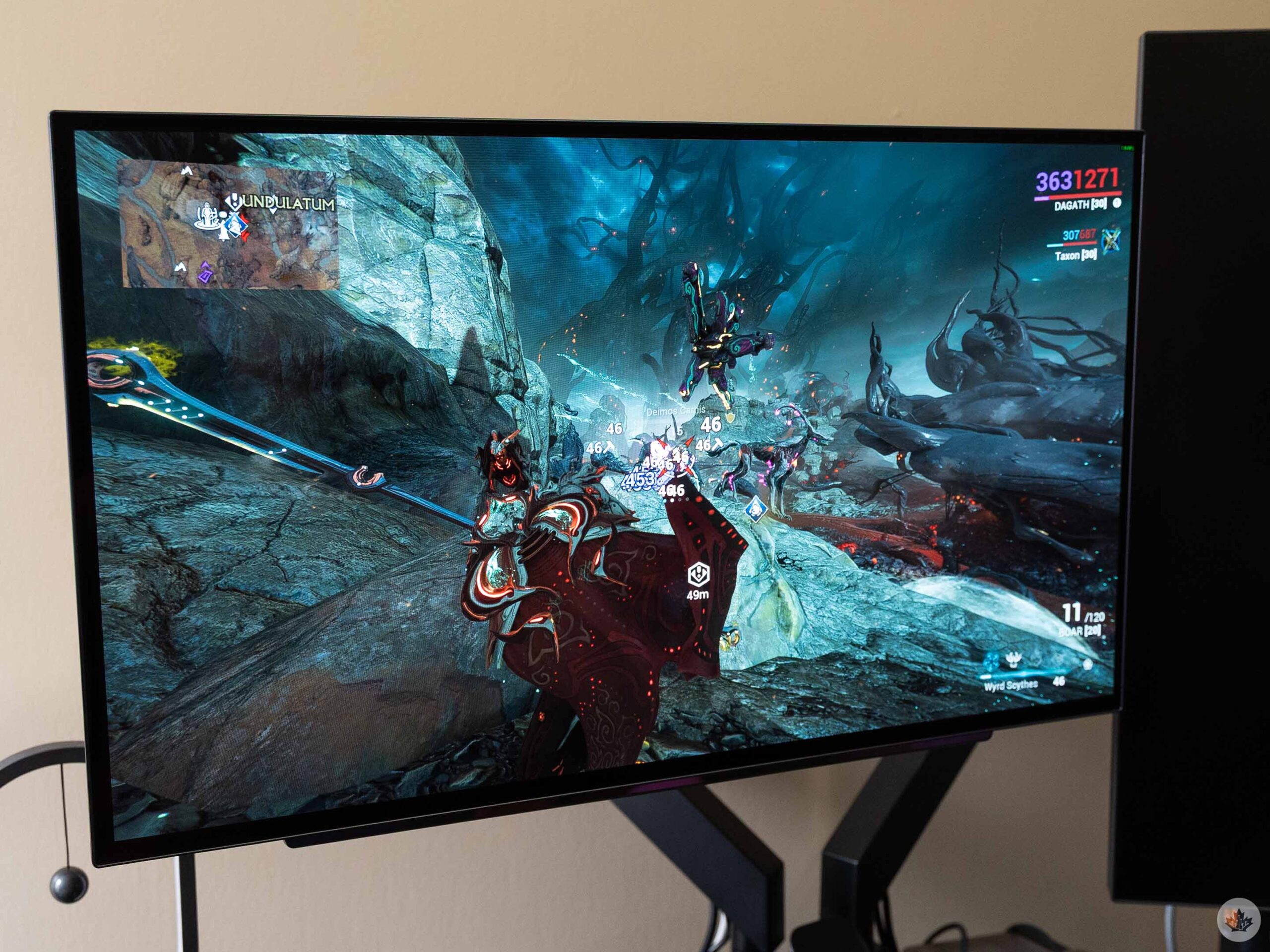
Playing Warframe on the LG GX7.
Despite the few minor issues, I thoroughly enjoy the GX7. The OLED panel offers great colours and contrast, making for a visual treat when gaming. I love the high refresh rate and fast response time, and while 1440p isn’t the highest res option out there, I still think it’s the ultimate sweet spot for gaming.
At the time of writing, the LG GX7 was available on Amazon for $597.99, which is even better than the $699.99 it cost a few months ago when I bought it. However, the price fluctuates (Camelcamelcamel shows the GX7 price has ranged between $566.98 and $805.49), so I’d recommend keeping an eye on the price and waiting to buy when the price is lower than usual.
LG also lists the GX7 on its website at a regular price of $629.99 (at the time of writing, it was discounted to $597.99), but it’s shown as out of stock.
MobileSyrup may earn a commission from purchases made via our links, which helps fund the journalism we provide free on our website. These links do not influence our editorial content. Support us here.

