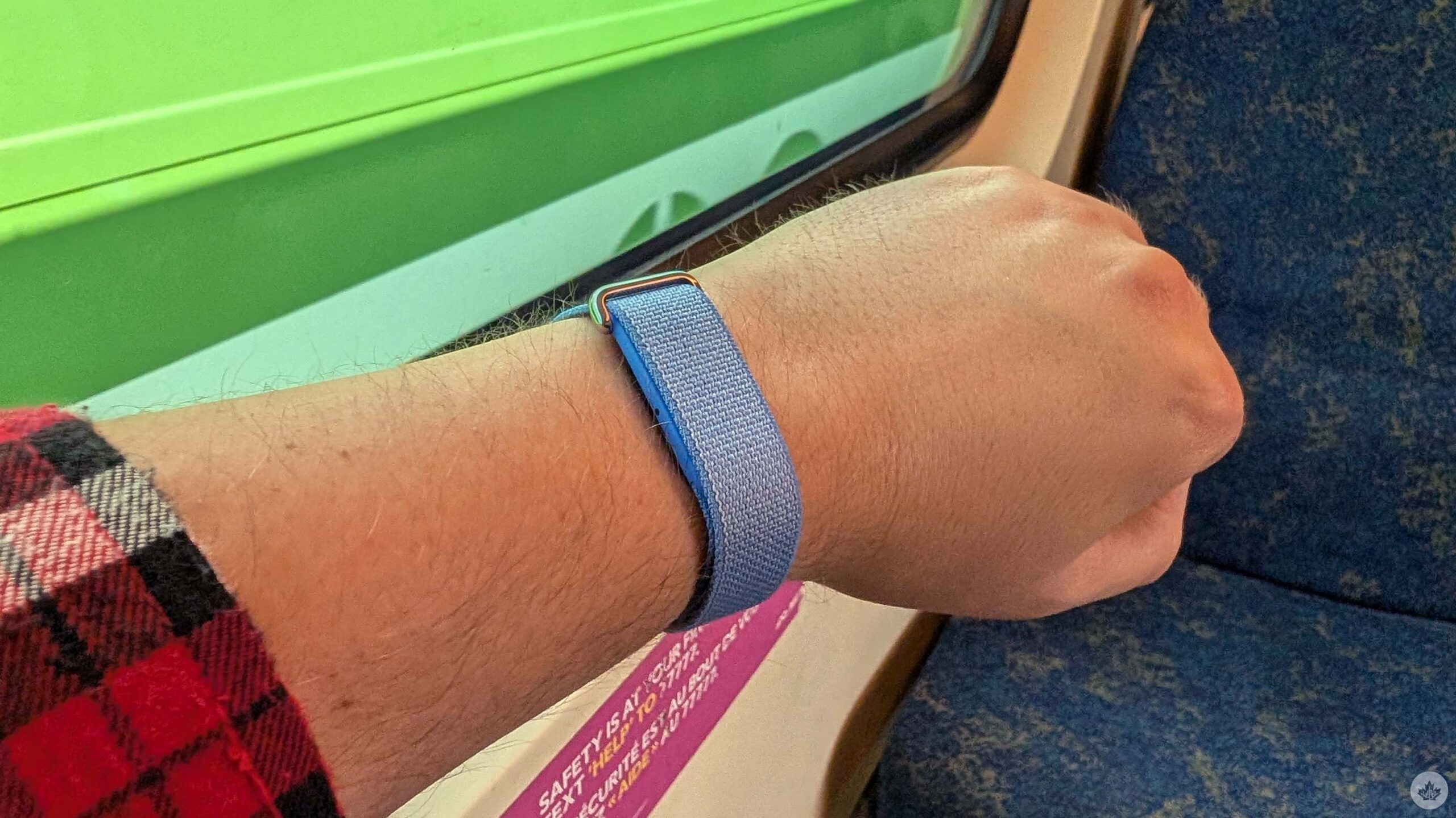
Much to my surprise, I actually really like the Fitbit Air.
The newest fitness tracker from the Google-owned wearable maker has one significant difference from past products: there’s no screen. The move harkens back to some of Fitbit’s oldest devices and, in some ways, is Google chasing a trend in the fitness tech world. Newer competitors like Whoop and Oura offer screenless devices, and even Samsung copied Oura’s smart ring with its own Galaxy Ring.
Clearly, there’s a market for screenless fitness trackers, though if you’re anything like me, you might be wondering what the point is. In fact, that’s the first question nearly everyone I showed the Fitbit Air to asked me: “Why is there no screen?”
Google sent me a Fitbit Air to test out, and after almost two weeks, there are three main benefits to going screenless that I noticed, and one major drawback that ultimately turned me off the Fitbit Air, despite how much I like it.
Small and light
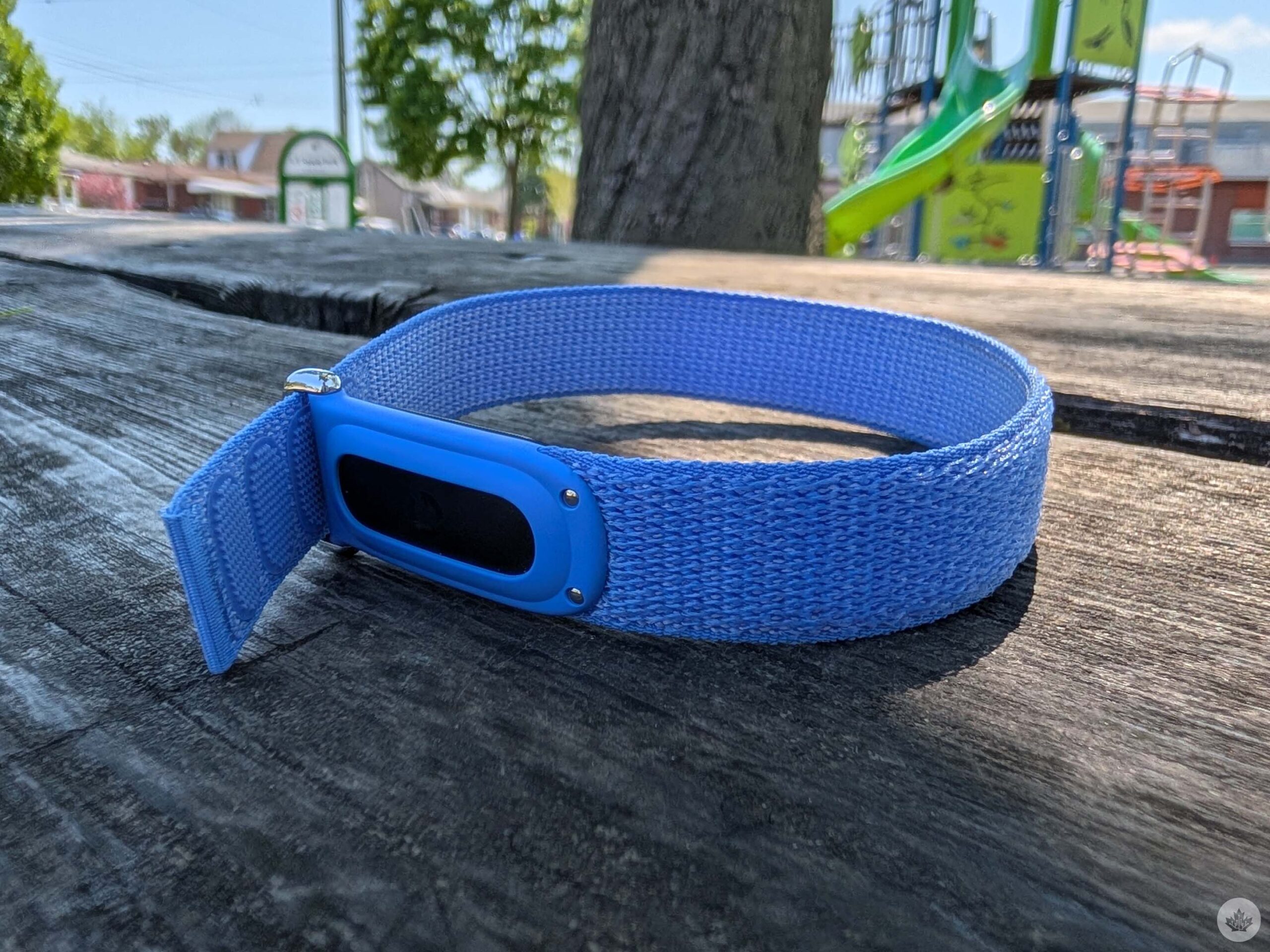
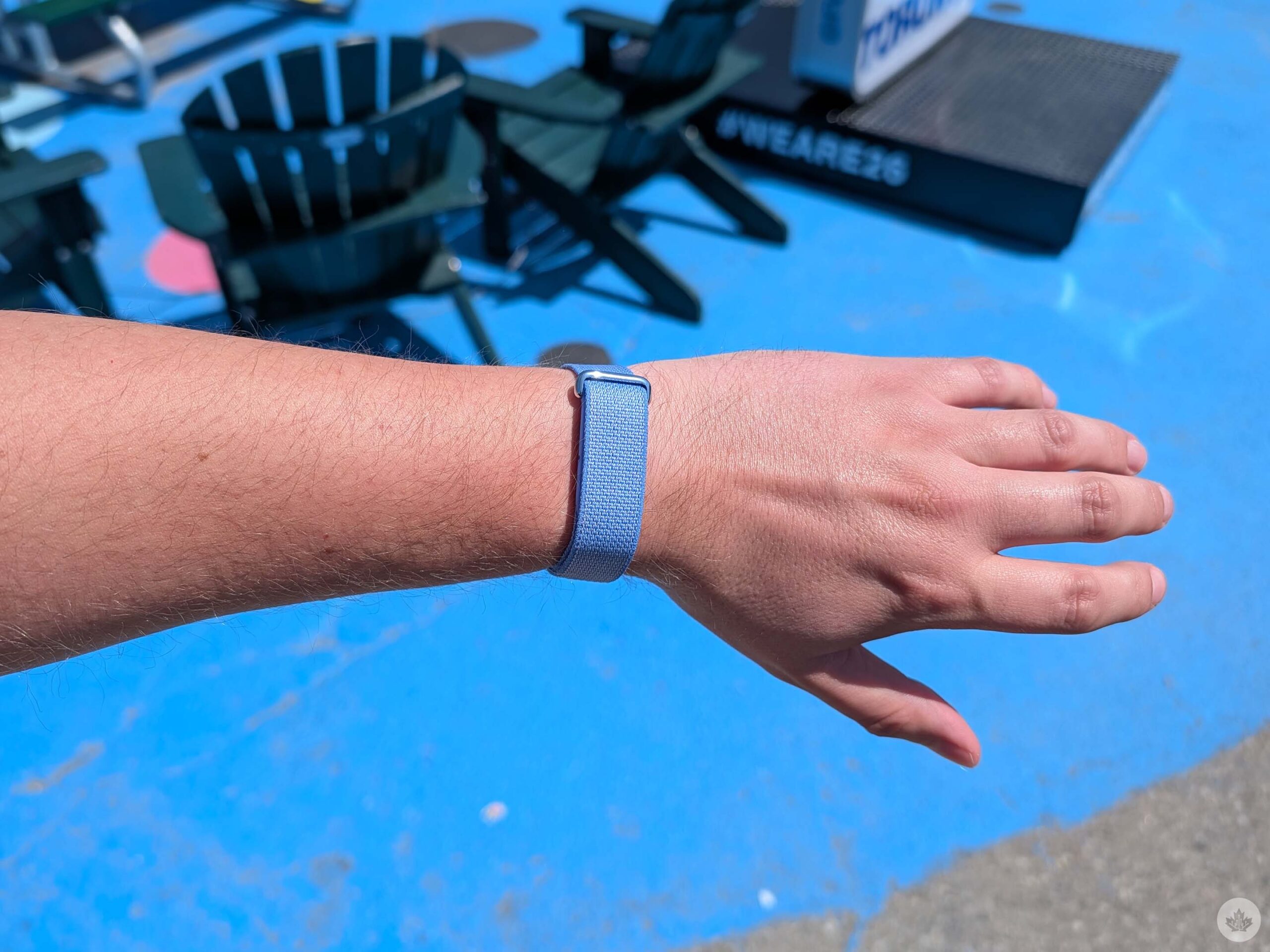
First and foremost, the Fitbit Air lives up to its name. It’s small, light, and subtle — a perfect recipe for a fitness tracker. The Air is light enough that I could forget it was on my wrist, and it never felt like a burden when I was exercising, compared to something like a smartwatch or even some of Fitbit’s more advanced trackers with displays.
The design is probably the biggest selling point overall. Anyone who wants something to track their fitness and nothing else would probably find the Fitbit Air compelling — it’s almost like a ghost on my wrist that I don’t have to think about. If that’s what you want, it’s fantastic.
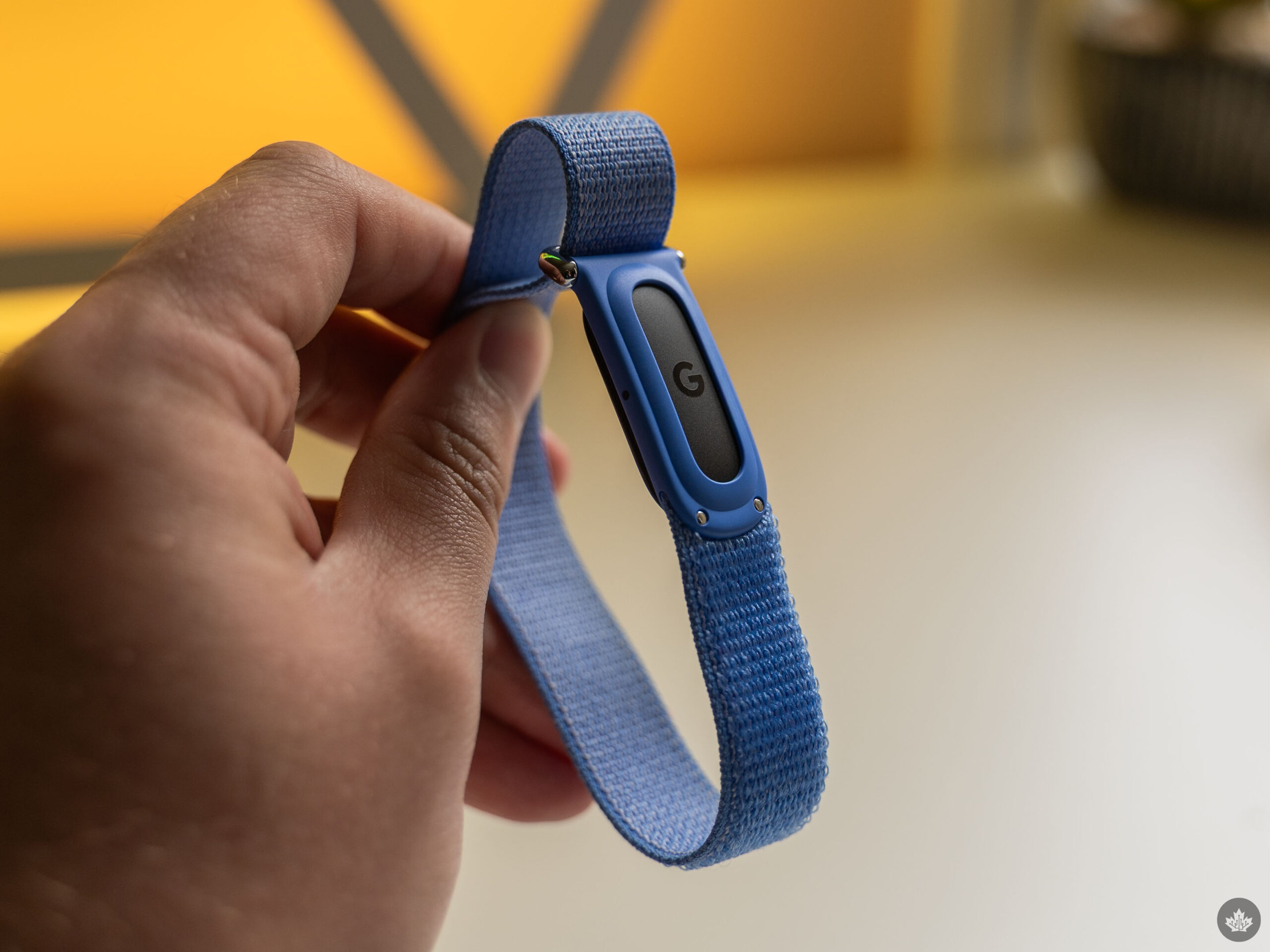
Overall, the design of the Fitbit Air is solid. The device itself, which Google called a ‘pebble,’ is a small piece of black plastic. On one side, it has Google’s G logo, and on the other, an array of sensors for tracking various fitness metrics. Google touts battery life up to seven days, and in my testing, that’s exactly what I got. The pebble clips snugly into the underside of the wristband, so the pebble is hardly ever visible — it just looks like a fancy bracelet.
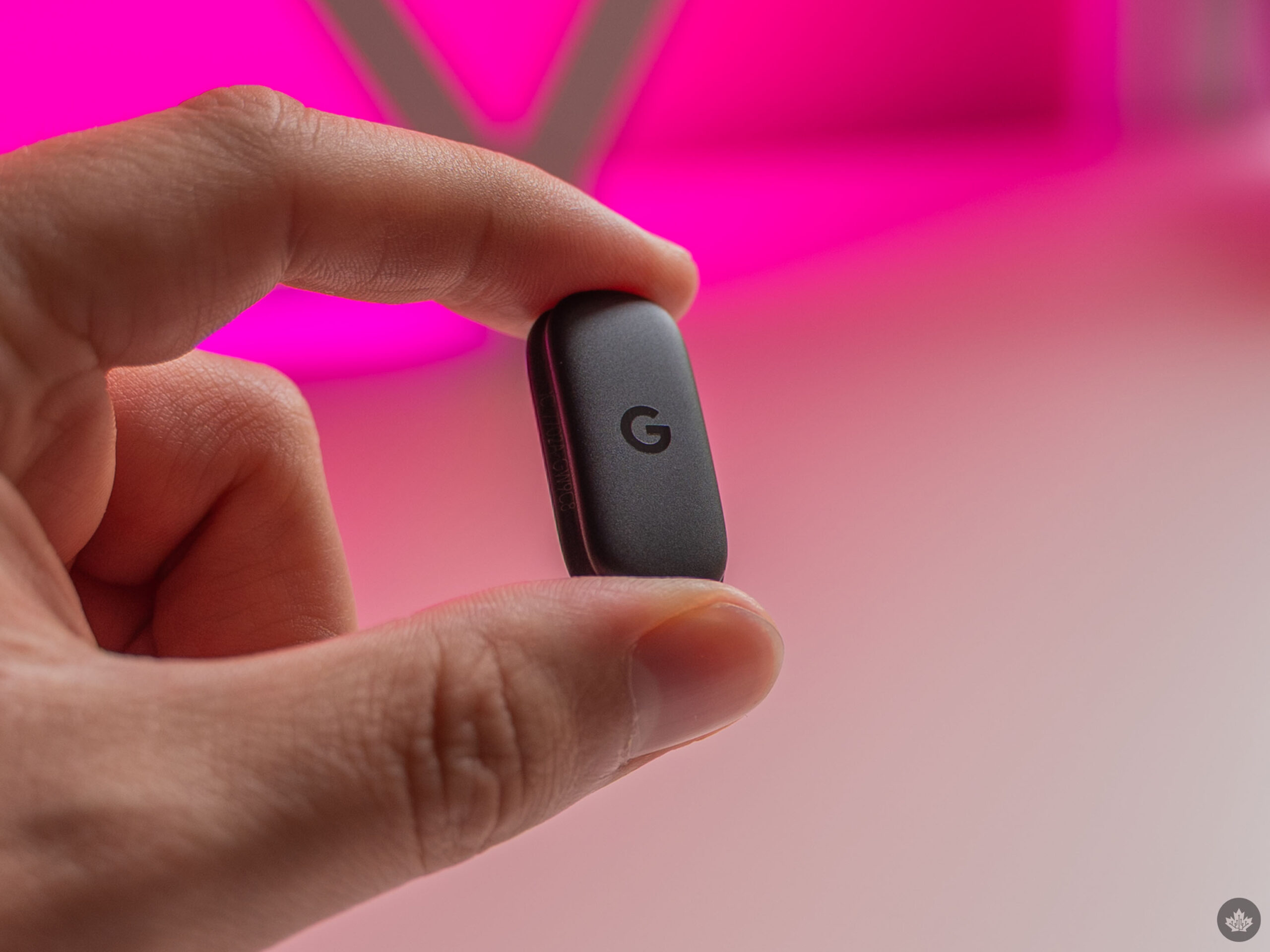
The so-called ‘pebble.’
Google offers several different strap options. The Air comes with a Performance Loop band (also sold separately for $49.99) in your choice of black, lavender, berry, or fog made from recycled polyester and elastane yarn. I tried the lavender version, and the band was fine, though nothing spectacular. Google calls the strap “micro-adjustable,” which is just a fancy way of saying it uses velcro. My only gripe with the included band is that if it gets wet, it takes a while to dry, so it’s not the best choice for swimmers. The silicon Active Band (available in the same four colours for $49.99) is probably the better choice. And if you want something more fashion-forward, there’s a polyurethane Elevated Modern band available in moonstone, obsidian, and porcelain colours for $64.99.
And because the Air is effectively just a pebble with some sensors and a battery, it’s relatively cheap as far as wearables go at $129.99. Granted, that’s the same price as the older Fitbit Inspire 3, which does have a tiny display (and up to 10 days of battery). The main differences mostly come down to fitness tracking, with the Air offering slightly more tracking than the Inspire at the cost of not having a display and related features.
No distractions
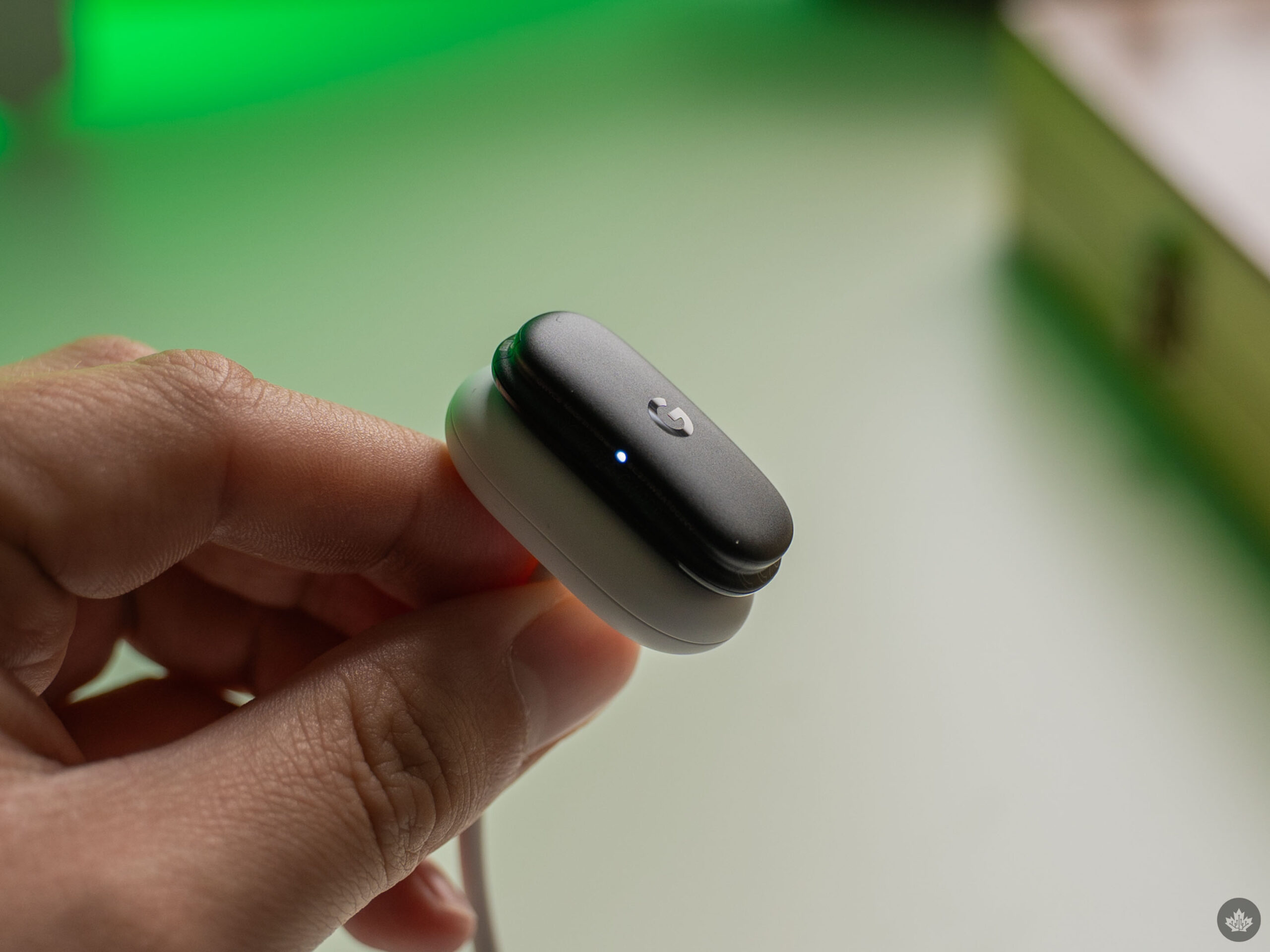
The Fitbit Air’s magnetic charger (note: you don’t need to take the strap off to charge it).
The second main advantage of the Fitbit Air over trackers with screens and smartwatches is that there are no distractions. Without a display, you can’t see notifications, check your texts, use apps, or any number of other things you can do on wearables with displays. Honestly, it was peaceful not being constantly plugged in via a smartwatch for the time I spent testing the Air.
Perhaps the most notable application of this is sleep tracking. Sure, most smartwatches offer some kind of night mode that turns off the display while you sleep. But in my experience, night modes don’t always activate reliably, and it can be a pain remembering to turn them on manually every night. And if I don’t remember, I often get woken up by a blindingly bright display on my wrist in the middle of the night. Not fun.
The Air doesn’t suffer from such problems, making it an ideal tracker for sleep. Google even pitched that use case in my briefing about the Air, suggesting people could use it as a companion wearable to the Pixel Watch or another smartwatch, wearing the watch during the day and the Air at night for sleep tracking. While you definitely can do this, I’m not sure I’d recommend buying multiple wearables to use while awake and sleeping unless you’re sitting on piles of cash. But, if you want a wearable just for sleep tracking, the Fitbit Air is a pretty solid choice.
No screen, lock in
Somewhat counterintuitively, I found I was more attuned to my health and fitness with the screenless Fitbit Air than I’ve ever been with a smartwatch. I’ve never been a fitness nut and instead prefer to work activity into my existing routine rather than going to the gym. So when it came to tracking my fitness, my focus was more on making sure I was being active enough and getting good sleep.
When using a smartwatch, I could put some core metrics like steps and my heart rate right on the watch face, so I rarely needed (or wanted) to open the Fitbit app. With the Fitbit Air, I can’t check in on my health with a glance at my wrist. That meant I had to spend more time in the Fitbit app — now the Google Health app, which sports major changes above and beyond the name.
If you tried out the AI-powered health coach features that arrived in Canada via a beta earlier this year, well, you know what to expect from Google Health. The new design centres on a ‘Today’ page that shows your core metrics at the top, such as a big circle for your cardio goal, along with three other metrics — in my case, steps, readiness (a measure of how prepared your body is for exertion) and sleep. You can edit and tweak those if you want to focus on other metrics. The rest of the Today page is a feed of your activity, like recent exercise or sleep. And, if you subscribe to Premium, you also get the AI coach features.
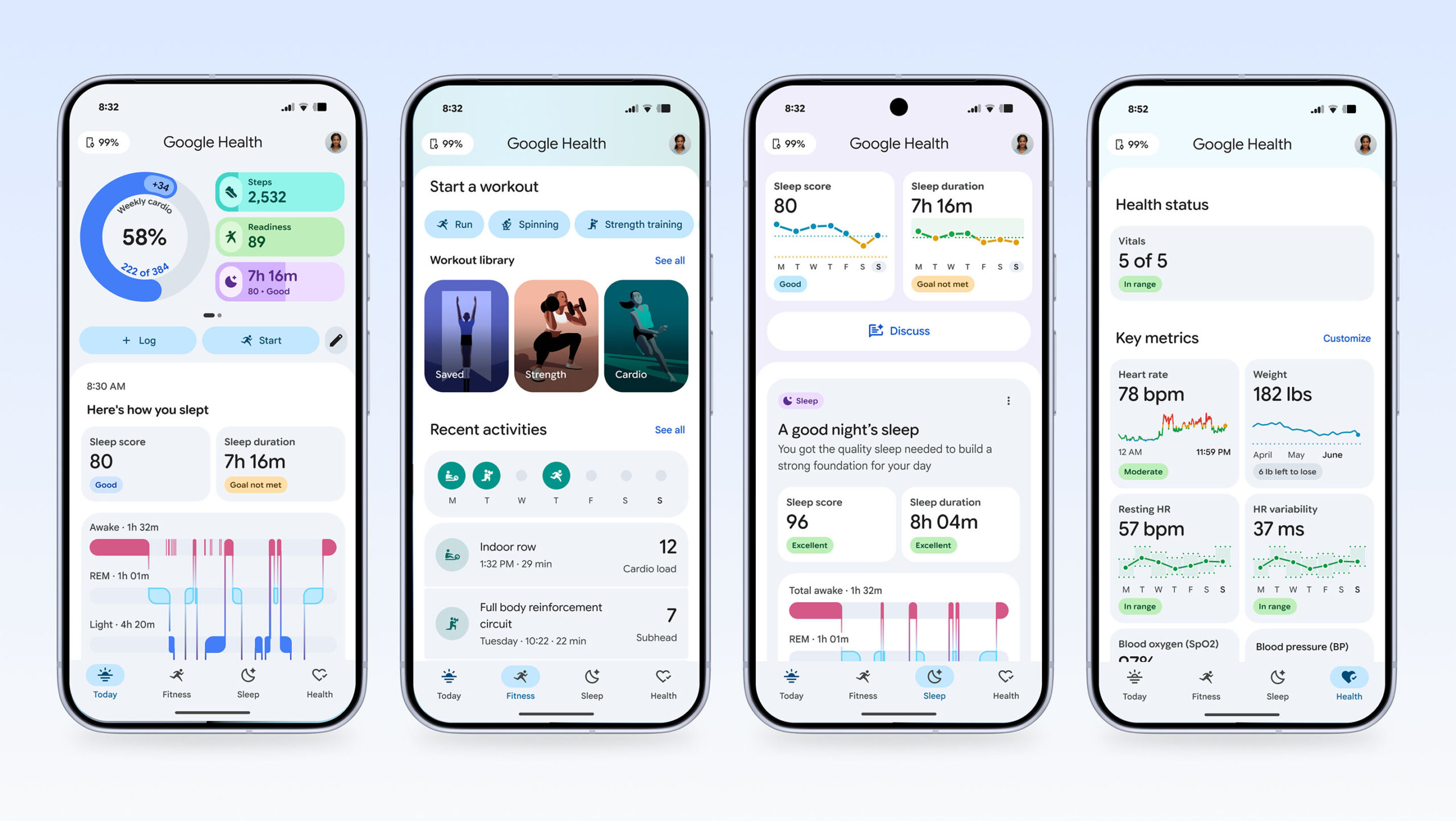
The new Google Health app. | Image credit: Google
Now, when I tried out the health coach back in beta, I found it to be pretty lacklustre. It kicks off with a quick chat to get familiar with your fitness goals, and then after that, the coach will send you messages based on your activity. It all seemed pretty meh until I tried the Fitbit Air. Suddenly, those AI-generated summaries meant a lot more.
Here’s an example: I went to visit my family over the May long weekend, and ended up frequenting a local park with my toddler because the weather was great, and my toddler loves parks. On the Friday of the long weekend, the AI health coach congratulated me for squeezing in some active time after a mostly sedentary day (I spent about three hours in the car that morning). I didn’t sleep well on Thursday night or Friday night, and the health coach picked up on the trend, suggesting I use Saturday as a recovery day.
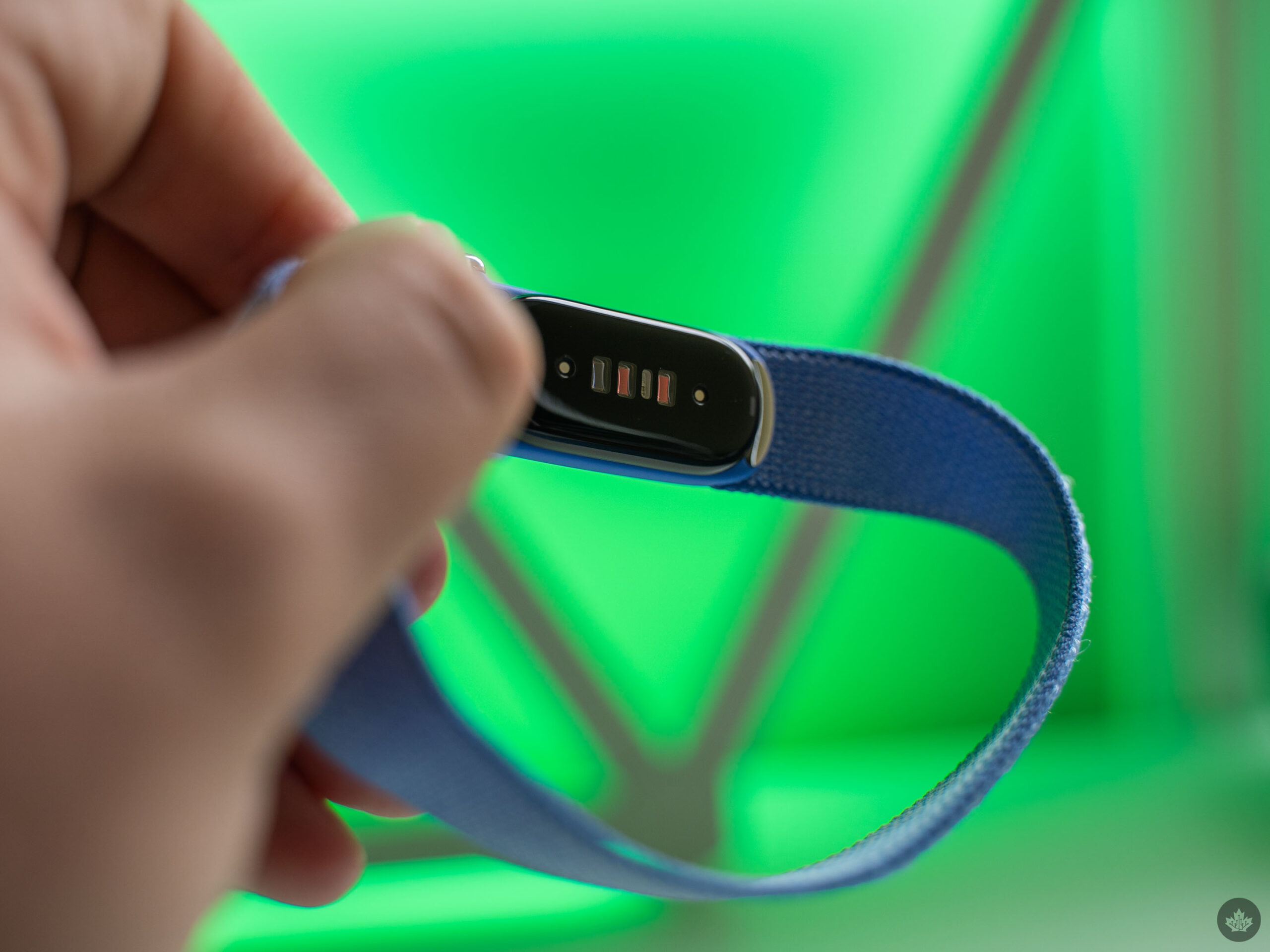
The underside of the Fitbit Air with the classic array of fitness sensors.
Naturally, I didn’t listen, and logged more walks and played hard with my kid all day, then crashed hard that night. On Sunday, I spent more time at the park and worked on my car for a while, resulting in the health AI coach admonishing me for not resting. So, I finally took its advice and actually spent Monday of the long weekend doing nothing. And you know what? I felt great after!
All that is to say, I was paying way more attention to my fitness metrics than I ever was before. Getting the coach messages on my phone was actually really helpful for contextualizing my activity and my body’s physical responses to that activity. Moreover, the health coach was surprisingly good at suggesting ways to improve my health, such as earlier bedtimes to help with lack of sleep, or advising a stretching routine to help out with tight hip muscles. Some of these things are obvious if you stop to think about them, but as a busy dad trying to keep up with his toddler, it’s not always front of mind. Having the health coach pop up occasionally was a great reminder, and it’s something I would have totally ignored if it weren’t for the lack of screen on the Air.
I’m still going back to a smartwatch
Despite how much I actually enjoyed using the Fitbit Air and not having a screen on my wrist, I unfortunately won’t be sticking with Google’s latest tracker for one reason: the time. I didn’t realize how much I’ve come to rely on having the time on my wrist until it wasn’t there anymore.
And while I don’t want Google to put a screen on the Air, I’d love it if it could tell the time — and only the time! I can live without notifications or apps or any of that other junk. Honestly, the only “smart” feature I use regularly on my watch is setting a timer, and I can easily do that on my phone. But not having a clock on my wrist was a surprisingly big deal breaker for me.
If that’s not a big deal for you, or if the other benefits of the Fitbit Air are appealing, then it’s definitely worth the money. However, it’s important to keep in mind that the $129.99 cost of the hardware is not the only cost. If you want to get the most out of Google’s new Health app, you’ll need to fork out for the premium subscription ($12.99/mo).
The Fitbit Air is available for purchase from the Google Store and Best Buy Canada starting at $129.99.
MobileSyrup may earn a commission from purchases made via our links, which helps fund the journalism we provide free on our website. These links do not influence our editorial content. Support us here.