


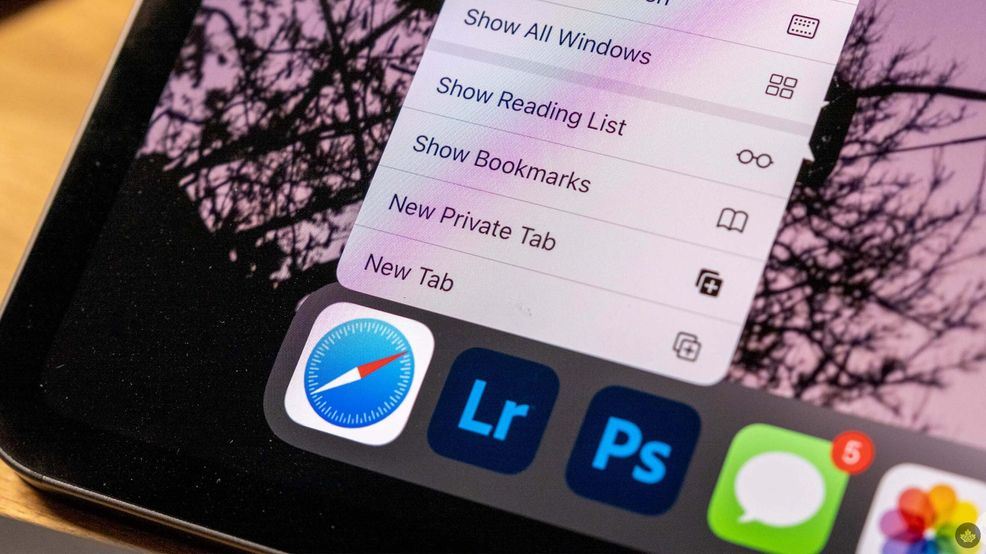
Apple is promoting its Safari web browser’s privacy features in a new marketing push that includes a video, billboards, digital ads, and more.
The ad (embedded below) shows people walking around with data trackers on their backs to highlight how Safari blocks trackers. The humorous skit does a great job showing what it sometimes feels like browsing the modern web, with countless trackers and cookies trailing users from website to website, gathering their information.
Apple has added several privacy features to Safari over the years, including blocking third-party cookies by default, anti-fingerprinting tech, and things like iCloud+ Private Relay to hide users’ IP addresses.
Moreover, Safari has Intelligent Tracking Prevention, which uses machine learning to identify trackers, strip their data and protect users from them. The browser has a built-in Privacy Report that details the trackers Safari has blocked.
There are a few other privacy features as well. For example, Apple built Safari’s extension system to protect users from invasive extensions. The browser can keep people informed about the data an extension wants to access and gives people the ability to restrict access to specific sites. And there’s Link Tracking Protection, which can automatically strip unnecessary tracking junk out of URLs.
All of these features are great for strengthening user privacy, but many aren’t exclusive to Safari. Most web browsers now offer some level of cookie blocking, and there are many extensions and tools available to help block various trackers. But with other browsers, these options are often disabled by default or require third-party software, like extensions. These extra steps can be major hurdles for increasing privacy, especially for less tech-savvy people who might not know how to turn these things on.
I’ll also note that Safari is genuinely a pretty great browser if you’re using Apple hardware. (Unfortunately for non-Apple users, Safari isn’t an option on other platforms.)
As someone who regularly switches between browsers, Safari has quickly become one of my favourites to use. The built-in privacy features are nice, but not the only selling point for me. Safari is fast and easy on my battery, and features like tab overviews make it super easy to find things among my countless tabs. It’s also just refreshing to not use another derivative of Google Chrome.
If you haven’t already, I’d recommend giving Safari a try on your Mac, iPhone, or iPad. It’s a solid browser, has solid privacy features enabled by default, and it looks great too.
 News
News  News
News  Carriers
  News
News 