


Gaming is more than a hobby – it’s a community, a culture, and a means of self-expression.
If you balance your time between online and IRL, it’s important to have a good setup so that you feel your best, both physically and mentally. That includes everything from comfortable keypads to looking as sharp as you feel.
Here’s where to begin.
Screens for days

Yan Krukau/Pexels
Once you have more than one monitor, you’ll never go back. Having a second (or even third) screen is a game-changer for multitasking and communication, allowing you to run apps on one screen while keeping your game maximized on the other. Plus, the sweeping, panoramic view that fills your peripheral vision with the help of extra monitors can make you feel extra immersed in a captivating game.
While multiple monitors are nice for gamers, they’re essential for content creators. Streamers will typically use one monitor for playing the actual game, while using the others to monitor system performance and read viewer chats in real time. Just make sure your graphics card has enough ports to handle the combined processing power!
All the ergonomics
If you’re a serious gamer, you probably spend more time in front of a computer screen than most business professionals, susceptible to all the same strains and office injuries. Neck and shoulder tension, tingling fingers, and wonky wrists – these are all things that can lead to long-term problems when not addressed. A way to reduce this risk is by using an ergonomic gaming keyboard and mouse.
Ergonomic keyboards are usually split or angled to keep your wrists from bending inward. Some have an adjustable tilt to reduce forearm twisting, and most have wrist-rest keyboard support that keeps you from planting your wrists on the desk edge during pauses.
Meanwhile, ergonomic gaming mice are designed with lightweight designs that keep your wrist and hand in a more natural posture while still offering the performance buttons you need.
Customize your skin
Philips Canada
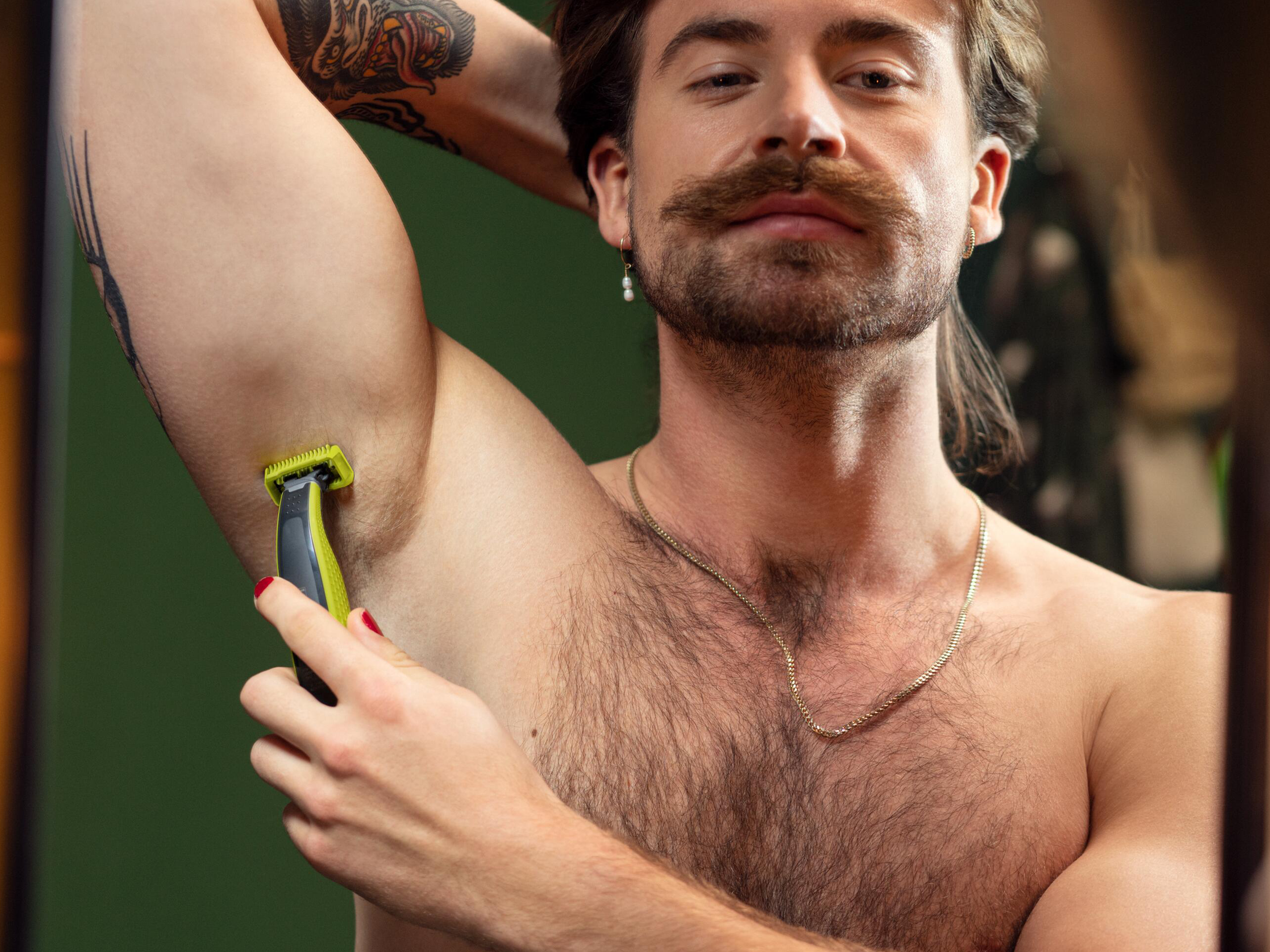
You customize your avatar or skin, but how are you customizing your own look? Grooming is an important part of every ritual, and OneBlade 360 by Philips can help you clean up, shape up, or sharpen your lines so you feel confident and camera-ready. The 360-degree rotating head lets you effortlessly trim any hair, whether you’re shaping up your look or shaving things down. The body blade and click-on comb attachments make it easy to shave anywhere, and the click-on skin guard is designed for sensitive areas of the body.
Or, take your comfort a step further with the Philips OneBlade Intimate. This model provides unmatched skin protection for intimate areas in a waterproof, durable, easy-to-charge model. Dual-sided blades make gliding through every corner and curve easy as ever, and half an hour of non-stop battery life allows you to take your sweet time.
Level up your look so that your face is as ready as your gameplay. Shop the Philips OneBlade 360 on Amazon.
MobileSyrup may earn a commission from purchases made via our links, which helps fund the journalism we provide free on our website. These links do not influence our editorial content. Support us here.

